Introduction to Asset Reports
Asset Reports in Keka provide detailed insights into company-owned assets, including their status, type, location, and recovery details. These reports help administrators track, audit, and manage assets efficiently, ensuring accurate records and data-driven decision-making.
Accessing Asset Reports
For Admins
To access asset reports in Keka:
Navigate to Org from the left navigation pane.
Select the Assets tab.
Go to the Reports tab.
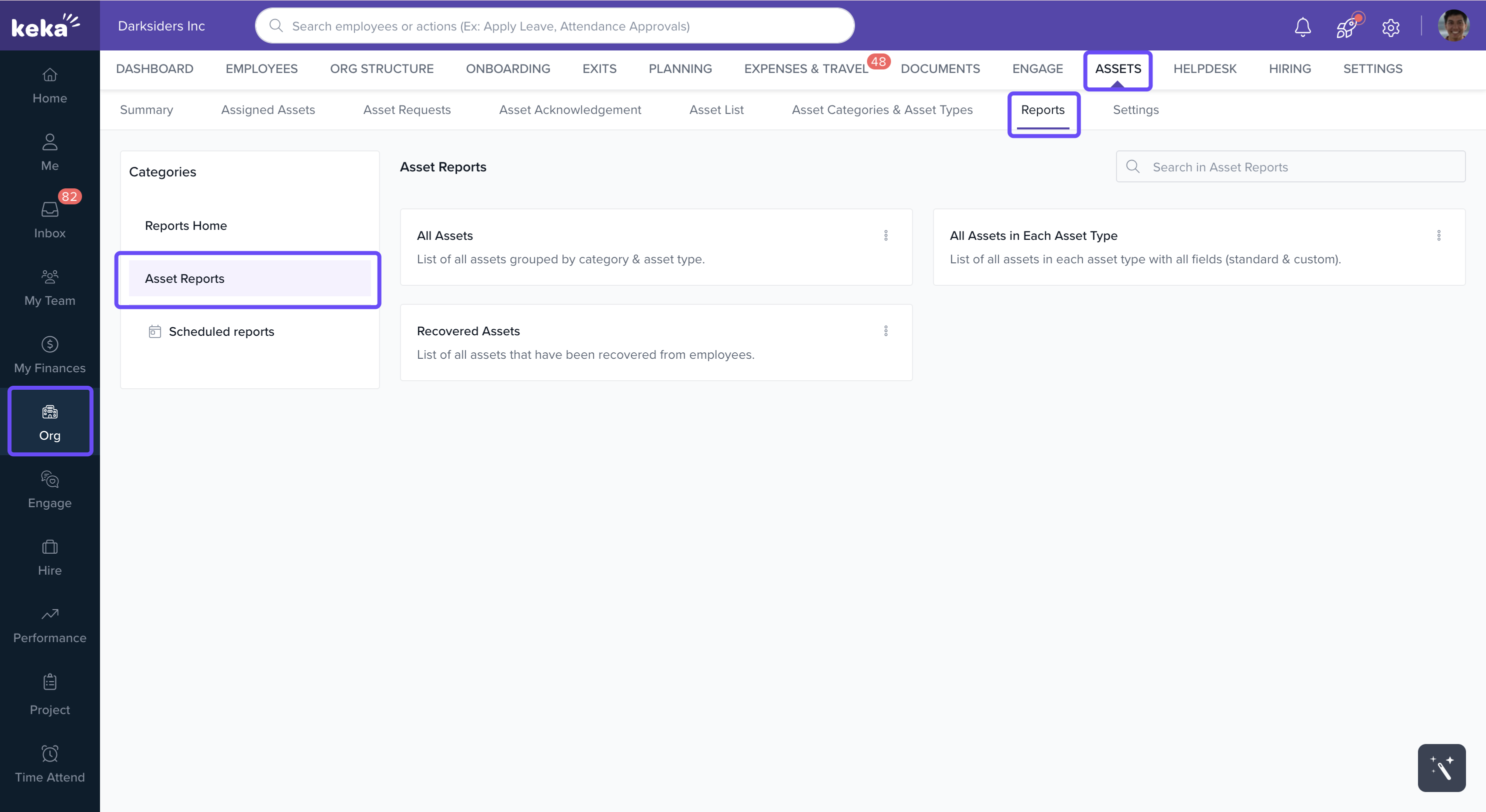
Here, you’ll find three types of asset reports:
All Assets in Each Asset Type
All Assets
Recovered Assets
All Assets in Each Asset Type Report
This report displays all assets grouped by asset type, including both standard and custom fields.
How to generate:
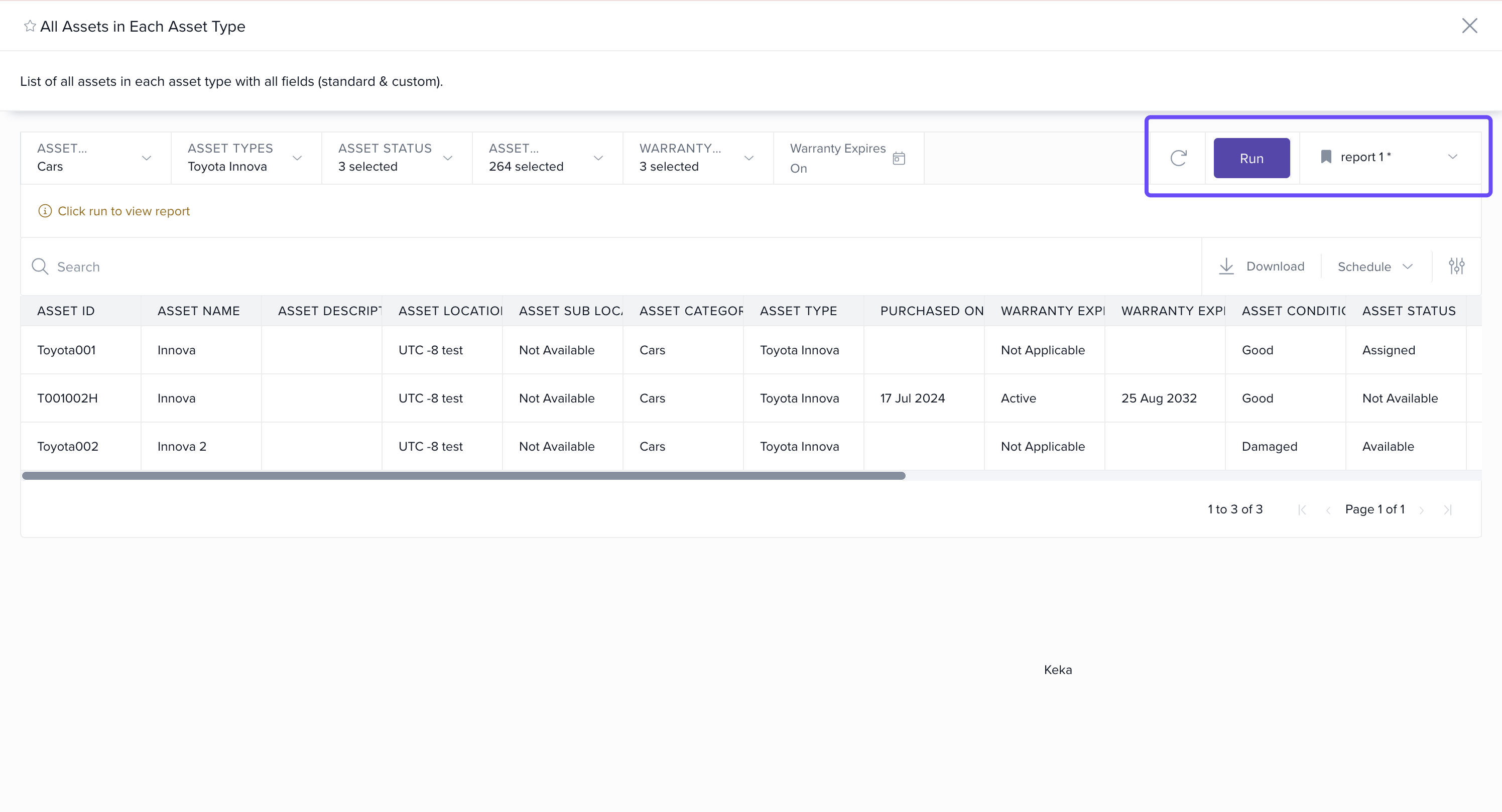
On the Reports page, click All Assets in Each Asset Type.
-
A pop-up will appear to set filters such as:
Asset categories
Asset types
Asset status
Asset location
Warranty status
Warranty expiration date
Click Run to generate the report.
Key features:
- The report can be downloaded in Excel format by clicking the download icon.
- Can save the View of the Reports
- Schedule to send these reports
- Columns can be customized using the Column Options menu (three dots).
-
Note: The downloaded report will always include all columns, regardless of your in-app column selections.
All Assets Report
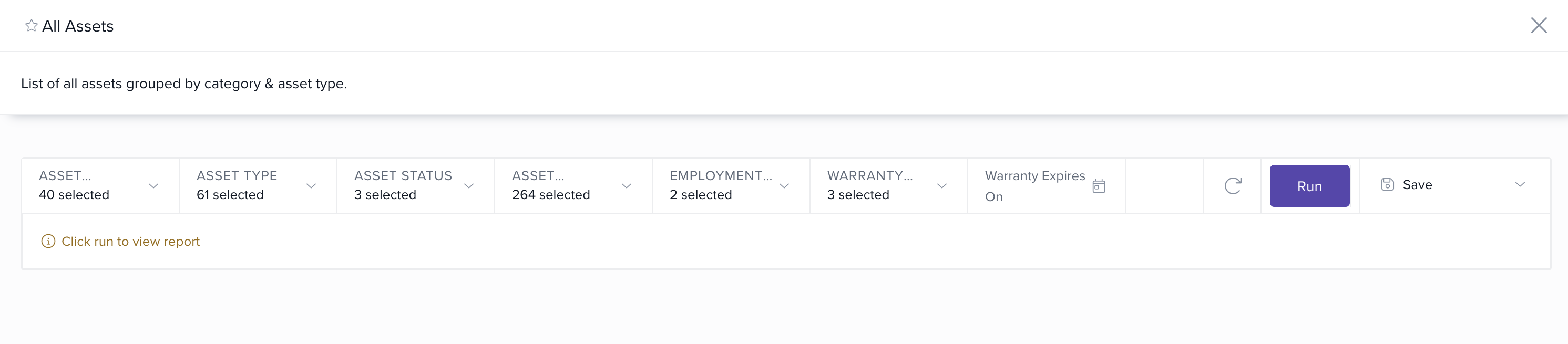
The All Assets report lists every asset in the organization, grouped by category and asset type.
How to access:
On the Reports page, click All Assets.
The report will display all assets.
Click the Download icon to export the report in Excel format.
Key features:
Columns can be customized under Column Options.
The exported report always includes all columns, regardless of your selections.
- Can save the View of the Reports
Recovered Assets Report
This report provides details of all recovered assets within the organization.
How to generate:
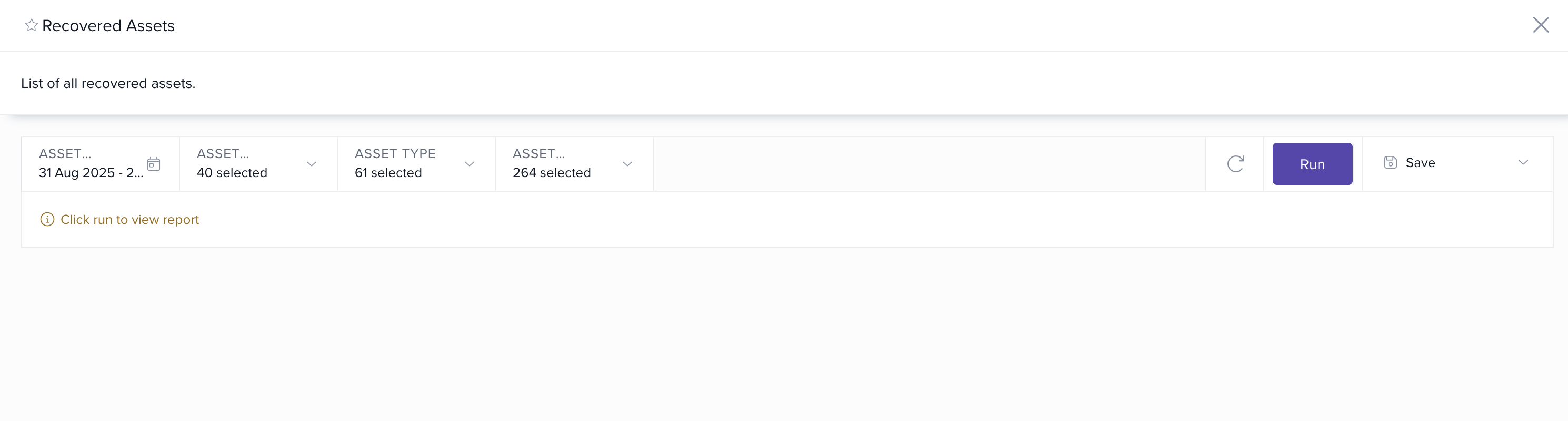
On the Reports page, click Recovered Assets.
-
In the pop-up, apply filters such as:
Asset recovered on date
Asset category
Asset type
Asset location
Click Run to generate the report.
Key features:
Download reports in Excel or PDF format.
Customize visible columns with Column Options.
The exported report always includes all available columns, even if you hide some in-app.
With All Assets in Each Asset Type, All Assets, and Recovered Assets reports, admins can effectively:
Track and monitor asset usage.
Audit asset recovery.
Maintain accurate asset documentation.
The ability to filter, customize columns, and export reports further enhances asset management in Keka.
Comments
0 comments
Please sign in to leave a comment.