Keka Learn has introduced Text-to-Speech (TTS) for the Page module in course content. This feature is designed to enhance accessibility and engagement by allowing learners to listen to the content instead of reading it. It is especially useful for learners with visual or reading challenges and for those who prefer auditory learning.
How to enable text-to-speech for a course
For Admins:
- Go to the Learn module and create a course.
- Add a Page module to the course.
- Enable the Text-to-Speech option.
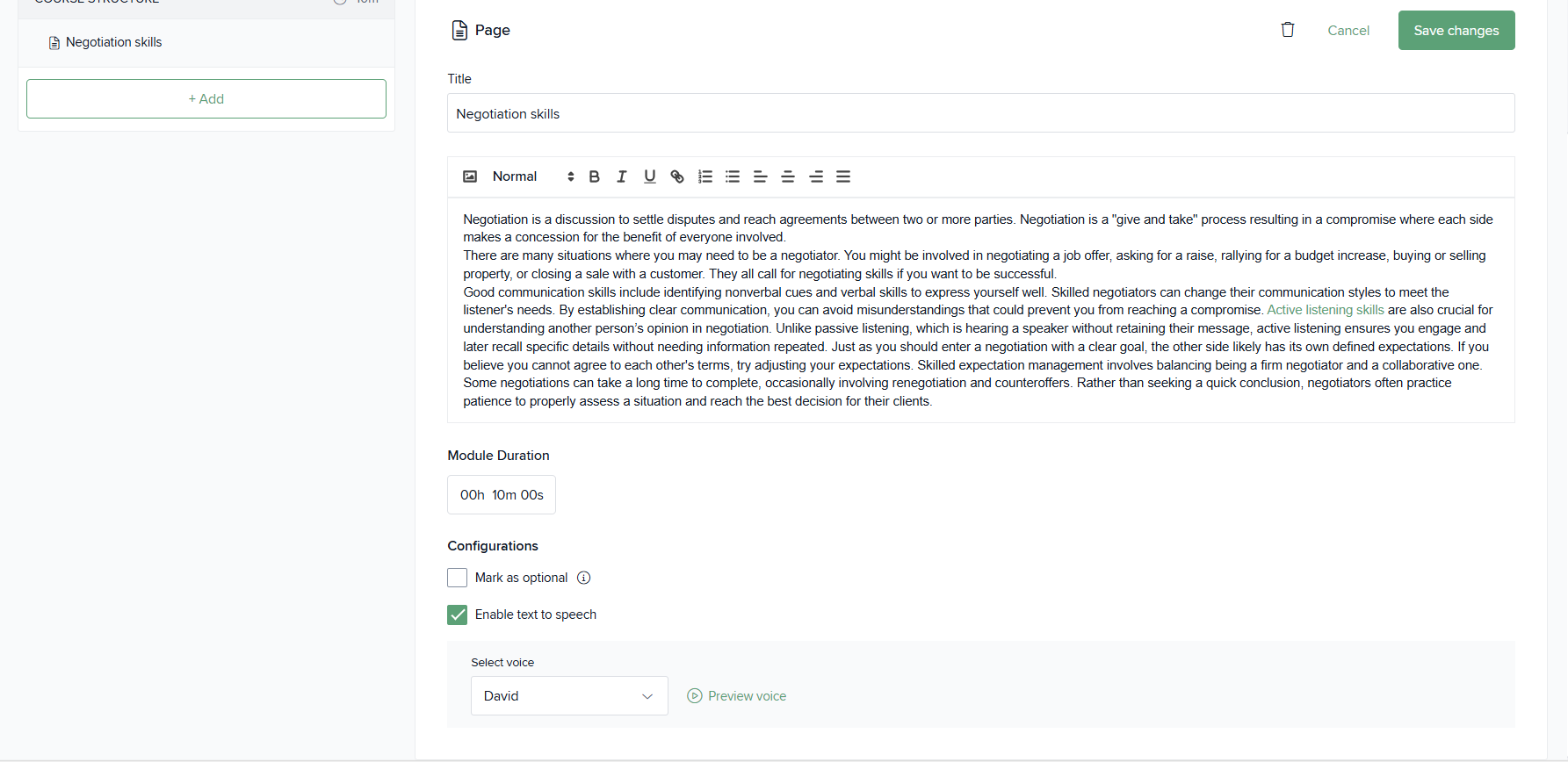
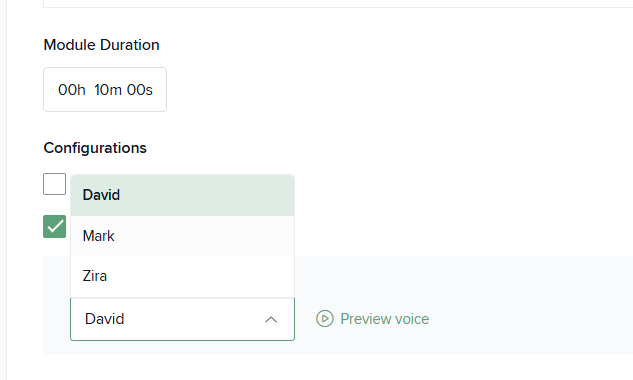
- Choose the preferred voice from the available options.
How learners can access text-to-speech
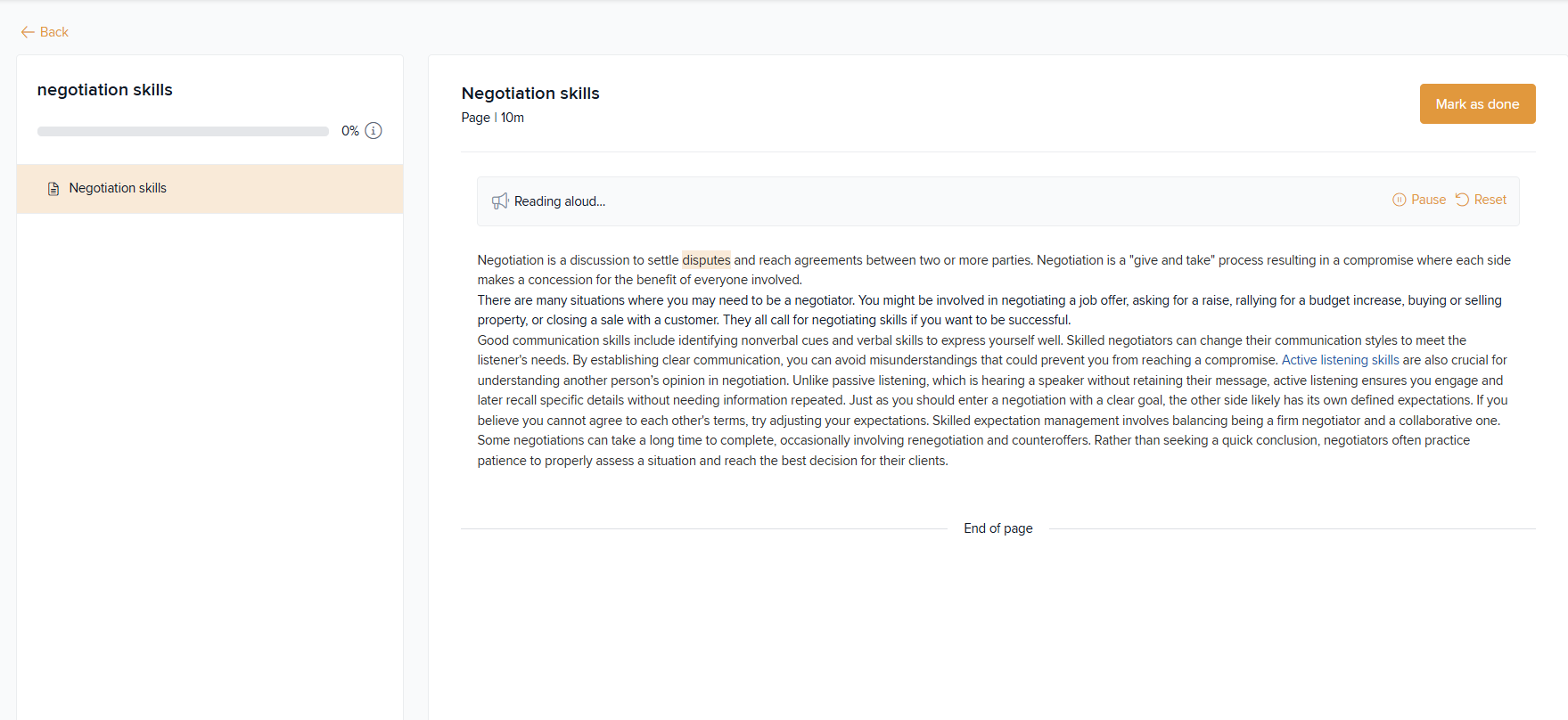
If the admin has enabled Text-to-Speech for a Page module, learners will see an audio play option within the course page. They can simply click the audio button to listen to the page content.
Related Documentation
To know more about Creating a new course, click here.
Comments
0 comments
Please sign in to leave a comment.