Important updates often went unnoticed in the Inbox, causing delays in actions across modules like Helpdesk, Pulse, and Announcements. To resolve this, Keka has introduced a real-time Notification Bell to ensure users stay updated the moment an action or update requires attention.
This feature helps streamline communication across the platform, enhances responsiveness, and brings more visibility to time-sensitive tasks.
What’s new
-
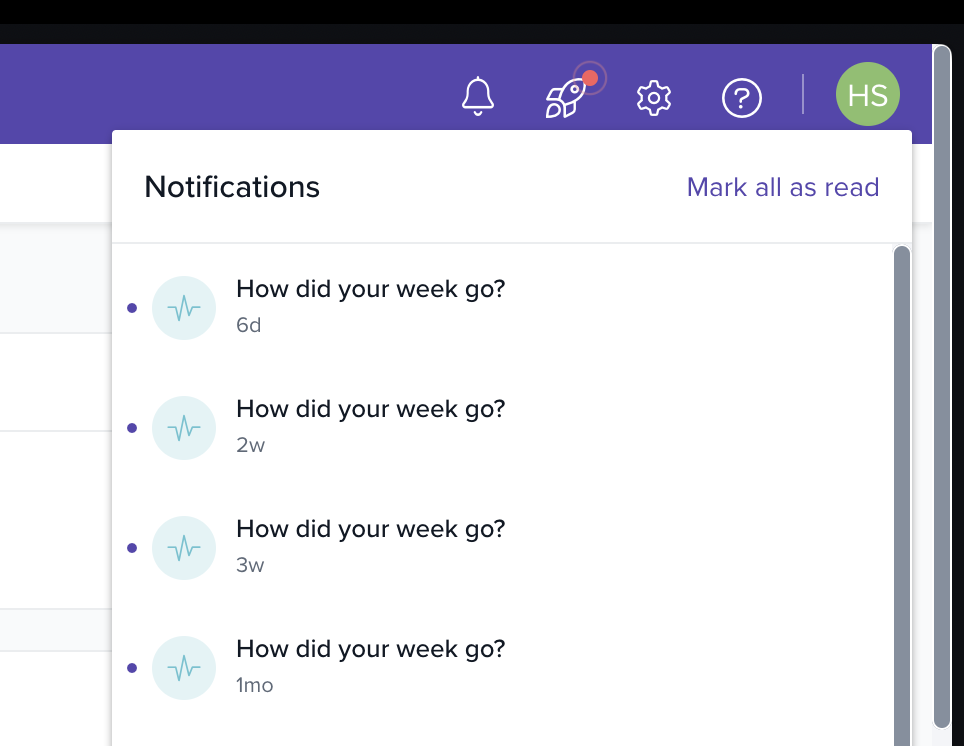
A dedicated Notification Bell has been added to the top bar of the Keka dashboard.
-
Instant alerts appear in real time whenever a relevant update occurs.
-
Sound notification plays when a new alert is received.
-
A simple mark-as-read option helps users clear seen notifications.
-
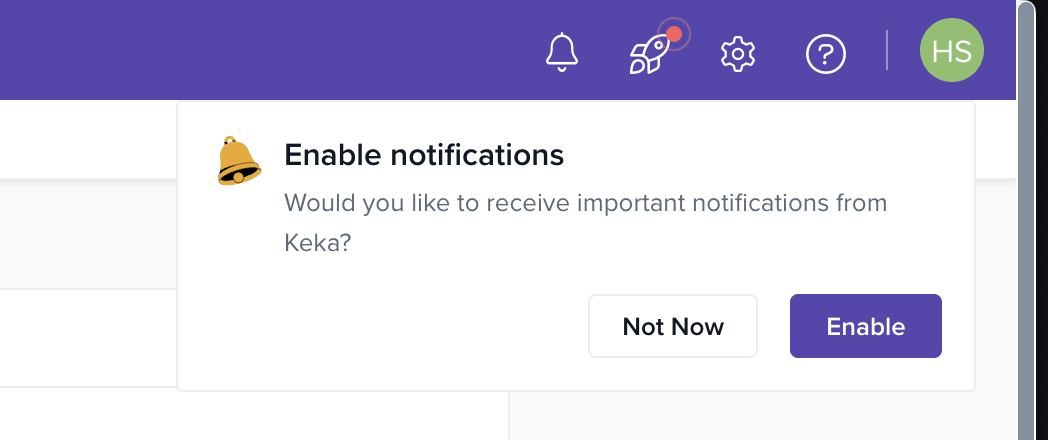
Users are prompted to enable or disable real-time notifications upon visiting the dashboard.
How it works
-
On their first visit, users are prompted to enable browser notifications.
-
Once enabled, notifications are delivered instantly via the bell icon.
-
A sound plays subtly to draw the user’s attention.
-
Users can view and manage updates directly from the dropdown panel.
-
Alerts can be marked as read to reduce visual clutter.
Please let us know if you find this article helpful.
Comments
0 comments
Please sign in to leave a comment.