Overview
In this guide, you will learn:
- How to access and view the Resource Utilization Summary at both the project and organization level
- How to analyse billable and non-billable hours for better decision-making
- How this ties in with cost and margin reports for profitability analysis
Who Can Do This?
- PSA Admins
- Project Managers
- Users with access to the Resource Management module.
Pre-requisites
- Resource Management module must be active for your tenant.
- Resources must have logged billable/non-billable hours using Timesheets.
Accessing Resource Utilization Reports
- Navigate to the Project tab.
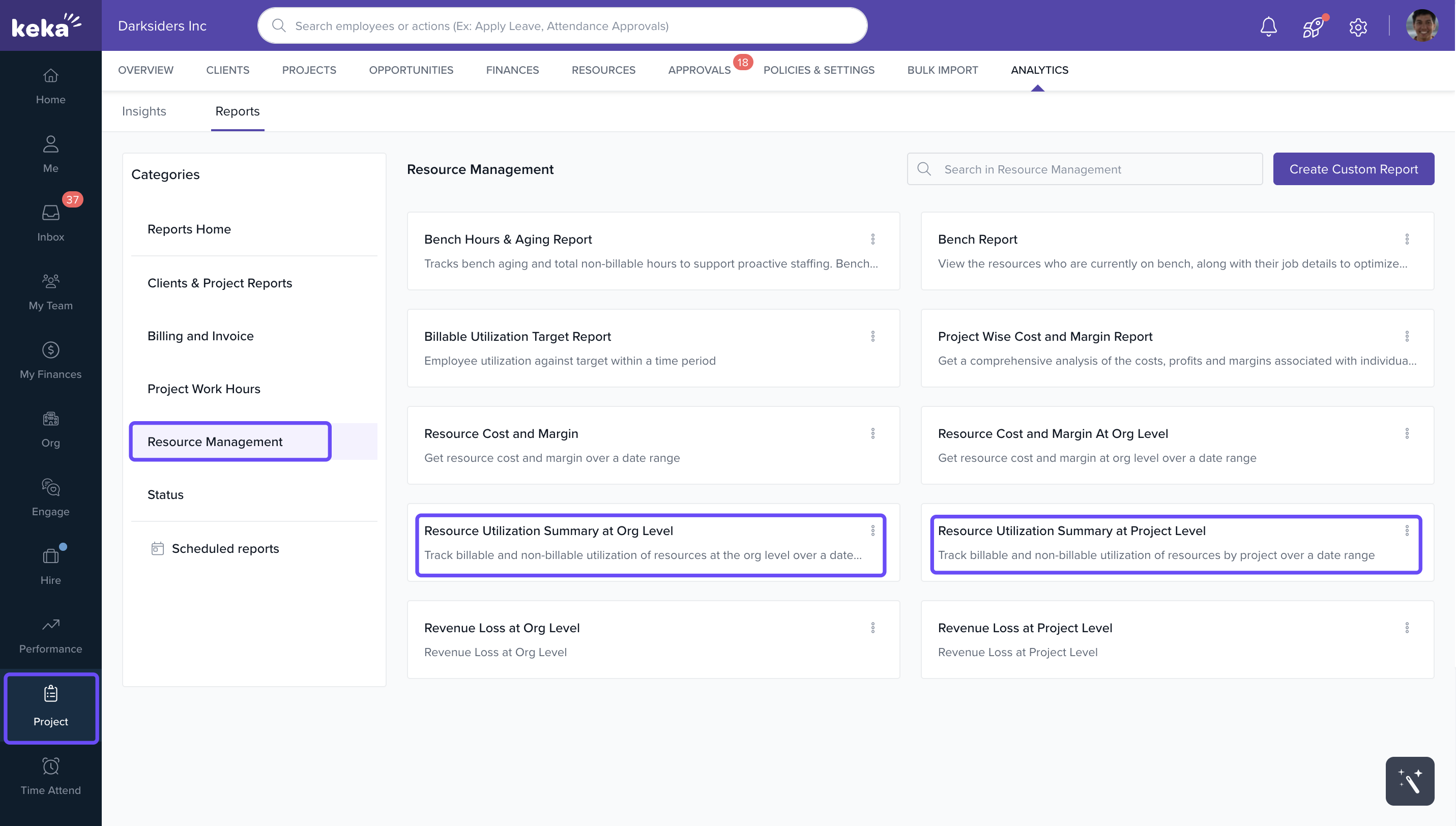
- Click on Analytics, then go to Reports.
- Locate the Resource Management section to find all relevant reports.
Resource Utilization Summary at Org Level
- In Analytics > Reports, select Resource Utilization Summary at Org Level.
- Review the consolidated view across all projects and departments.
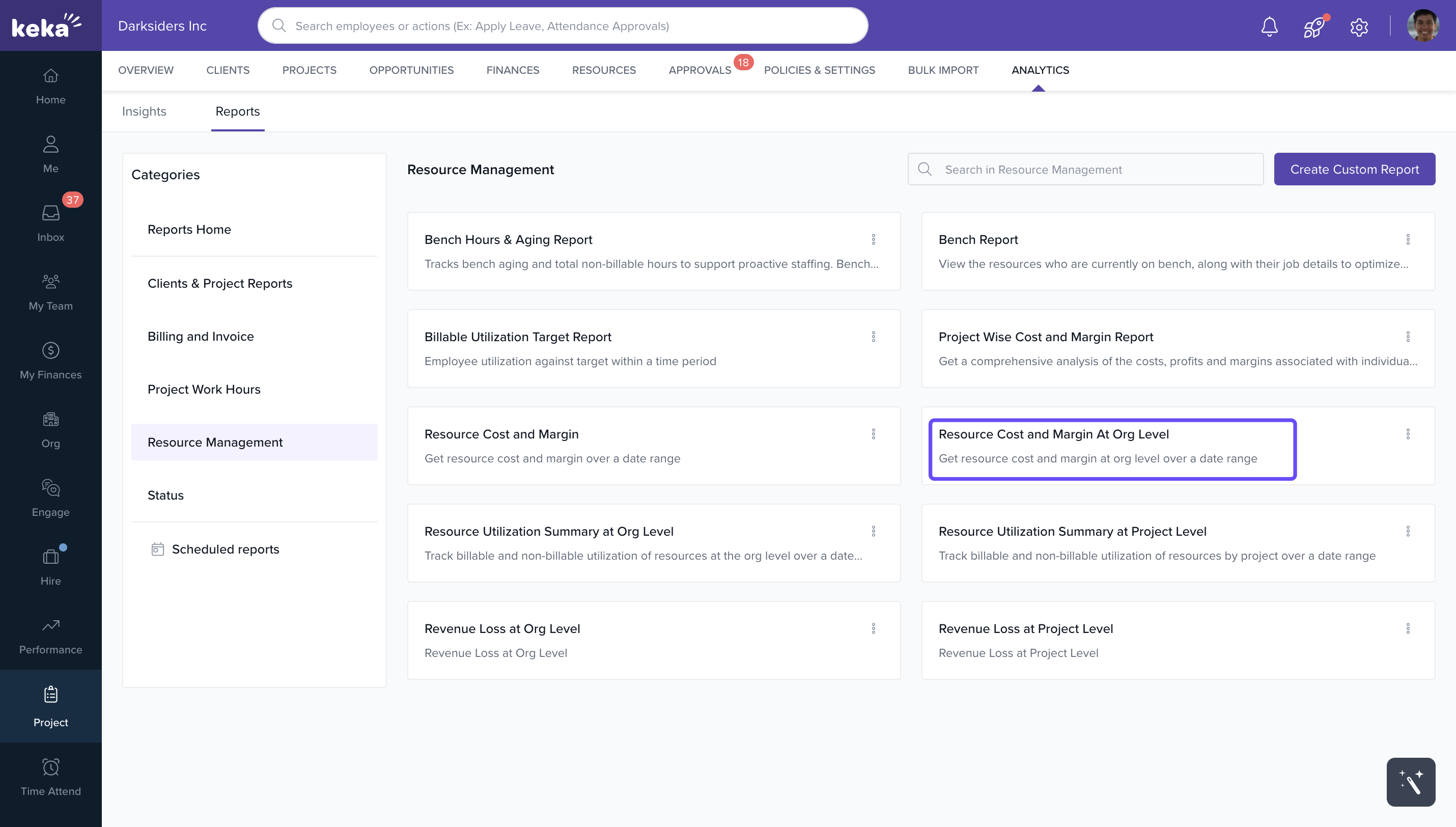
Resource Cost and Margin at Org Level
- In the same Reports section, select Resource Cost and Margin at Org Level.
- Use it to understand cost structures and profitability per resource across the organization.
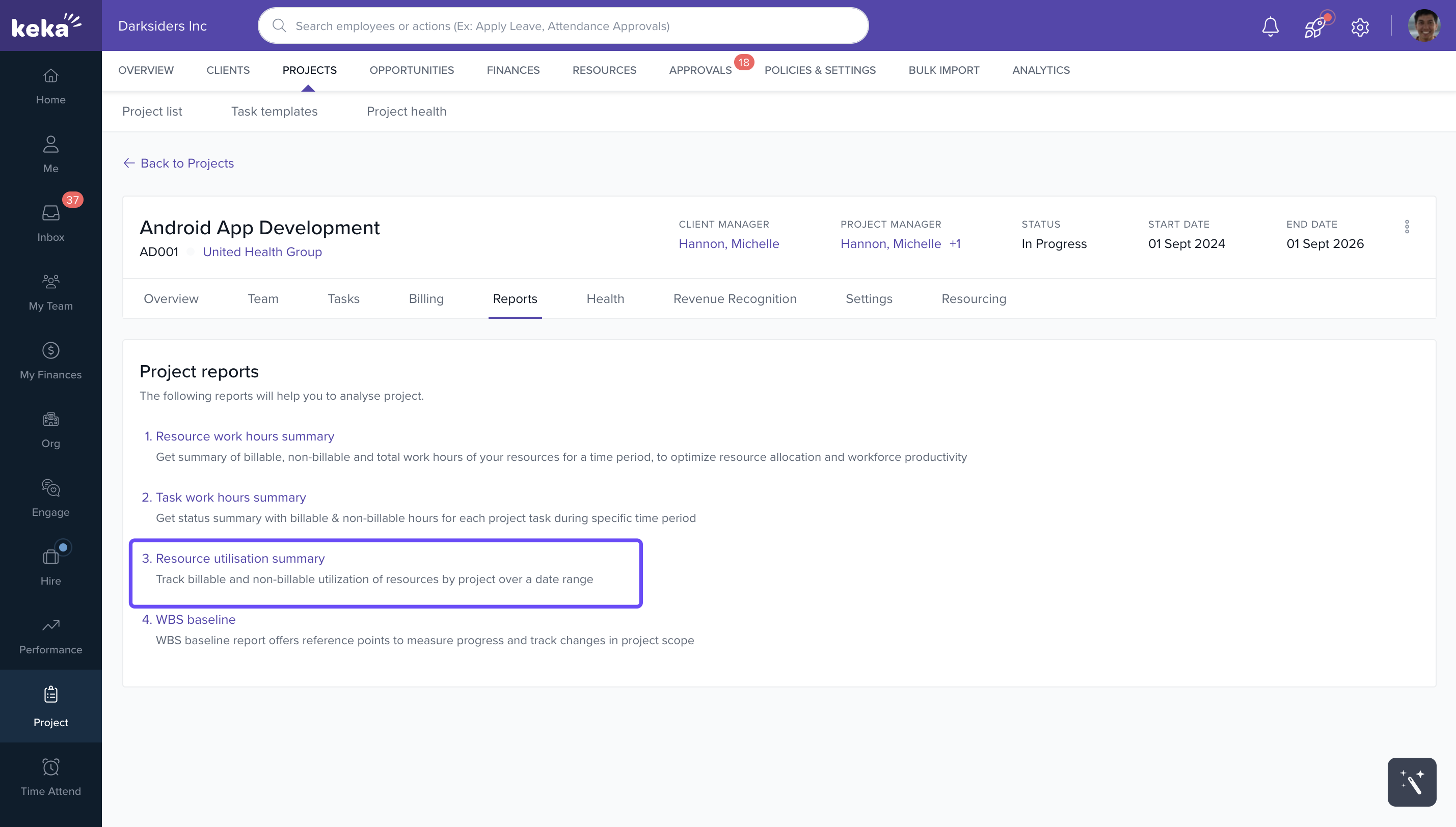
Accessing Resource Utilization Summary from Project
- From the Project tab, select a specific Project.
- Click on Reports to view the Resource Utilization Summary at the project level.
- Choose a date range to filter the report.
- Review metrics on billable vs. non-billable hours per resource.
How It Connects with Other Modules
- Timesheets: Fetches billable and non-billable hours for utilization reporting.
- Projects: Associates time logs with specific projects for project-level resource analytics.
- Billing: Correlates billable hours with invoicing and estimated billing for profitability insights.
FAQs
- Q: Why don’t I see any data in the Utilization reports?
A: Ensure timesheet hours are approved and resource allocations are active for the selected date range. - Q: Can I export these reports?
A: Yes, most reports under Analytics > Reports support Excel or PDF export options. - Q: How is utilization calculated?
A: Utilization = (Billable or Non-Billable Hours / Available Hours) × 100. - Q: What’s the difference between project and org level reports?
A: Project-level reports are scoped to a single project, while org-level reports consolidate data across all active projects.
Troubleshooting
- Missing data in reports?
· Ensure project allocations and time entries exist for the selected time range.
· Verify the resource has an active rate card and billing role. - Incorrect utilization %?
· Double-check week-offs or leaves aren’t counted as available hours.
· Confirm accurate role tagging and approval of timesheets.
Comments
0 comments
Please sign in to leave a comment.