Introduction
Keka Hire supports a variety of integrations to help you streamline recruitment workflows by connecting with your existing tools. These integrations include online meeting platforms, mail services, calendar sync, job boards, and assessment tools.
There are two types of integrations:
Org Apps: Managed at the organization level by admins.
My Apps: For personal use, such as your own email or calendar sync.
Admins can access and configure these from the Hire > Apps section of the Keka dashboard.
Access integration settings
Go to the Hire section in the left-hand menu.
Click Apps.
-
You'll see two tabs: Org Apps and My Apps.
Org Apps: Global-level integrations managed by admins.
My Apps: Individual user-level integrations.
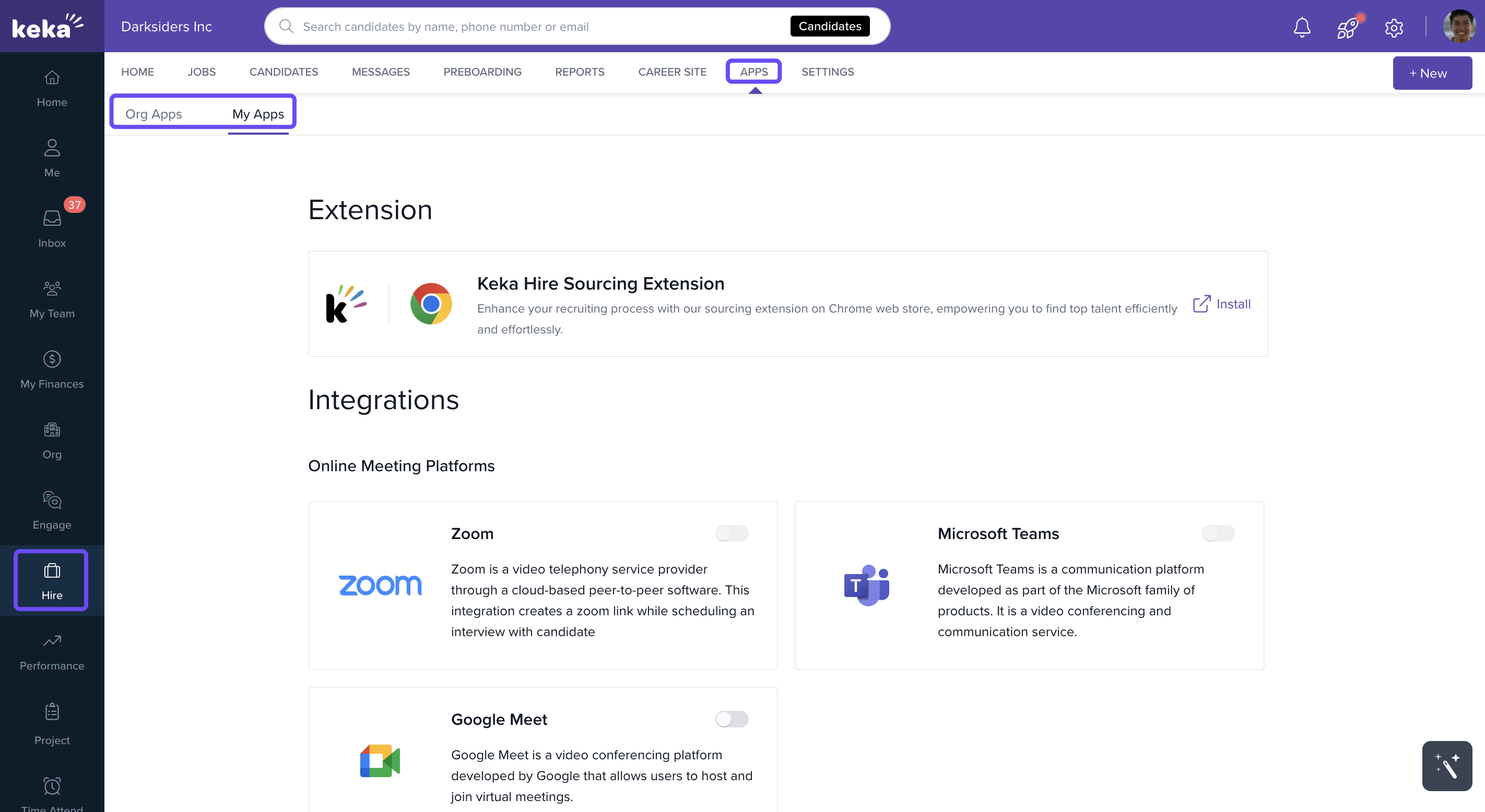
Admins can enable or disable each integration based on the organization’s needs.
Org Apps
Online Meeting Platforms
Schedule and manage interviews directly from Keka Hire using:
Zoom
Microsoft Teams
Google Meet
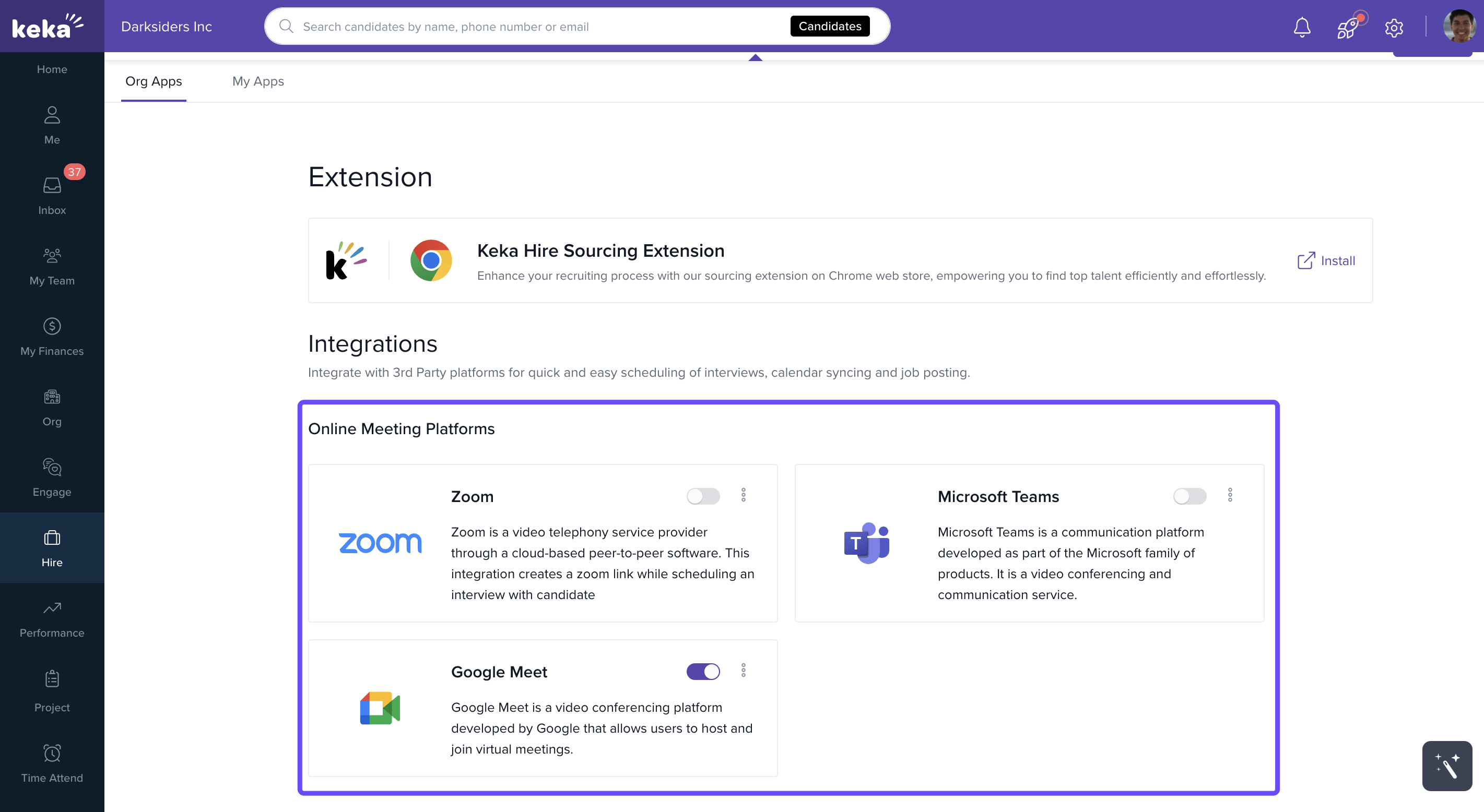
Once integrated, recruiters can create, schedule, and join virtual interviews without leaving Keka Hire.
Mailing
Sync your organization's email platform to centralize candidate communication:
Gmail
Outlook
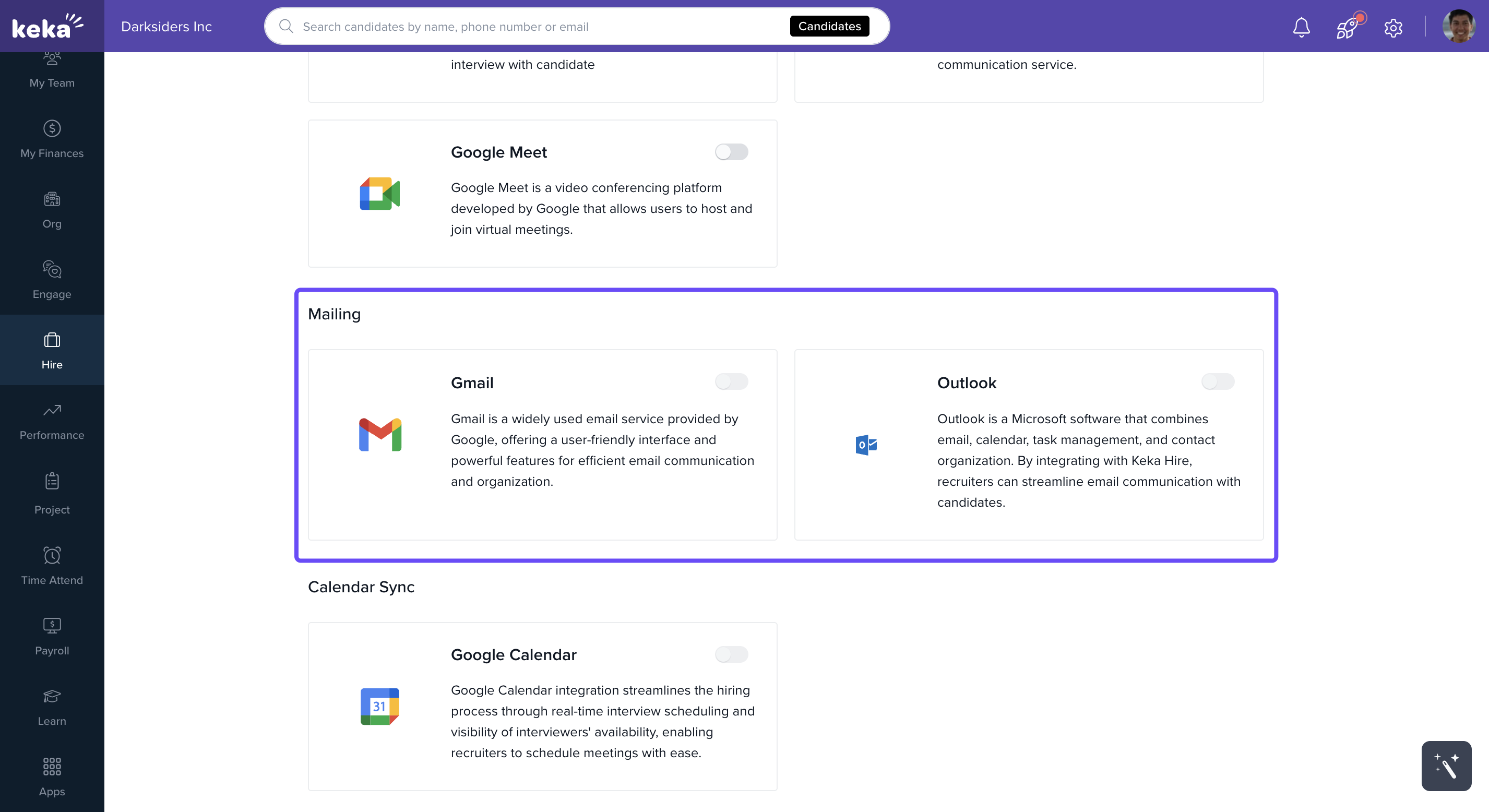
The Keka Inbox displays only outbound emails; candidate replies are not synced or displayed yet.
Note: You can integrate with only one mail platform at a time—either Gmail or Outlook, not both.
Calendar Sync
Ensure interview schedules are aligned across your team:
Google Calendar
Outlook 365 Calendar
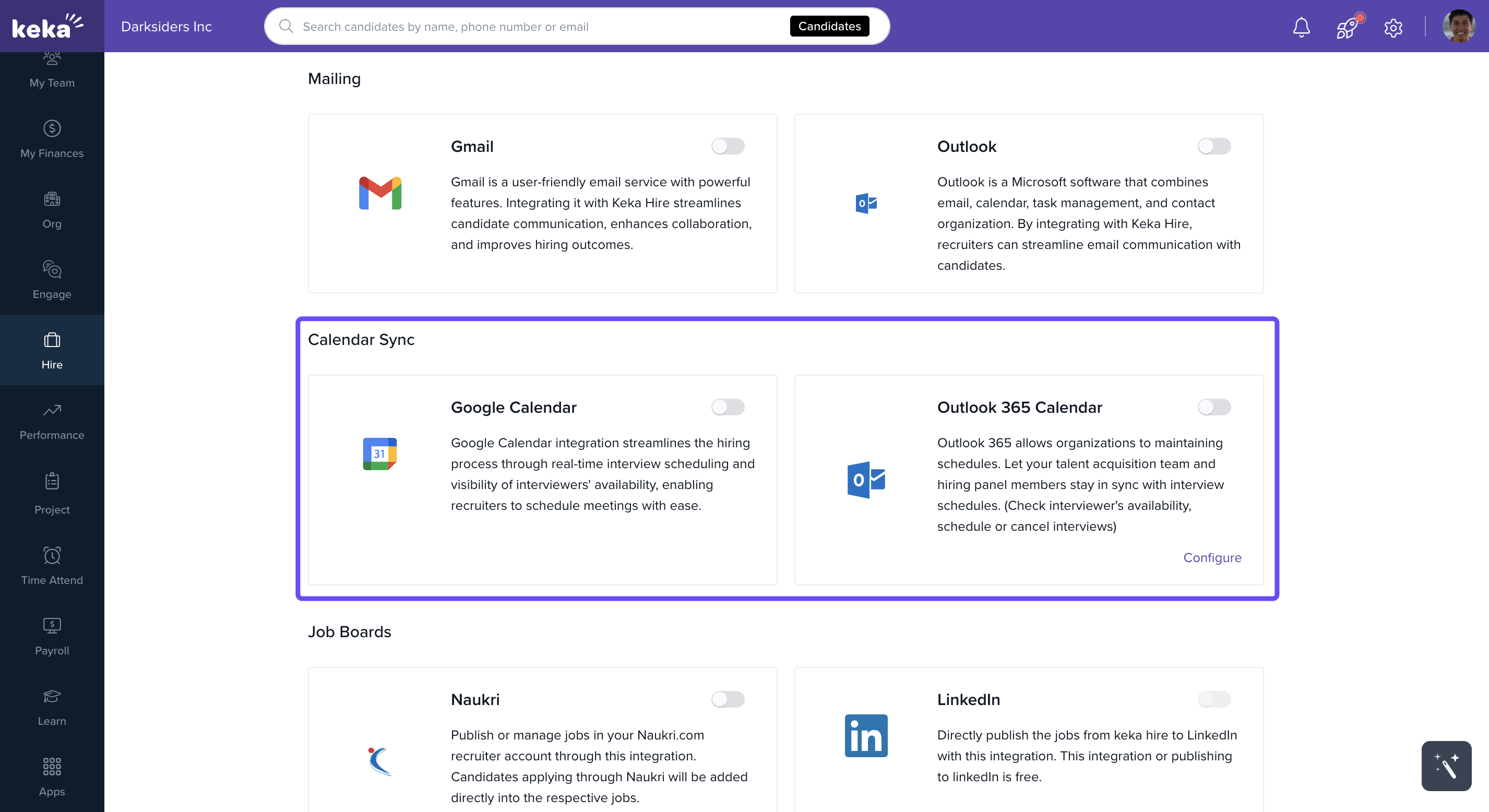
These integrations allow:
Syncing interviews with your personal or team calendar.
Interviewers to mark availability.
Candidates to self-schedule based on available time slots.
Job Boards
Publish jobs and collect applications seamlessly through:
Naukri
LinkedIn
CareerBuilder and more
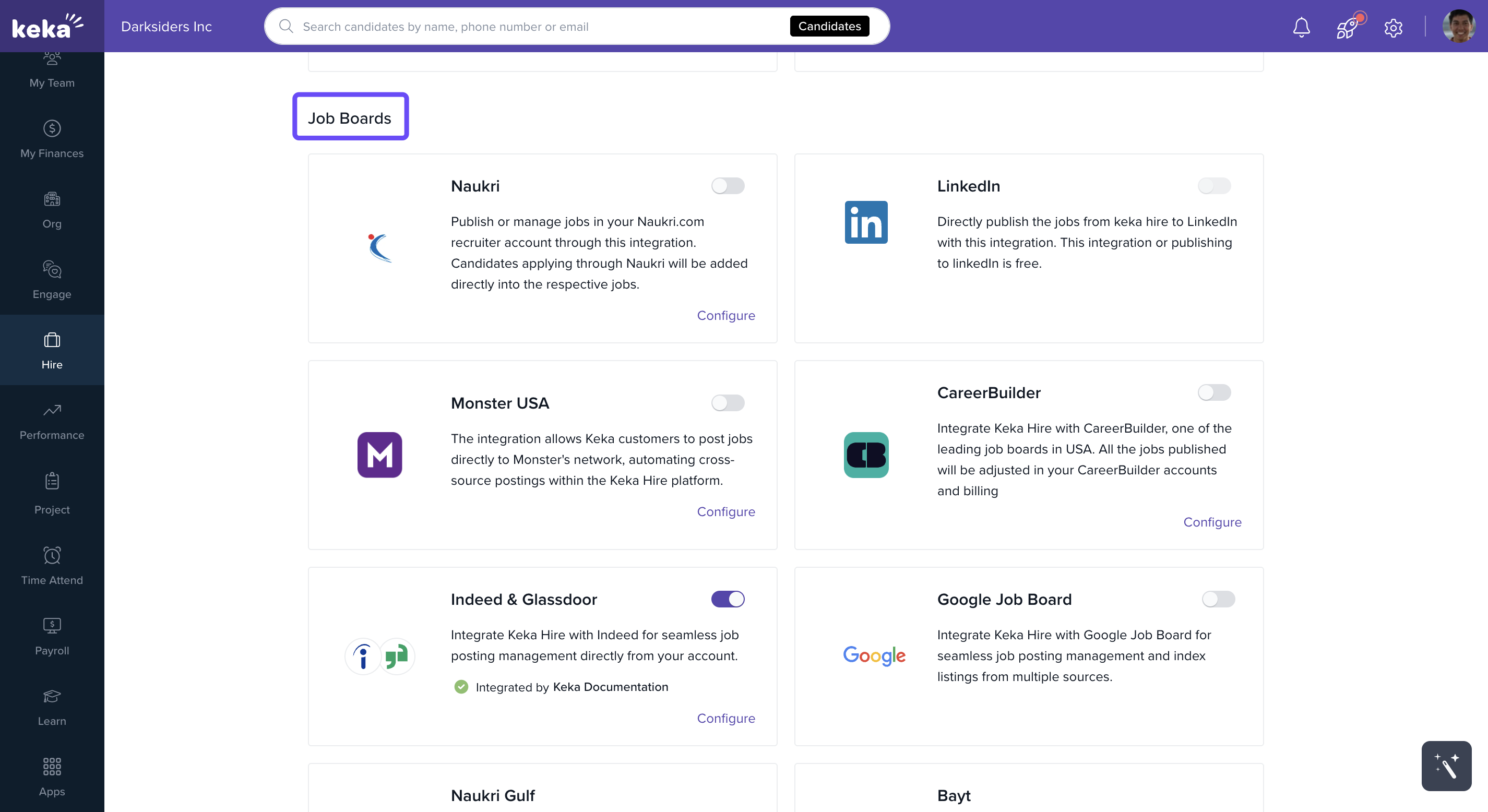
After integration, you can:
Post jobs directly from Keka Hire.
Automatically sync applications back to the platform.
Online Assessment Tools
Evaluate candidates with integrated testing tools:
Mercer Mettl
HackerEarth
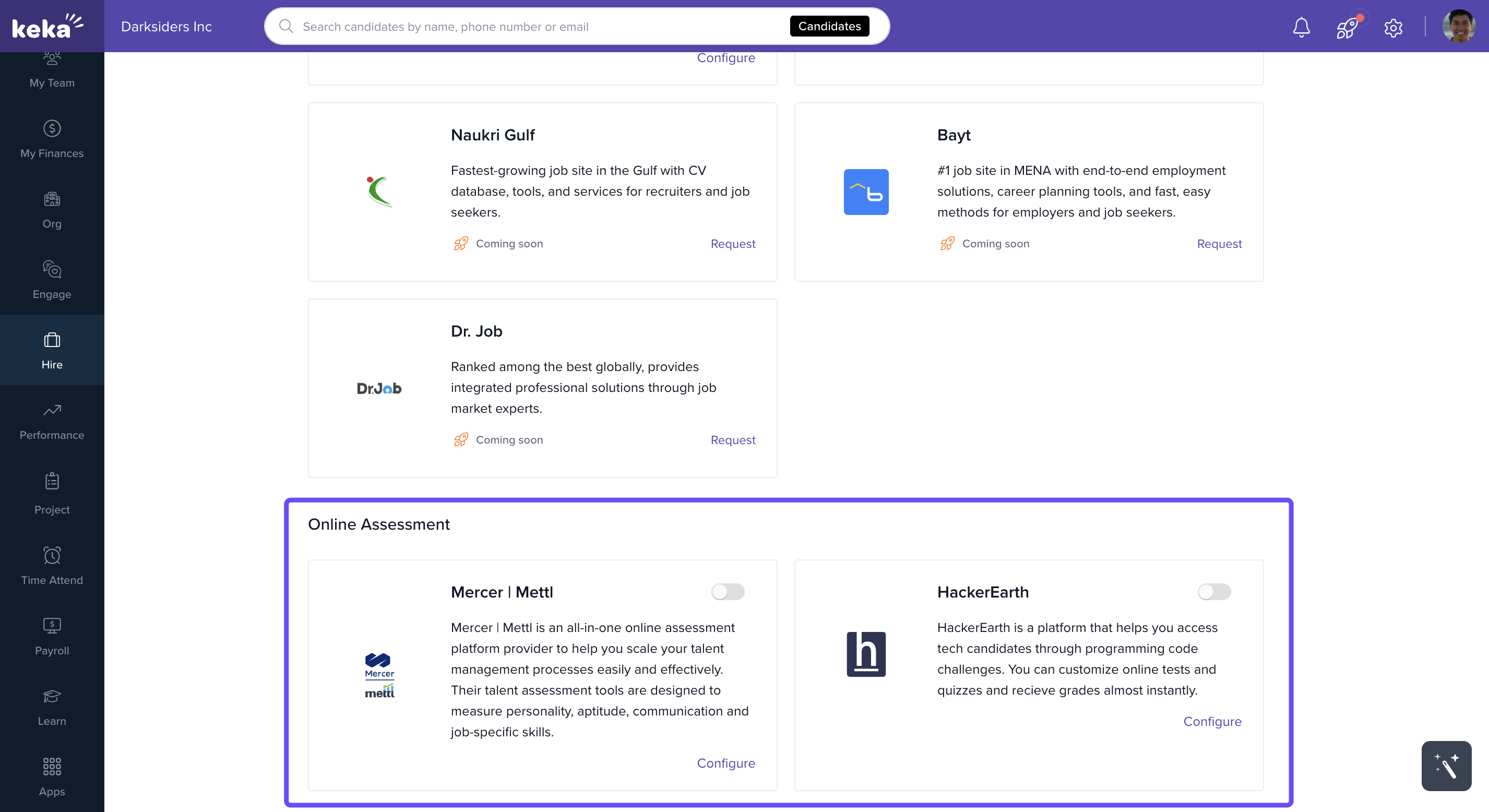
Create, assign, and track assessments like coding challenges or aptitude tests directly in Keka Hire.
My Apps
The My Apps section allows individual users to connect their personal tools, including:
Email accounts
Calendars
Online meeting platforms
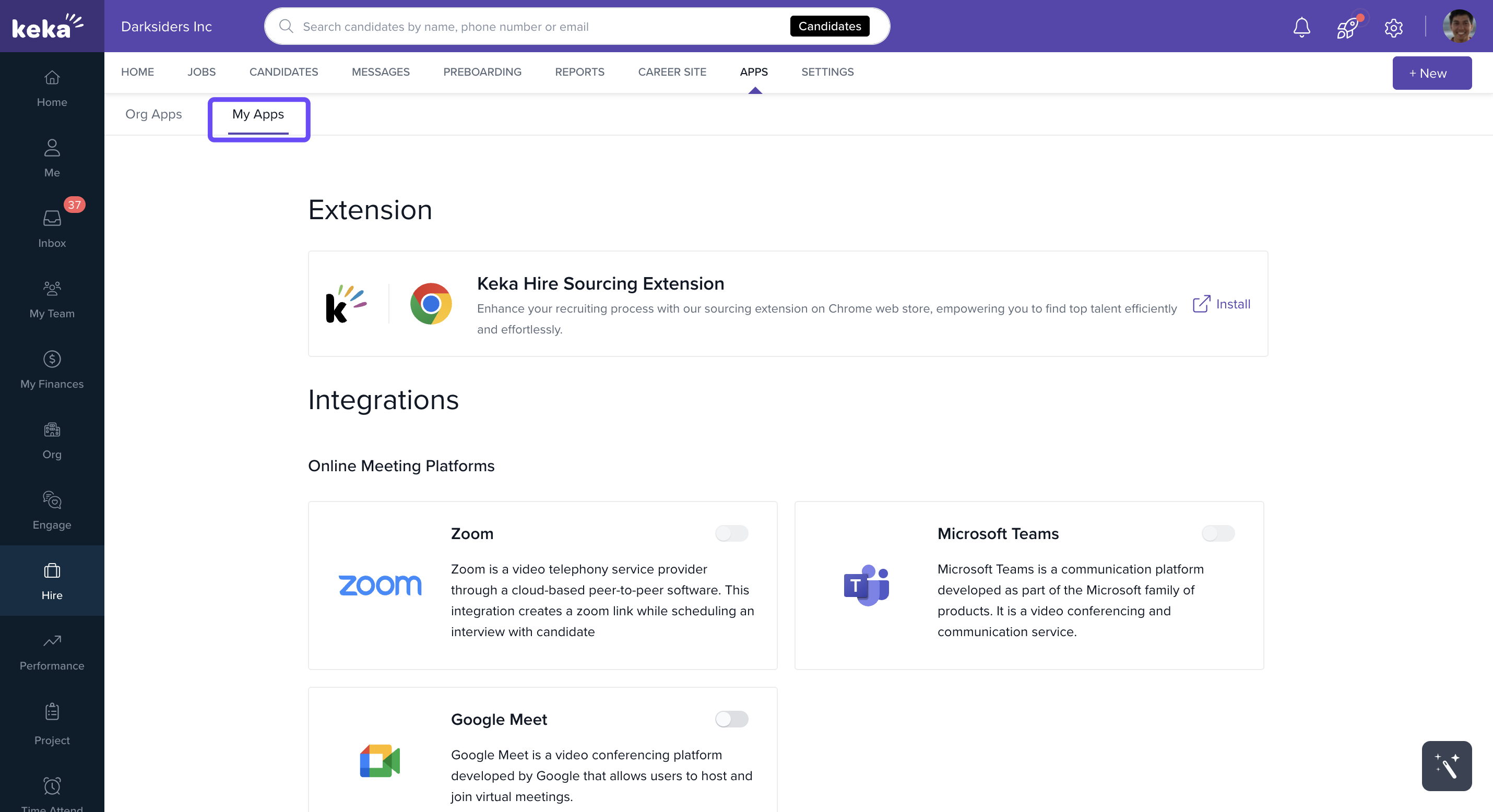
This is separate from Org Apps, which are managed by global admins and apply to the entire organization.
Notes, Tips, Important, Warnings
Important: Only global admins can manage Org Apps.
Tip: Use My Apps to keep your personal tools in sync with Keka Hire, without affecting organization-wide settings.
Note: Integrations with calendar and meeting platforms enhance self-scheduling and interviewer availability management.
Comments
0 comments
Please sign in to leave a comment.