Automatically extract and map key details from bulk uploads using OCR in Keka. Save time and minimize errors with smart document processing for employee identity documents.
Keka’s enhanced bulk upload feature now includes OCR (Optical Character Recognition) capabilities. You can upload multiple documents at once, and the system automatically extracts and maps key information using smart identifier matching, reducing manual effort and errors.
Introduction
To access the bulk document upload feature in Keka, navigate to:
Org > Documents > Employee Documents > Bulk Upload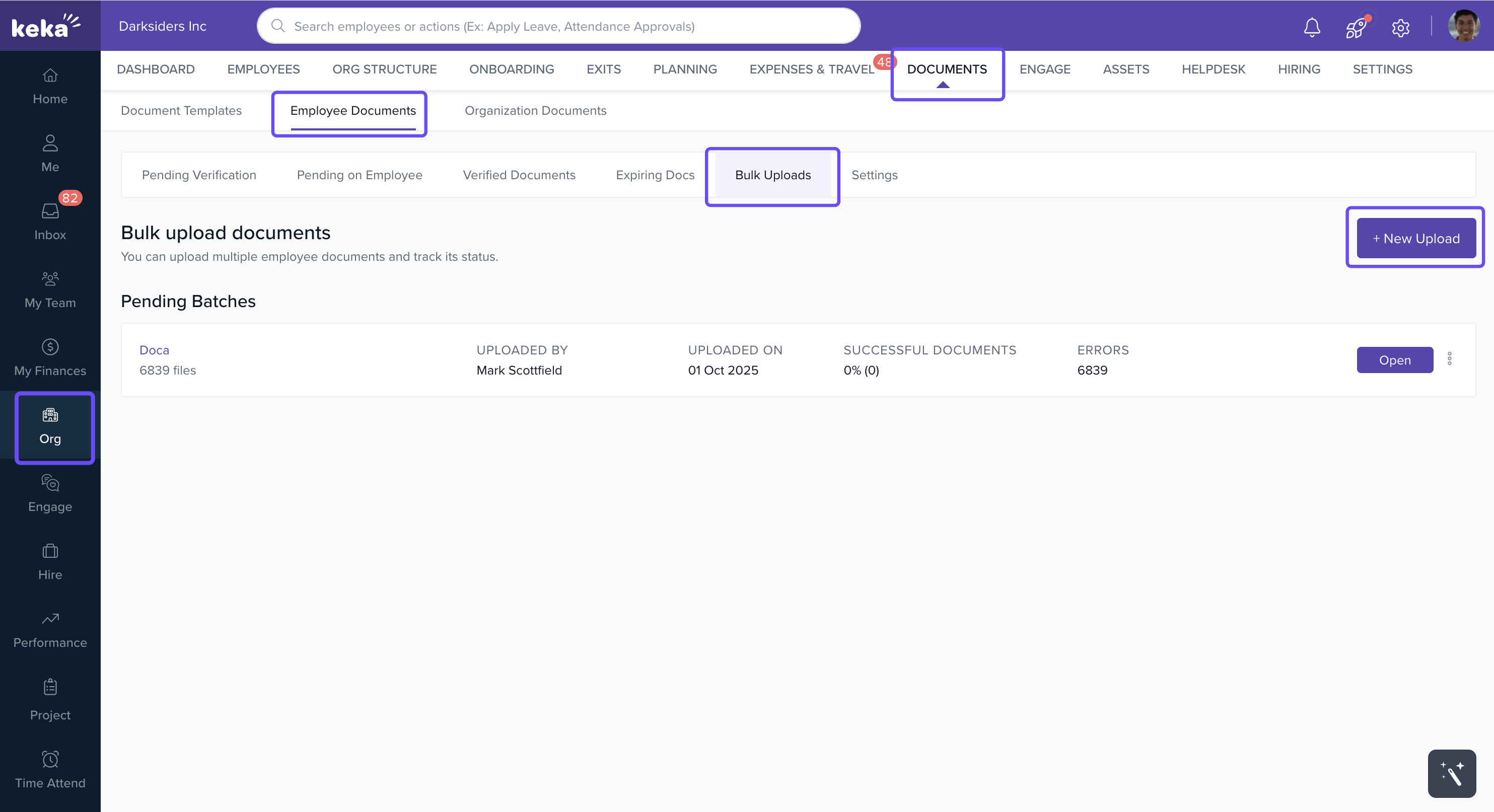
You can upload documents in bulk using two distinct methods:
List of Files – when uploading multiple files of the same document type (e.g., Aadhar, PAN, Passport) for different employees.
-
List of Folders – when uploading different document types for multiple employees in one go.
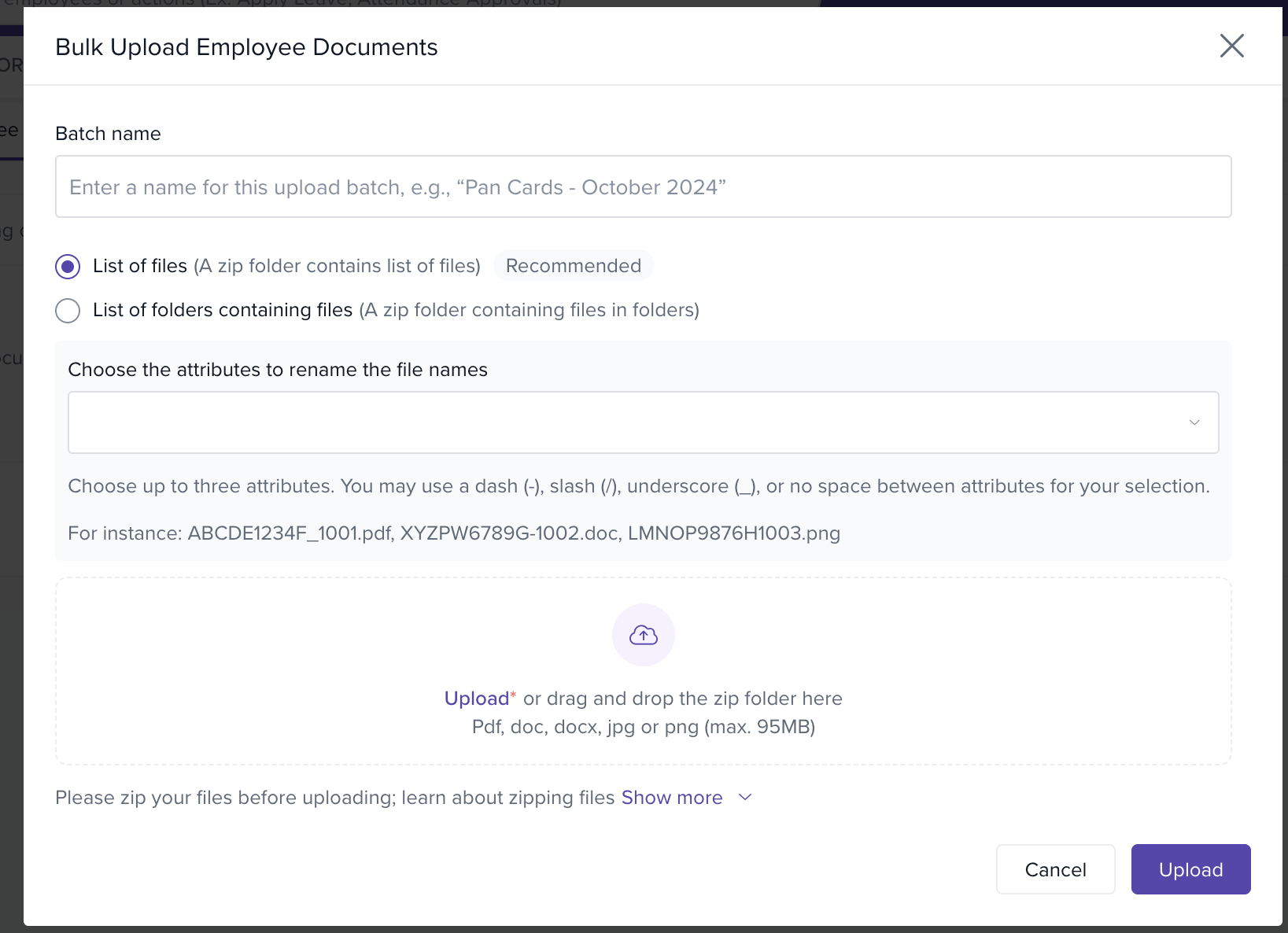
List of Files
The List of Files option is used to upload multiple documents of the same type. Follow these steps:
Prepare your documents – ensure all files belong to the same document category.
-
Rename files using identifiers – include attributes such as Document Number, First Name, or Employee Number in the file name. Example:
LMUPM8923D_Leon.pdf.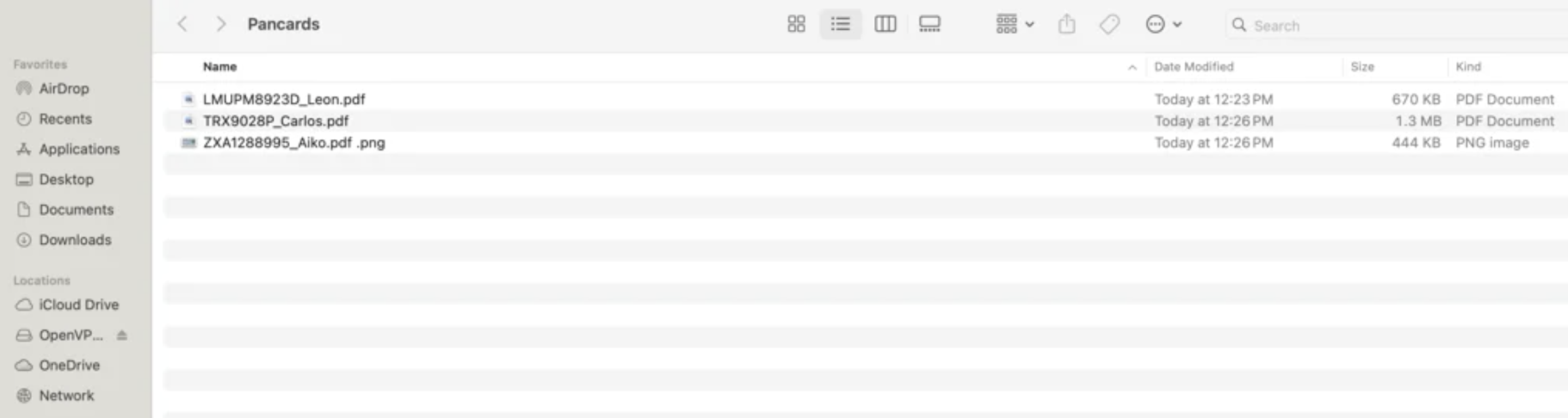
-
Add numbers for multi-page documents – append numbers if a document has multiple parts, e.g.,
LMUPM8923D_Leon1.pdf,LMUPM8923D_Leon2.pdf.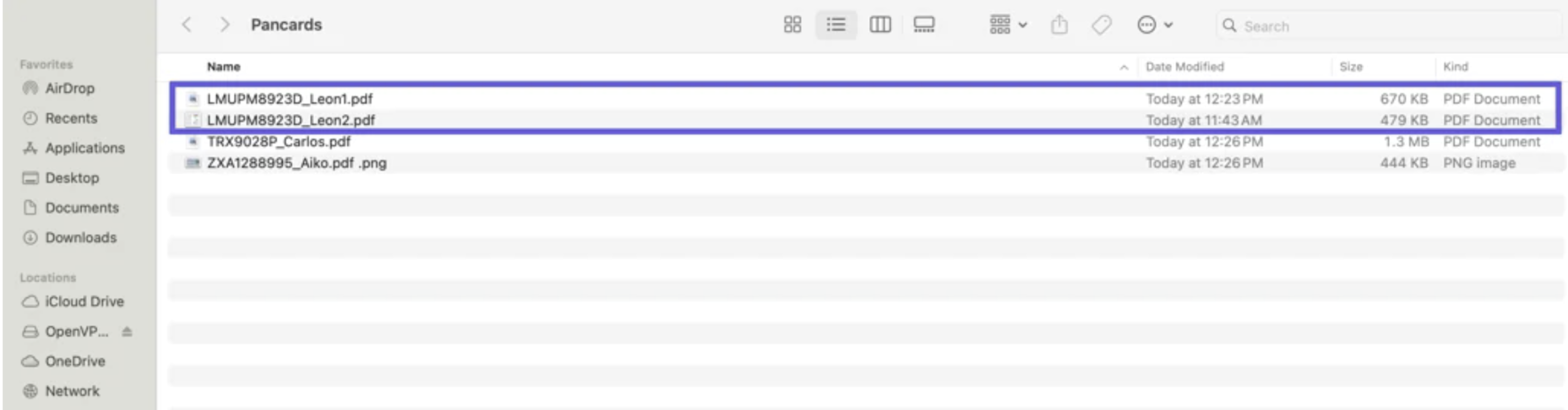
-
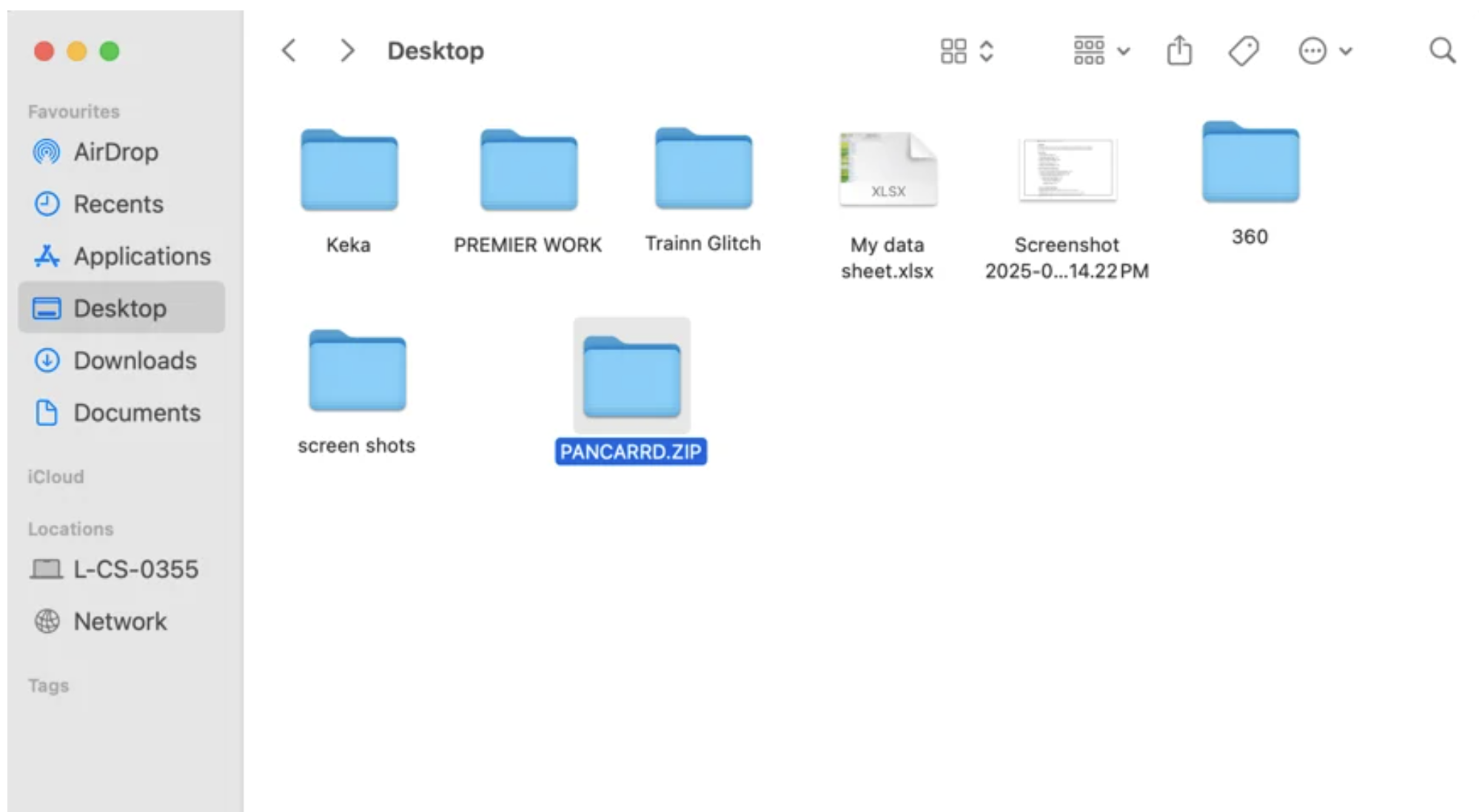
Zip the files – compress all files into a single ZIP folder.
-
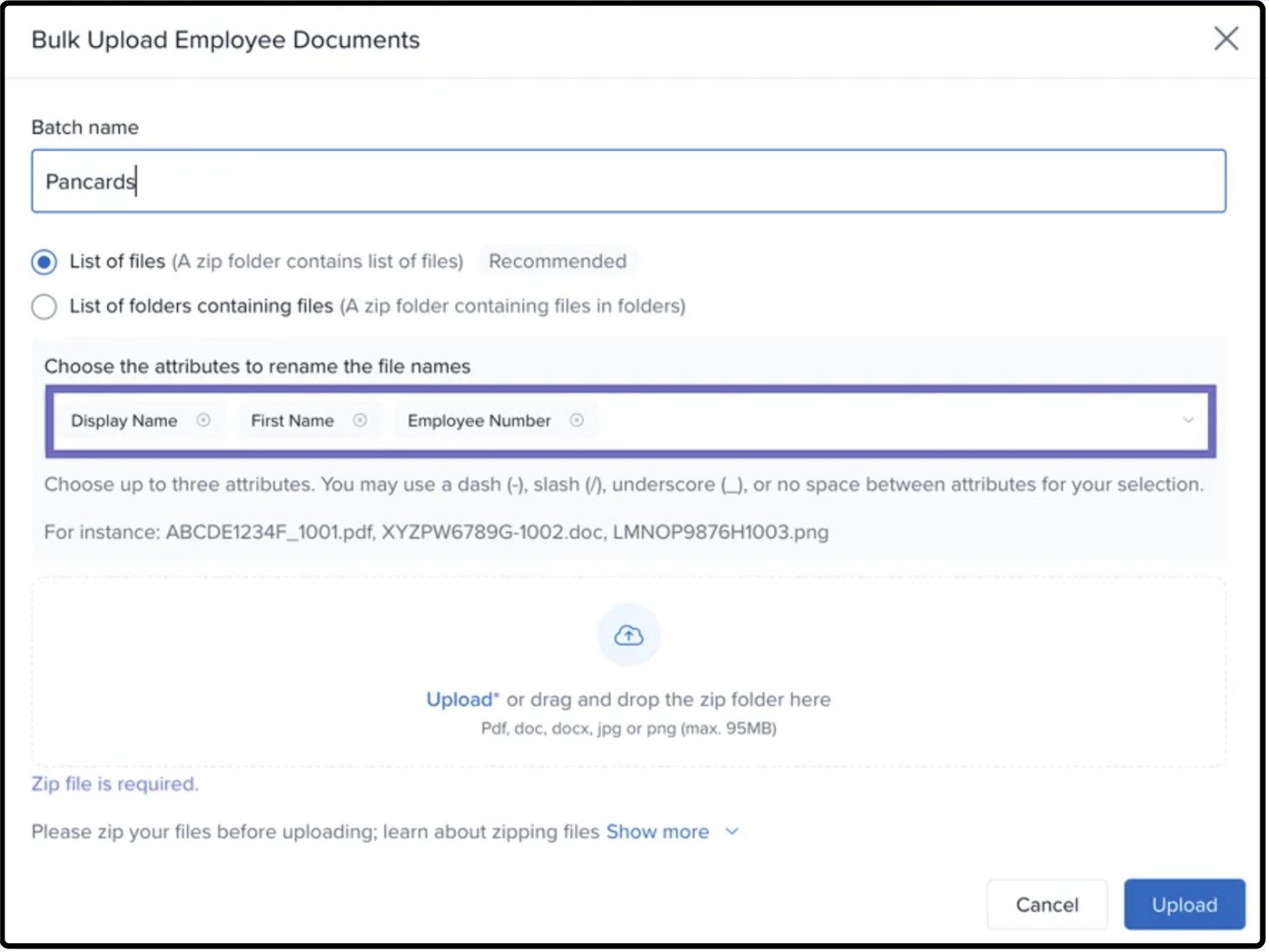
Select List of Files in the upload screen – choose this option when uploading in Keka.
-
Select the identifiers (attributes) – match the attributes used in the file names.
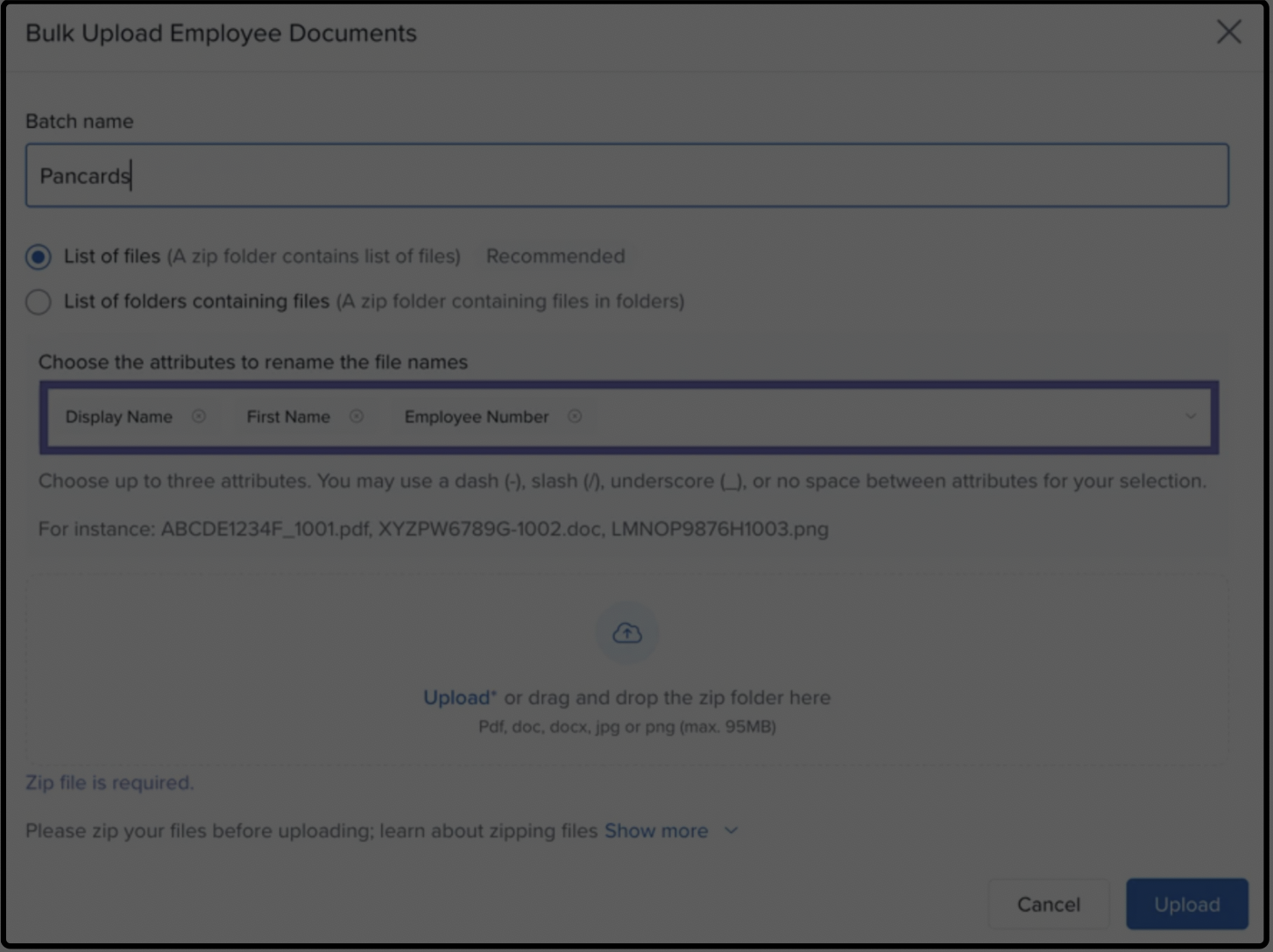
Use valid separators – system accepts
_,-,/, or no separator.Understand attribute-based file name validation – file names must include all selected attributes for mapping to work.
Dynamic file name examples – as you select attributes in the UI, example names update automatically.
Attribute restrictions for first-time employee uploads – Aadhar and PAN are excluded for security compliance.
Optional: View detailed instructions – click “Show More” for a static guide on file preparation.
Choose document type after upload – if Identity Document is selected, OCR processing begins. For Non-Identity Document, OCR is skipped and mapping relies on file names.
List of Folders
Use this option to upload multiple document types for multiple employees in one go. For example, you can upload Aadhar and PAN cards for 10 employees simultaneously.
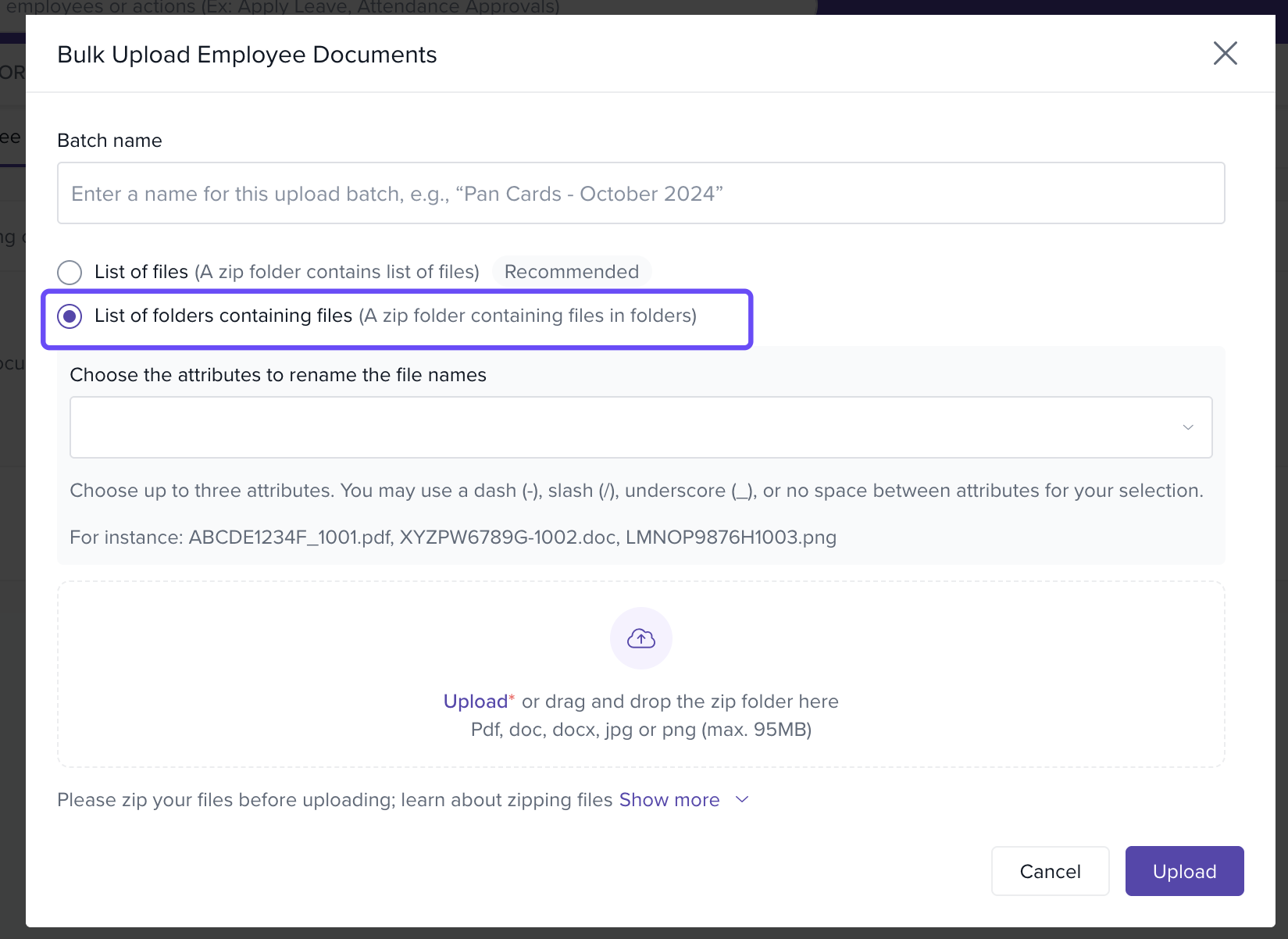
-
Create a separate folder for each employee – name it using identifiers such as
12345_John_Doe.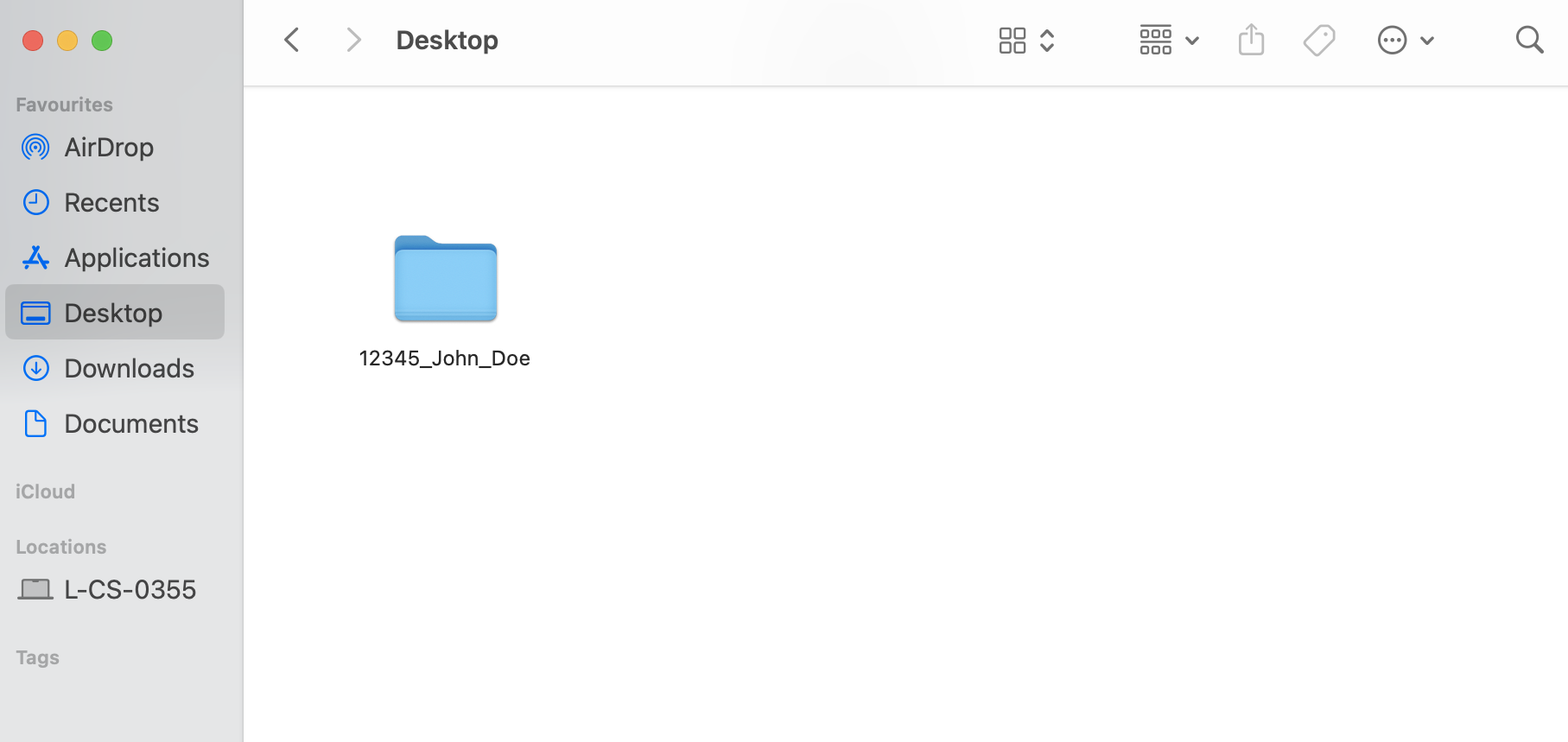
-
Place all related documents inside each folder – include all document types (Aadhar, PAN, etc.) for that employee.
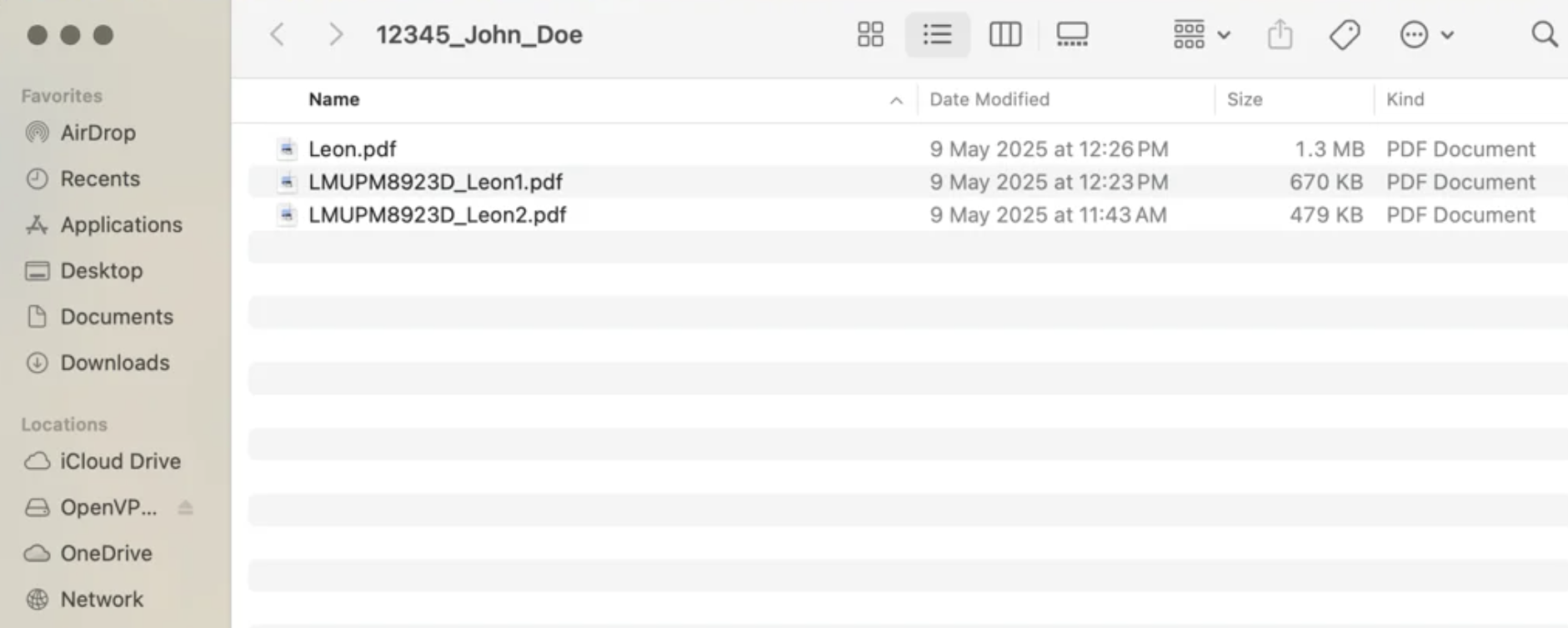
Bulk Upload – place all employee-specific folders into a single parent folder, compress it into a ZIP file, and upload it to Keka.
This structure enables OCR processing and smart mapping for multiple document types and employees in a single upload.
Conclusion
Keka’s Document Parser with OCR significantly reduces manual effort when uploading employee identity documents. By using either the List of Files or List of Folders method, HR teams can efficiently extract, map, and store employee documents while minimizing errors.
Comments
0 comments
Please sign in to leave a comment.