Introduction
The Employee Bank Verification feature in Keka helps ensure the accuracy of employee bank details before processing salary payments. Using a small test deposit of ₹1 (known as penny drop verification), the system confirms whether an employee’s bank account details are valid. This proactive check minimizes salary transfer failures, saves time, and maintains a smooth payroll process.
Pricing and availability
This feature is available as an add-on, costing ₹5 per verification. Charges are automatically deducted from your Keka credits.
Verify an individual employee’s bank details
- Go to the Search bar and find the employee.
- Open the employee’s Profile.
- Navigate to the Finances tab and click Summary.
- Under Payment Information, click the three-dot action menu (⋯) and select Initiate Verification.
- Confirm the verification when prompted.
Verify bank details in bulk
- From the left navigation, go to Payroll → Payroll Admin → Payroll Operations.
- Open Payroll Status, Tax Regime & Financial Details.
- Select the Employee’s Payment Details and Bank Verification operation.
- Choose the relevant paygroup (if multiple exist).
- Select employees to verify and click Initiate Verification.
- Use filters for Bank Verification Status or Payment Mode to narrow down employees.
- Confirm the initiation in the popup.
After initiating, check the Bank Verification Status column:
- Verified – Account verified successfully. A red exclamation mark indicates a name mismatch.
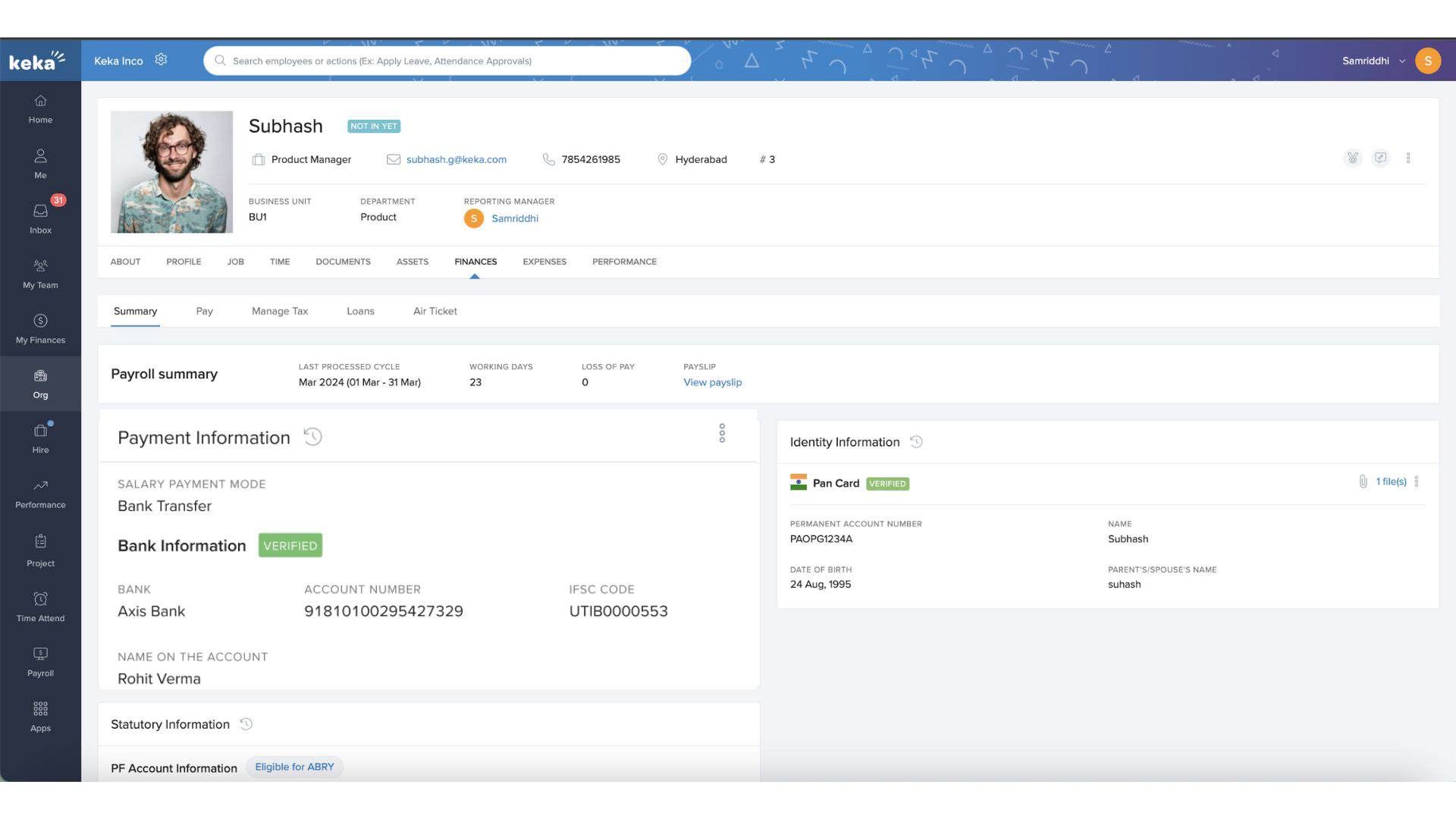
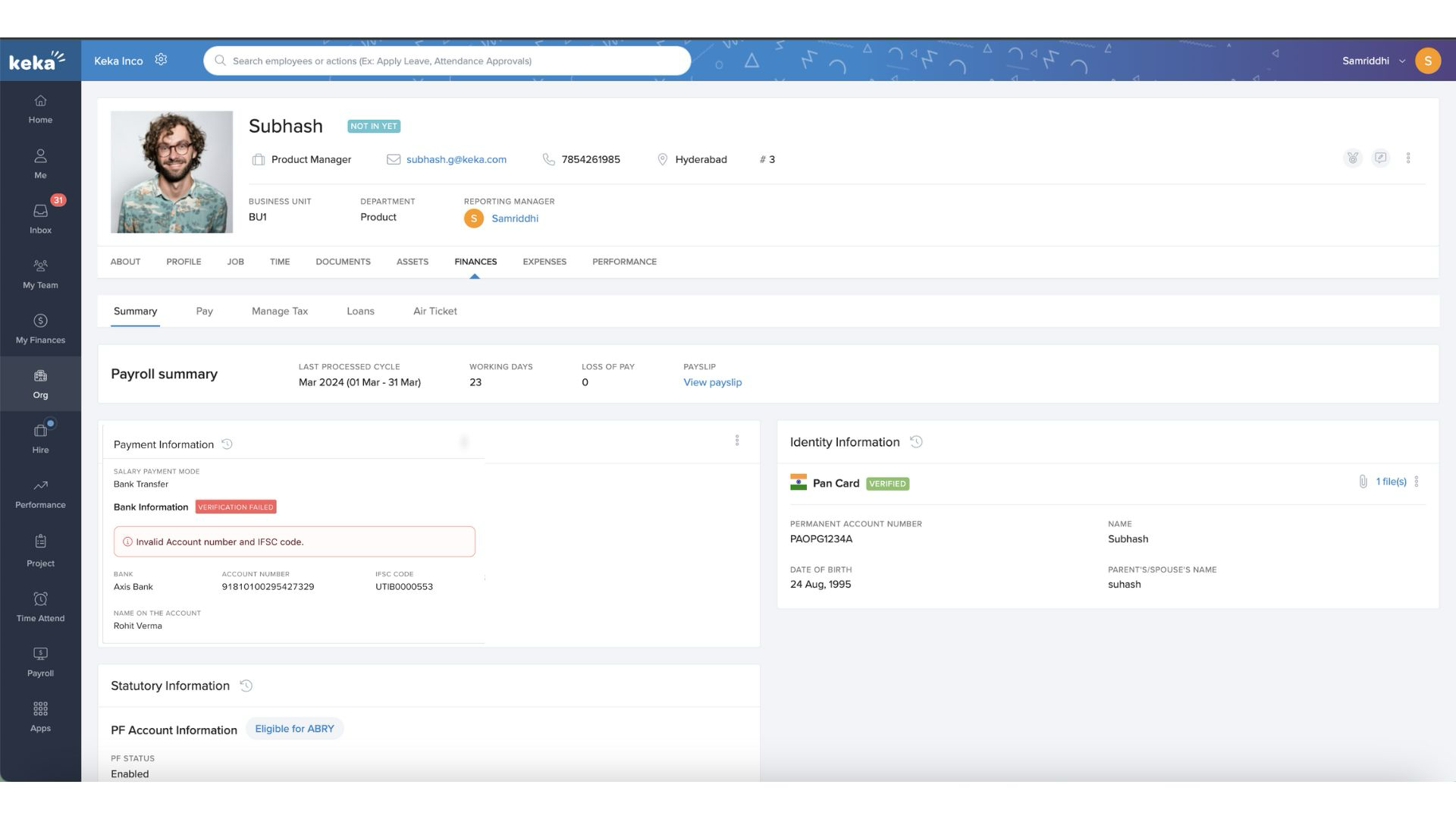
- Verification Failed – Click the icon to view the reason for failure.
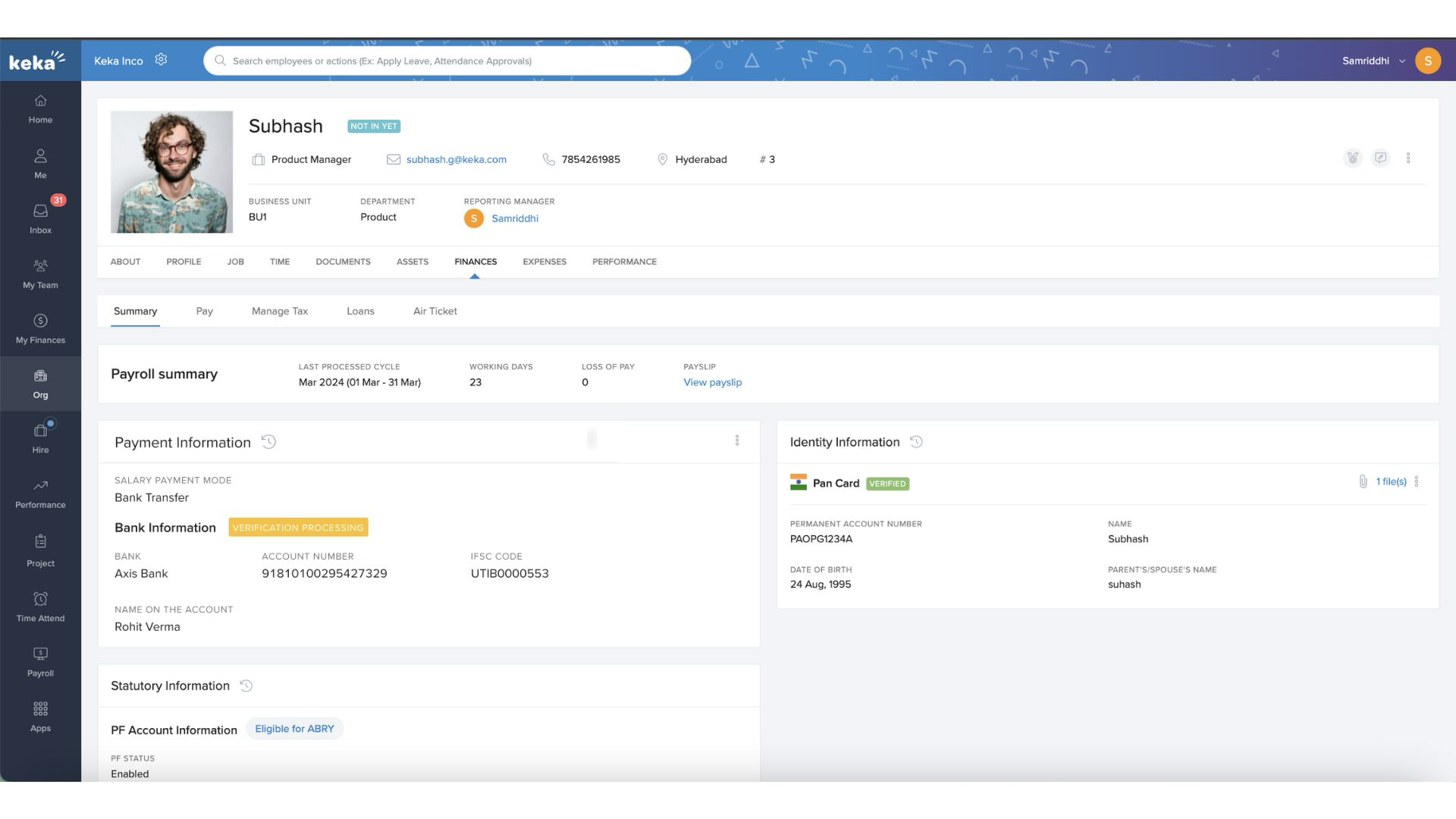
- Verification Processing – Verification in progress.
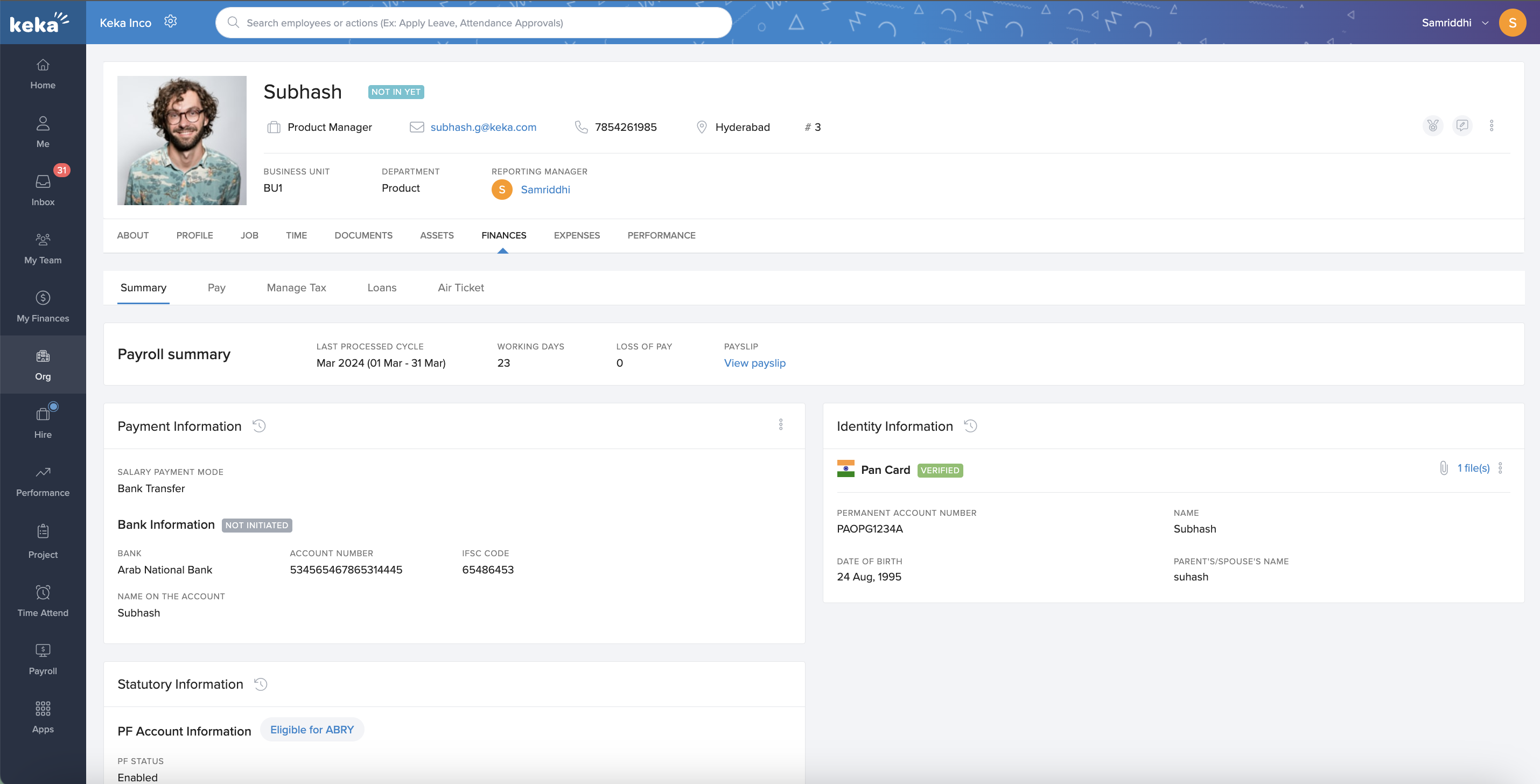
- Not Initiated – Verification not yet started.
Re-verification requirements
- If bank details (bank name, account number, IFSC code) change, the verification status resets to Not Initiated.
- Name changes do not require re-verification unless resolving a previous mismatch.
- If payment mode changes from Bank to Cash/Cheque and back again, re-verification is only needed if new bank details are added.
.gif)
Verification via Manage Payment section
- If bank verifications are pending during payroll processing, you’ll see a warning in the Manage Payment section.
- Click Verify Now to go directly to the Payroll Admin section to complete verification.
Comments
0 comments
Please sign in to leave a comment.