The Provident Fund (PF) is a government-regulated retirement savings scheme where both the employer and employee contribute monthly. However, in some cases—such as for new employees, unpaid leaves, or prorated working days—the system-calculated PF value may need to be adjusted.
Keka allows you to override PF contribution amounts for individual employees or in bulk.
Override PF for an Individual Employee
Navigate to Payroll → Payroll Admin → Operations.
Under Overrides (Salary Components / Contributions / TDS), select PF (Provident Fund Overrides – Employee and Employer Share, including VPF)
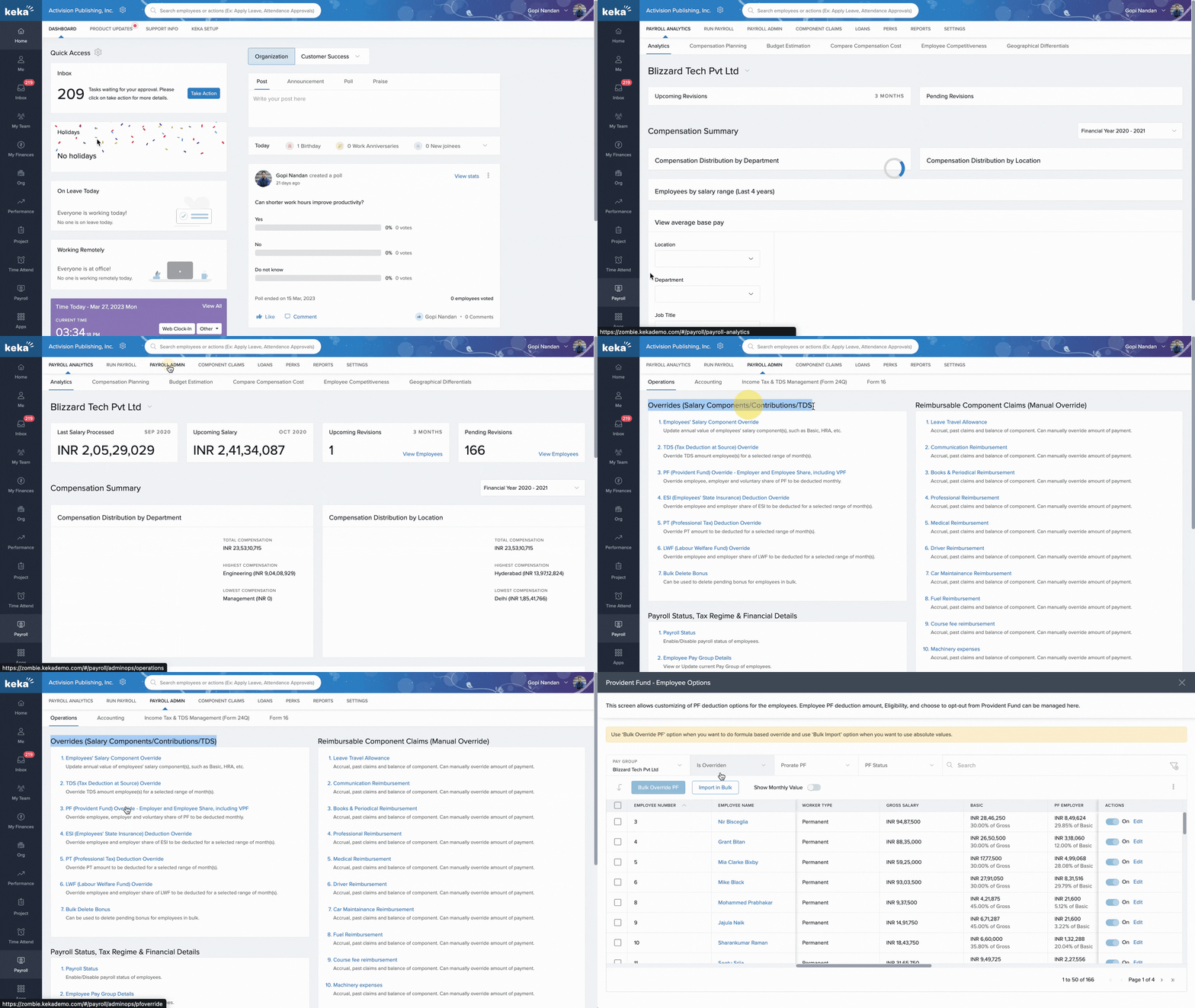 .
.On the Provident Fund – Employee Options screen, choose the Pay Group, search for the employee, and click Edit.
Toggle “Do you want to override monthly PF value?” to Yes.
Enter the override amount or formula.
Optionally, update the Voluntary PF or choose to prorate PF based on working days.
Click Update to save changes.
Note:
The employer contribution must not exceed the employee contribution.
To revert to system-calculated PF, set the toggle to No in the next month.
Override PF in Bulk
Go to Payroll → Payroll Admin → Operations.
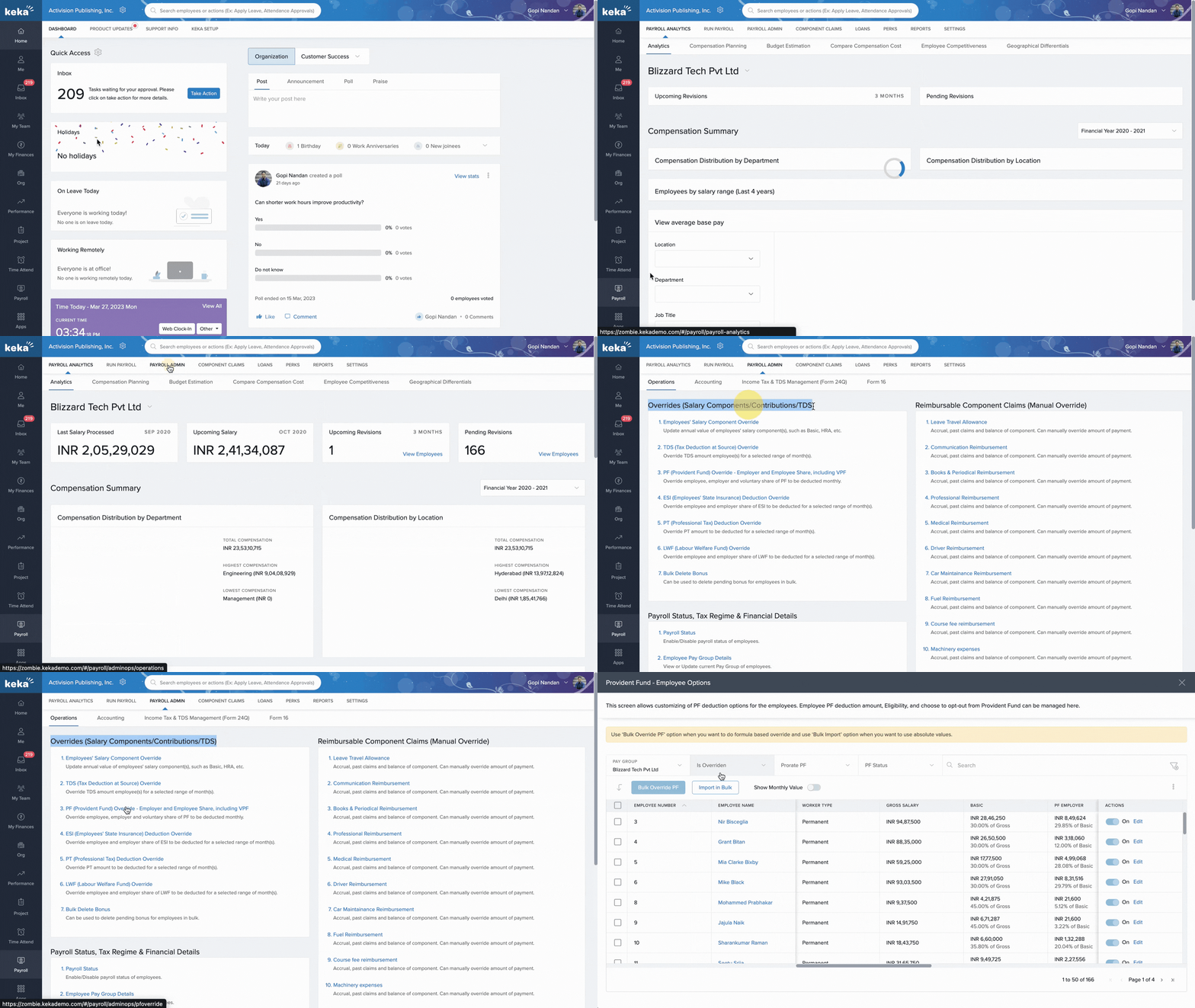
Under Overrides, select PF (Provident Fund Overrides – Employee and Employer Share, including VPF).
Choose the Pay Group and select the employees, then click Bulk Override PF.
Enter the monthly PF amount or formula.
You can use components such as
[Basic]*0.12.Click +Existing Salary Component to view available components.
Click Update to apply the overrides.
Override PF in Bulk via Excel
Go to Payroll → Payroll Admin → Operations→ PF Overrides.
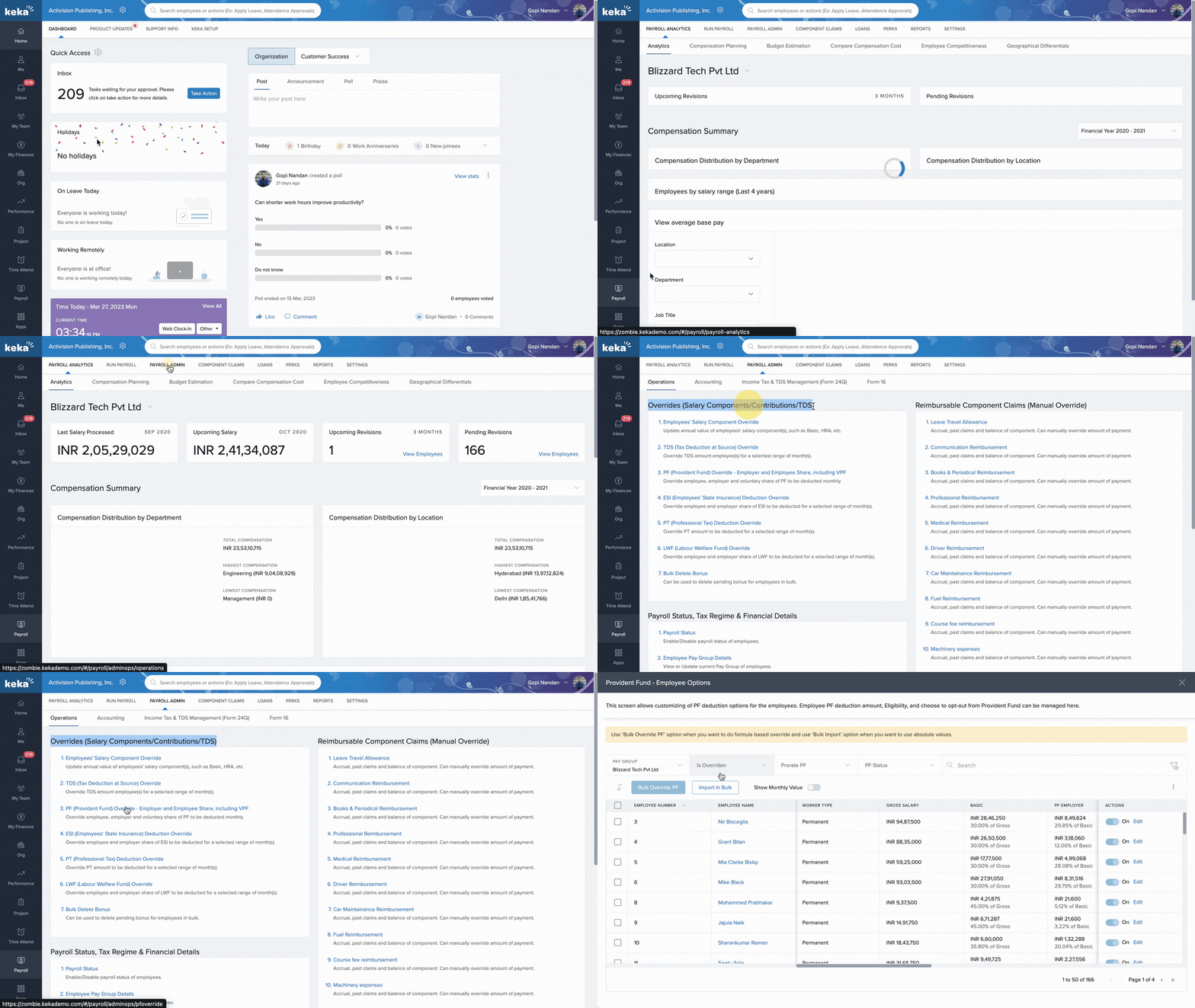
Click Import in Bulk and download the Excel Template.
In the Excel file, set PF Override = Yes and enter the updated employee and employer contribution values.
Save and upload the file using Upload Excel File.
Match the columns, click Continue, review the data, and click Complete to finalize the upload.
Note:
You can only input numeric values when importing via Excel.
For formula-based overrides, use the Bulk Override method directly in Keka.
Comments
0 comments
Please sign in to leave a comment.