The DocuSign integration with Keka HR allows you to enable secure and legally compliant electronic signatures. By connecting DocuSign with Keka, you can streamline document workflows, reduce manual approvals, and complete signing processes in minutes. This integration enhances HR efficiency while providing a smooth experience for both employees and administrators.
Steps to Integrate DocuSign with Keka
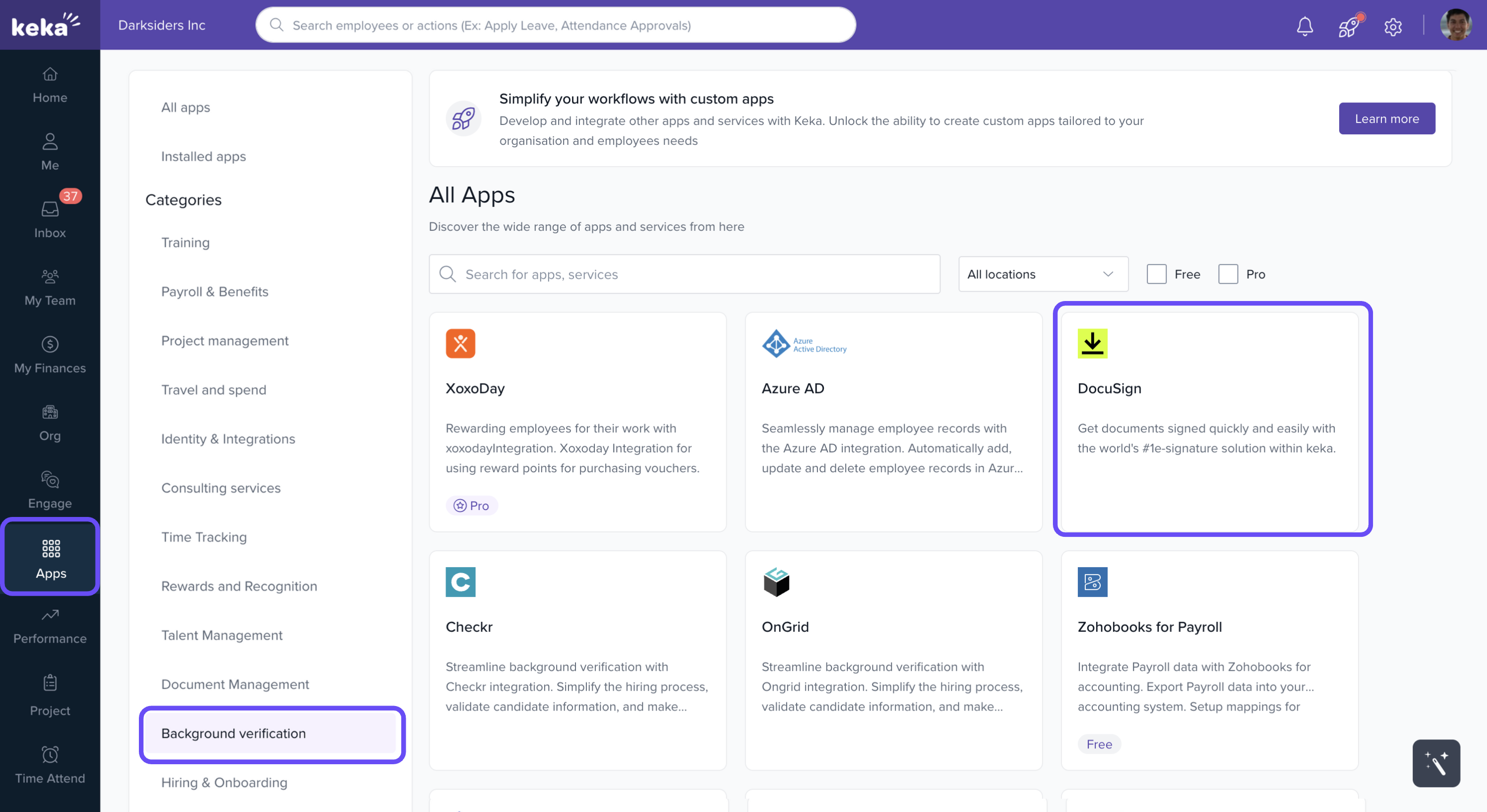
Open the Apps Section
From the left navigation bar in Keka, go to Apps.
In the search bar, type DocuSign.
Connect DocuSign
-
Select the DocuSign app.
-
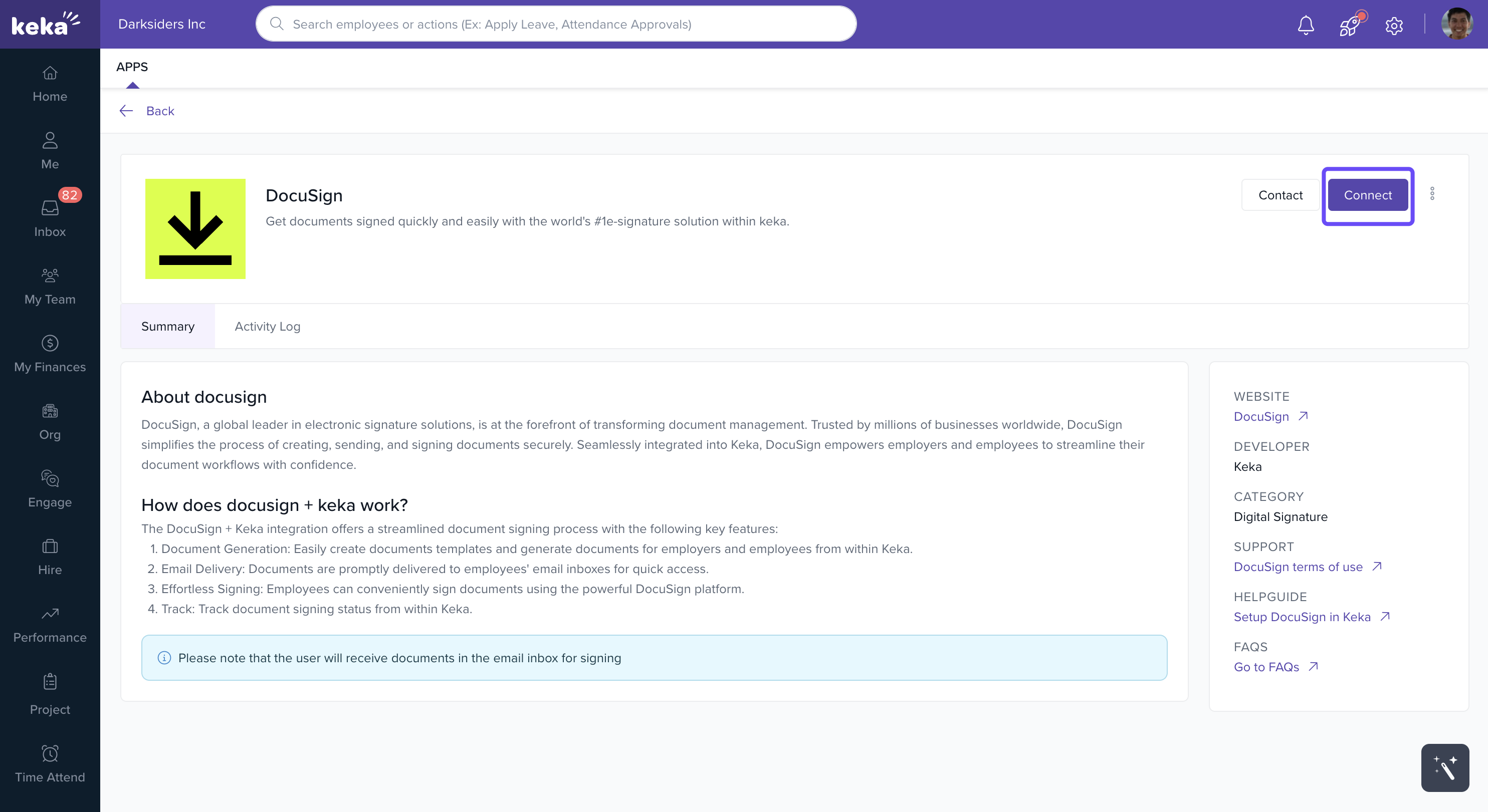
Click the Connect button.
Log in to DocuSign
You’ll be redirected to the DocuSign website.
Log in using your admin credentials.
Authorize Keka
Grant the required permissions to authorize Keka.
Once approved, the integration is complete.
Conclusion
With DocuSign integrated into Keka, HR teams can:
Enable quick and secure digital signing.
Streamline approvals and reduce manual effort.
Ensure compliance with legally binding eSignatures.
This integration sets a new standard for efficient document management within Keka.
For a step-by-step guide on generating and signing documents using DocuSign within Keka, please refer to the related article : How to Generate a Document with DocuSign in Keka.
How It Works
1. Set Up the Signature Workflow
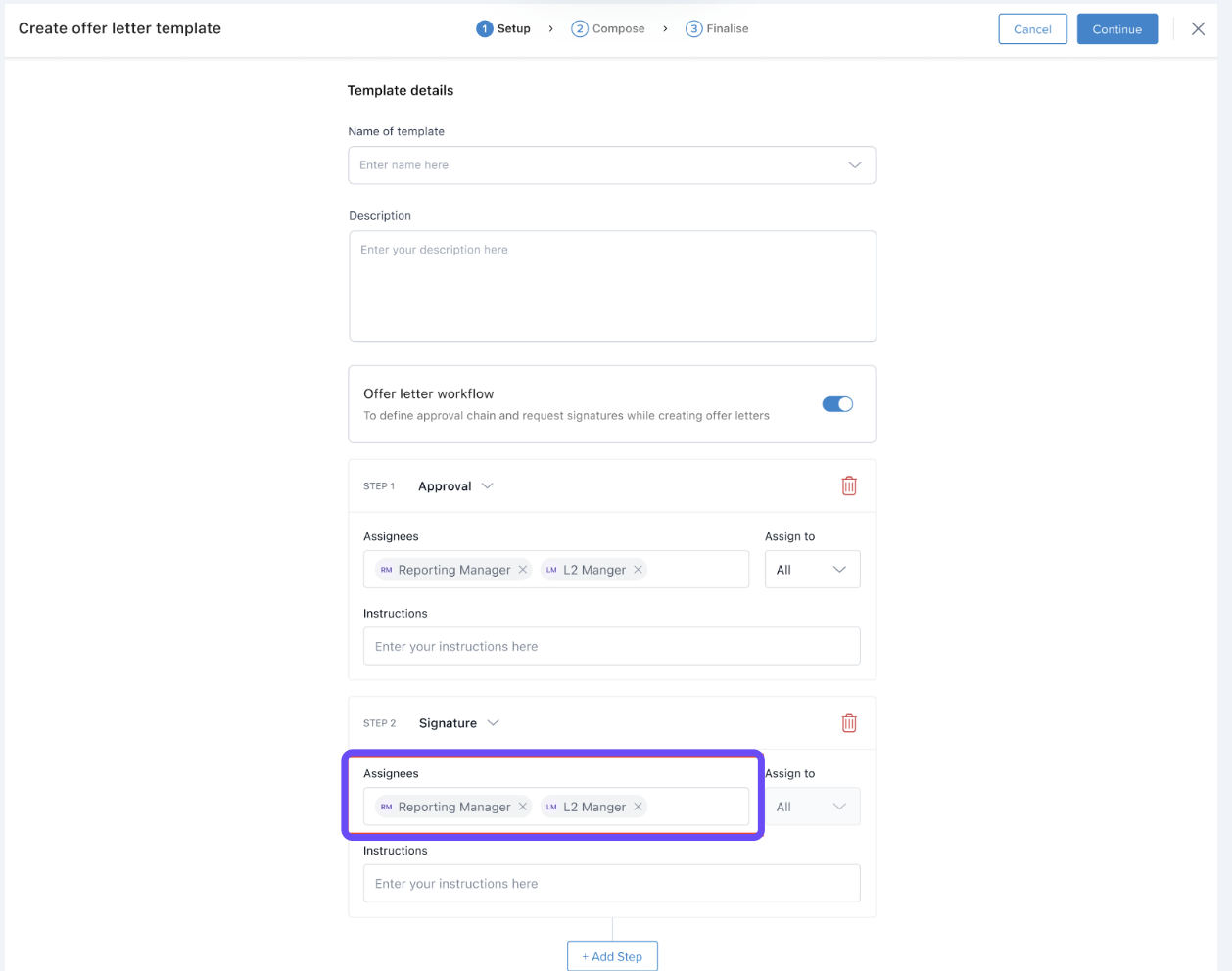
While creating or editing an Offer Letter Template, you can include Signature Steps in the workflow.
Just like with approvals, you can assign specific employees or roles responsible for signing the document.
 2. Choose a Digital Signature Provider
On the right-hand side of the offer letter composition screen, select DocuSign as the digital signature provider.
3. Track Workflow Progress
The Offer Letter Workflow panel allows you to view:
Completed approval steps
Pending or completed signatures
Overall progress of the document
Why Use DocuSign Integration?
Ensures a secure and legally recognized method for signing documents
Eliminates manual steps and follow-ups
Speeds up the offer rollout process
Improves the candidate experience with a seamless, digital journey
Comments
0 comments
Please sign in to leave a comment.