Introduction
Notice period buyouts allow a new employer—or the employee themselves—to pay for the remaining notice period so the employee can join sooner. If your organization wants to support this, you can create and manage buyout policies in Keka.
This guide walks you through setting up, editing, and deleting notice period buyout policies. You’ll define how the buyout amount is calculated based on salary components.
Go to the Buyout Policy Settings
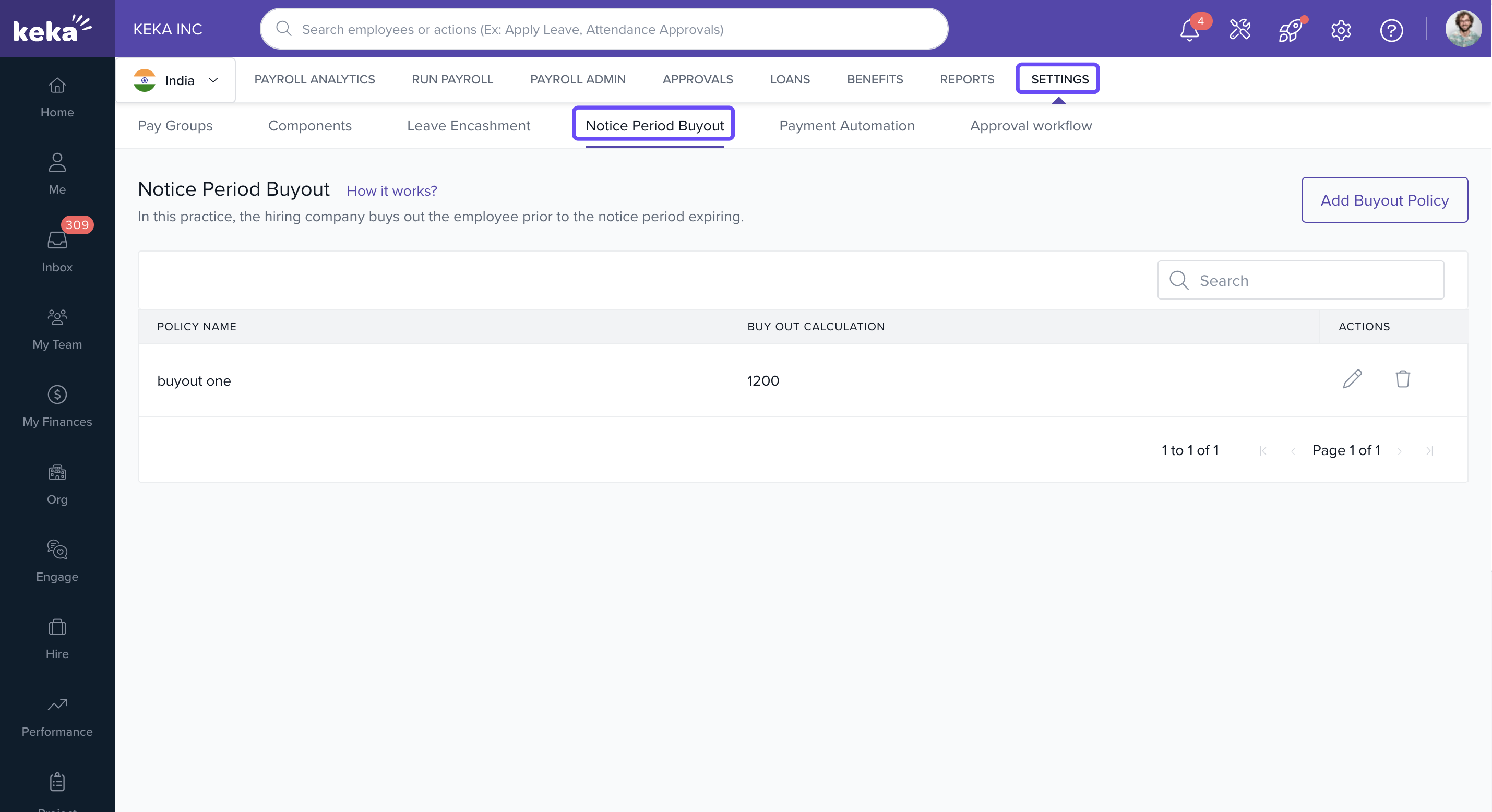
Click Payroll from the main menu.
Select the Settings tab.
Click on the Notice Period Buyout tab.
Add a New Buyout Policy
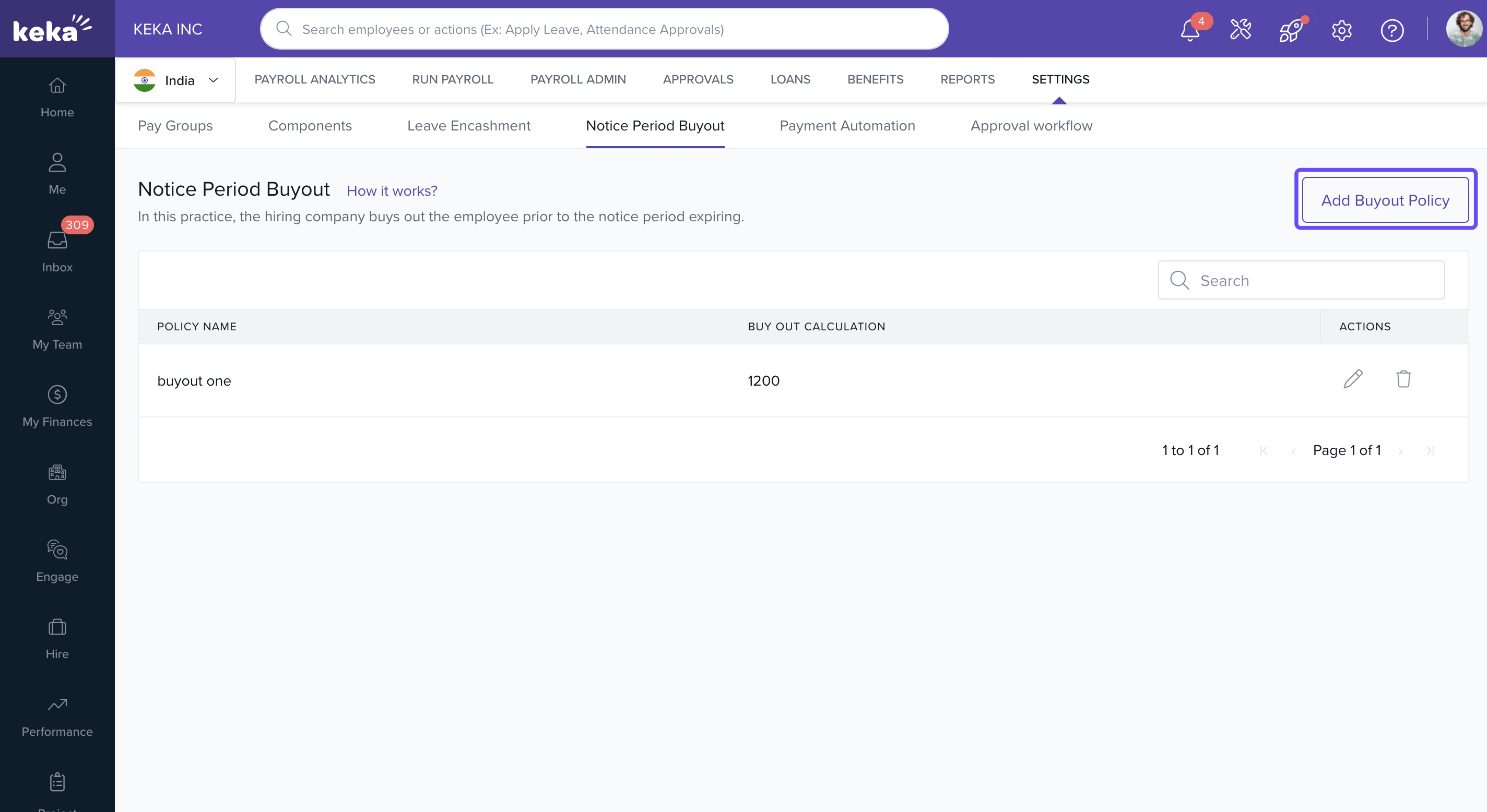
On the Notice Period Buyout page, click Add Buyout Policy.
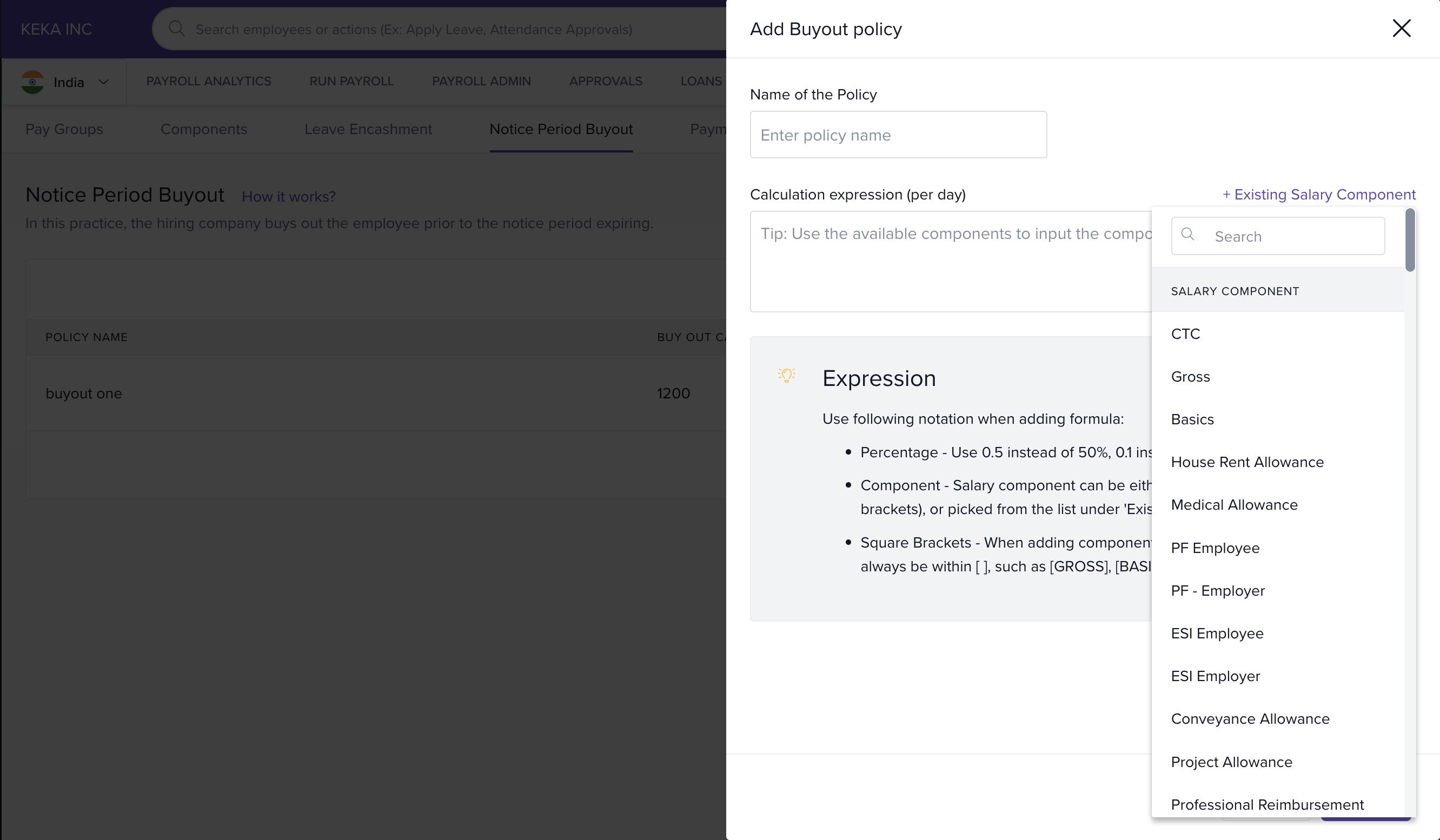
Enter a Policy Name.
Define the Calculation Expression to determine the per-day buyout value.
-
To include salary components in the formula:
Type them manually, or
Click +Existing Salary Component, choose a component, and add it to your formula.
Click Save.
Formula Guidelines
When writing the calculation expression:
-
Use JavaScript notation:
Use
*for multiplication and/for division.
Enclose each salary component in square brackets like
[CTC].Use parentheses only outside square brackets for operations.
-
Follow the BODMAS rule:
Brackets, Orders, Division, Multiplication, Addition, Subtraction.
Managing Existing Policies
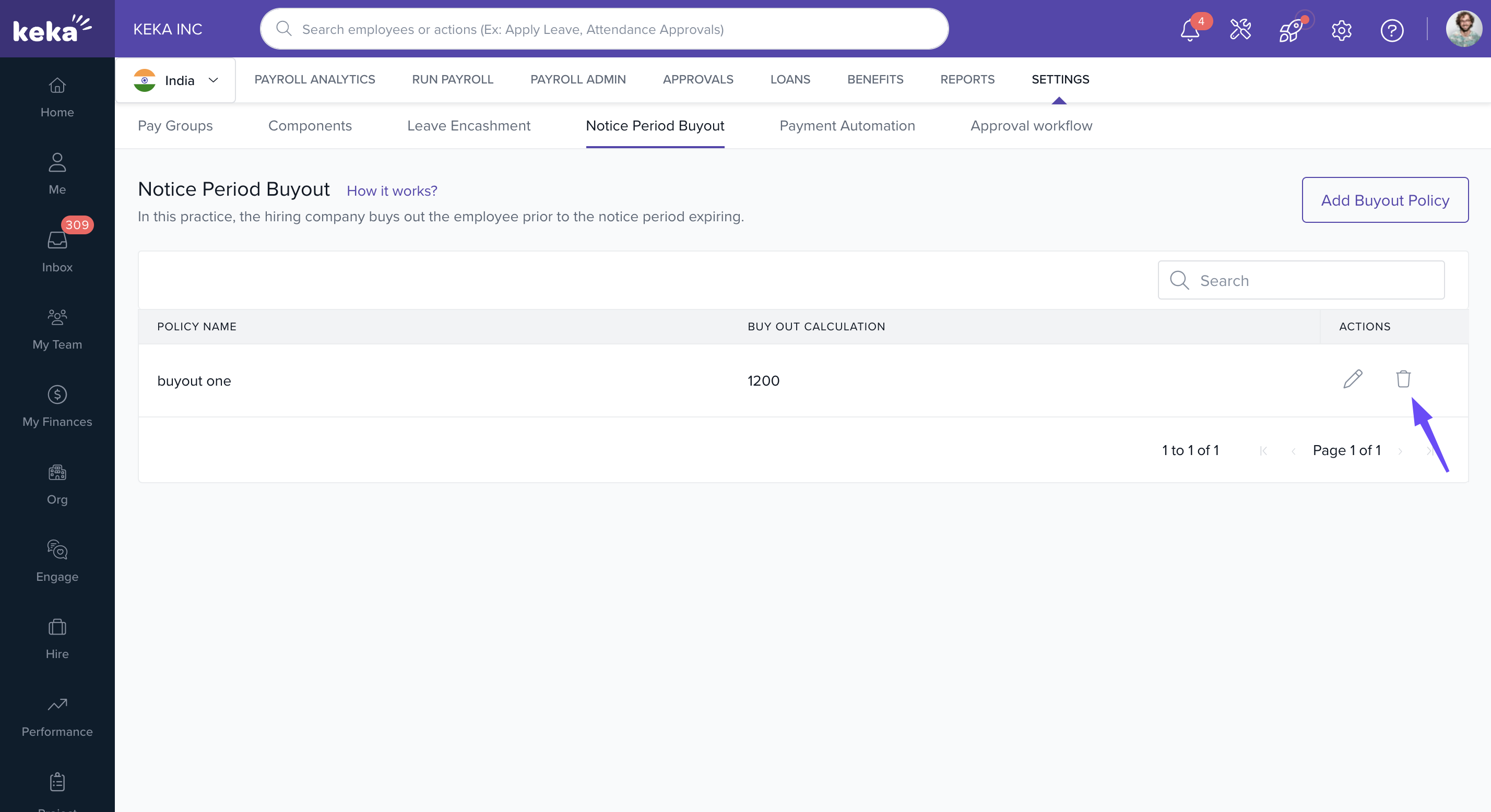
You can see all added policies on the Notice Period Buyout page.
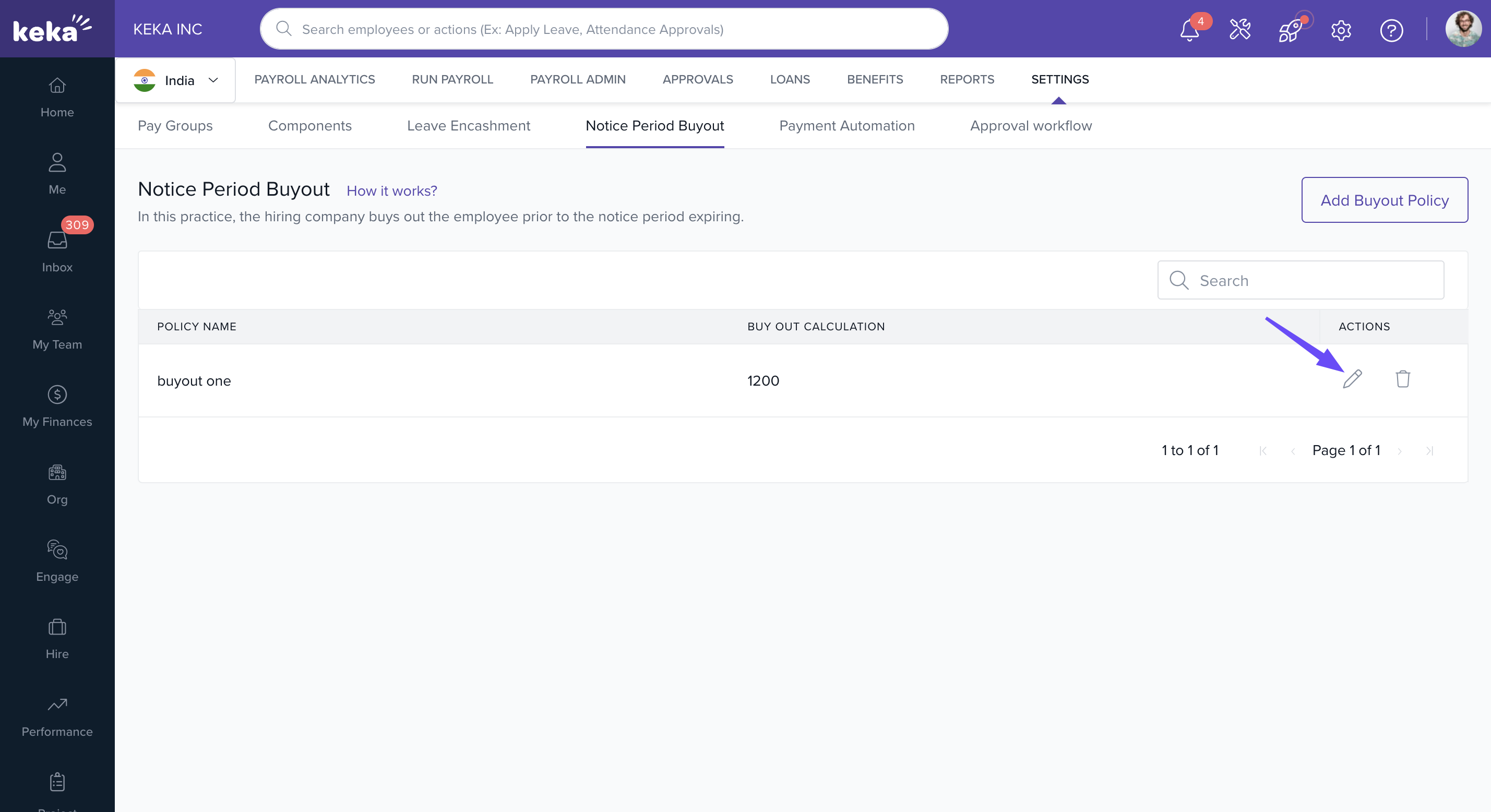
Edit a Policy
Click the Edit icon next to the policy.
Update the Policy Name or Calculation Expression as needed.
Click Save to apply changes.
Delete a Policy
Click the Delete icon next to the policy.
Confirm by clicking Delete on the confirmation screen.
Notes & Tips
Important: When creating formulas, follow JavaScript syntax and wrap each salary component in square brackets—for example, [Basic] + [HRA] * 0.5. Always use correct mathematical order (BODMAS).
Comments
0 comments
Please sign in to leave a comment.