Introduction
Keka Learn brings all your courses and assessments into one space—directly inside your Keka HR portal. With this tool, you can create, assign, and track virtual learning programs across your organization.
Simply upload your course content, invite learners, and monitor their progress. Whether it’s onboarding, compliance training, or skill development, Keka Learn makes it simple.
Let’s explore the key features you’ll use to manage and track learning.
Accessing Keka Learn
From the Keka HR portal, go to the Learn section in the left navigation menu.
You’ll land on the Learn Dashboard, the starting point for managing courses and tracking progress.
-gif.gif)
Dashboard
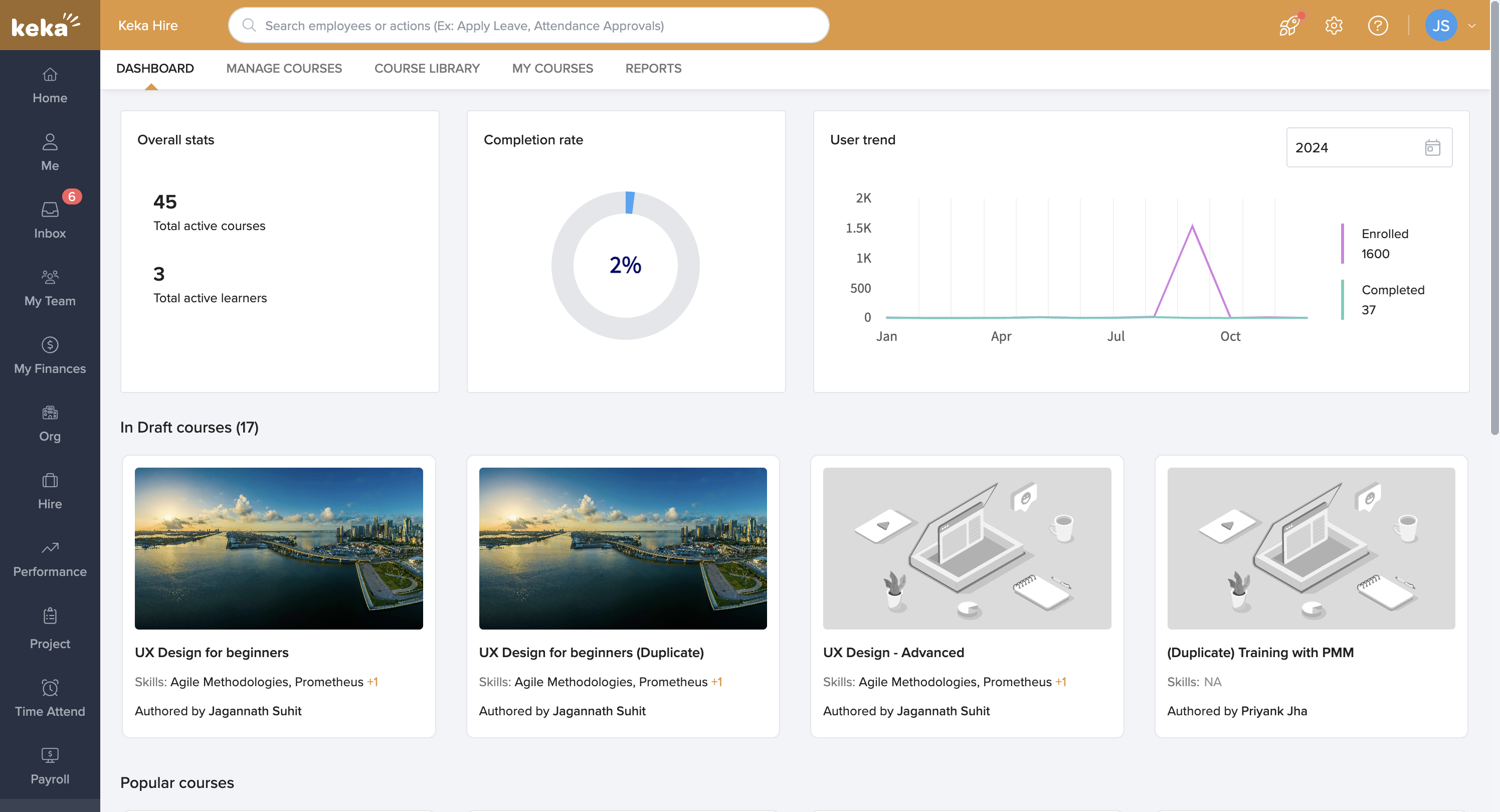
The Dashboard gives you at-a-glance insights into:
Overall learning statistics
Completion rates
Enrollment and completion trends
Course status, including draft courses, popular courses, and newly added content
Learn more in Understanding the Dashboard.
Manage Courses
Easily configure courses and assessments with different content types:
Documents in popular formats
Text pages
Videos
Quizzes for learner evaluation
You can release courses for:
Mandatory training (e.g., compliance or policy updates)
Skill-building (e.g., new software tools or leadership training)
Learn more in Create a Course in Keka Learn.
Course Library
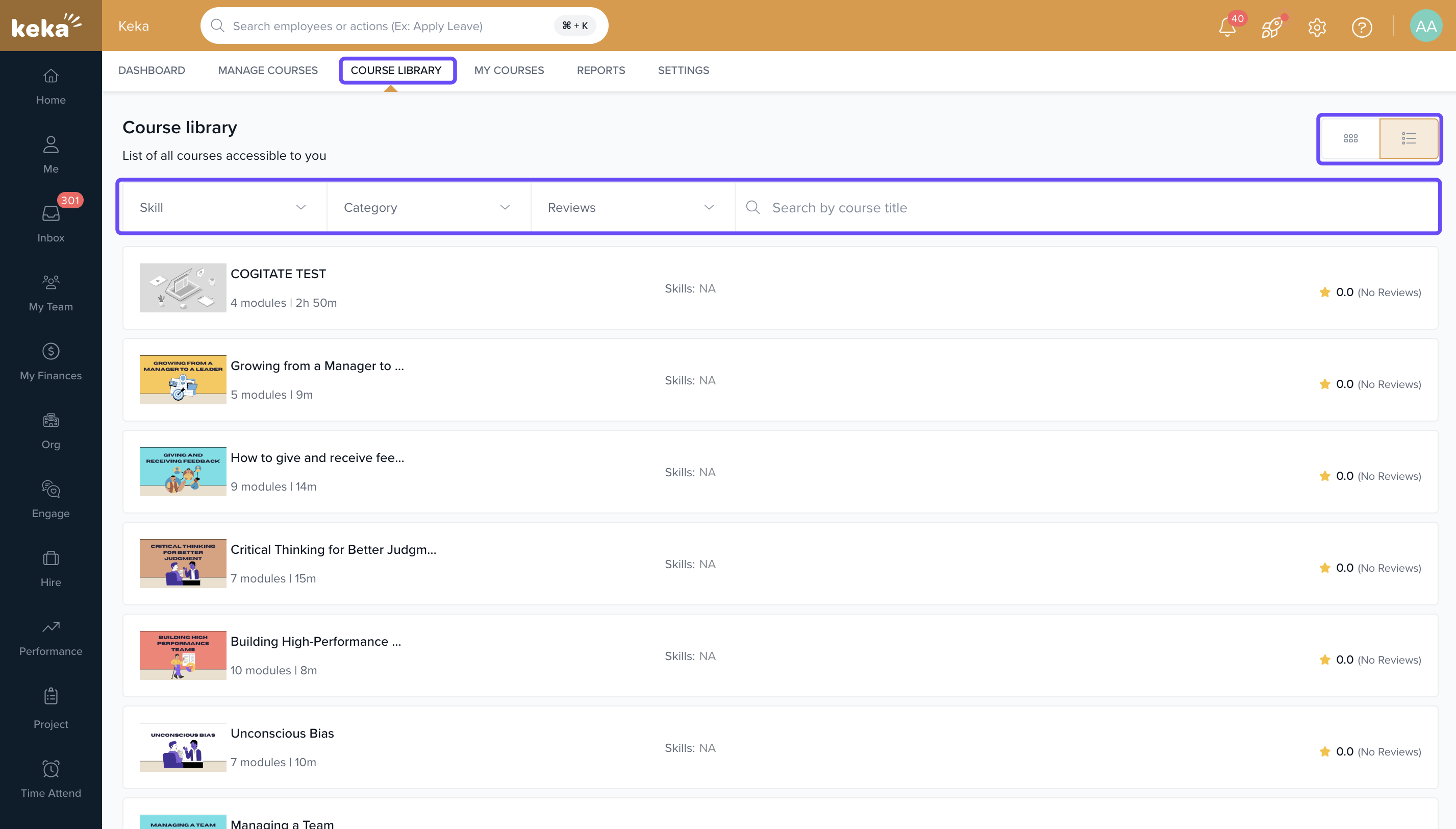
The Course Library holds all available courses.
Switch between Grid view and List view.
Use the Category dropdown filter to quickly find the course you need.
My Courses
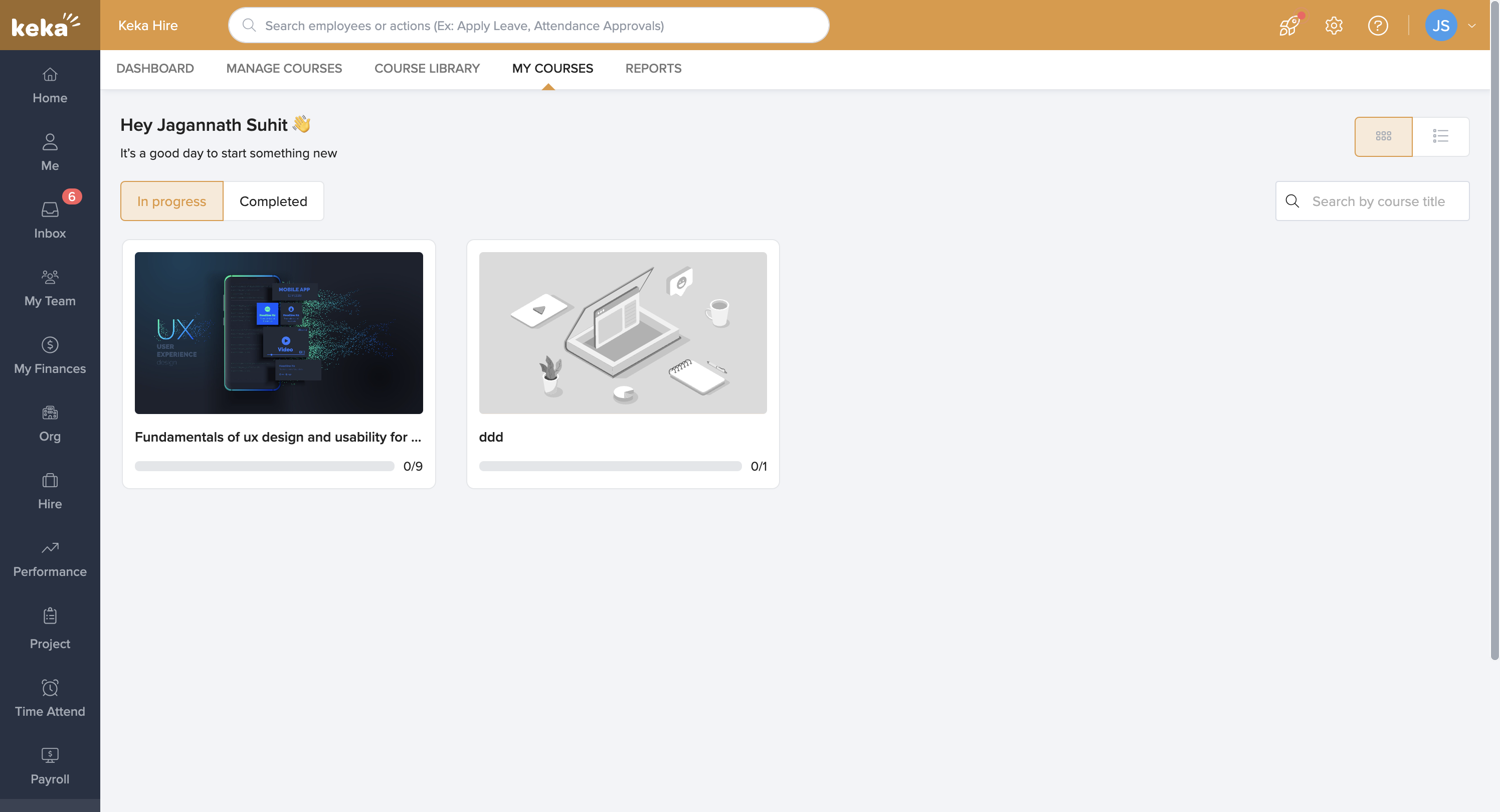
The My Courses tab shows courses assigned to you.
Courses currently in progress
Courses already completed
This gives learners a clear view of their personal progress.
Reports
Use the Reports section to generate detailed insights on:
Learners and their progress
Course status and completion metrics
Learn more in Using Reports in Keka Learn.
Learners
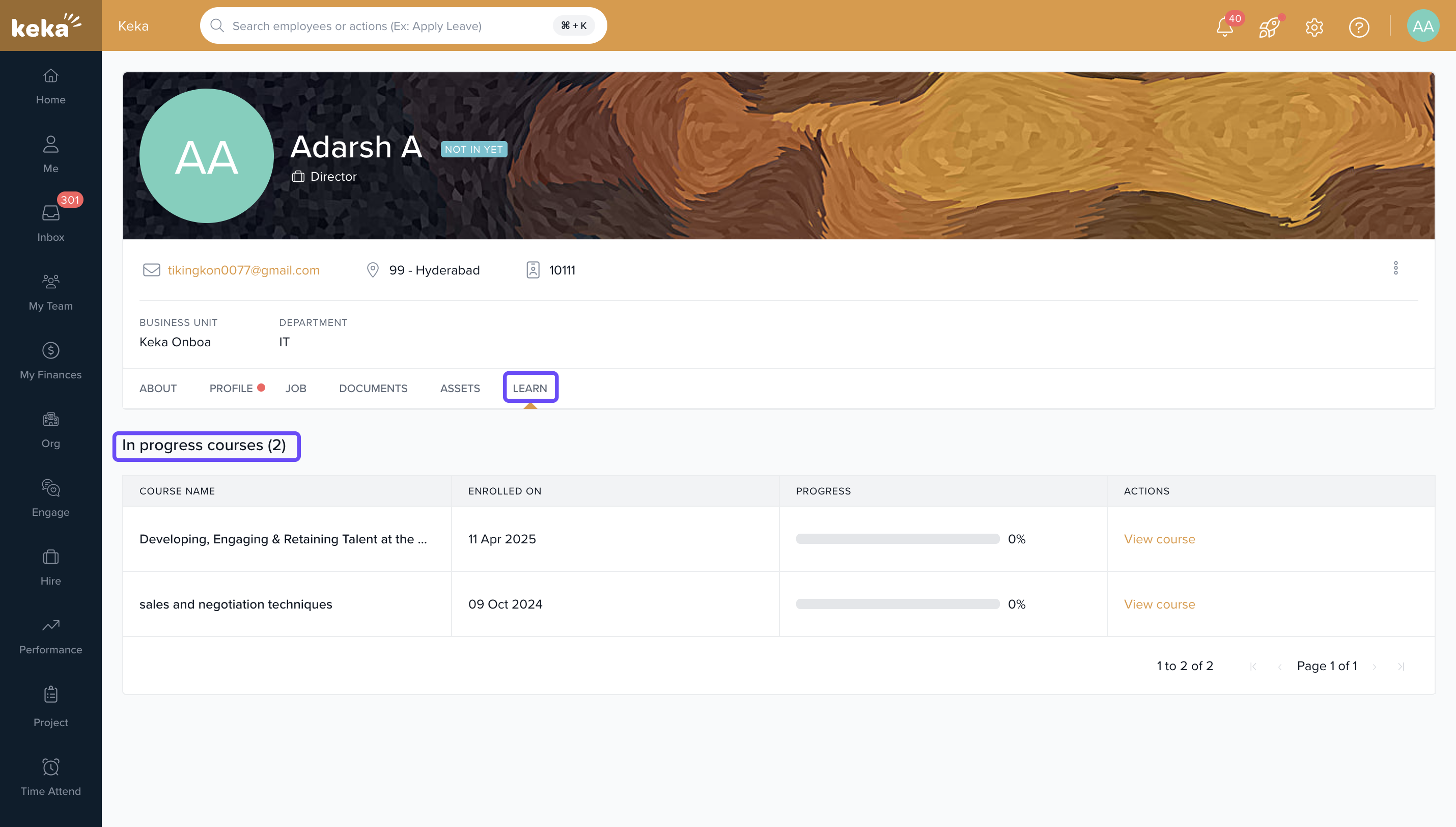
From any employee profile, open the Learn tab to see:
Courses assigned to that learner
Progress and completion status
Manage Learners
Admins and managers can add or invite learners to courses:
Select specific employees
Or assign courses to the entire organization
Learn more in Manage Learners in Keka Learn.
Track Learning Progress
The Dashboard also helps you track how learners are progressing:
Enrollment numbers
Completion rates
Course-level analytics
Learn more in Track Learning Progress.
Comments
0 comments
Please sign in to leave a comment.