Payroll processing is a critical business function that calculates an employee's "net pay" after deducting taxes and other necessary deductions from their gross salary. To ensure smooth payroll management, specific information, and data are necessary for a seamless payroll run and finalization. However, if the employer fails to add essential details such as statutory or bank details for an employee, the system will stop the payroll processing.
This is how it will appear on Keka.
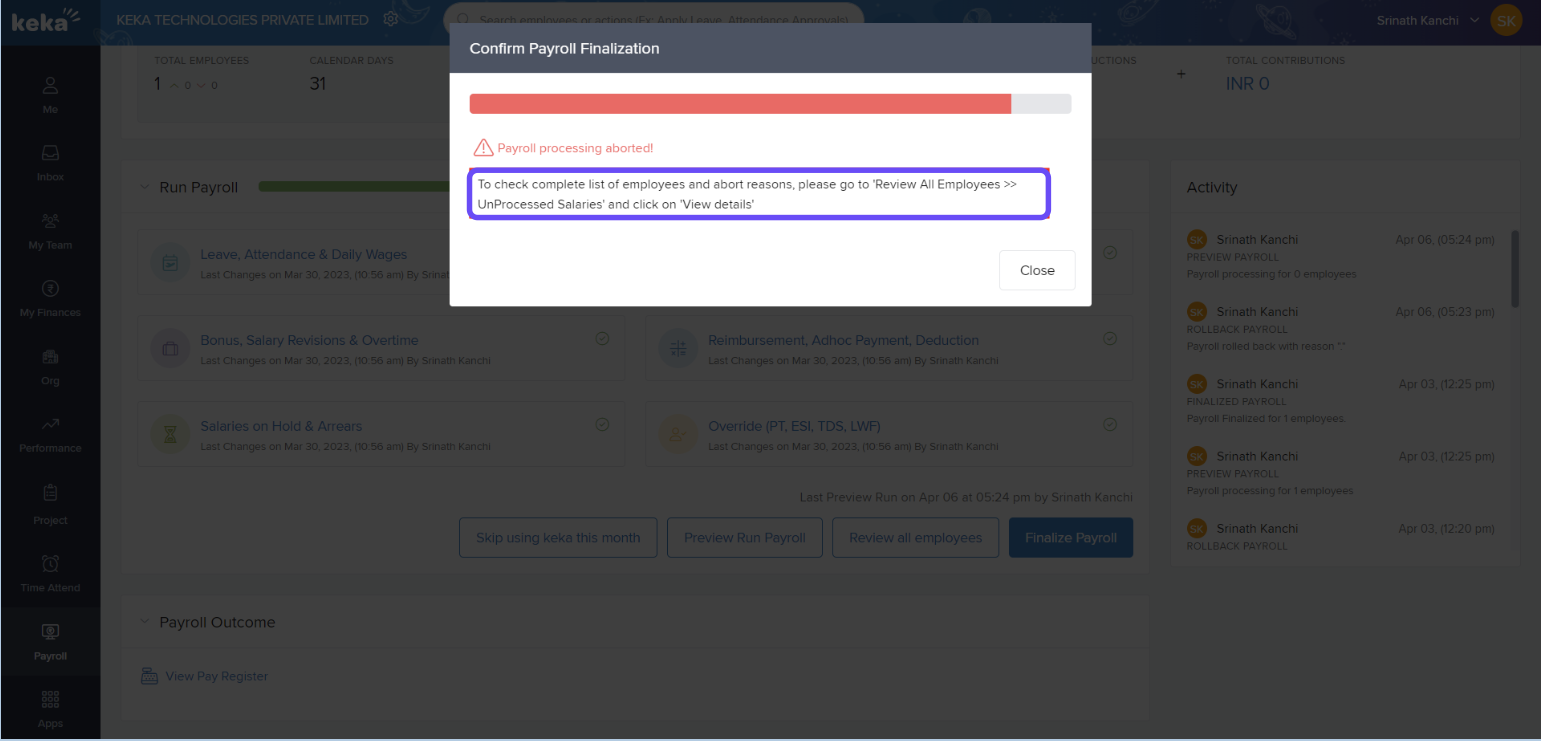
Steps to Check Payroll Errors in Keka
Go to the Payroll menu.
Click on the Run Payroll tab.
Locate the Run Payroll section.
Under Run Payroll, click on Review All Employees.
A new window will open.
After completing Step 1 – Net Salary Review, proceed to Step 2 – Unprocessed Salaries.
Check the Error Message column to view all payroll errors.
Make the necessary corrections based on the error details.
Comments
0 comments
Please sign in to leave a comment.