Introduction
The Benefit Contribution Report gives a detailed view of both employer and employee contributions toward benefit plans. It helps payroll teams review, reconcile, and report contributions for all enrolled employees within a chosen timeframe.
This report is especially helpful for audits, compliance reviews, and internal reconciliations.
Key features of the report
Benefit contribution overview
-
Displays all processed benefit contributions from completed payroll cycles.
-
Shows both employer and employee portions of contributions.
-
Includes only payrolls with pay dates within the selected timeframe.
This ensures payroll teams can reconcile contributions accurately across multiple periods.
Flexible filtering options
You can narrow down the report using the following filters:
-
Legal entity
-
Pay schedule
-
Date range
-
Department
-
Location
How to access the report
To view the Benefit Contribution Report:
-
Go to the Payroll menu.
-
Click on Reports.
-
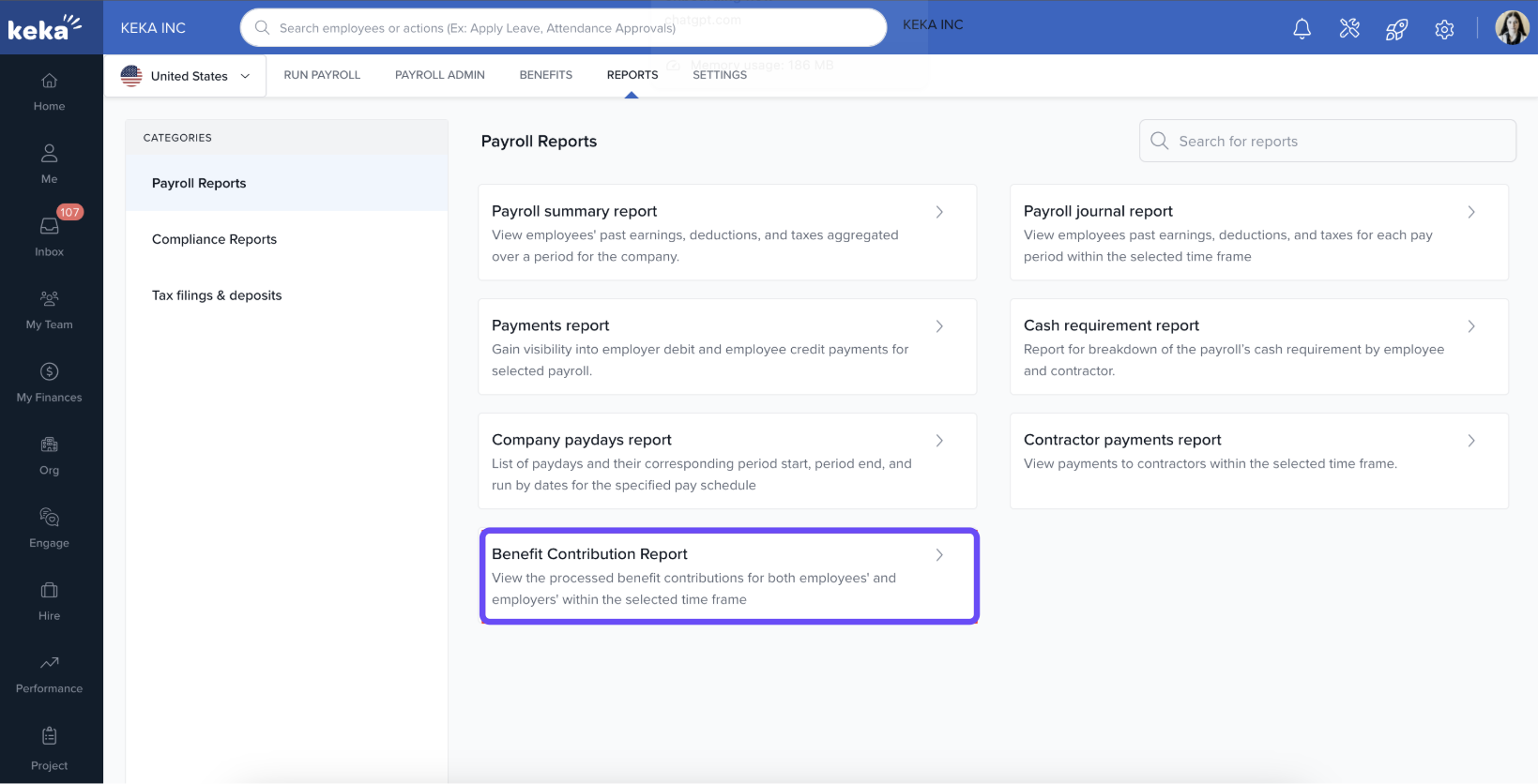
Under Payroll reports, select Benefit Contribution Report.
-
Apply the desired filters and generate the report.
Comments
0 comments
Please sign in to leave a comment.