Introduction
When generating Form 24Q in Keka, errors may occur due to mismatched tax details, incomplete employee data, or payroll component misconfigurations. This guide lists the most common issues and how to resolve them.
PAN Card Error
Issue:
Employee PAN details are invalid or incorrect.
Resolution:
-
Verify PAN details for accuracy.
-
Ensure the PAN is linked with the Income Tax Department.
-
Update the record if required.
See: How to update employee PAN details
Reverted Exits
Issue:
Employees who exited and were later reactivated may cause errors in Form 24Q.
Resolution:
-
Make sure all exits are processed properly.
-
Update tax details for reactivated employees.
Unable to View Error Reasons
Issue:
Some users cannot see the reason for errors while troubleshooting.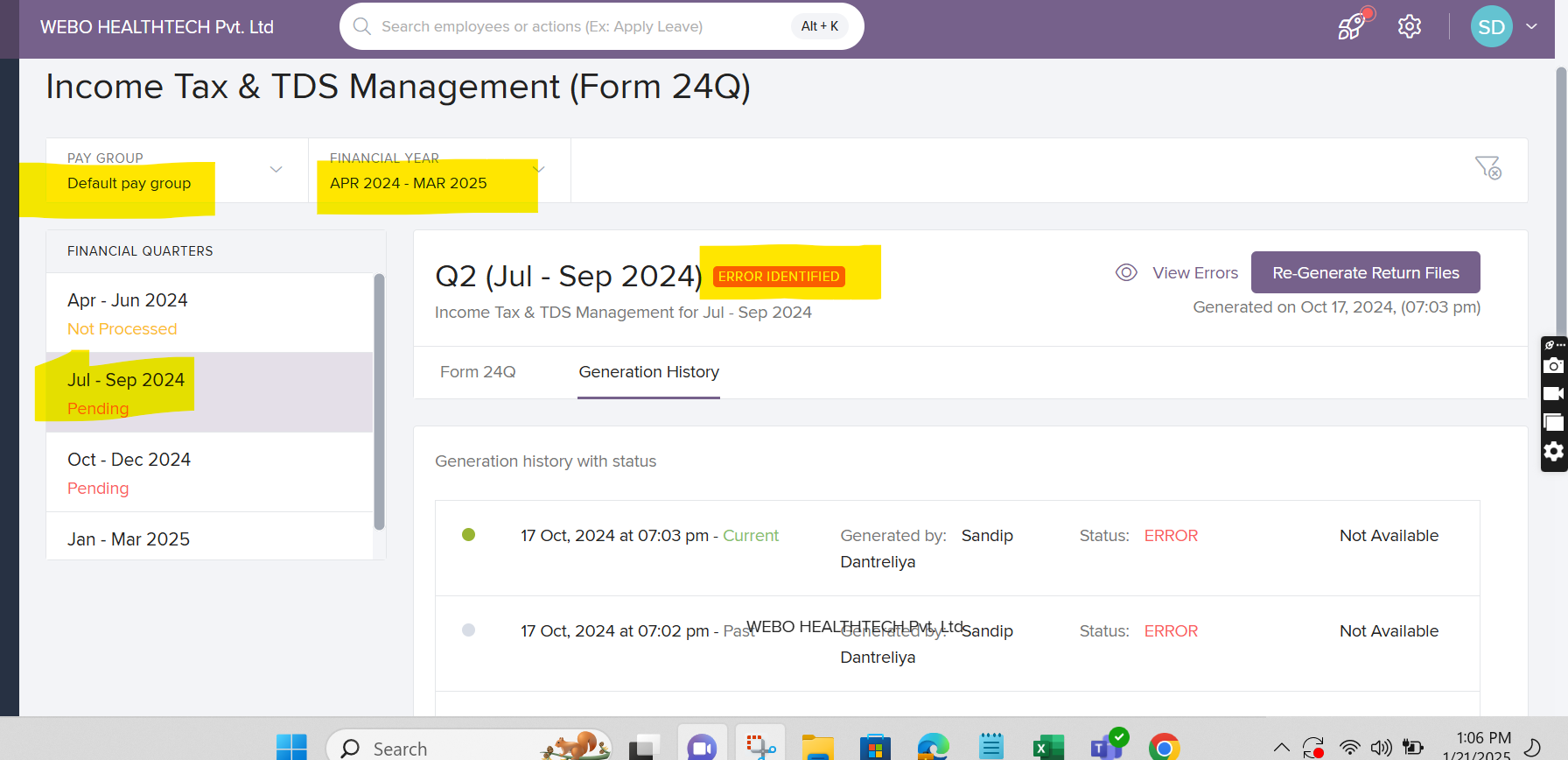
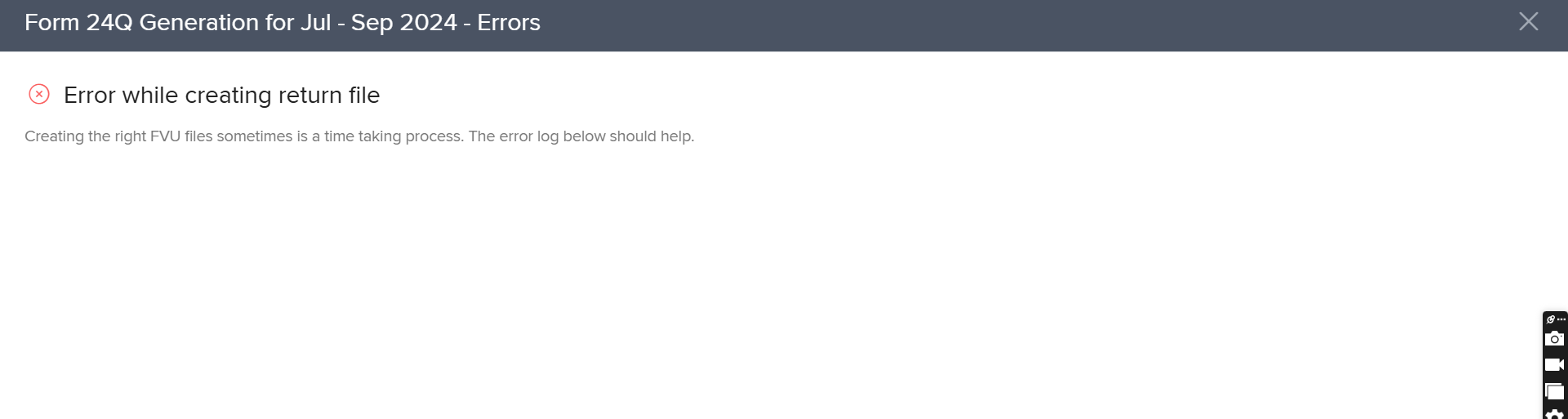
Resolution:
-
Regenerate the form.
-
Verify that TAN and salary component details follow the correct system format.
-
If issues persist, contact Keka Support.
Related: How to check financial details of employees
Generation Error
Issue:
Form 24Q fails to generate due to incomplete or incorrect data.
Resolution:
-
Review employee tax records and payroll settings.
-
Ensure all mandatory fields in tax declarations are filled.
See: Downloading tax declarations
Employee Details Mismatch
Issue:
Mismatch between employee records in payroll and tax details.
Resolution:
-
Verify employee details including Name, PAN, and tax components.
-
Align with payroll records.
See: How to check financial details of employees
Shortfall in TDS
Issue:
TDS computed in Keka is higher than the tax collected by the employer.
This often happens if component settings are changed after payroll is finalized.
Example:
A component marked as exempt until March was changed in April, affecting TDS calculations.
Resolution:
-
Verify salary component taxability.
-
Account for past payroll changes.
-
Recalculate payroll and regenerate Form 24Q.
See: Managing Salary Component
TDS Deduction Exceeding Gross Earnings
Issue:
TDS deduction is greater than the employee’s gross earnings in a payroll month.
Resolution:
-
Verify salary and tax deductions.
-
Adjust TDS in the next payroll cycles to balance.
Warning File Downloaded Along with FUV File
Issue:
No errors show during generation, but a warning file is downloaded with the FUV file.
This happens when:
-
Balance adjustments are made across quarters using the same challan number
-
CSI file uploaded is incomplete (error codes like T-FV-3141)
Resolution:
-
Upload a fresh CSI file.
-
Check if the challan number was used in a prior quarter and adjust if needed.
Employee Unmapping
Issue:
Employees are automatically unmapped even when the Income Tax total matches.
This is often due to missing Cess or Surcharge details.
Example:
If payroll import only had Income Tax, but during filing you added Income Tax + Cess, employees get unmapped.
Resolution:
-
Ensure payroll imports include Income Tax, Cess, and Surcharge.
-
Reimport payroll data if required.
See: Importing previous financial data
Notes & Tips
Tip: Always review payroll settings, employee tax details, and statutory component configurations before generating Form 24Q.
Important: Changes to payroll components after payroll finalization may affect TDS and lead to mismatches.
If errors persist, reach out to Keka Support for detailed troubleshooting.
Comments
0 comments
Please sign in to leave a comment.