Keka Hire introduces its new Chrome extension to simplify and speed up candidate sourcing. With this lightweight tool, recruiters can source profiles directly from LinkedIn, Naukri, or any PDF-exporting platform. Just drag and drop a resume into the extension, assign it to a job or talent pool, and you’re done- all within a few clicks.
The Keka Hire Sourcing Extension is now available on the Google Chrome Web Store!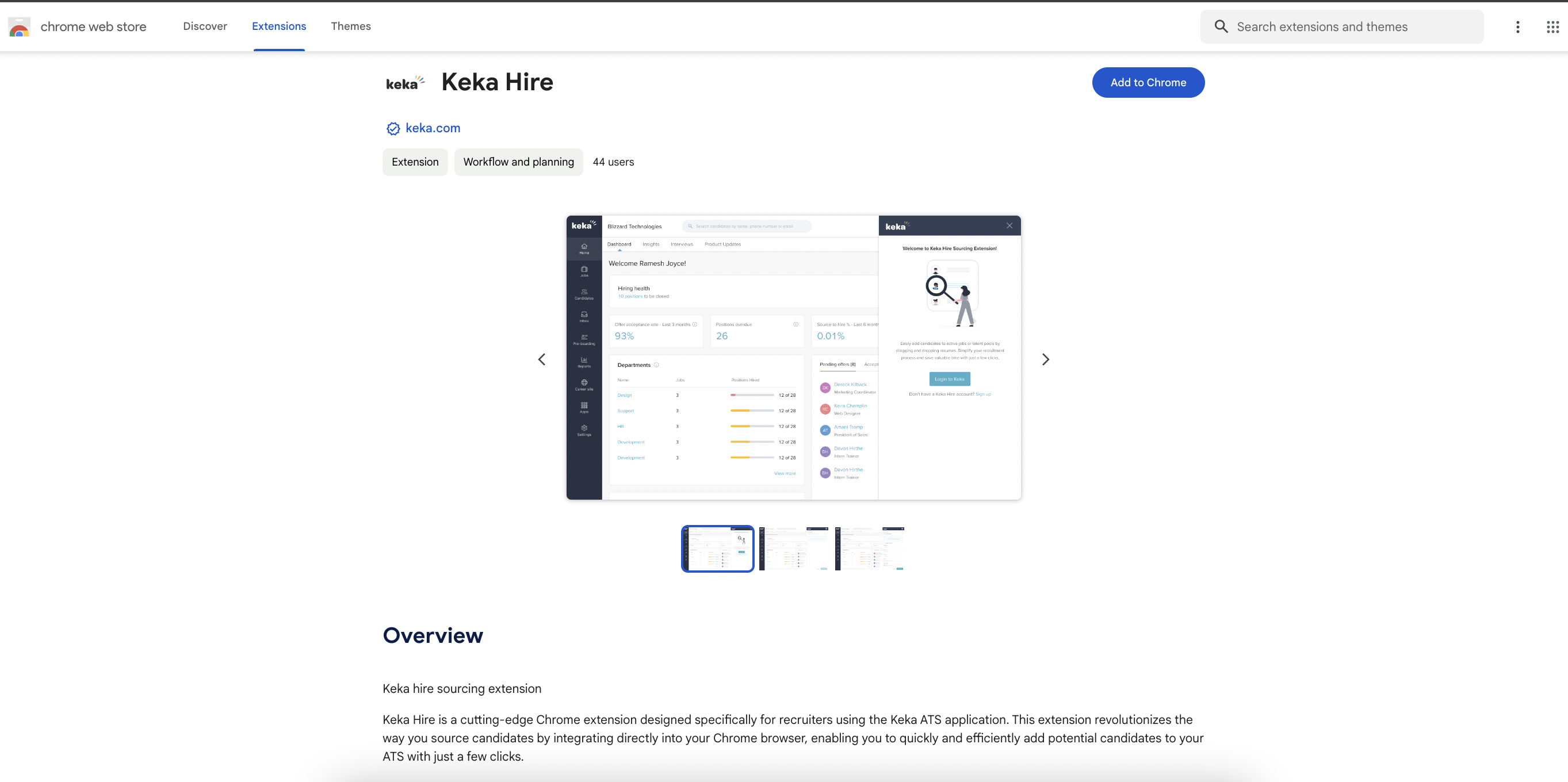
This lightweight extension enables recruiters to source candidates effortlessly using Chrome, Edge, Brave, or any Chromium-based browser. 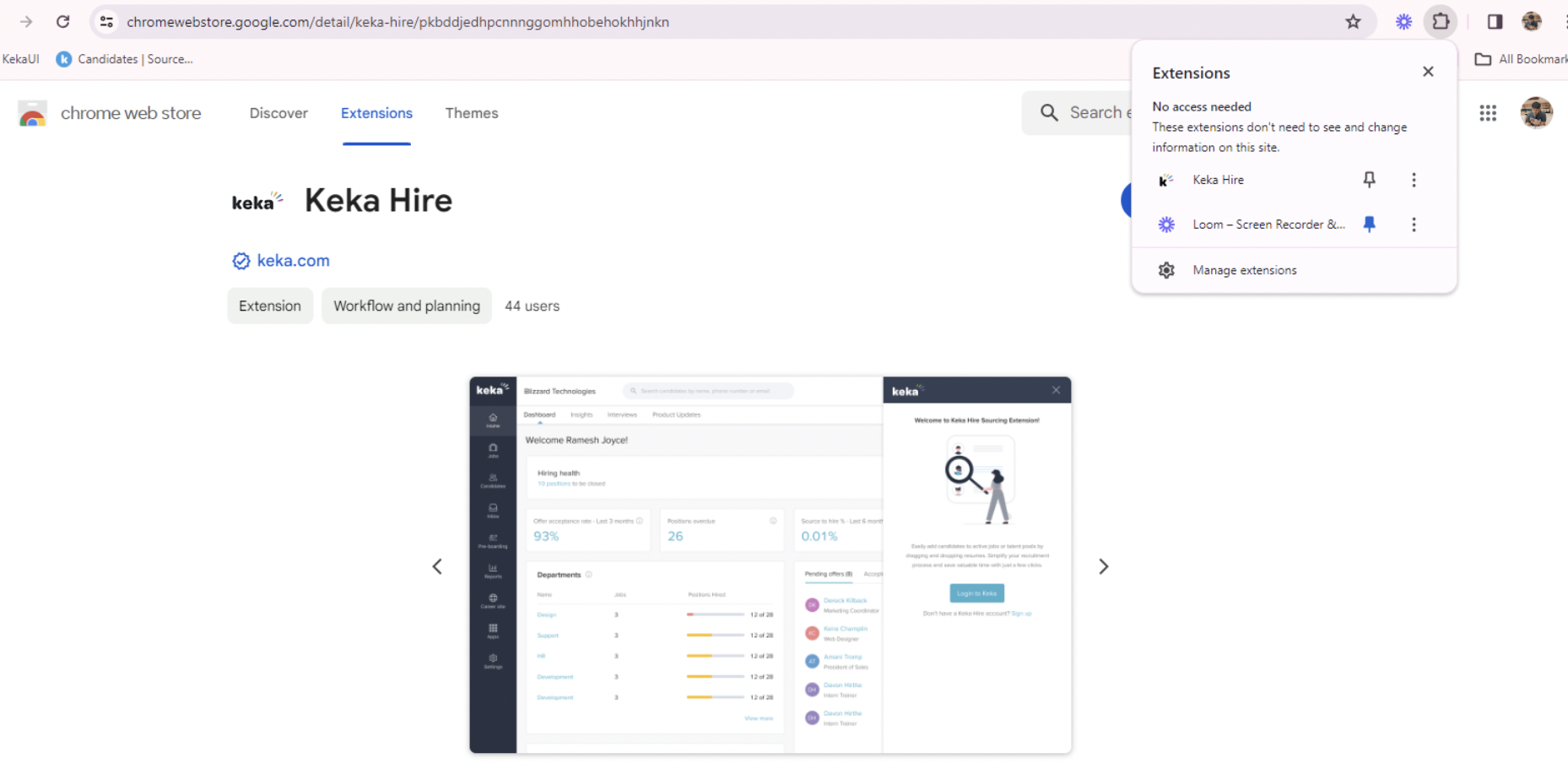
Here's how it works:
-
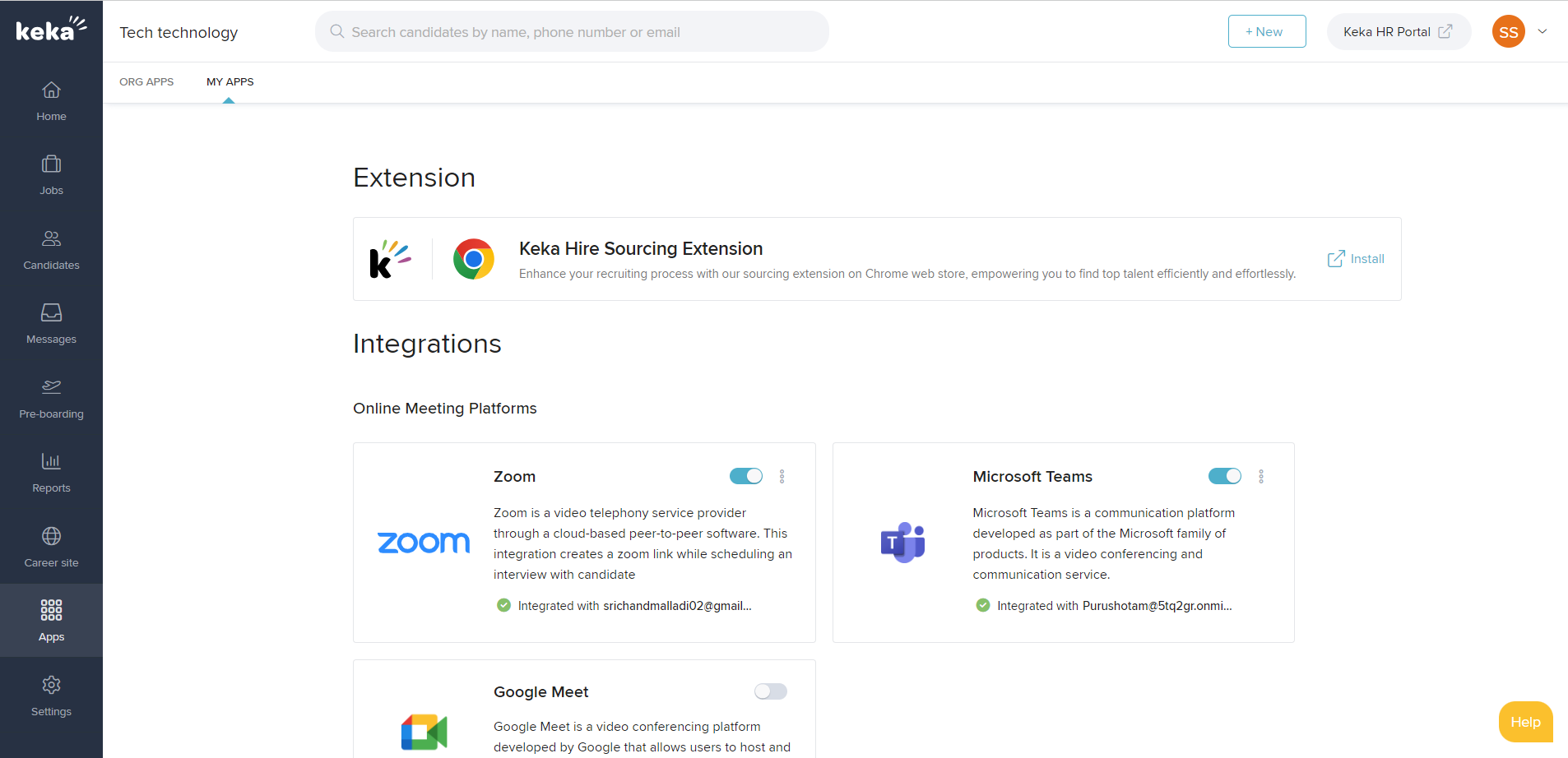
Go to Apps >> My Apps in your Keka Hire dashboard to access the download link.
- Pin the extension to your toolbar for quick access.
- Open any professional platform like LinkedIn or Naukri and log in using your Keka credentials.
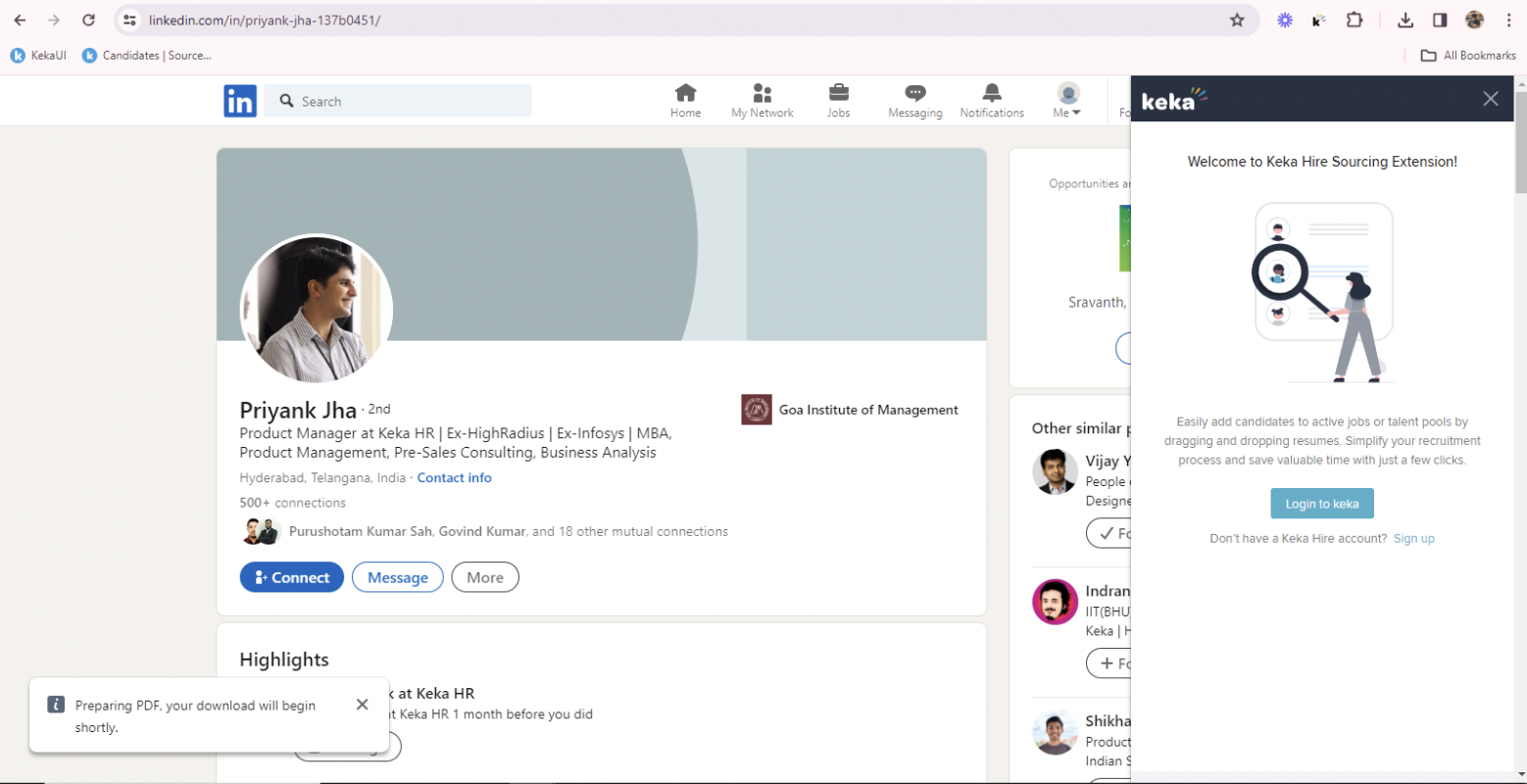
- Choose the relevant job or talent pool.
- Download the candidate's profile as a PDF.
- Drag and drop the file into the extension- Keka will parse the data instantly.
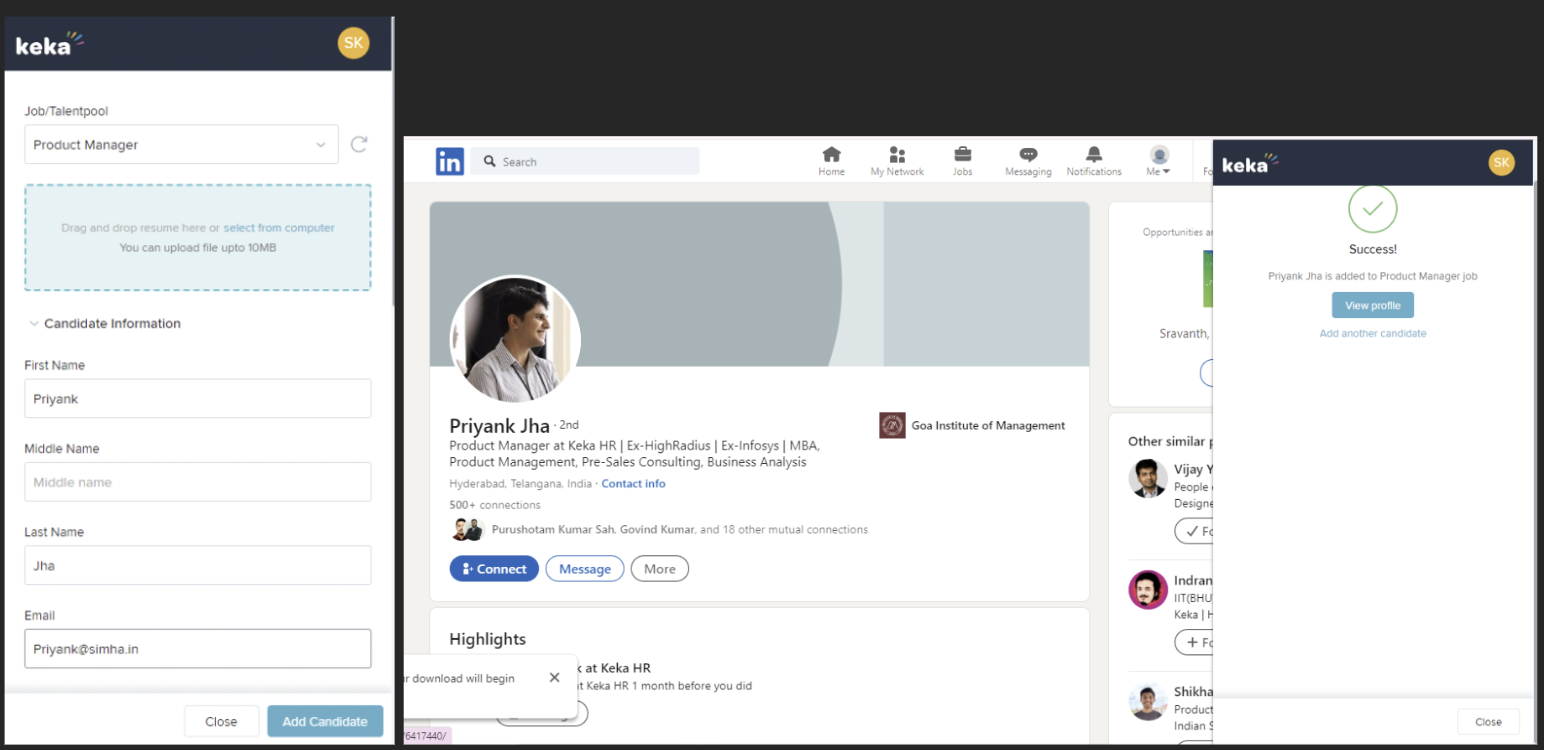
- Add any additional details, and your candidate is ready in the system.
Make sourcing as smooth as a click- start using the Keka Hire extension today.
For more detailed information, please refer to How to Override Visibility Settings While Creating an Announcement in Keka
Please let us know if you find this article helpful.
Comments
0 comments
Please sign in to leave a comment.