Enable JIRA Integration
Only Admins can enable the JIRA integration for your organisation.
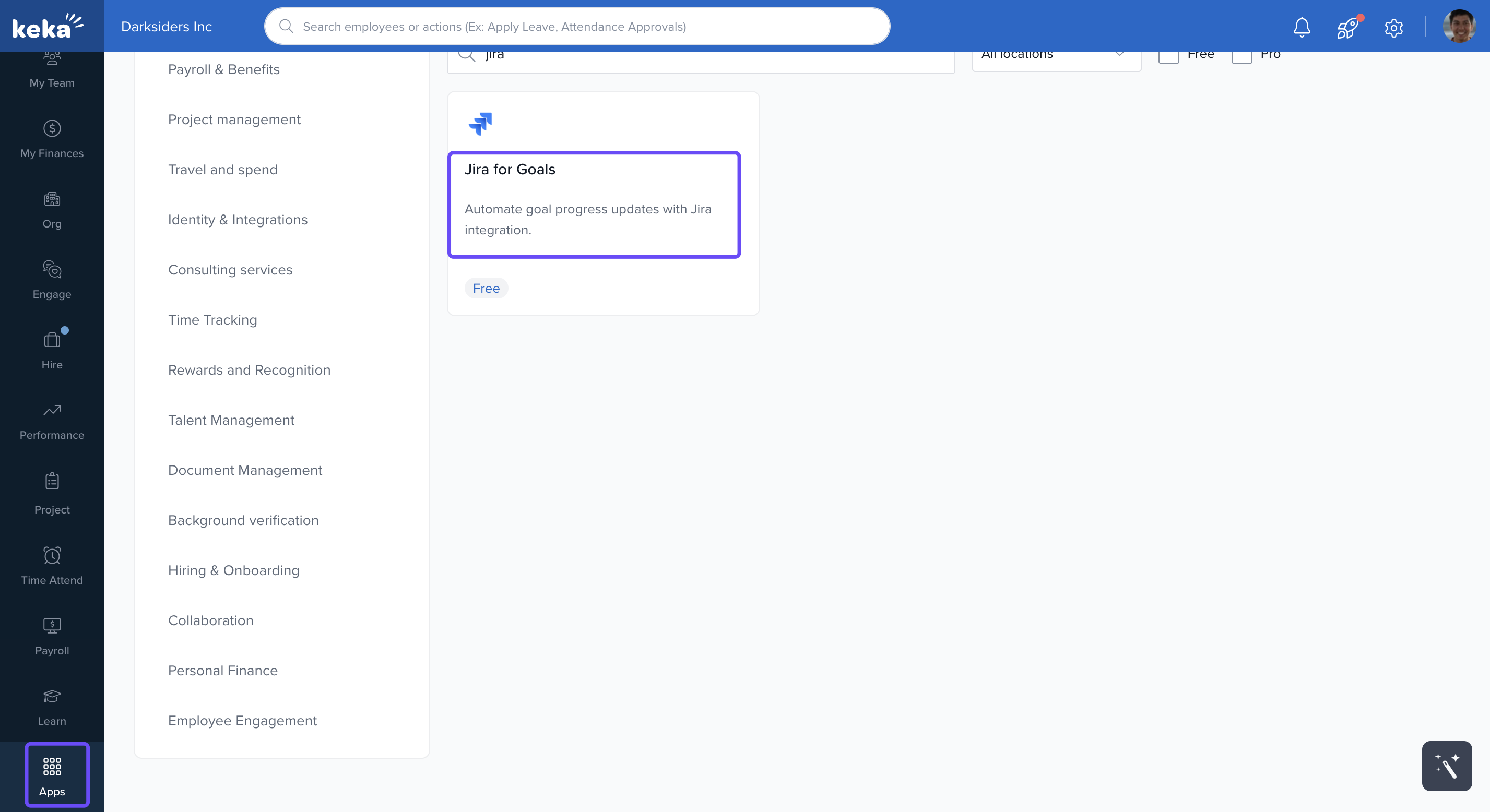
Go to the Apps section in your Keka dashboard.
-
Find JIRA.
-
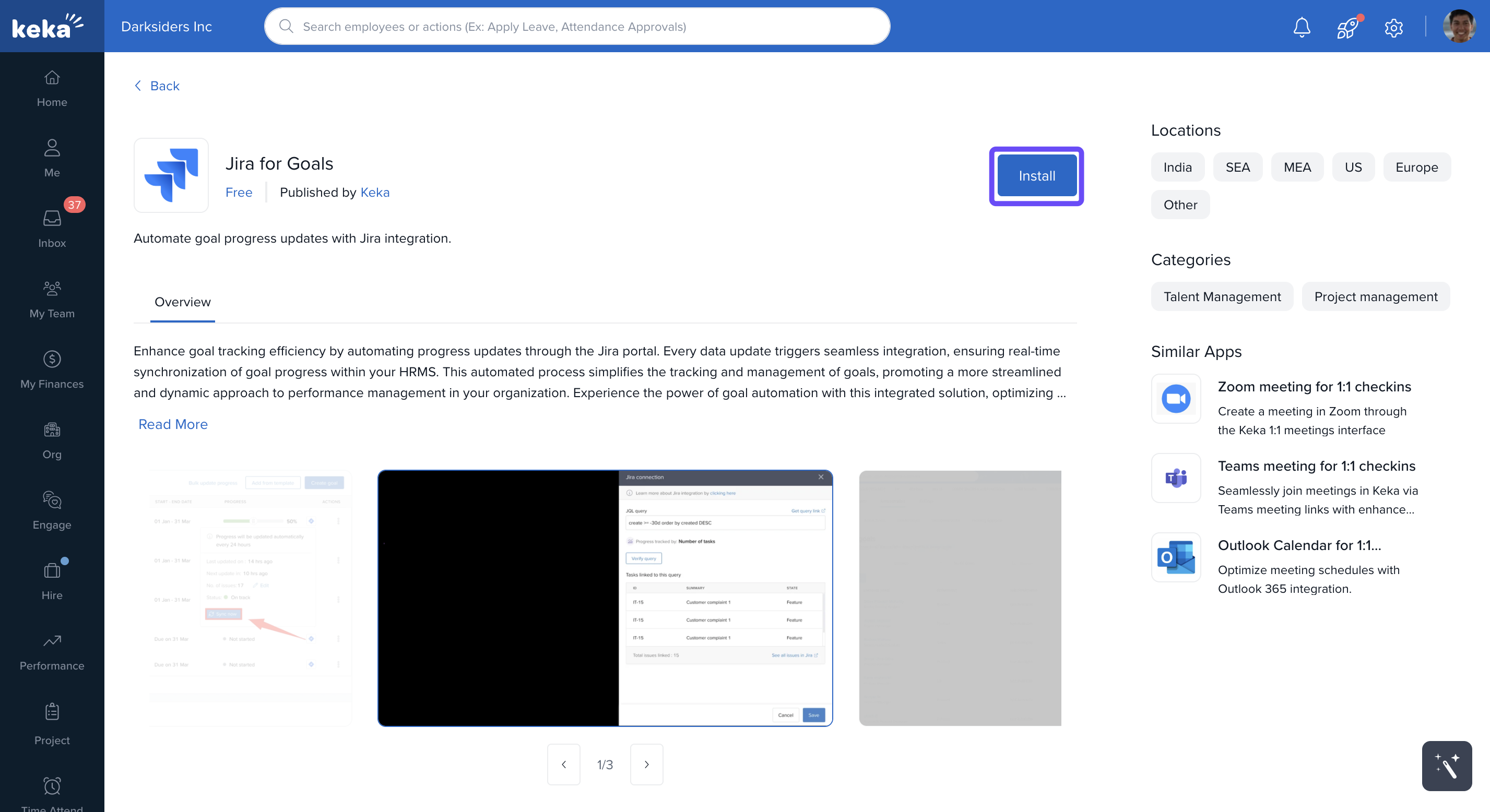
Click Enable to activate the integration.
Set Up Your JIRA Connection
When adding a goal for the first time, you’ll need to enter your JIRA account details:
| Field | Description |
|---|---|
| Connection Name | A name to identify this connection |
| Server | URL of your JIRA server |
| Email address used for the JIRA account | |
| Token | API token generated from your Atlassian account |
2. Once saved, this connection will be available for future goals.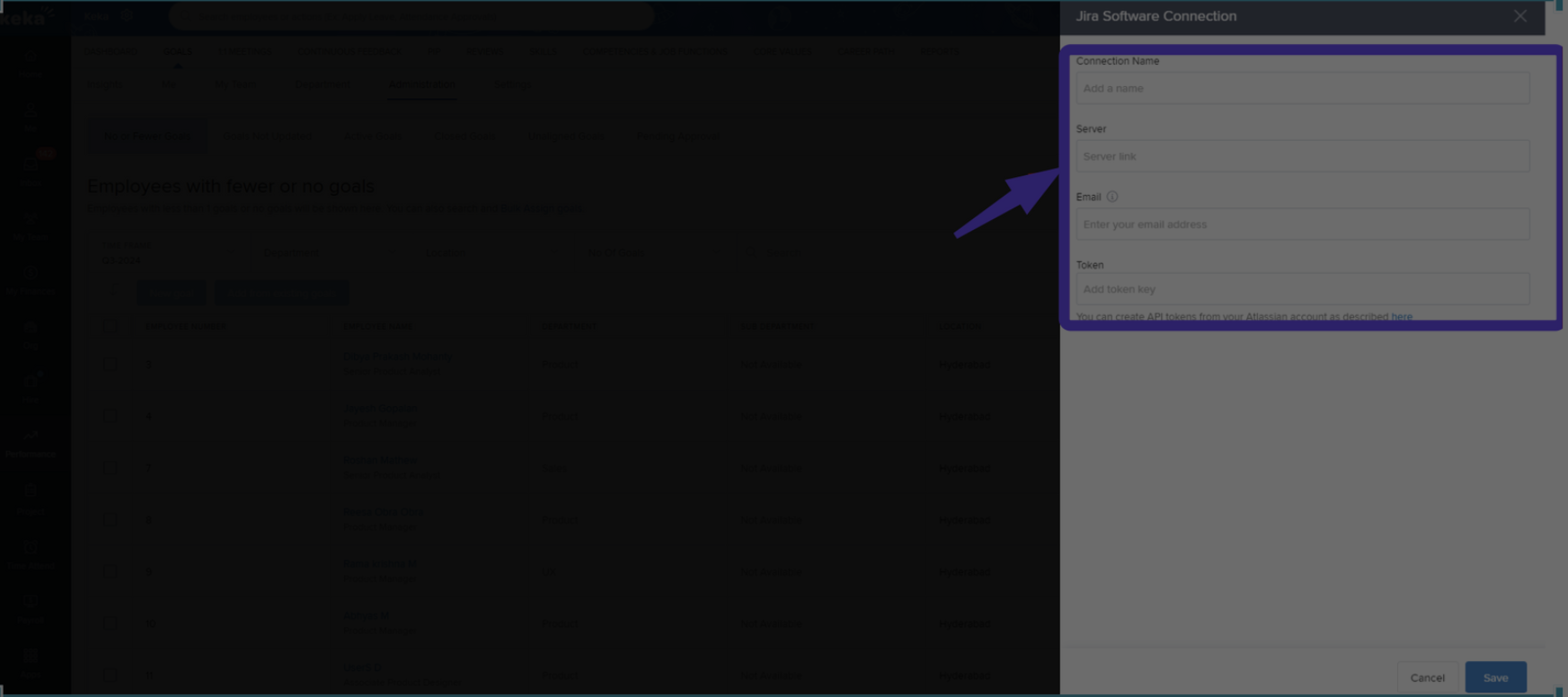
3. You can create API tokens from your Atlassian account as described here.
Link Goals Using a JQL Query
For any goal linked to JIRA:
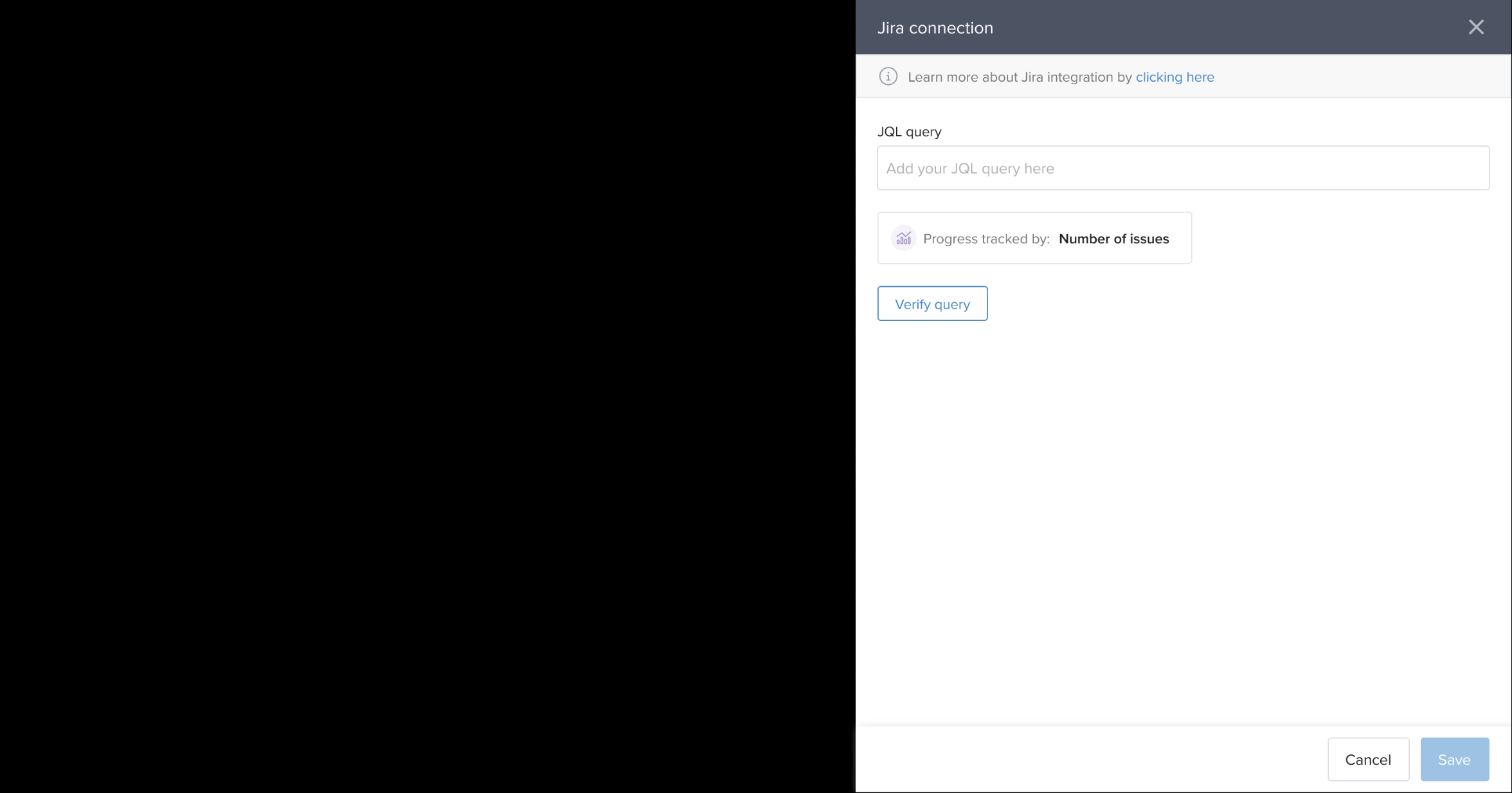
Enter the JQL query that defines the task scope.
-
Click Verify Query to ensure it returns valid data.
-
Click Save to link the goal with the selected JIRA items.
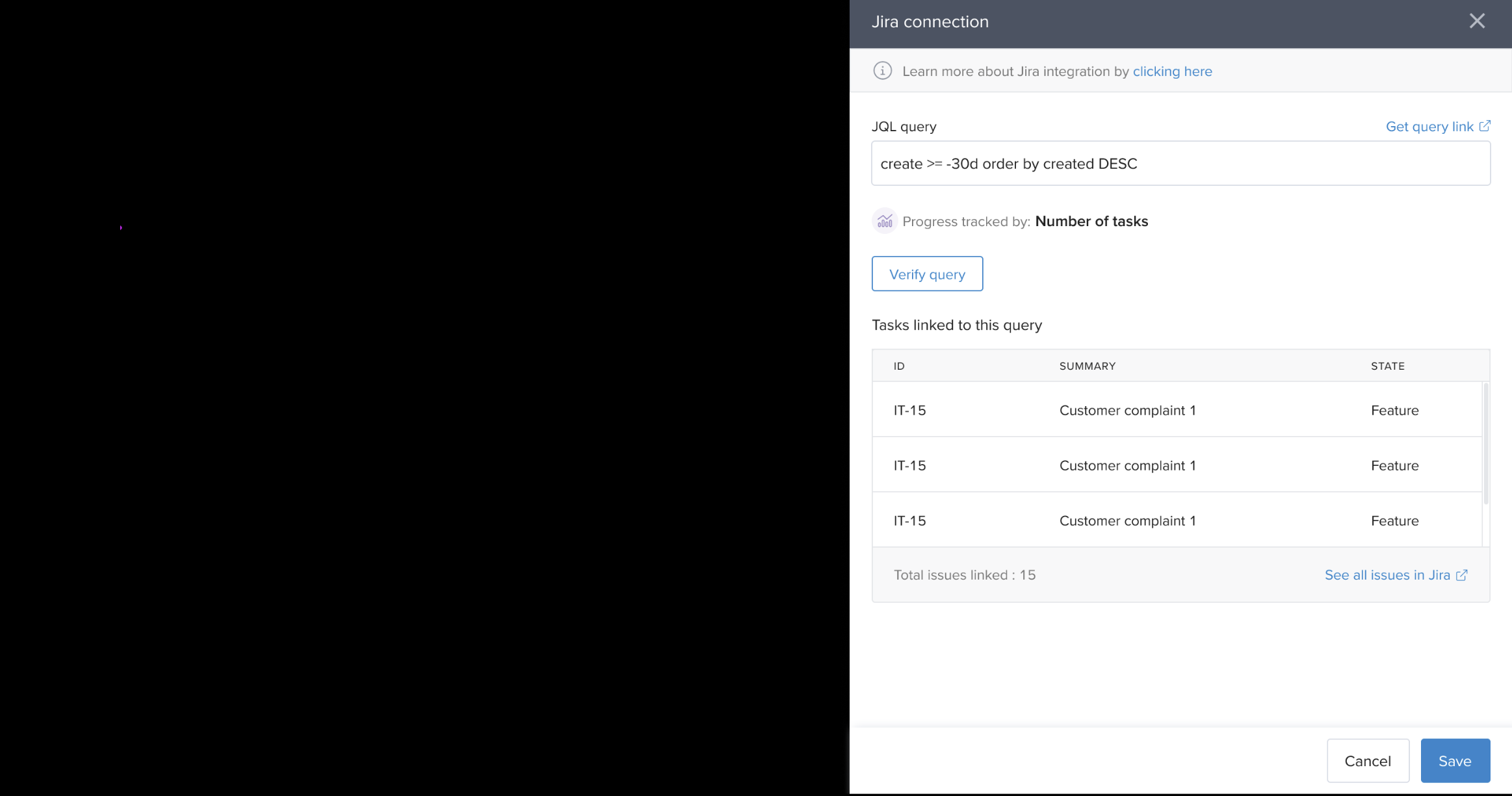
You only need to provide the JQL query for goals after the initial connection setup.
Sync Progress from JIRA
After integration:
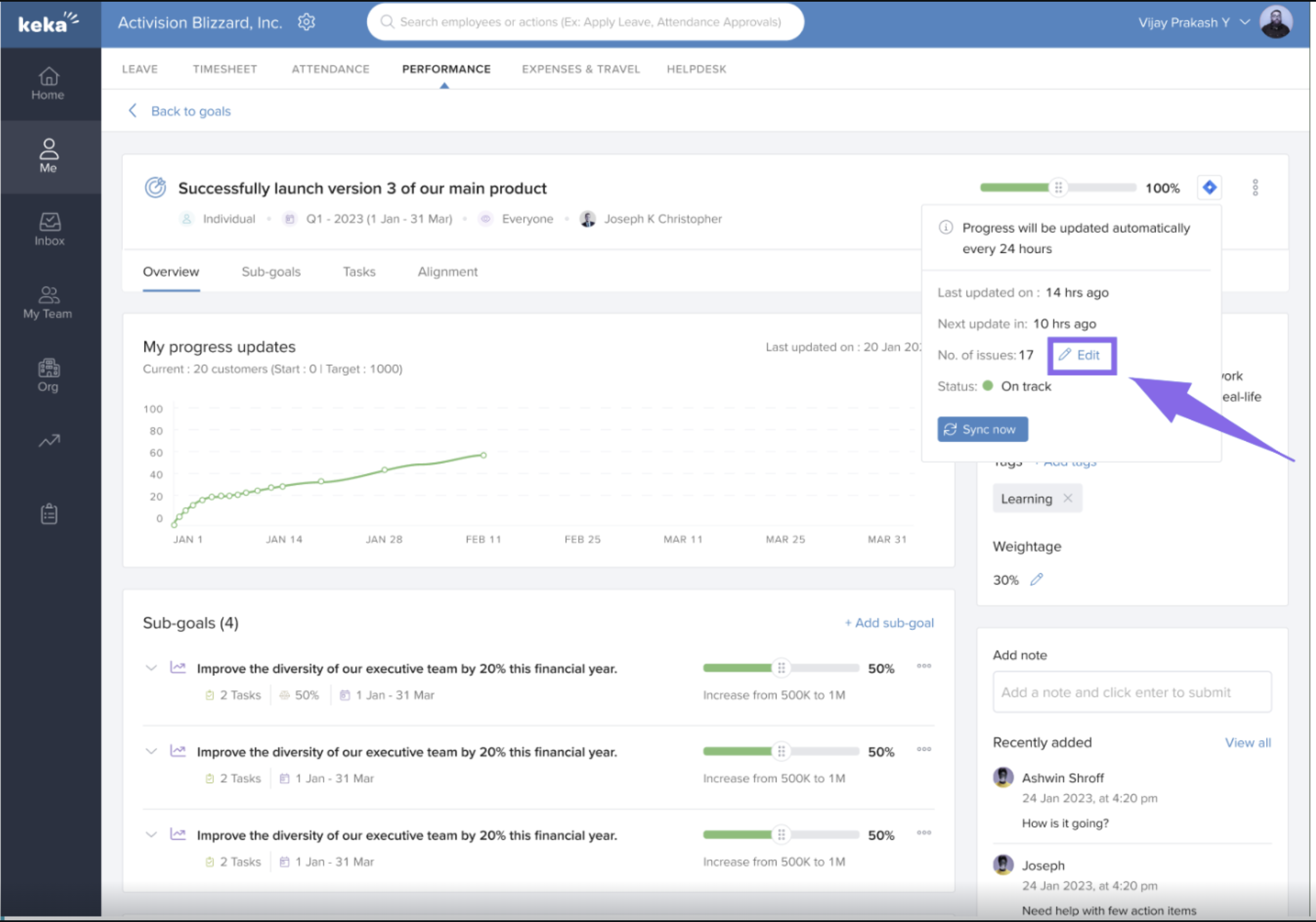
A JIRA icon appears next to each linked goal.
Click the icon to sync progress.
-
Once synced:
The progress bar updates automatically.
A success message confirms the sync.
This ensures goal tracking stays aligned with ongoing JIRA activity.
Manual Progress Updates
If syncing fails or if you prefer to update manually:
Click on the goal.
-
Click the Edit icon.
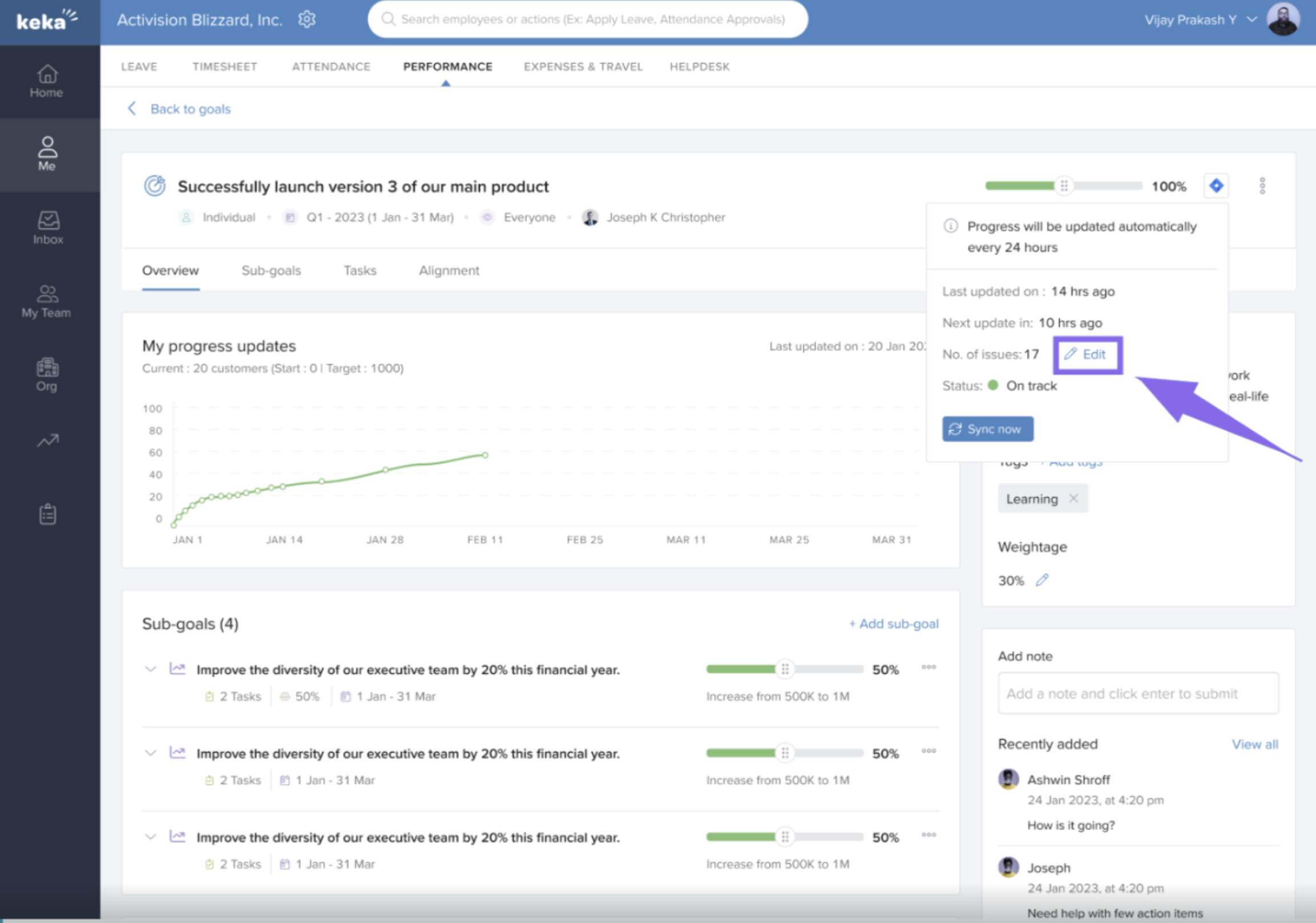
Manually enter the updated progress.
Next Steps
Integrating JIRA with Keka’s Performance Module helps you:
Automatically calculate goal progress.
Align individual goals with project execution.
Eliminate manual tracking errors.
By integrating JIRA, Keka HR facilitates automated and seamless goal tracking, improving efficiency and alignment with project tasks. This integration not only saves time but also enhances the accuracy of performance evaluations.
For more detailed steps and troubleshooting, refer to Keka's help centre for support documentation or fill out this form for further assistance.
Comments
0 comments
Please sign in to leave a comment.