Introduction
The Compliance section in Keka Hire helps ensure your hiring process follows legal requirements and promotes fair, inclusive practices. A key feature here is the Equal Employment Opportunity (EEO) form, which lets you collect demographic data from candidates for diversity tracking and regulatory compliance.
This guide walks you through enabling and managing the compliance settings and viewing related reports.
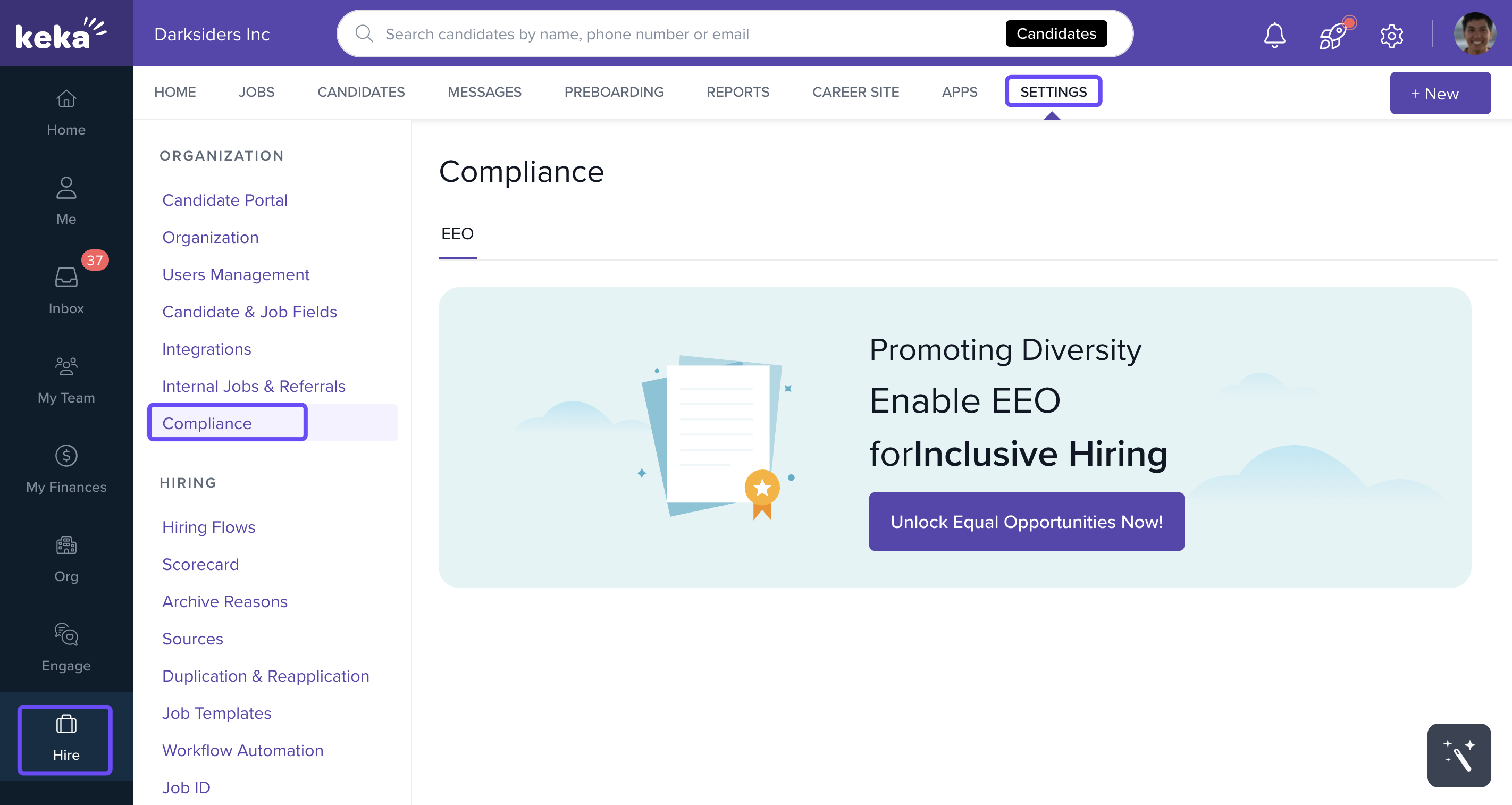
Access the Compliance Settings
Go to the Hire module from the left navigation menu.
Click Settings.
Under the Organisation section, select Compliance.
Enable and Configure the EEO Form
- You can toggle the EEO form on or off depending on your organization's needs.
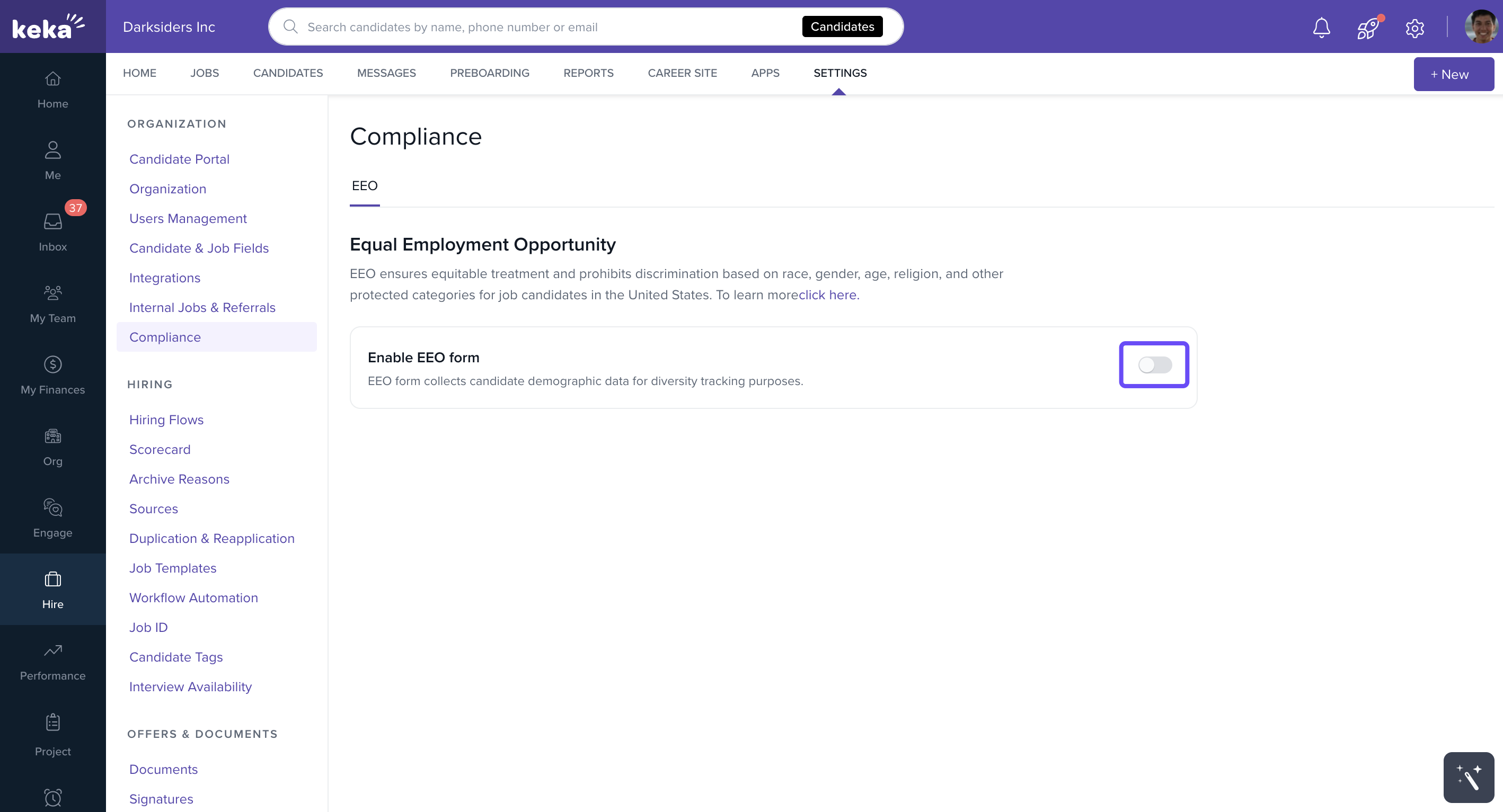
If enabled:
-
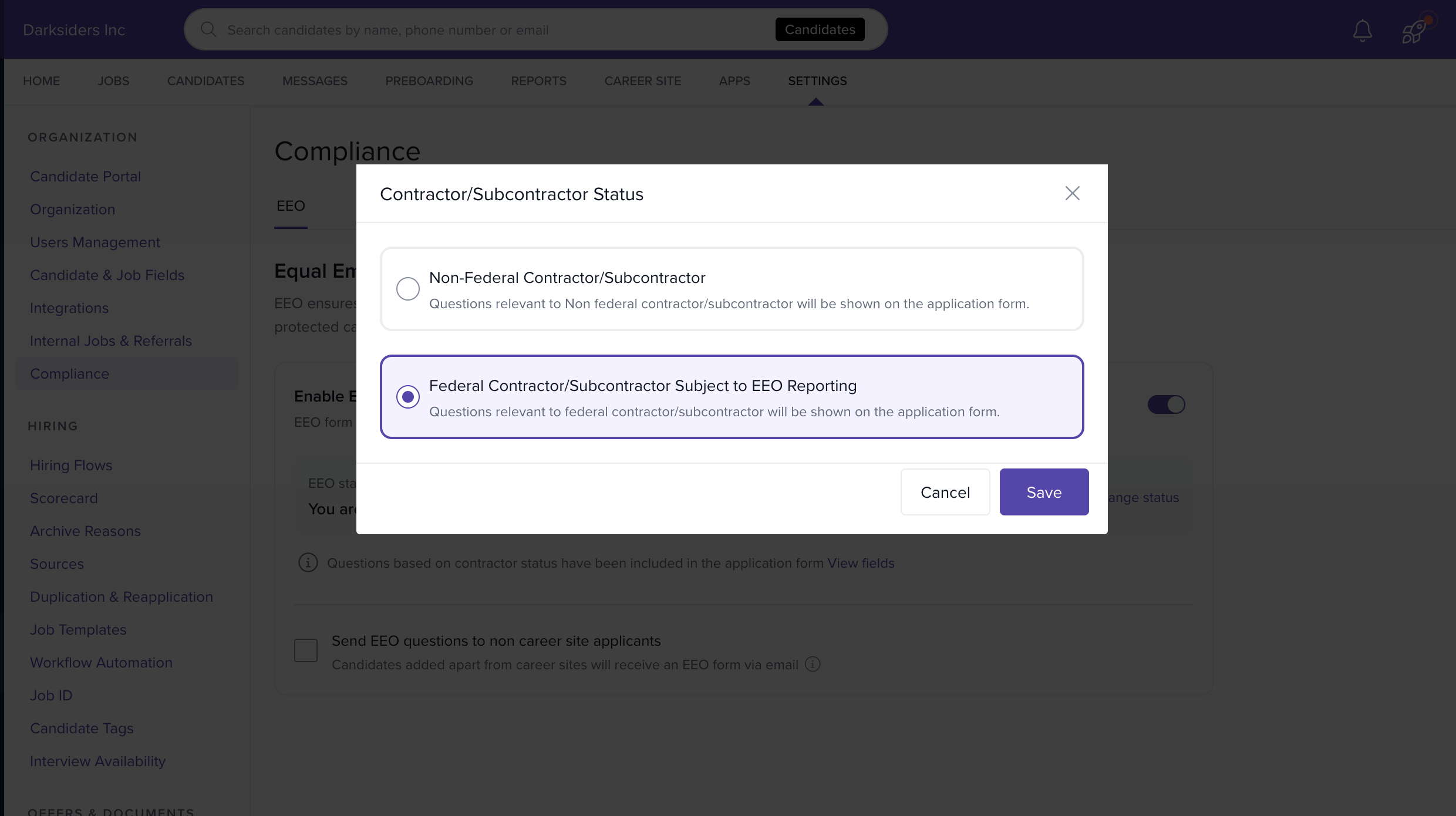
Select your organization type:
Federal contractor/subcontractor
Non-federal
Based on this setting, the form will display the appropriate demographic questions on the application form.
Send EEO Forms via Email
For candidates who don’t apply through your career site, you can:
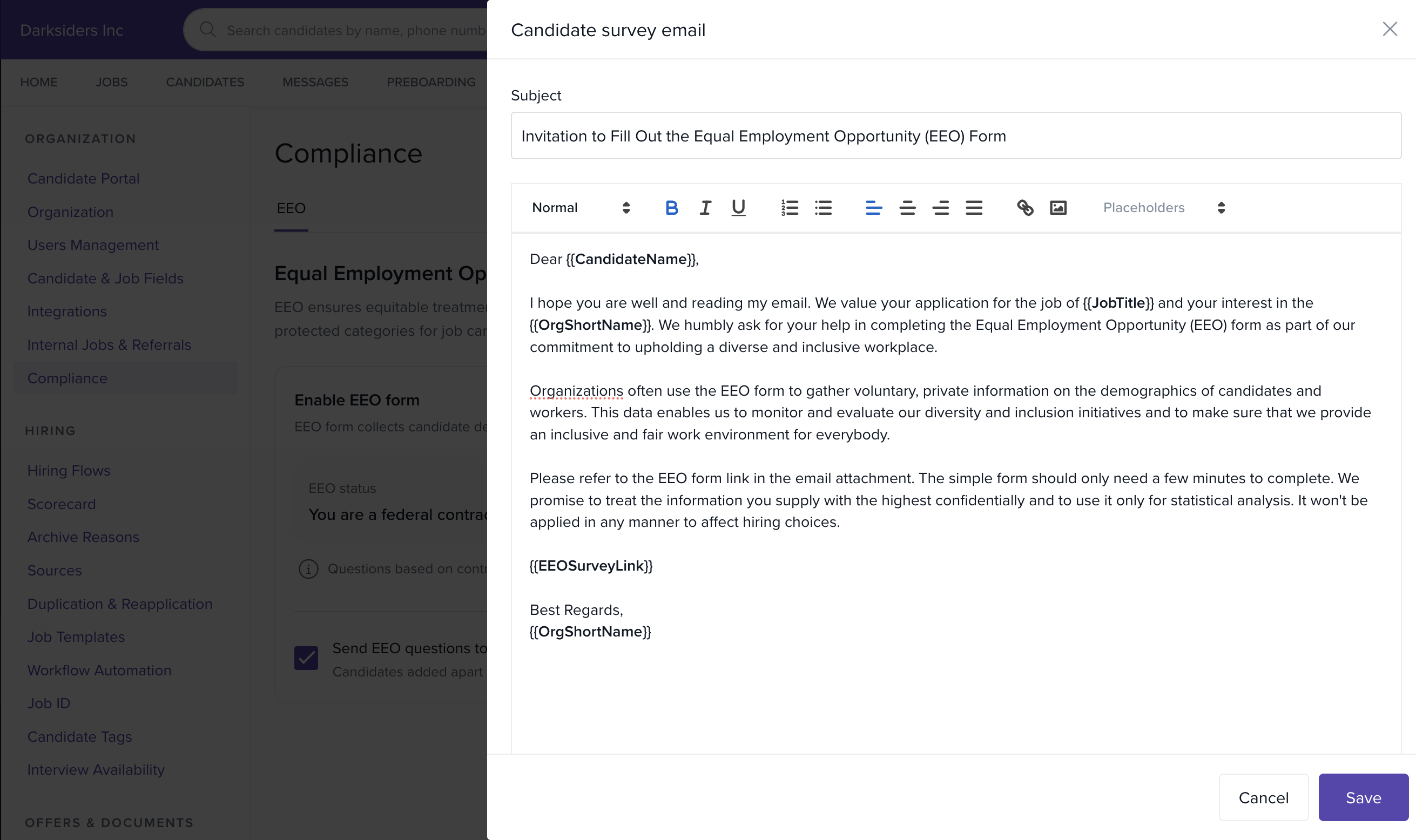
Configure automatic emails to send the EEO form.
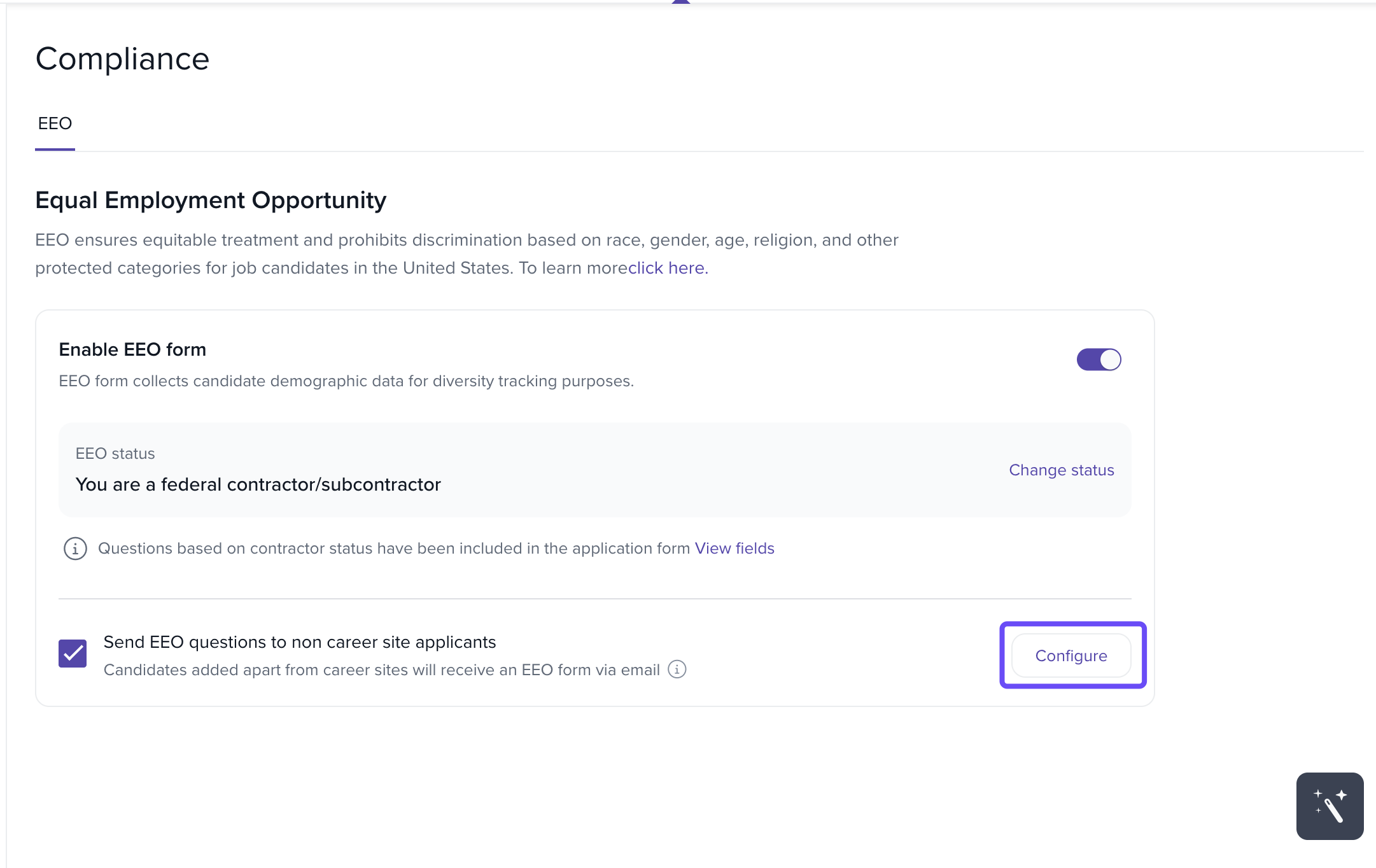
Customize the email content to explain the purpose of the form and how the data will be used.
Benefits of the EEO Form
Diversity Tracking: Gather demographic data to monitor and improve diversity in your applicant pool.
Legal Compliance: Stay aligned with U.S. regulations for non-discriminatory hiring practices.
Reports Section
Under the Reports tab in Keka Hire, you’ll find two useful EEO reports:
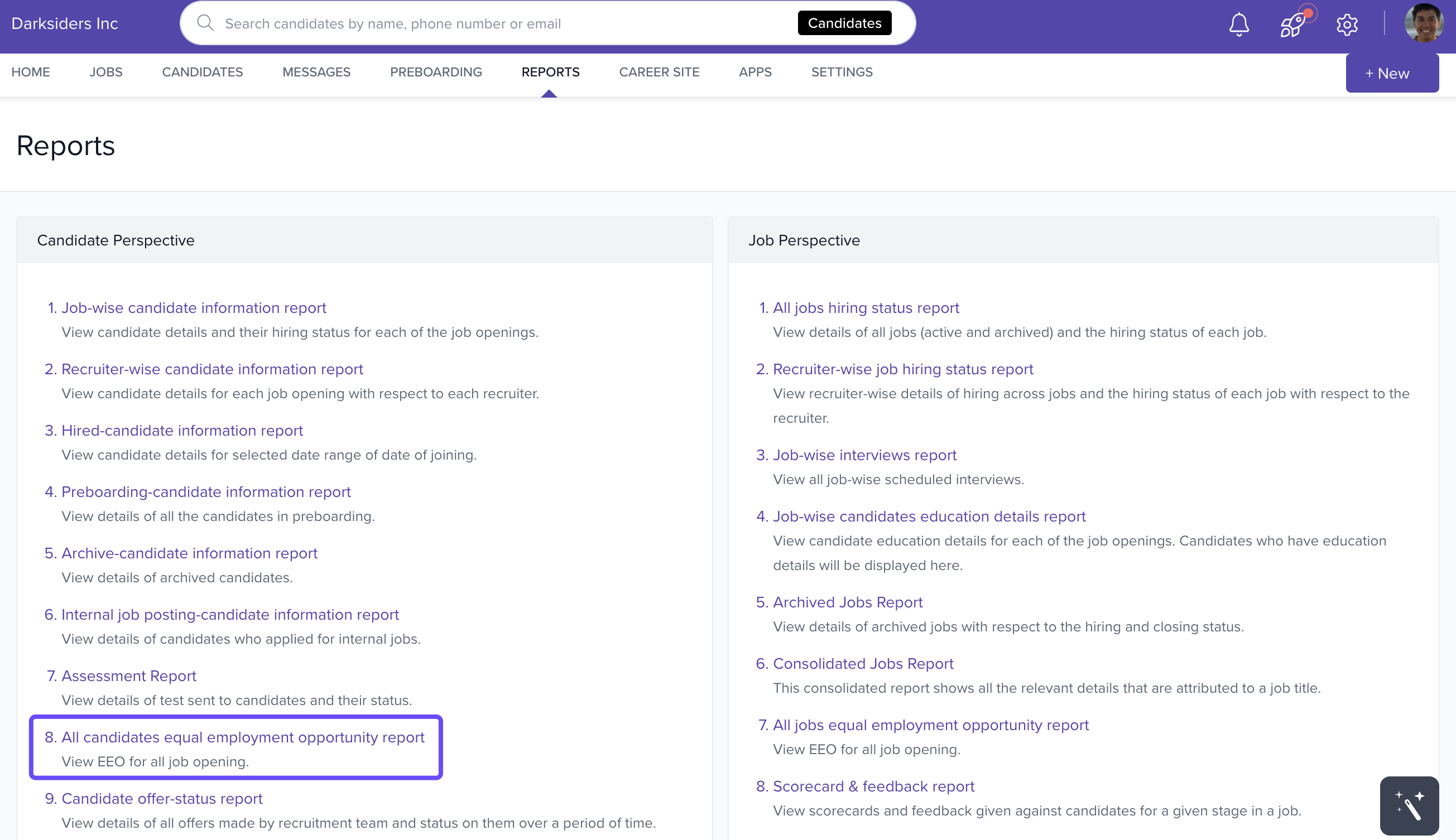
All Candidates Equal Employment Opportunity Report
Provides a consolidated view of EEO data for all applicants across job openings.
Helps HR ensure fair and unbiased hiring practices company-wide.
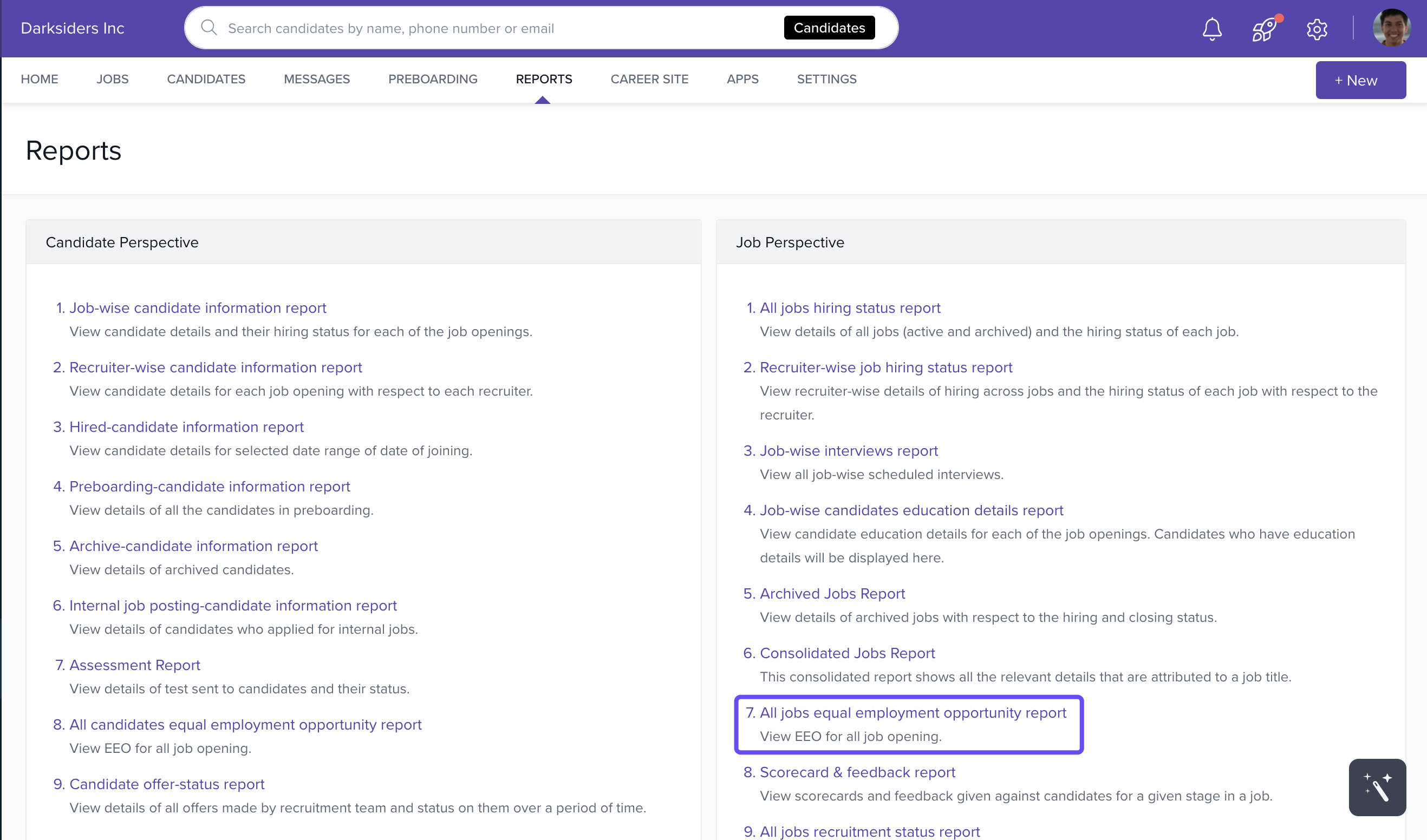
All Jobs Equal Employment Opportunity Report
Breaks down EEO data by individual job titles.
Gives recruiters a focused view of compliance at the job level.
These reports simplify compliance tracking and make it easier to maintain transparent, equitable hiring processes.
Reach out to Keka Support if you need help with compliance settings or reports
Comments
0 comments
Please sign in to leave a comment.