Setting Up a Document Workflow
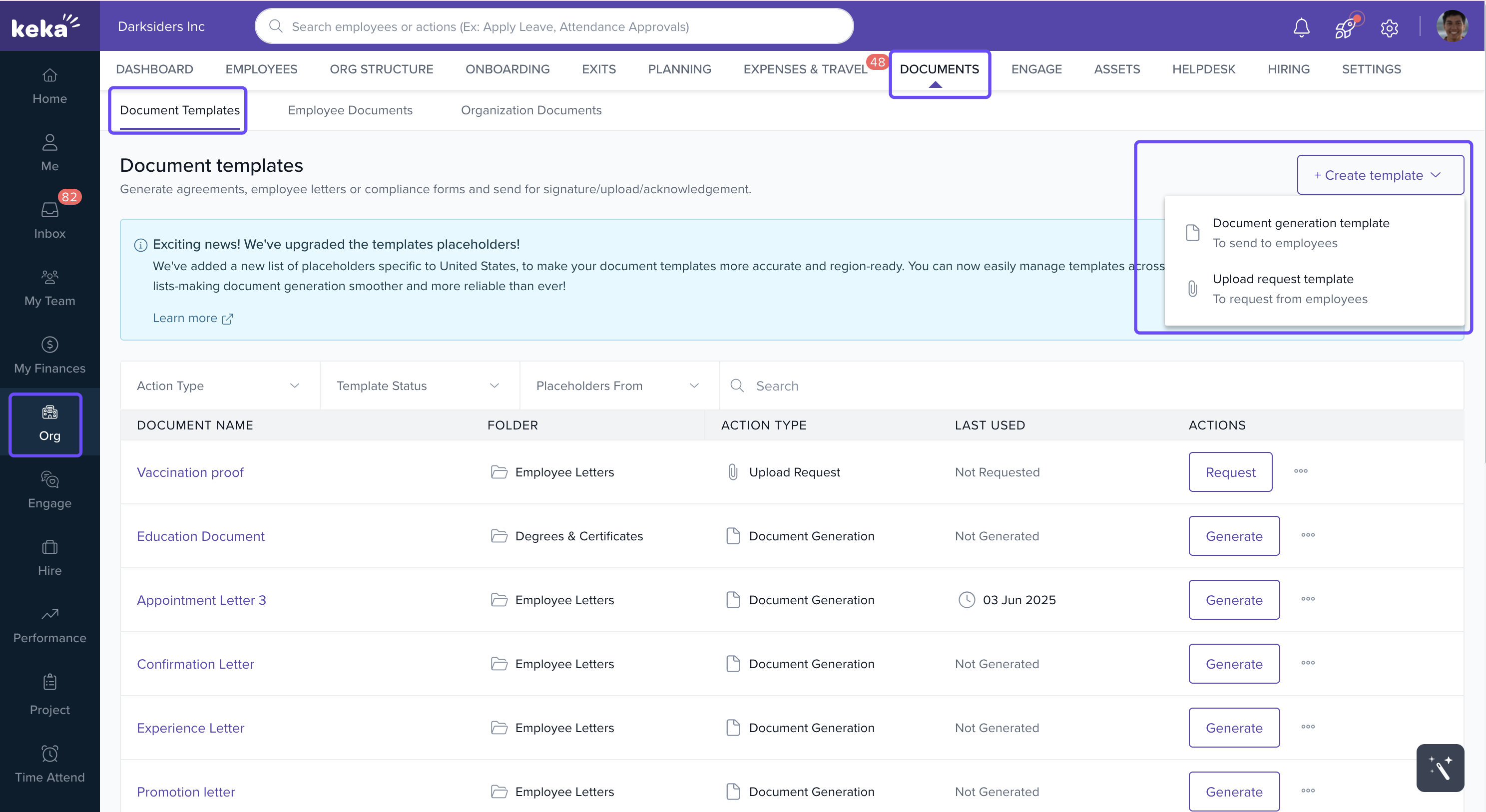
Navigate to Org > Documents > Document Templates.
To create a new template, click +Create Template and select Document Generation Template.
In the Setup step of the Document Template wizard, after you provide the template a name and a description toggle Enable Workflow to configure the document workflow.
You can add multiple workflow steps. Each step can be configured for:
Acknowledge
Approval
Signature
For Acknowledgment - choose the assignees.
For Approval - Choose the assignees and if approval is required from all or any of the assignees.
For Signature - Choose the assignees , digital signature provider.
You can select the assignees as :
Employee
Reporting Manager
Dotted Line Manager
L2 Manager
Or specify any employee in the organization
(Optional) Add instructions for signers at each step.
Add additional steps if required by clicking Add Step.
Click Continue to proceed to the Compose section and finish setting up your template.
To know more about Creating and Managing document templates , Click here.
Comments
0 comments
Please sign in to leave a comment.