Table of content
Employees may sometimes receive more than one payroll in a given month—for example, a regular salary along with a bonus, reimbursement, or final settlement. These are processed through off-cycle payroll runs. Keka ensures that employees can easily access and download all such payslips from their My Finances section.
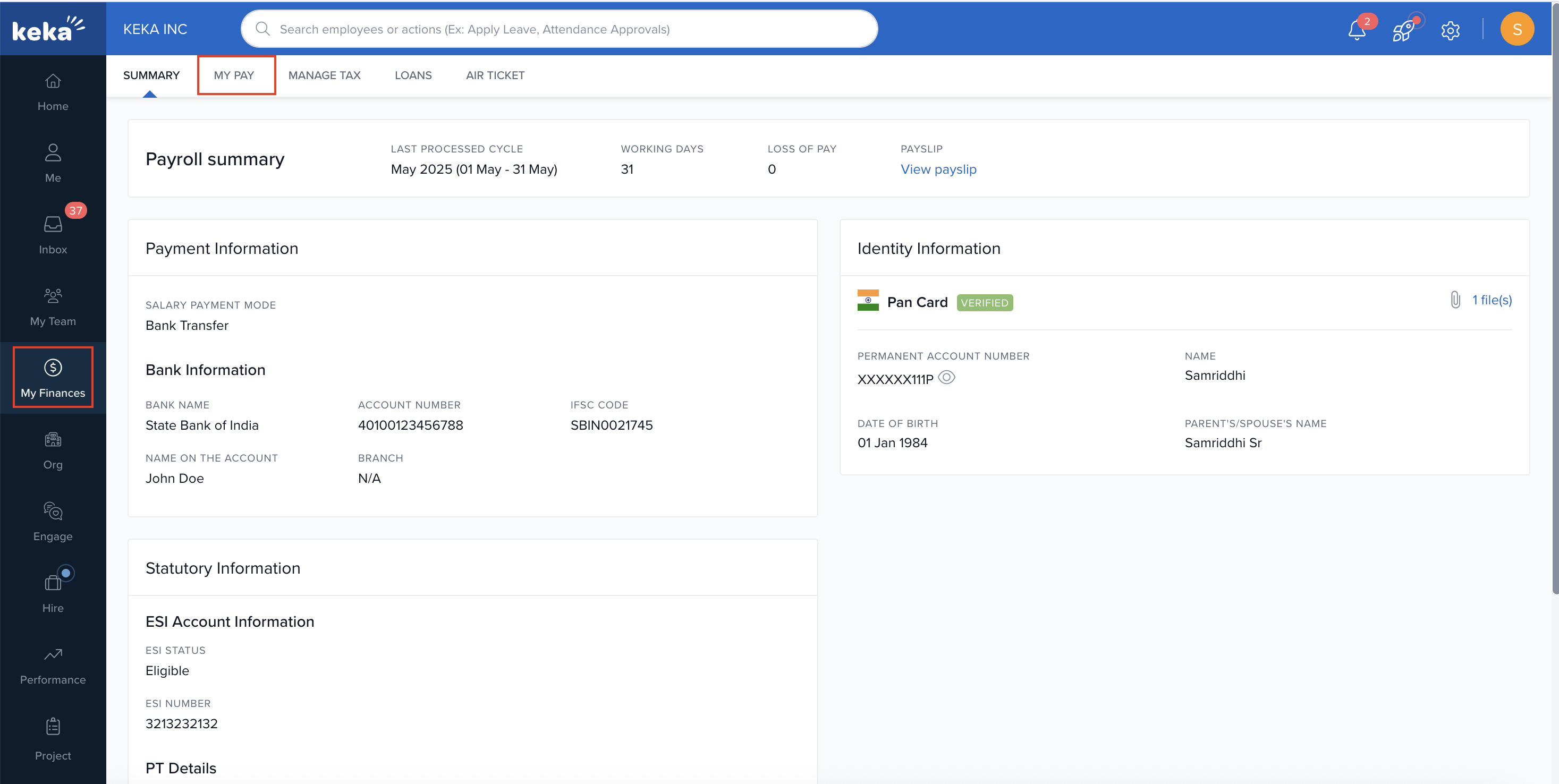
How Off-Cycle Payslips Are Displayed
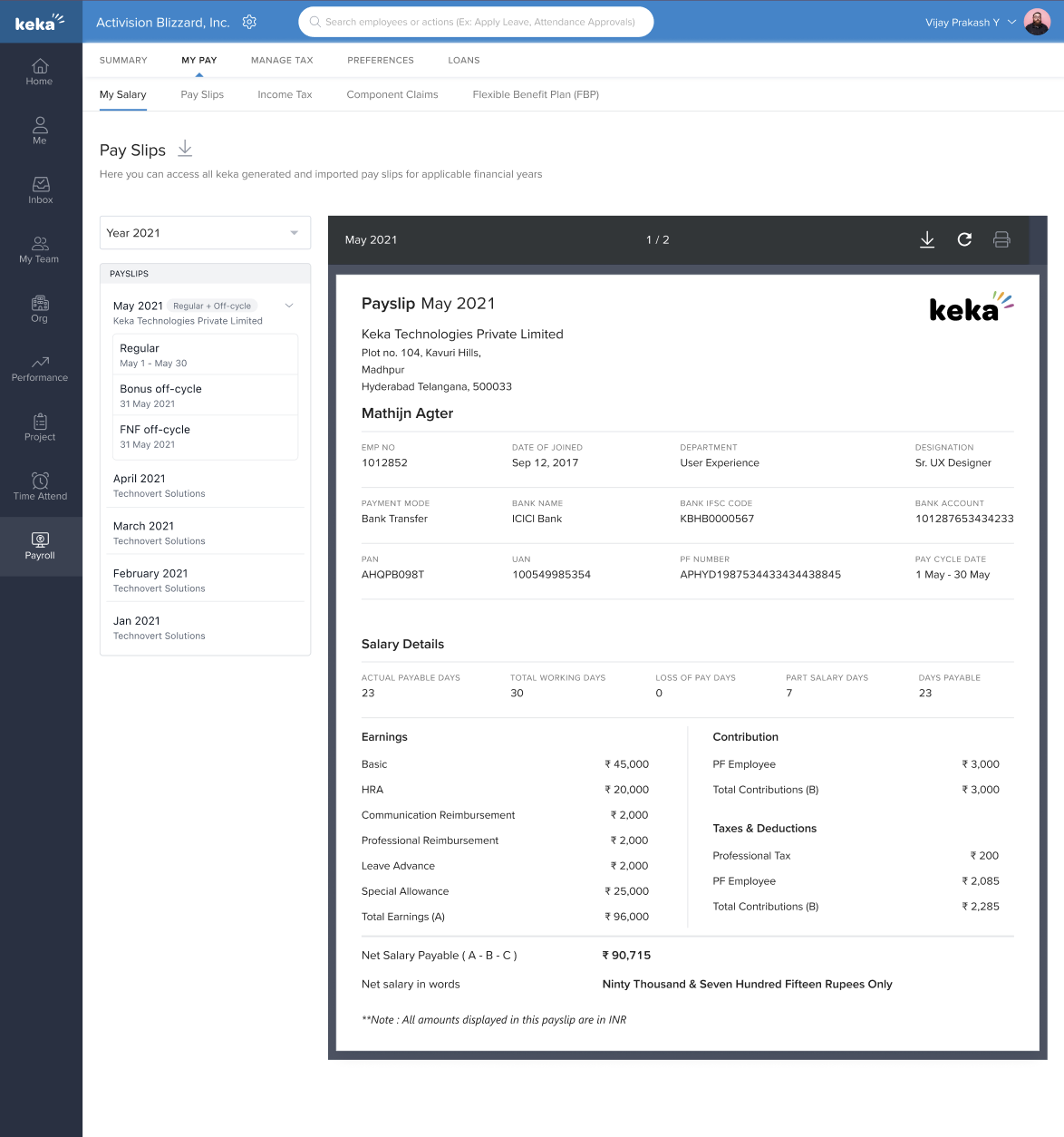
If an employee receives more than one payroll in a single month (e.g., a regular payroll plus one or more off-cycle runs), the Payslips section in My Finances will reflect this.
-
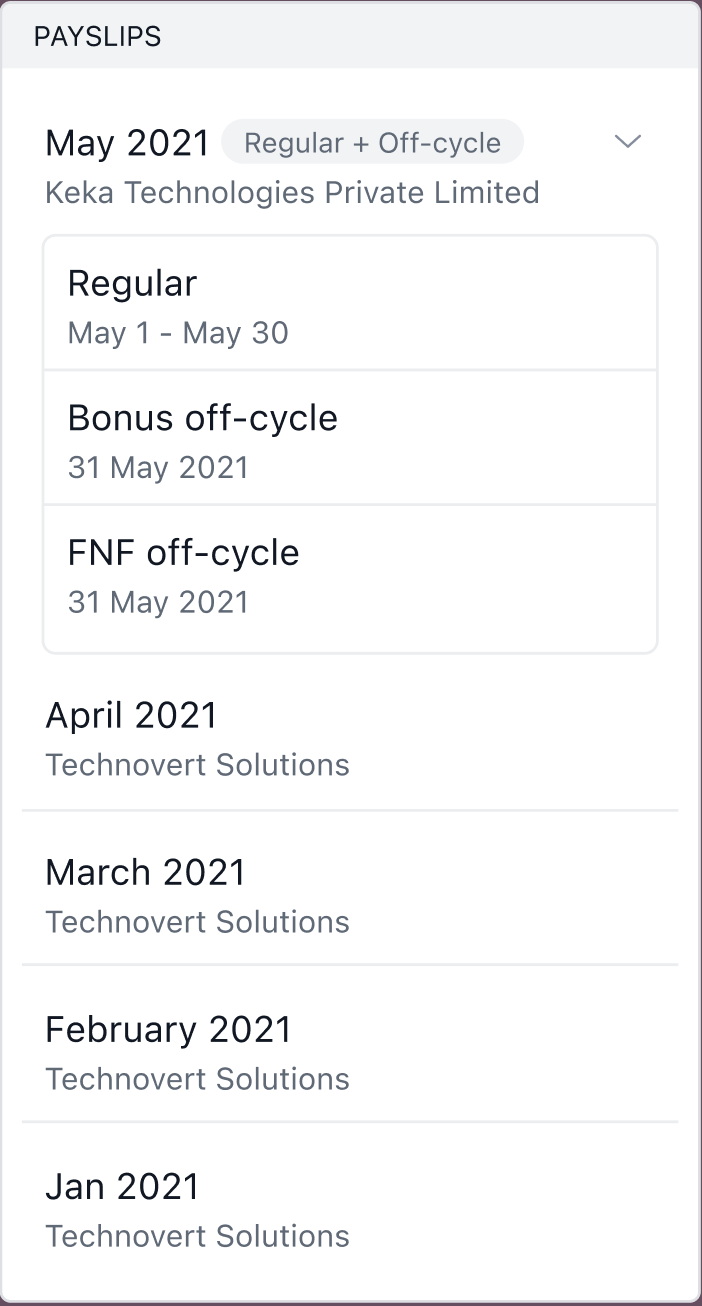
The respective month will display with an accordion-style drop-down.
-
A tag will indicate that both regular and off-cycle payrolls exist for that month
-
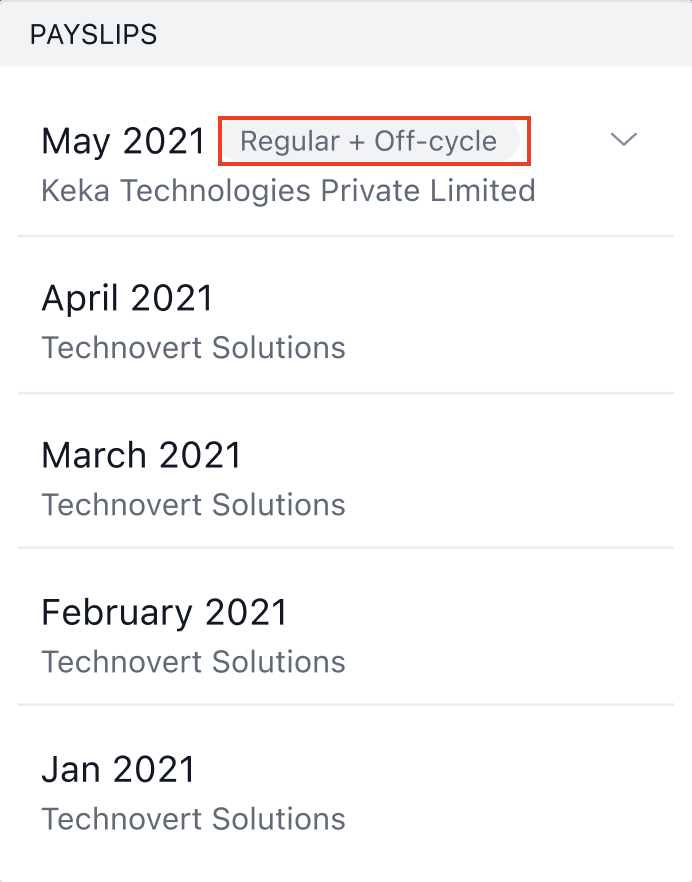
The drop-down will then expand to show all payroll runs processed for that month, each listed by name:
-
Regular Payroll
-
Off-cycle names (e.g.- Bonus Run – June, F&F – May)
-
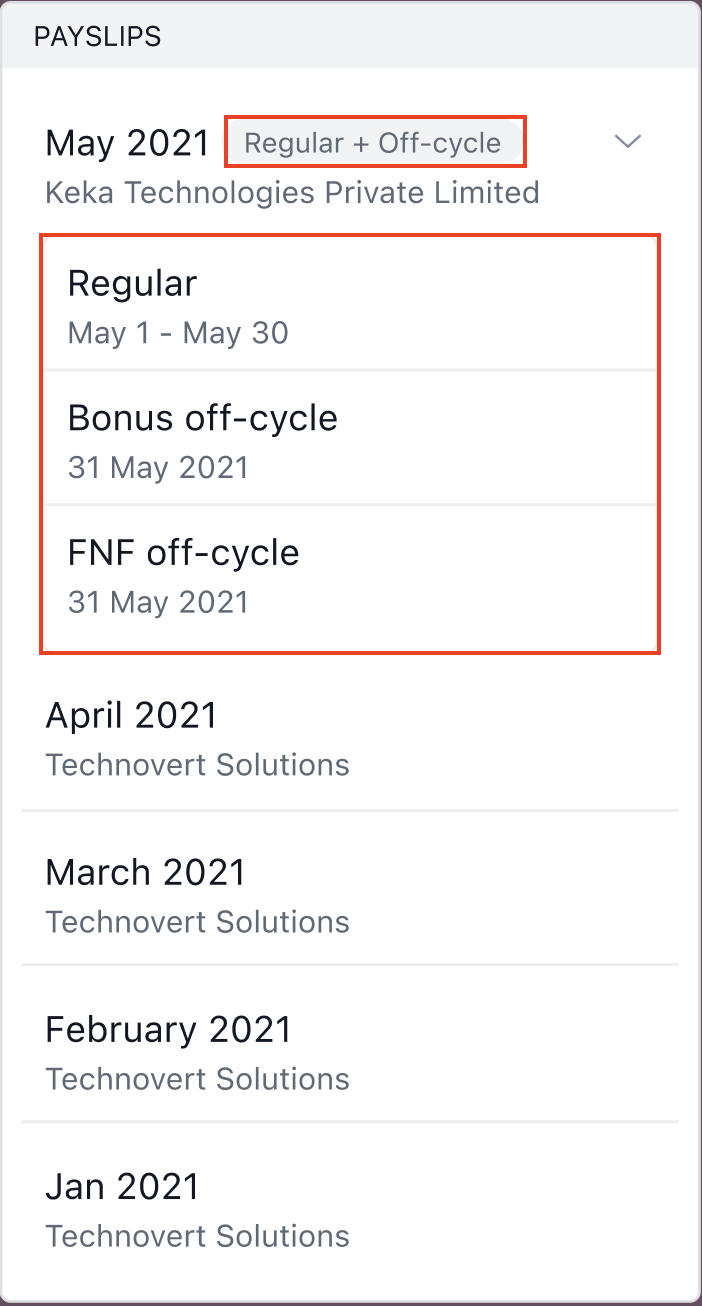
What Is Included in Off-Cycle Payslips
Off-cycle payslips typically cover specific components like bonuses, reimbursements, or final settlements. Unlike regular payslips, they do not include the following addendums:
-
Income Tax Computation Summary
-
Loan Details
-
Leave Balances or Encashments
These summaries are included only in regular payslips or will be part of the consolidated payslip once it's available.
Employees will only see payslips that have been released. Any off-cycle or regular payslips that are still in draft or on hold will not be visible in the My Finances view.
However, admins and privileged users will be able to see all payslips, regardless of their release status.
Tax Calculation and Tax Change Reasons
Even though multiple payrolls may be processed in a month, Keka always performs income tax calculations on a consolidated basis.
-
Each time a new payroll run (regular or off-cycle) is processed, tax calculations for that month are updated.
-
The Tax Change Reason (Surge) is also recalculated and replaced, reflecting the most recent total earnings for the month.
If you have any questions about off-cycle payslips or need help accessing your payroll records, please visit Keka Help center for support.
Comments
0 comments
Please sign in to leave a comment.