TABLE OF CONTENTS
Introduction
Your company tracks attendance to ensure accurate payroll, fair evaluation, and better productivity insights. The Attendance section in Keka lets you see your clock‑ins/outs, shift schedule, and submit or monitor various attendance‑related requests.
To view / manage attendance, go to Me → Attendance in Keka. You’ll see sections like Attendance Status, Timings, Actions, and Logs & Requests.
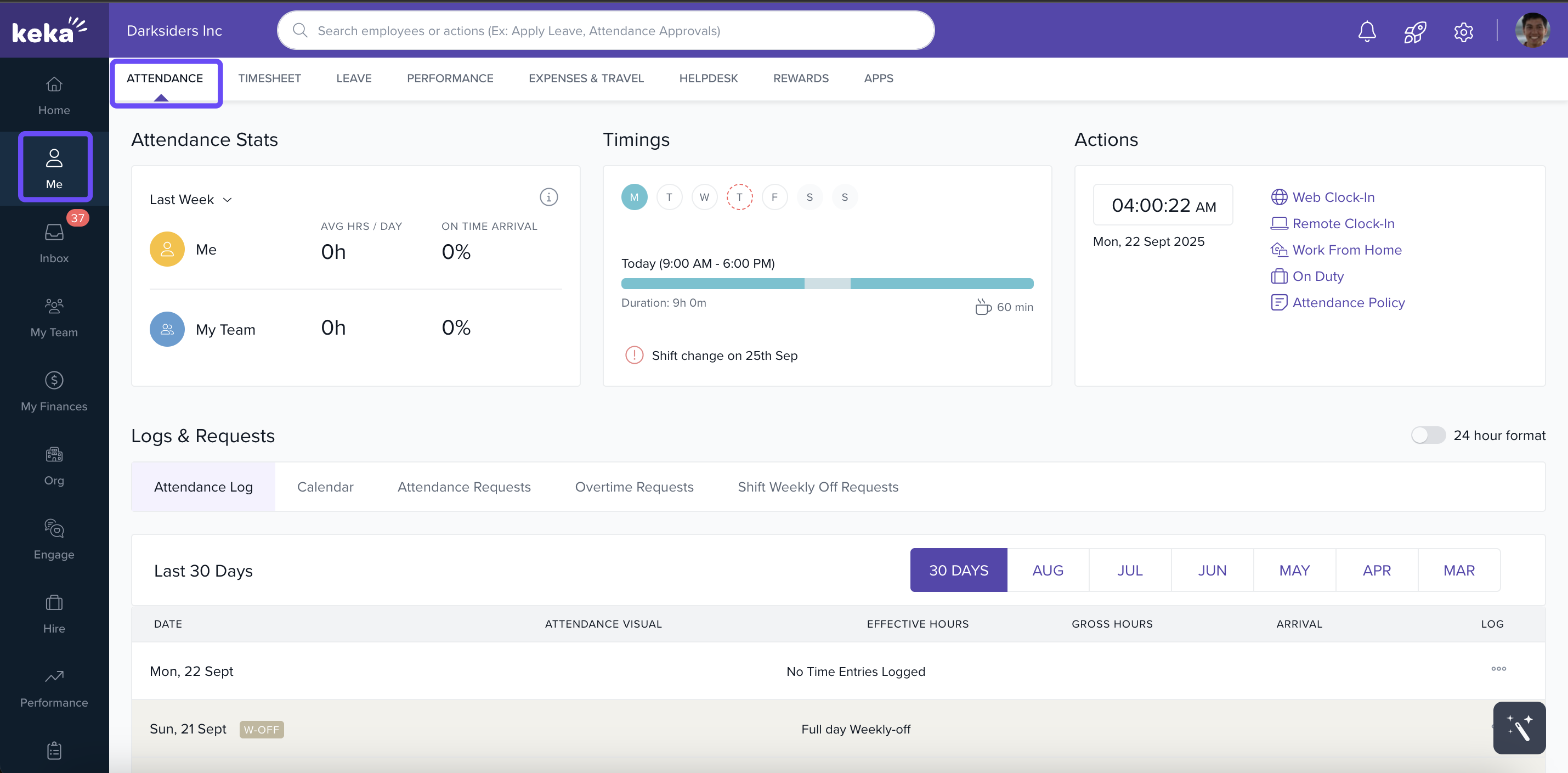
Attendance Stats
-
View trend cards: your on‑time arrivals, average hours, etc.
-
Compare your own performance over selected periods.
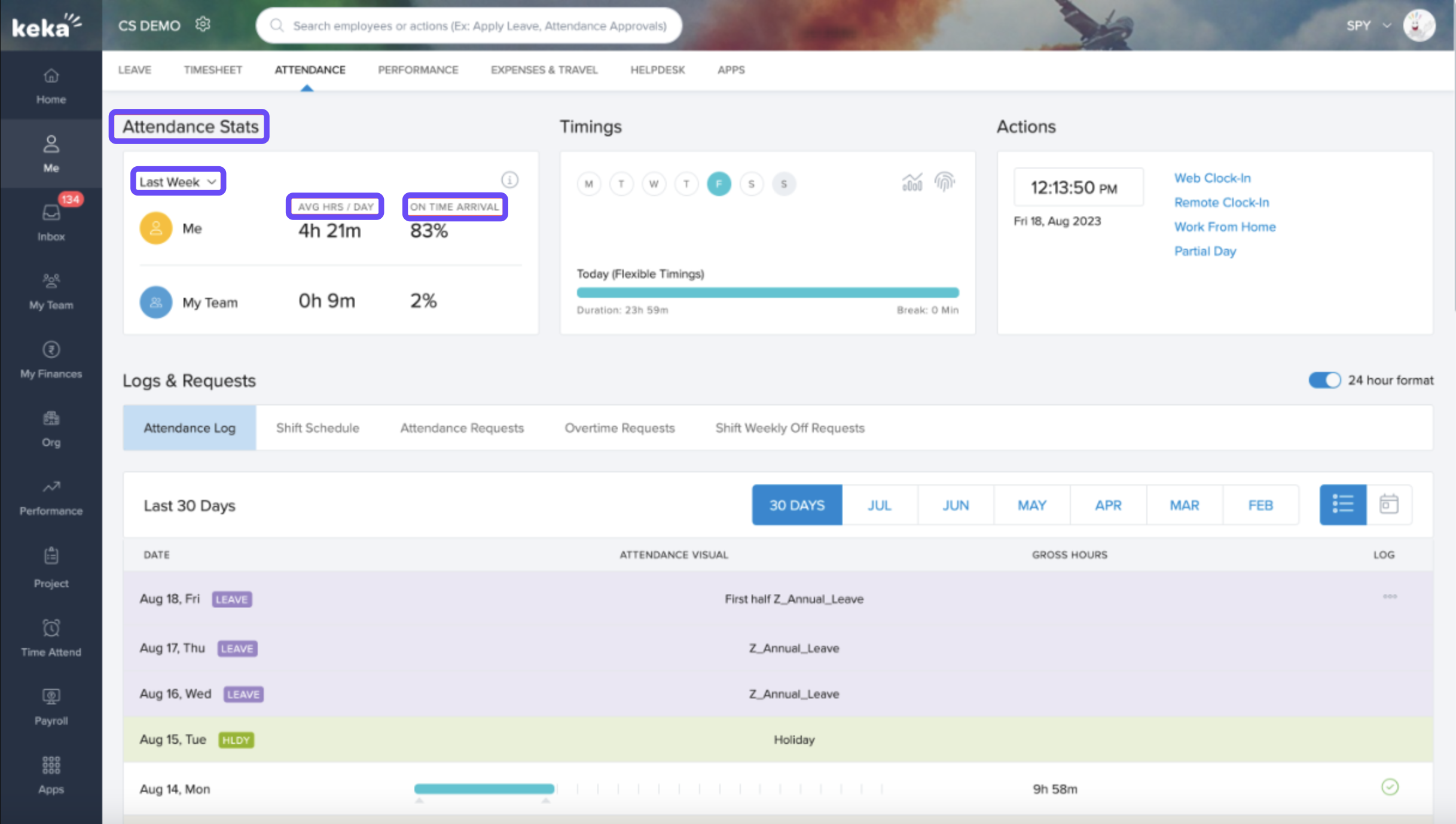
Timings
-
See your assigned shifts for the week.
-
Hover over days to view shift hours, break times.
-
If you have multiple shifts, select “View All Shifts” to see them.
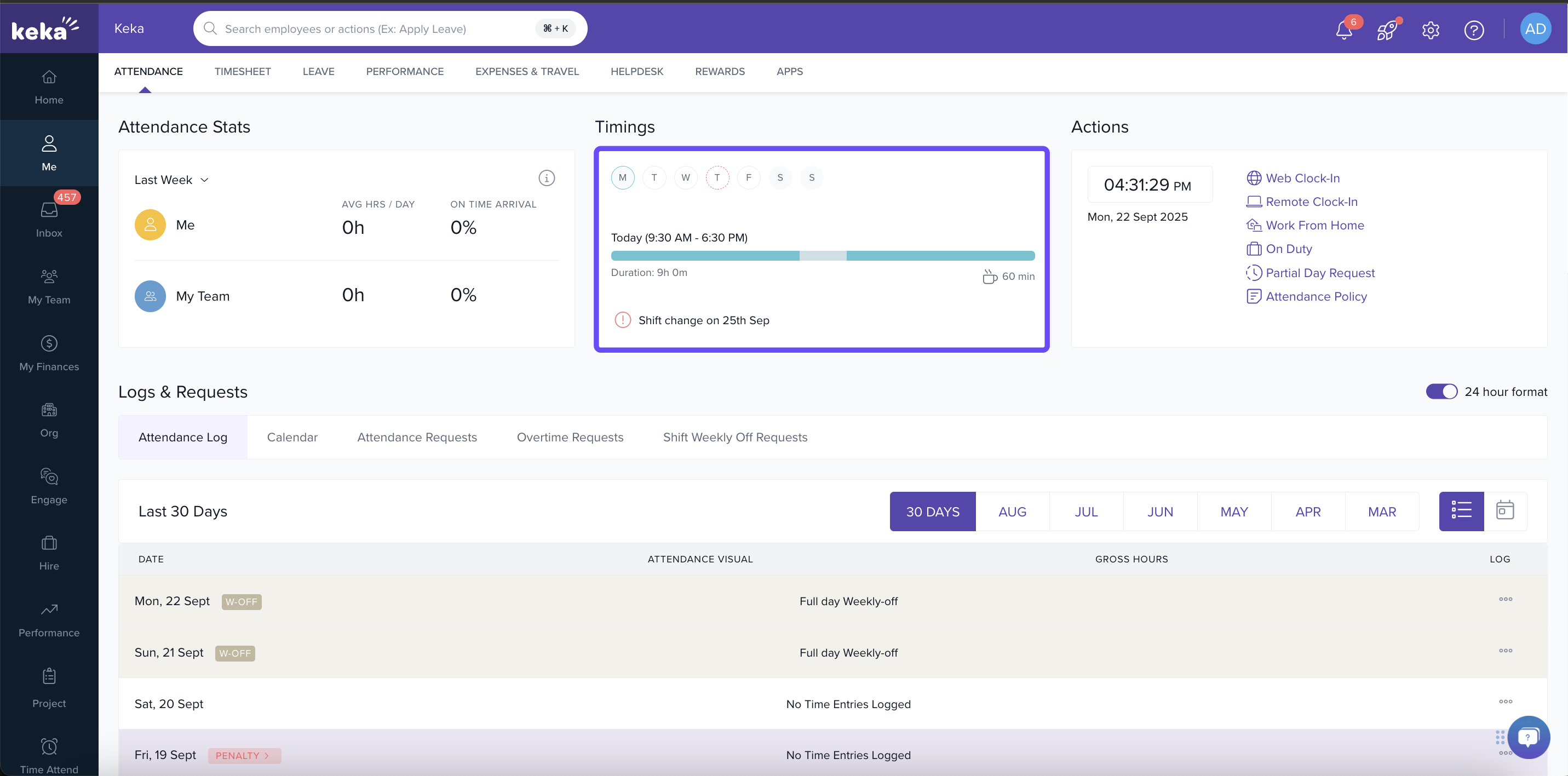
Actions
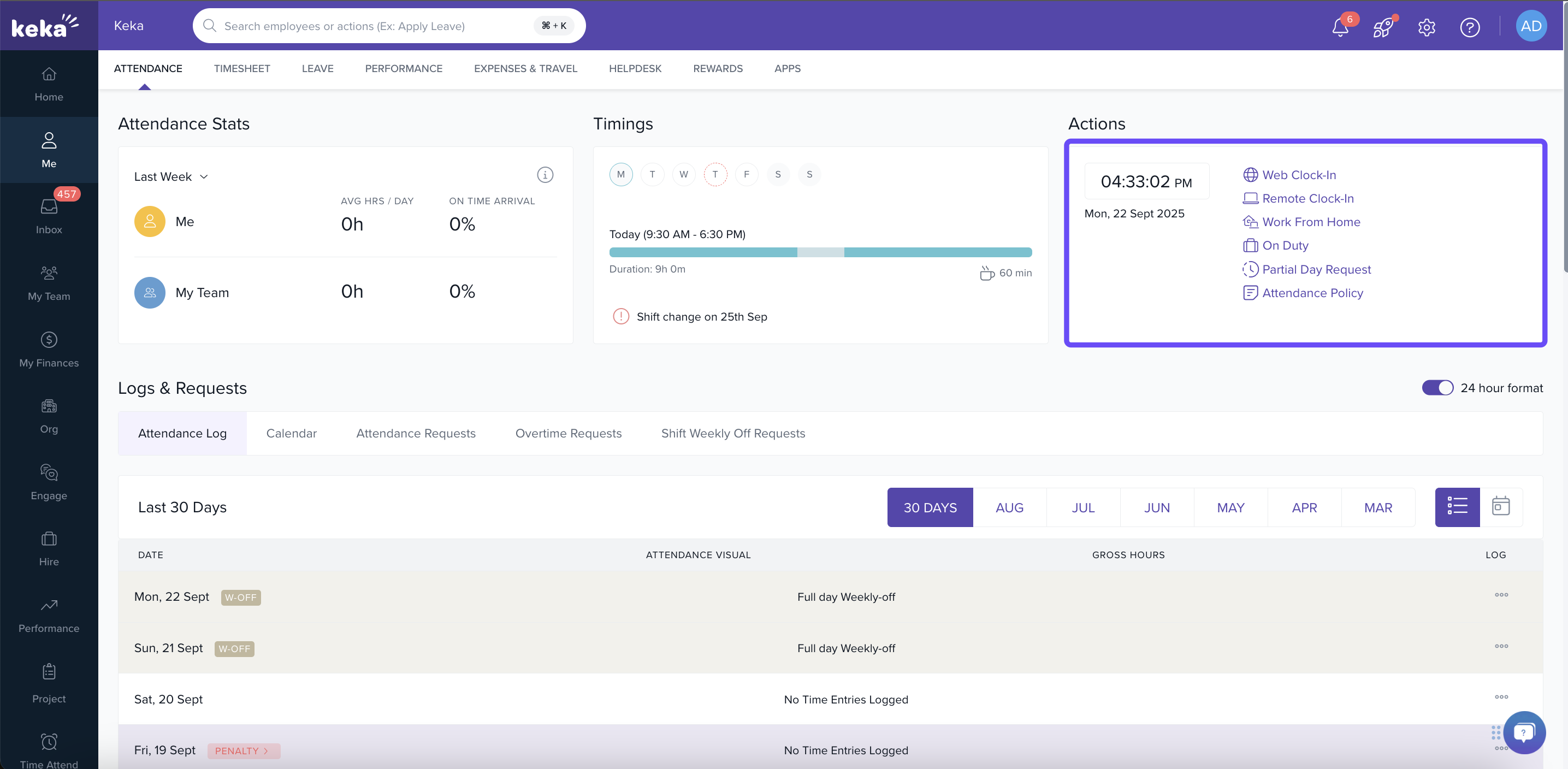
The actions card features numerous convenient quick links designed to facilitate your attendance marking. The available choices will vary based on the configurations established by your organization. Let's explore all the potential options to understand how each can be utilized effectively.
| Action | What It Does |
|---|---|
| Web Clock In | Clock in/out via web (desktop). Sometimes IP‑restricted. |
| Remote Clock In | Clock in from outside the office; might include geo‑location. |
| On Duty (OD) | Request to work from another location or for external duties. |
| Partial Day | Request for late arrival or early leave; specify reason and duration. |
| Work From Home (WFH) | Submit remote work request (half/full day options) with reason. |
Logs & Requests
Within the "Logs and Requests" section, you have the ability to effectively monitor and oversee your daily attendance, streamlining the process for your convenience. This segment is further categorised into distinct sections like Attendance Log, Shift Schedule, Attendance Requests, Shift Weekly Off Requests, etc.
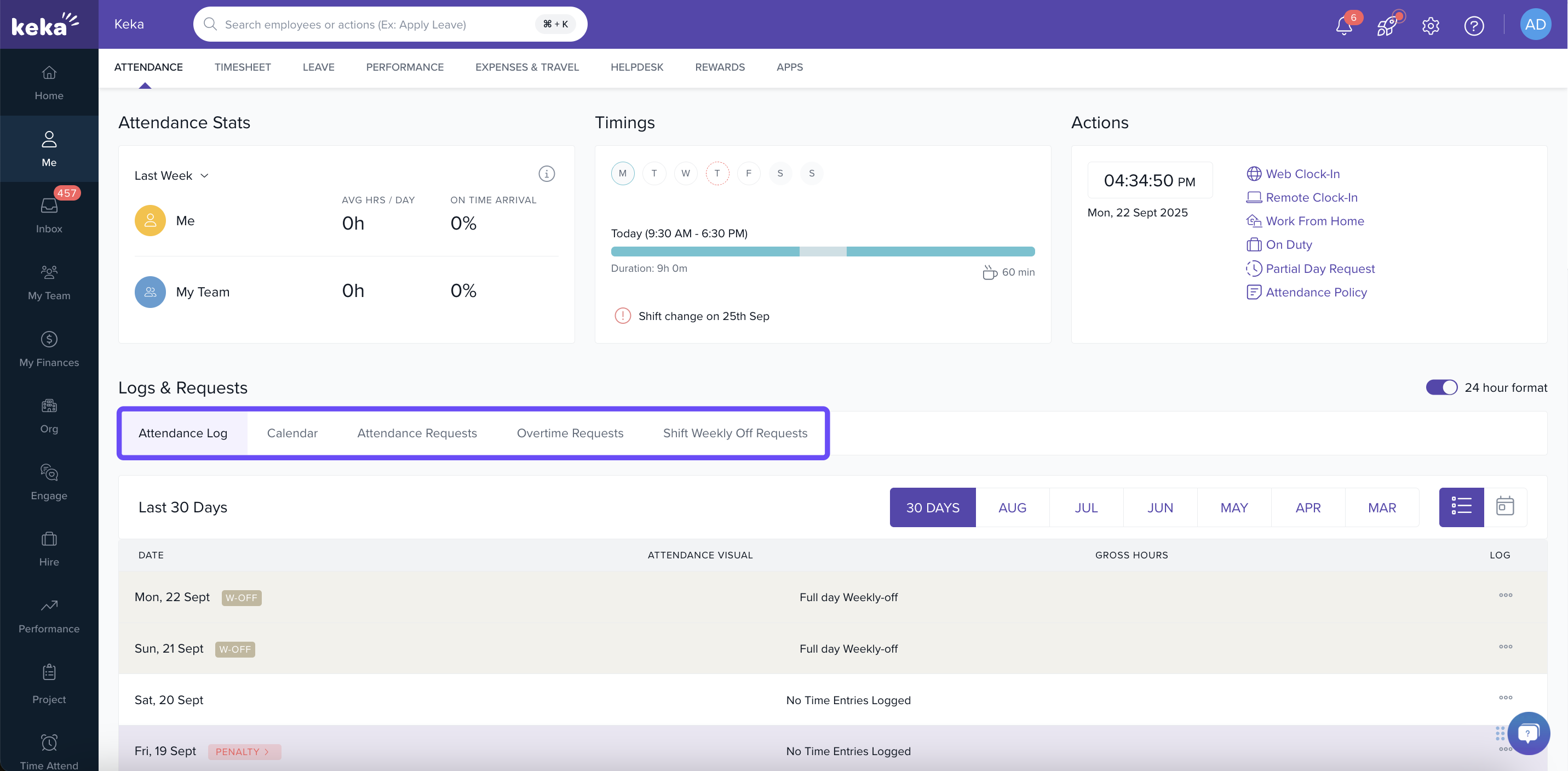
This section lets you review past attendance data and submit/track requests. It includes:
-
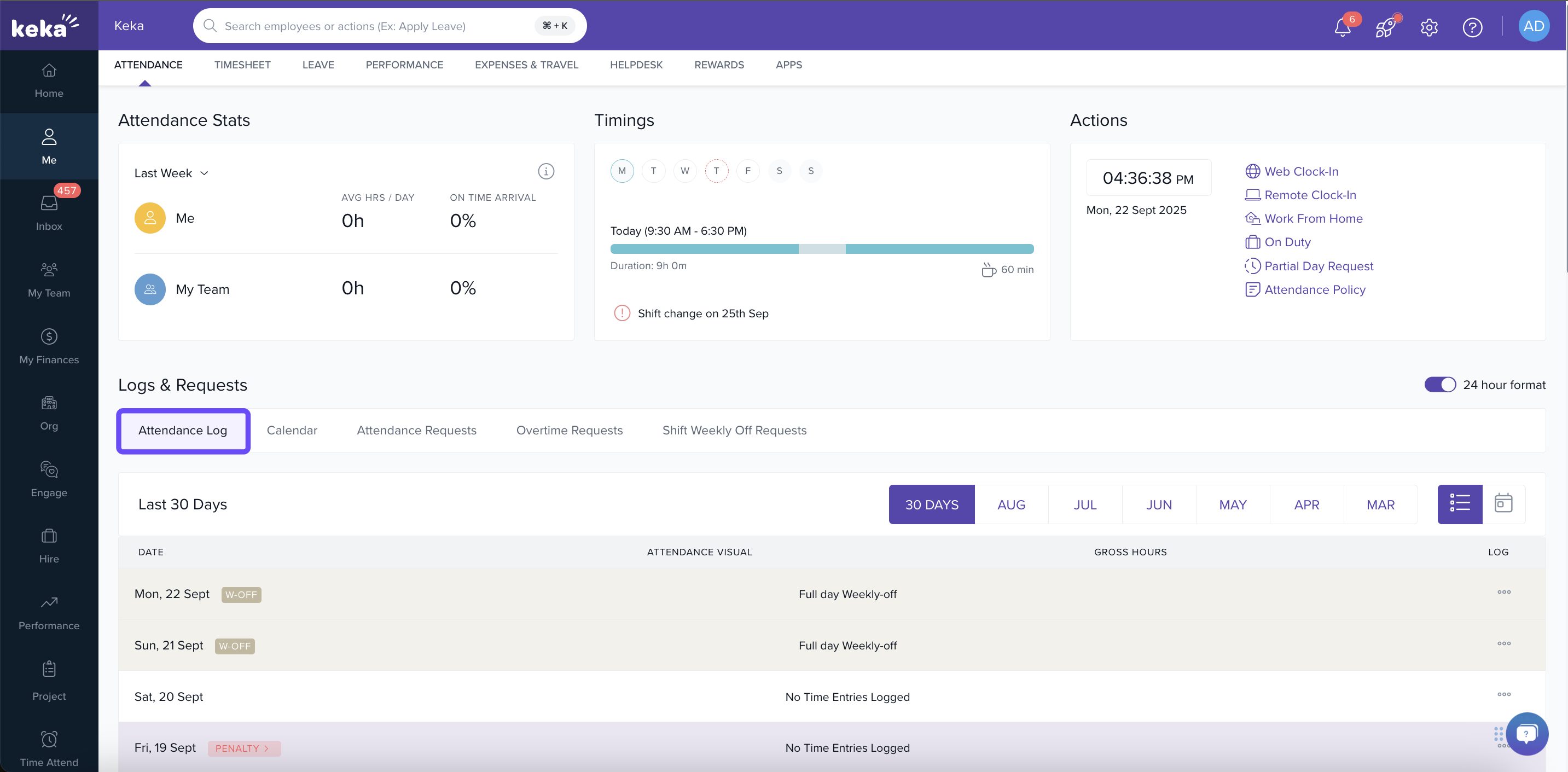
Attendance Log: See your worked hours, clock‑in/out times, breaks; view effective vs gross hours.
-
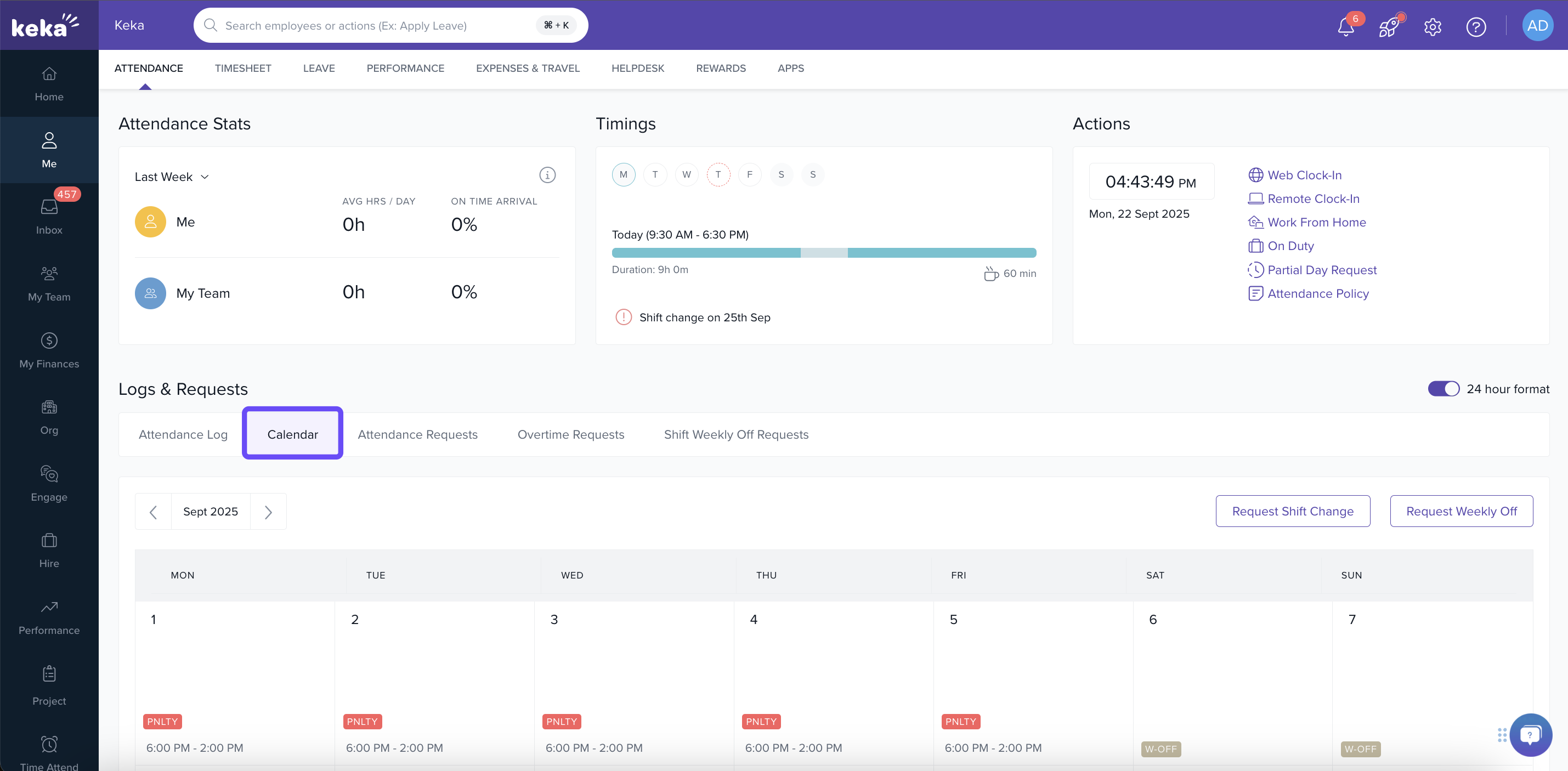
Shift Schedule: Your planned shifts and weekly offs; calendar view to see future schedule.
-
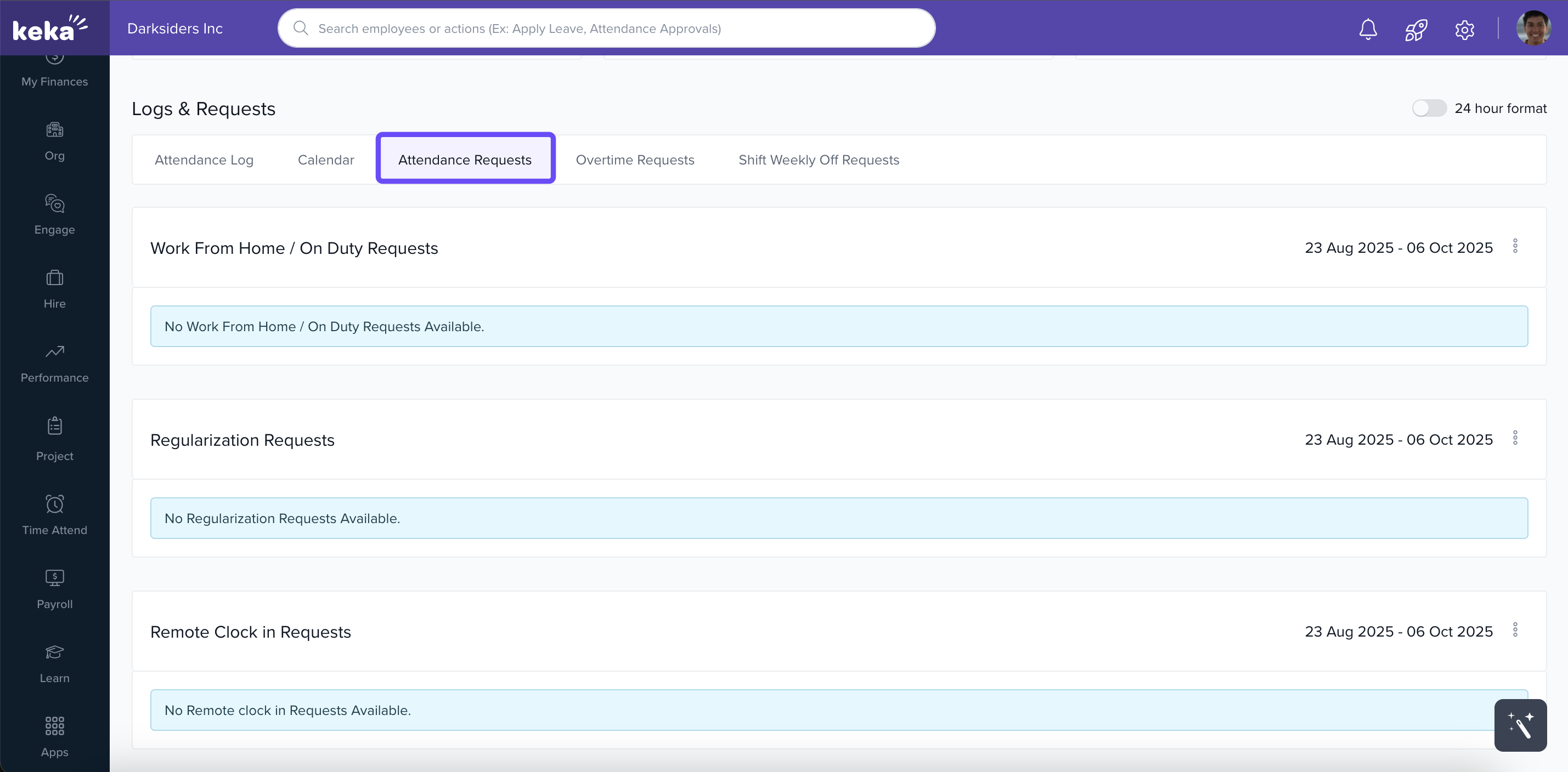
Attendance Requests: All requests like WFH, OD, remote clock‑in, regularization, partial day. You can filter by date, cancel pending requests, or view status.
-
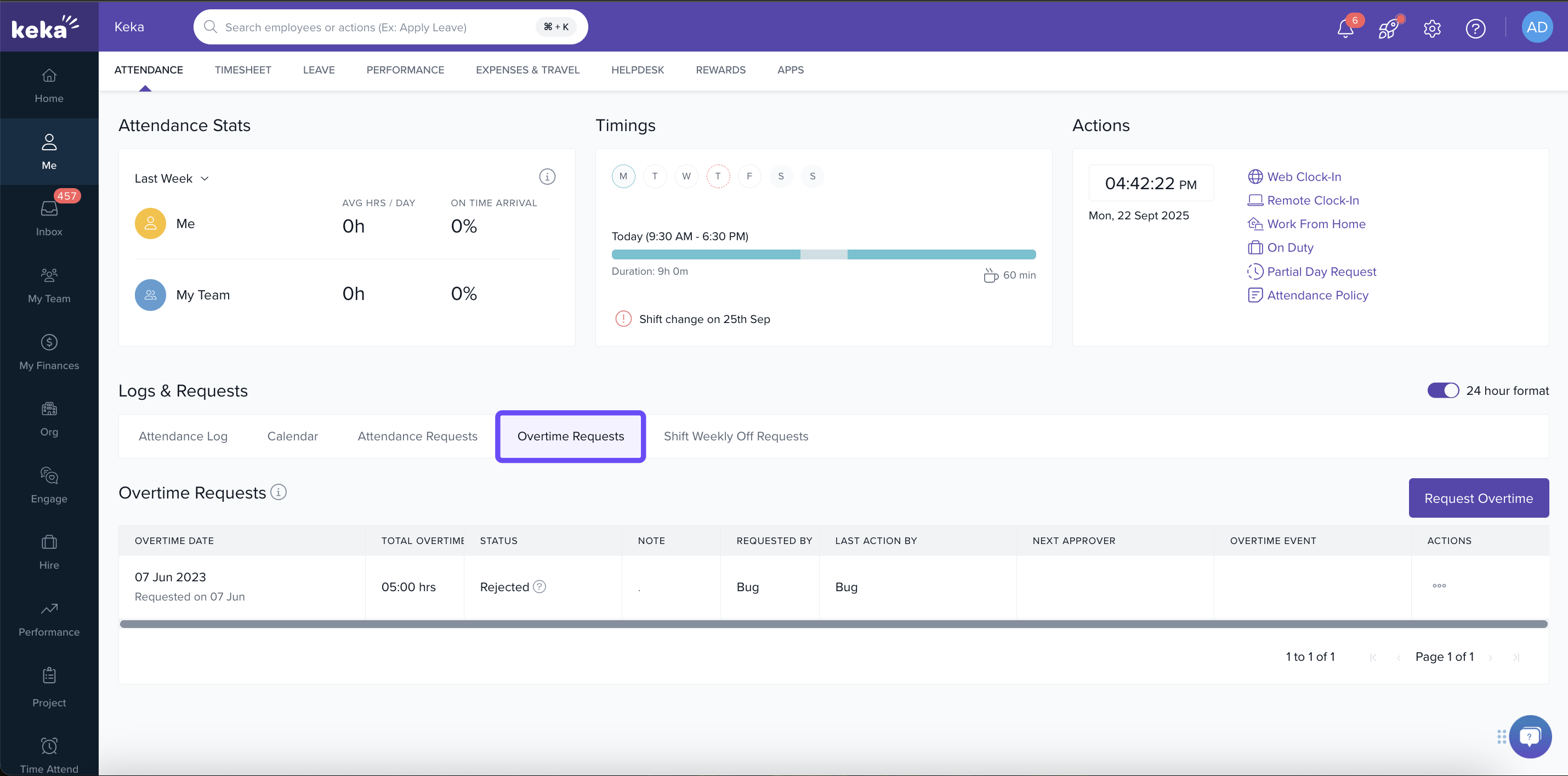
Overtime Requests: If overtime is allowed, submit requests with hours, dates & reasons.
-
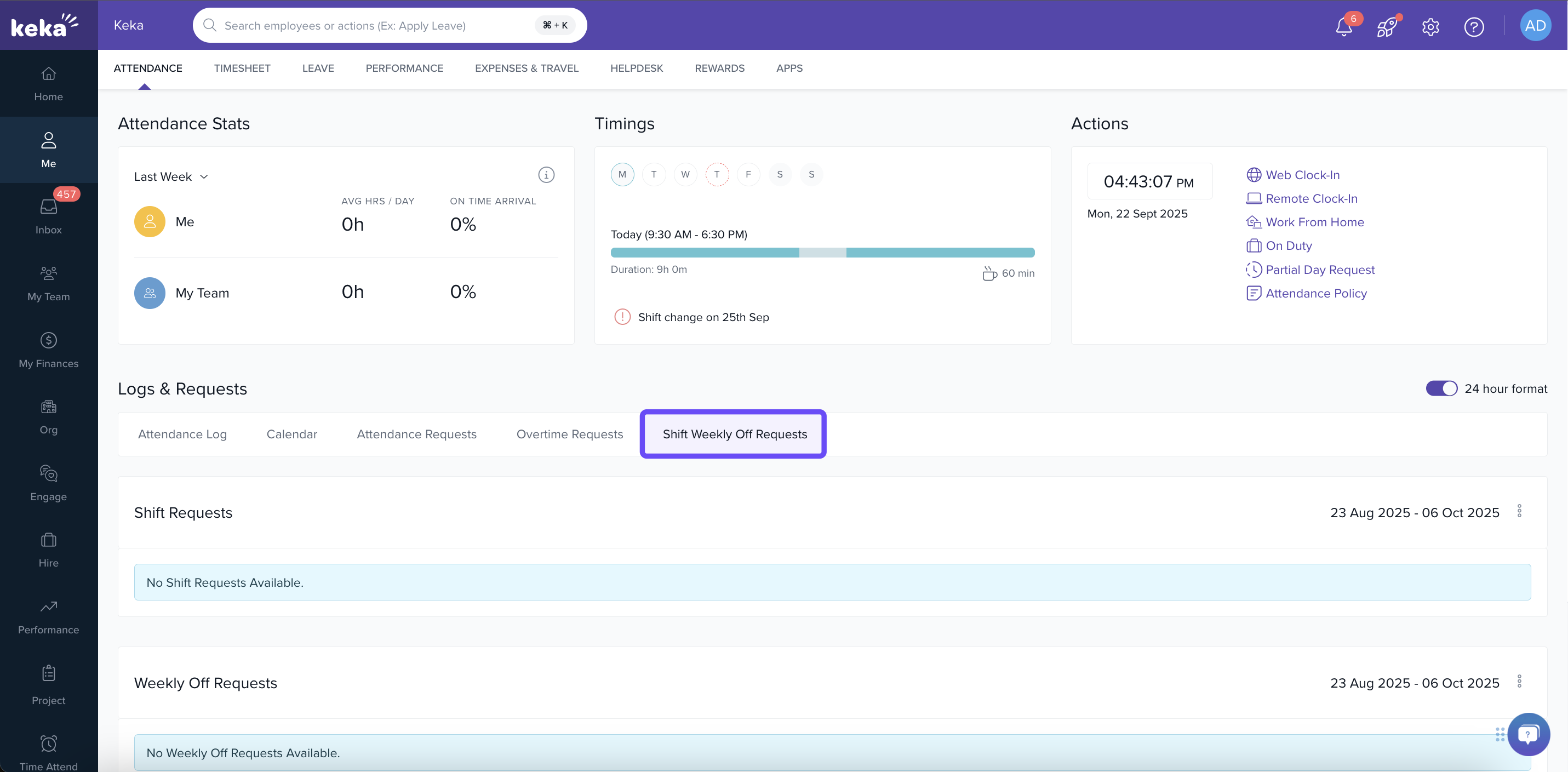
Shift / Weekly‑off Requests: Request changes in shift or weekly off if your company’s policy allows.
Notes & Tips
-
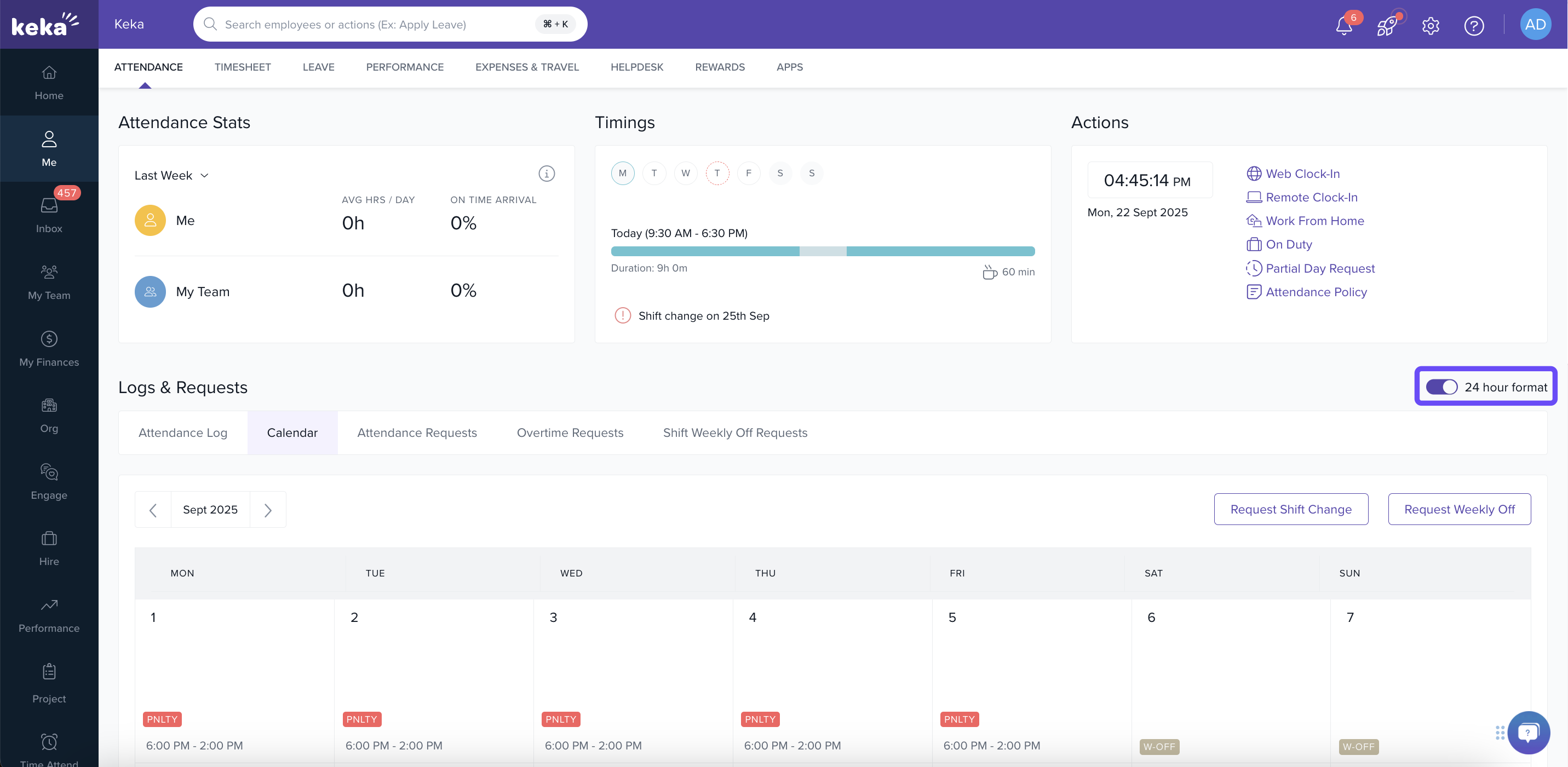
Use the 24‑hour toggle if you prefer seeing timings in 24‑hr format.
-
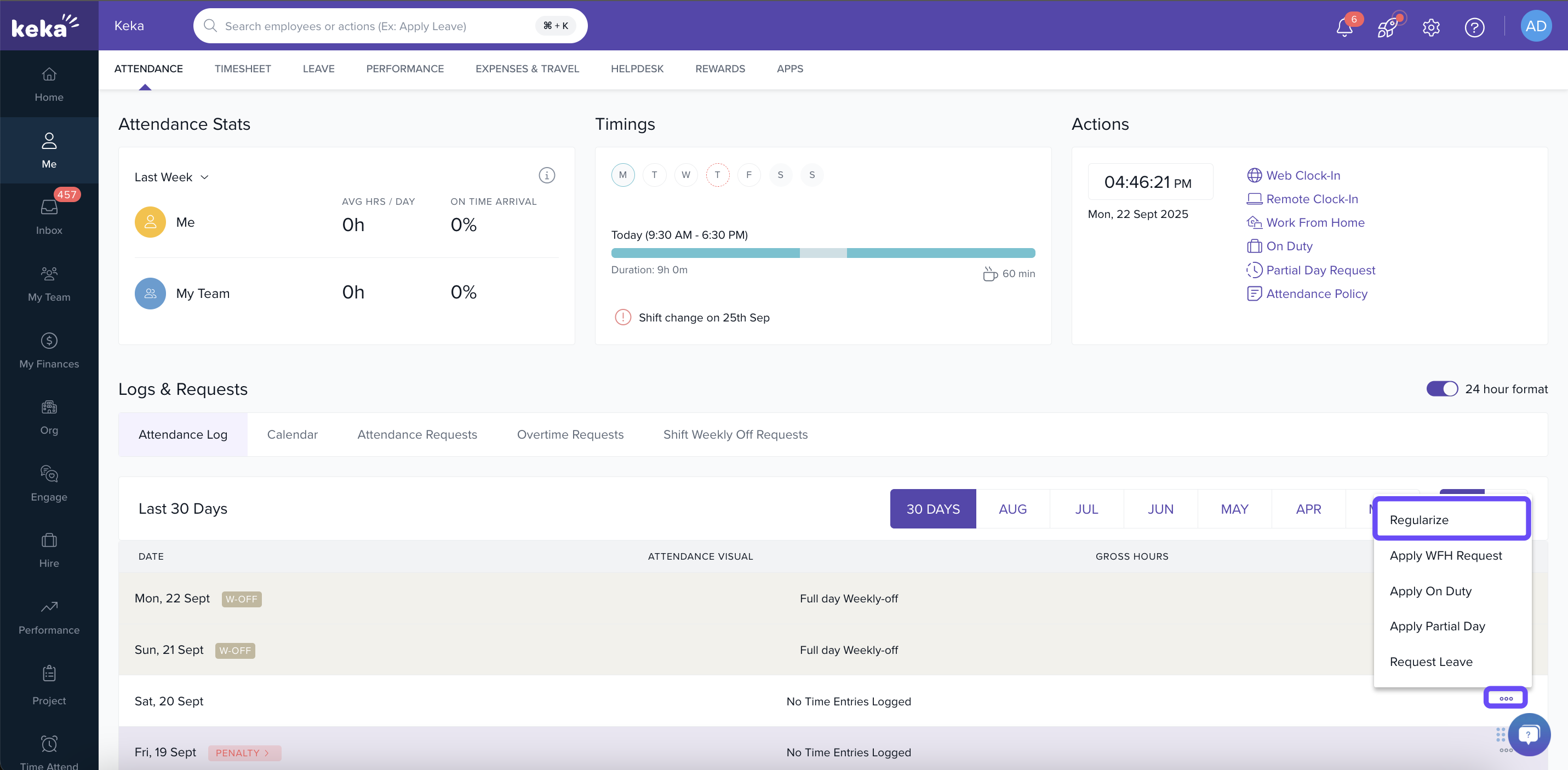
If you miss clock‑in or clock‑out (or a device fails), regularisation requests allow you to adjust your logs (if enabled by your employer).
-
Provide clear reasons when submitting requests (OD, WFH, partial day) for smoother approvals.
Keka’s attendance system gives you full visibility—view your shifts, log times, submit requests, and track their status all in one place. Staying on top of your attendance logs ensures accuracy in your payroll, fairness in evaluating performance, and timely resolution of issues. Use the tools in the Logs & Requests section to correct mistakes, handle remote work, or request shift changes as needed.
Comments
0 comments
Please sign in to leave a comment.