The Organization Address printed on the employee ID card is based on the location assigned to that employee in Keka.
To update this address:
-
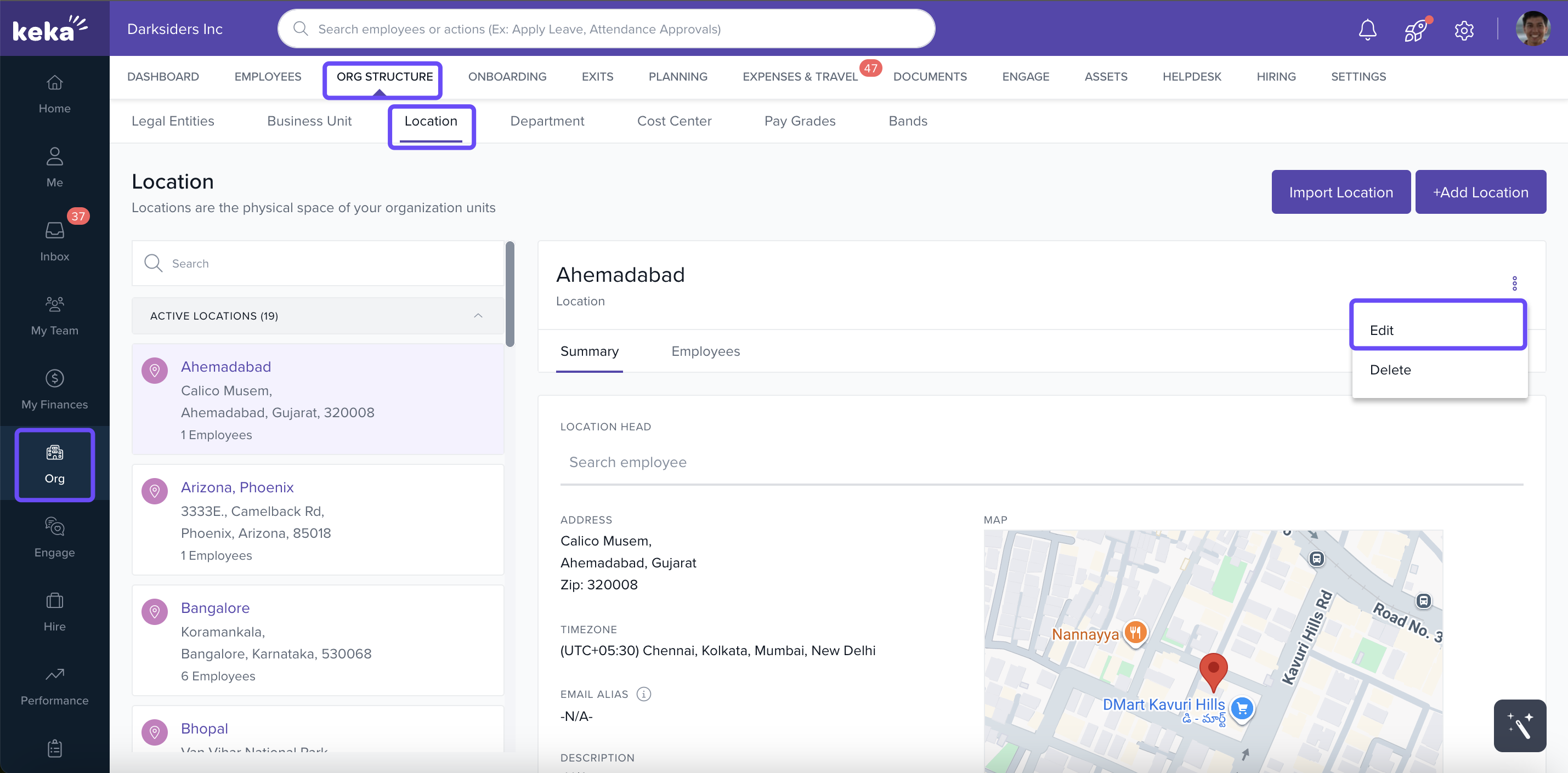
Go to Org → Org Structure → Location
-
Find and edit the relevant location details
-
Once updated, the new address will automatically reflect on the ID cards of employees assigned to that location
Note: You do not need to manually update individual ID cards—any change to the location auto-updates the ID card address.
Comments
0 comments
Please sign in to leave a comment.