Overview
Keka’s Settings Configuration for Career Paths helps organisations create a structured, review-based process to approve any changes made to defined paths. With approval levels and skill weightage options, this workflow ensures that edits go through the right stakeholders before going live.
Steps to Configure Career Path Settings
Navigating the Settings Page
To access the feature:
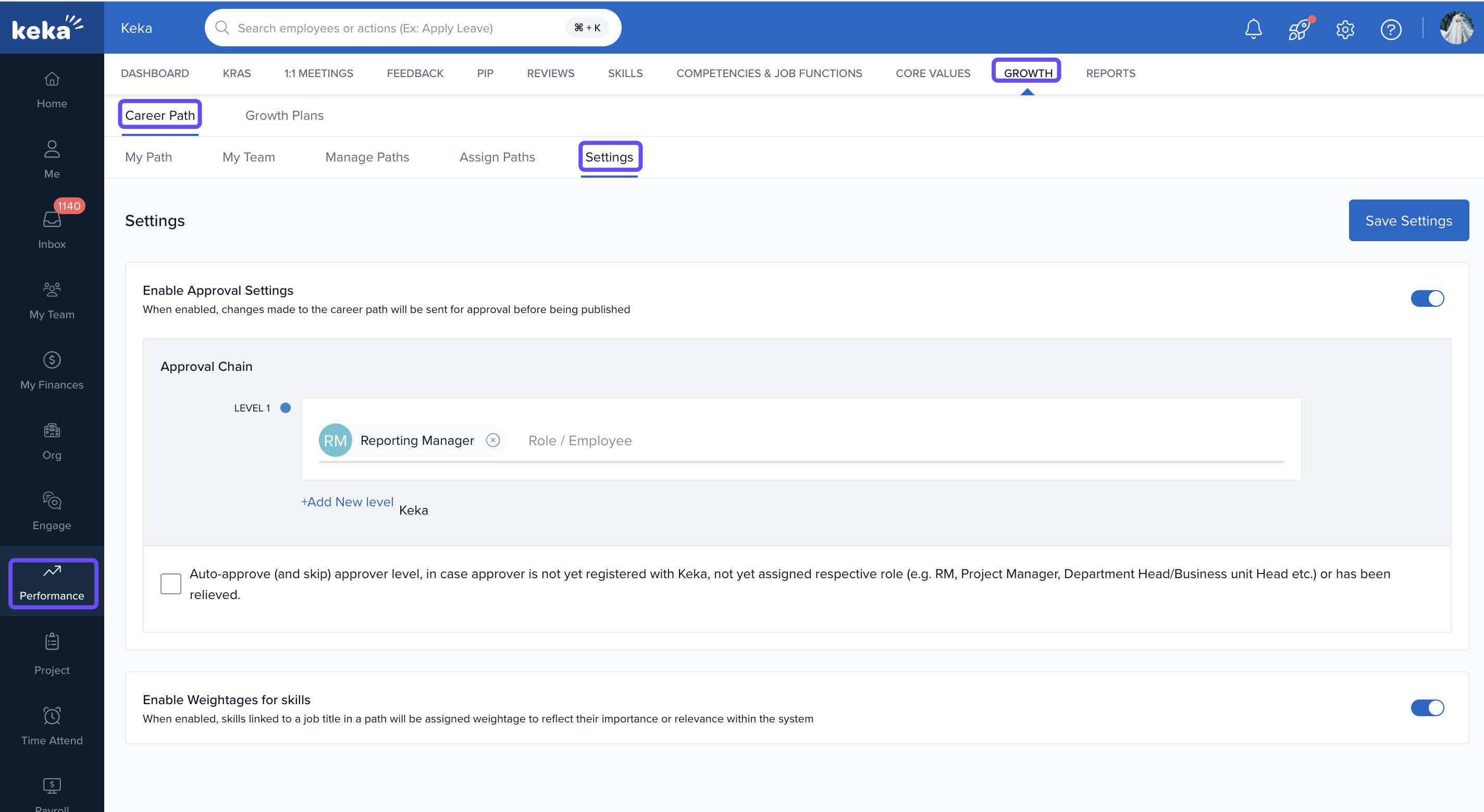
Go to the Performance module.
Click the Growth tab.
Select Career Path.
-
Click the Settings gear icon in the top-right.
Enabling Approval Settings
-
Toggle Enable Review and Approval to ON.
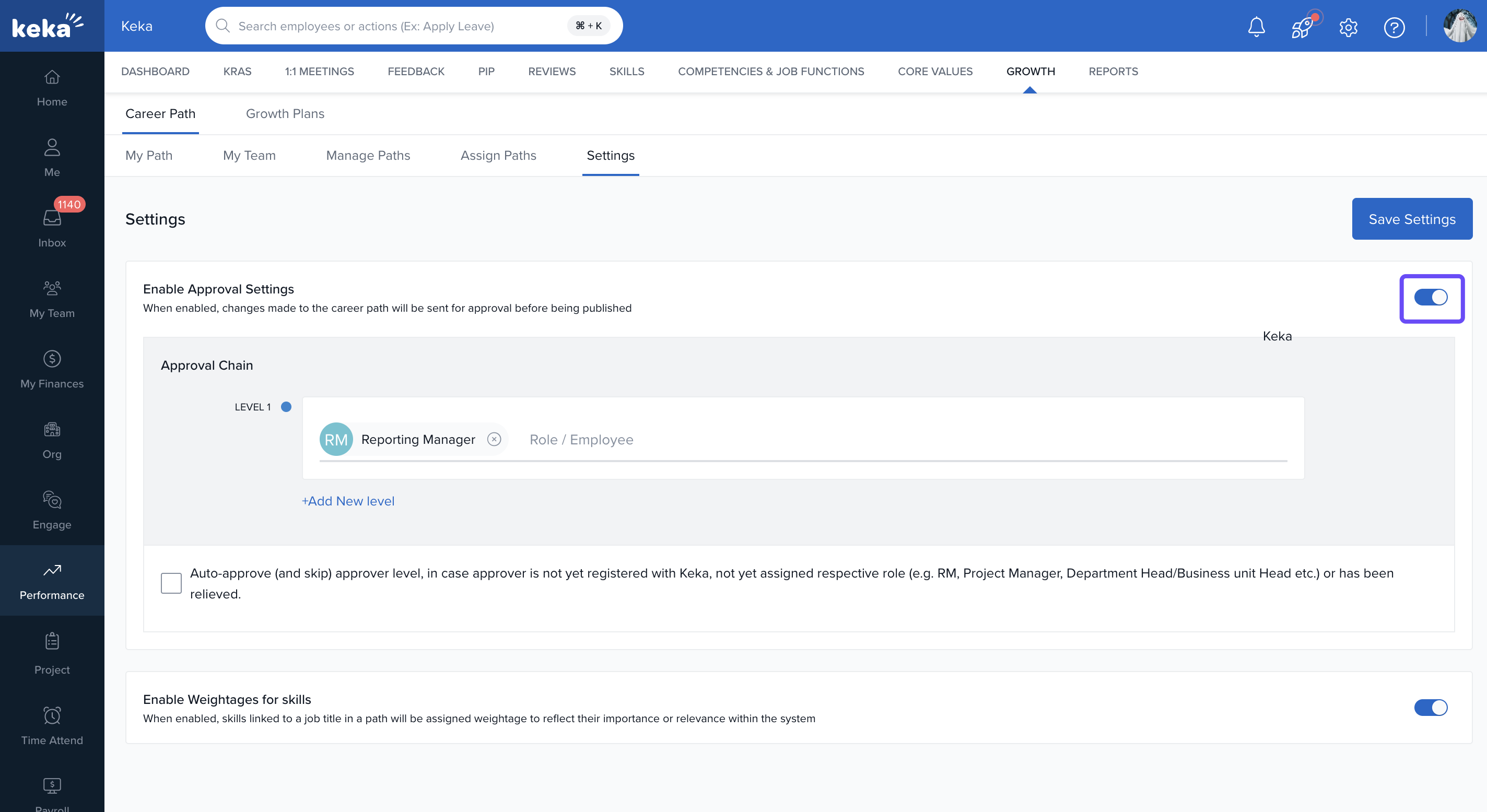
This activates a structured review flow for any changes made to career paths.
Once enabled, changes won’t go live until they are reviewed and approved.
Setting Up Approval Chain
- For each level of the approval chain, you can specify who is responsible for reviewing and approving changes.
-
Assign approvers such as:
Reporting Manager
HR Business Partner
Department Head
Any custom role
This feature allows you to include various stakeholders, such as direct supervisors, HR representatives, and senior management, in the approval process.
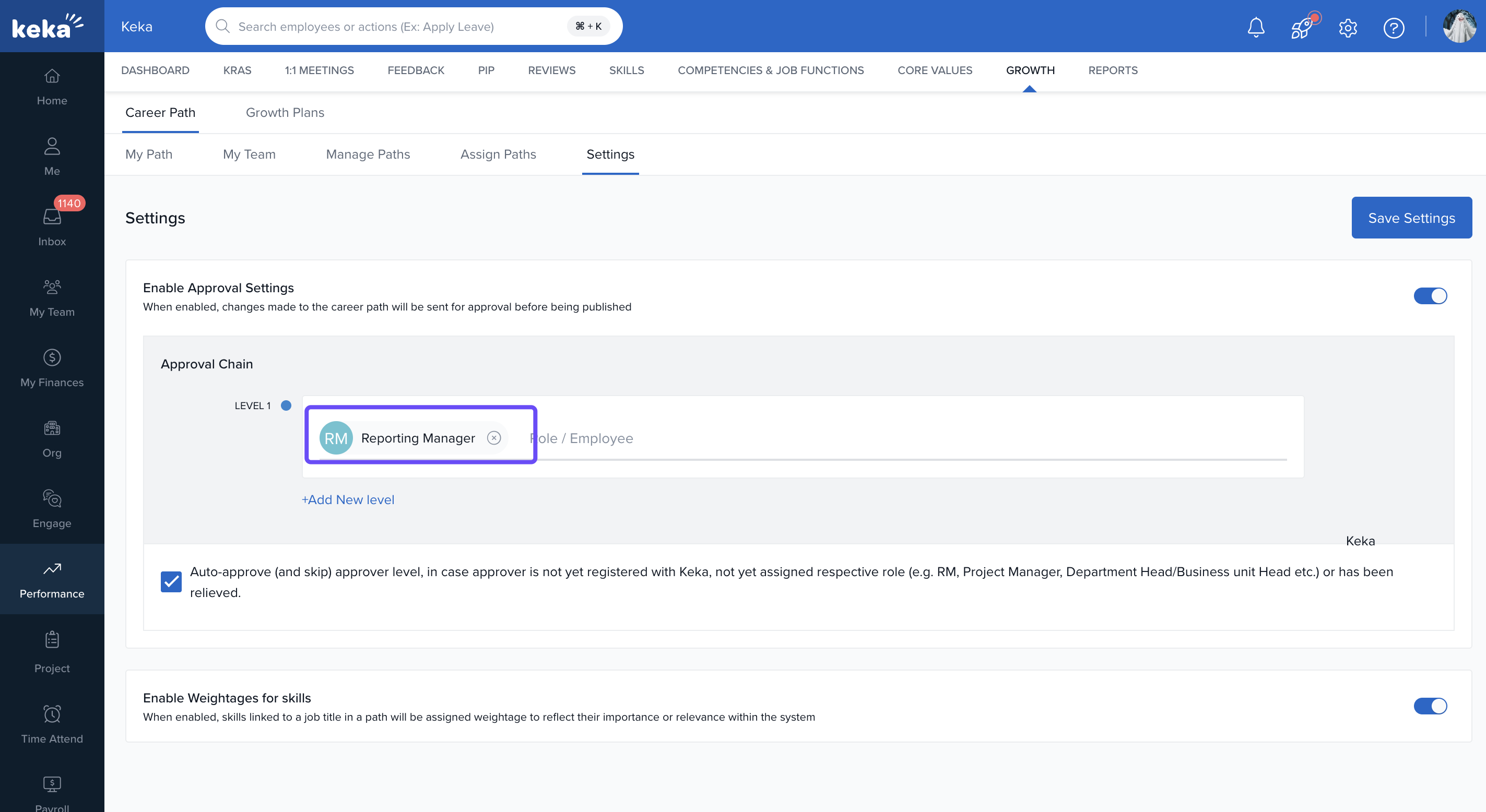
3. You can stack multiple levels based on your review hierarchy.
4. Click +Add New Level to introduce additional layers of approval.
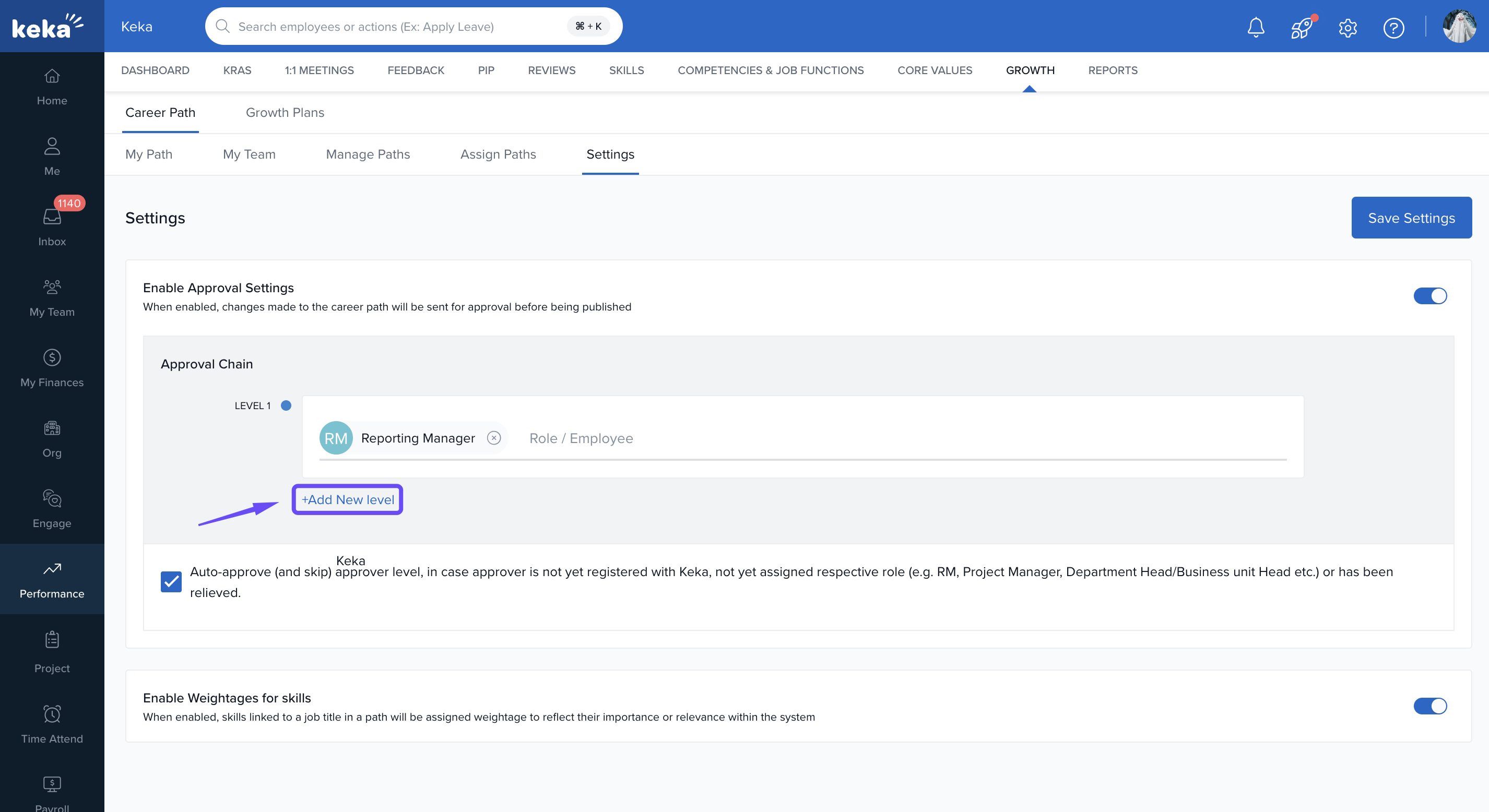
5. Select any role such as:
-
L2 Manager
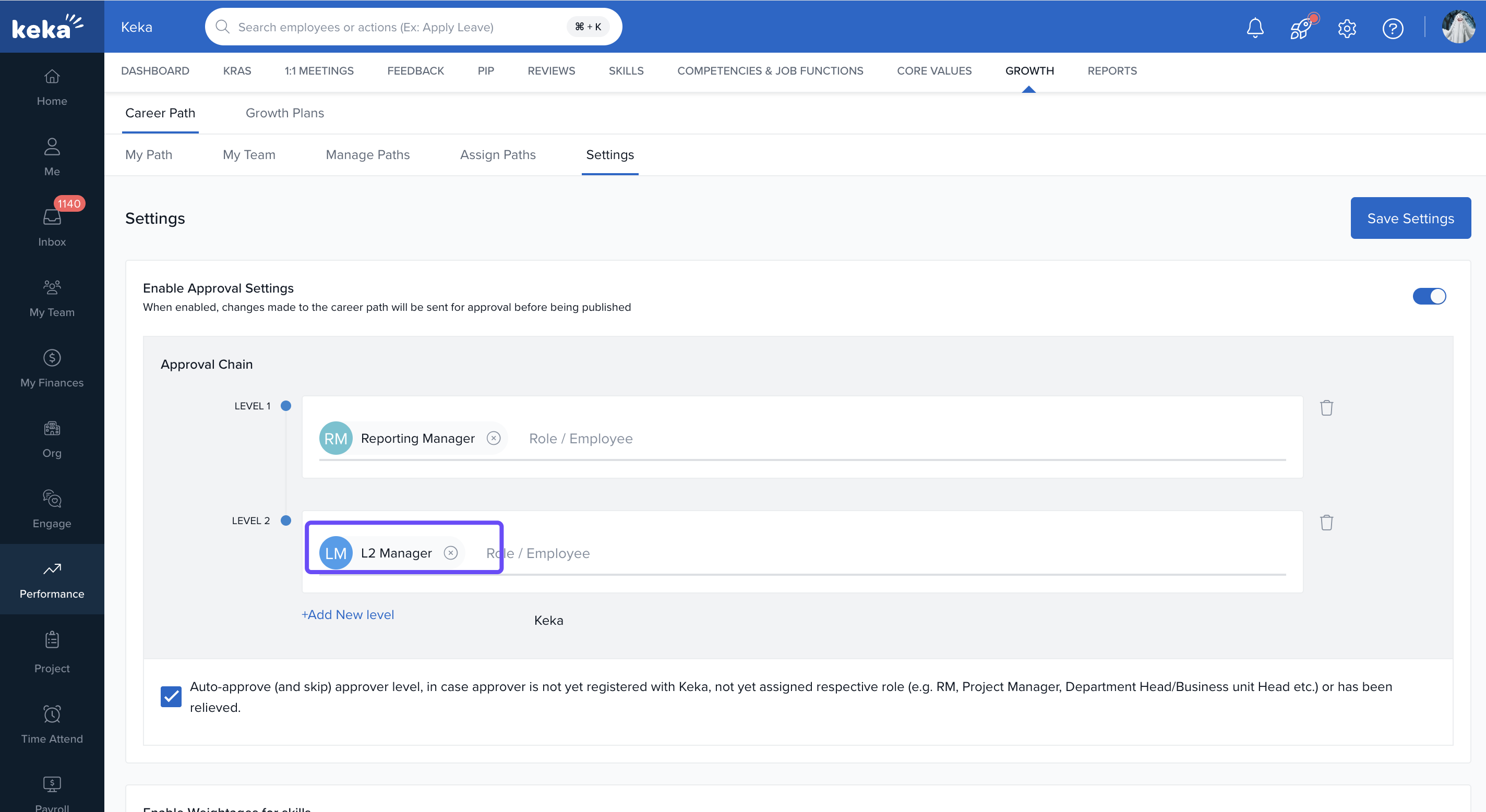
This customisation ensures that the approval process aligns with your organisational structure and policies. You can add and configure reviewers based on their roles and responsibilities, ensuring that all relevant perspectives are considered.
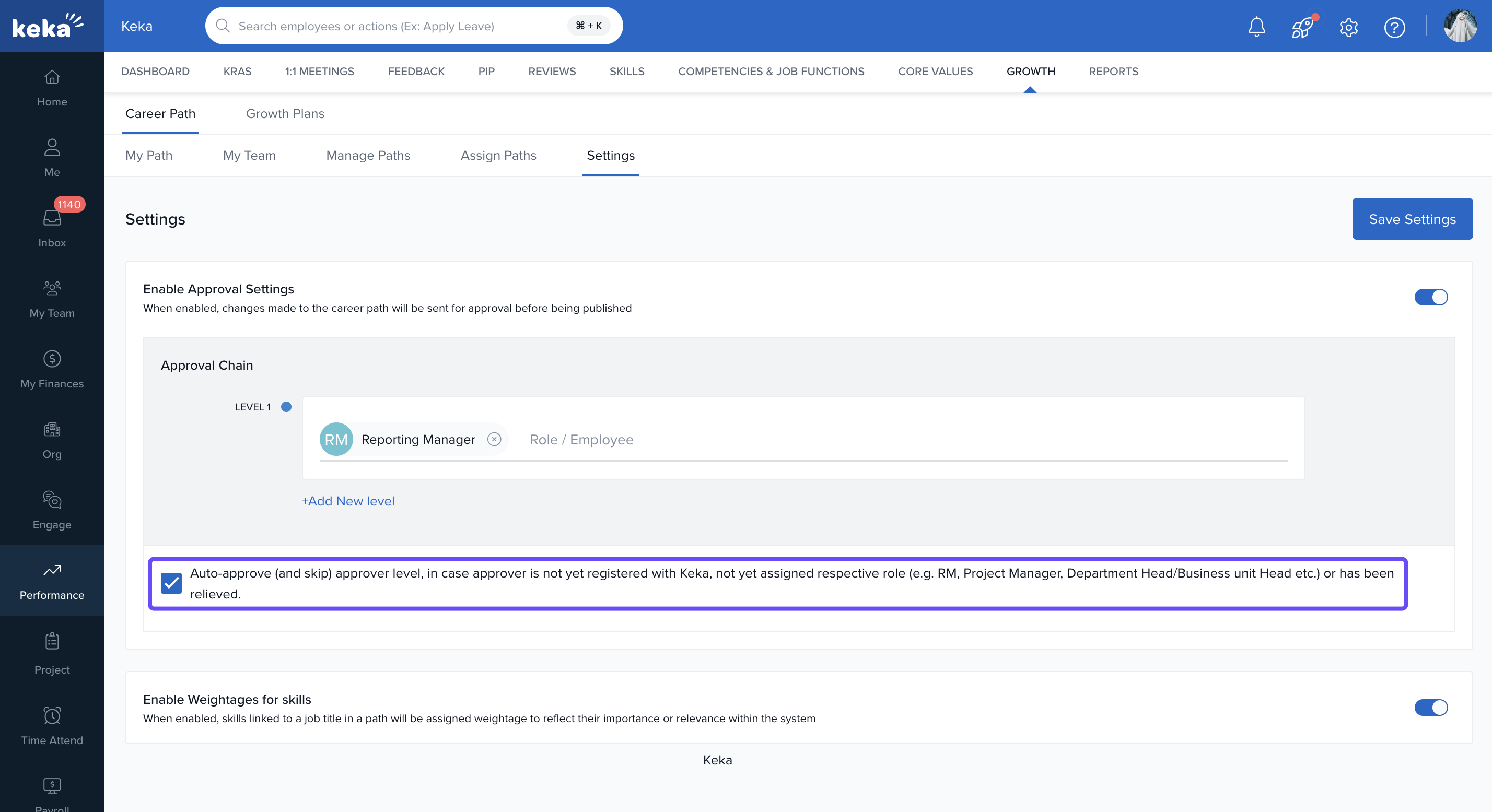
Auto-approve Setting
- Check the box for Auto-approve (and skip) approver level.
-
If the approver is not yet registered with Keka or hasn't been assigned the appropriate role, this step will be skipped.
Enabling Skill Weightage
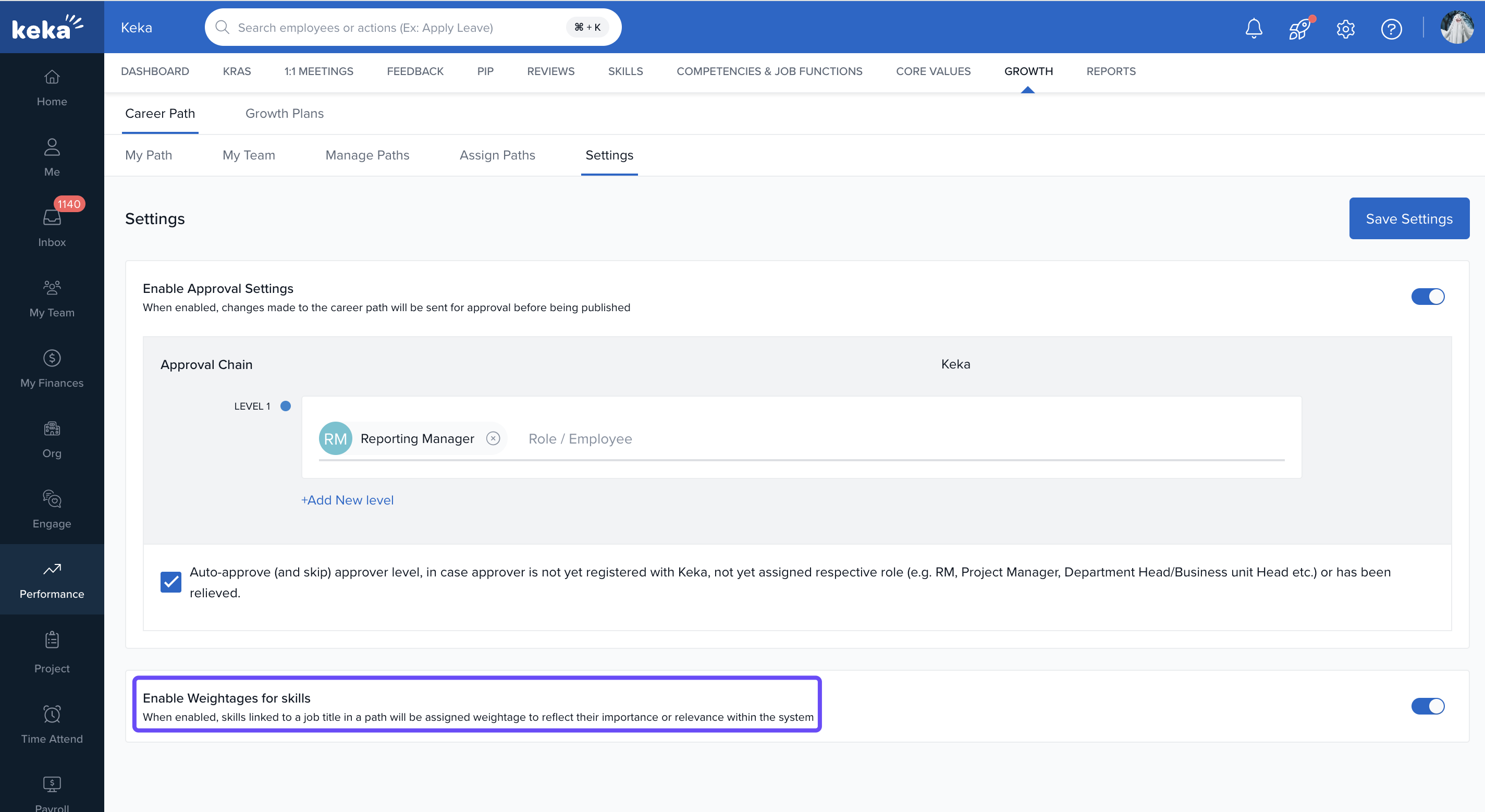
- Toggle Enable Skills Weightage to allow weighting of each skill.
-
This helps determine how much each skill contributes to readiness for a role and can guide development focus.
Structured Review Flow
With approvals enabled:
Any updates to roles, levels, or skill definitions in a career path go into review.
Approvers receive notifications to review and approve or reject the changes.
Once approved at all levels, the updates become live.
- Ensure approver roles are correctly mapped in your org settings to avoid delays.
- Auto-approve should only be used when confident about fallback logic.
Comments
0 comments
Please sign in to leave a comment.