Overview
Managers and admins can create and edit career paths in Keka to define structured growth opportunities within teams. Available for internal use only while in development, this feature empowers you to align roles, responsibilities, and required competencies across departments.
Alignment
Start by understanding the distinct needs of each department—identify the key skills, competencies, and growth targets that support both team objectives and individual career ambitions.
Steps to Add New Career Paths
Navigating the Manage Career Path Page
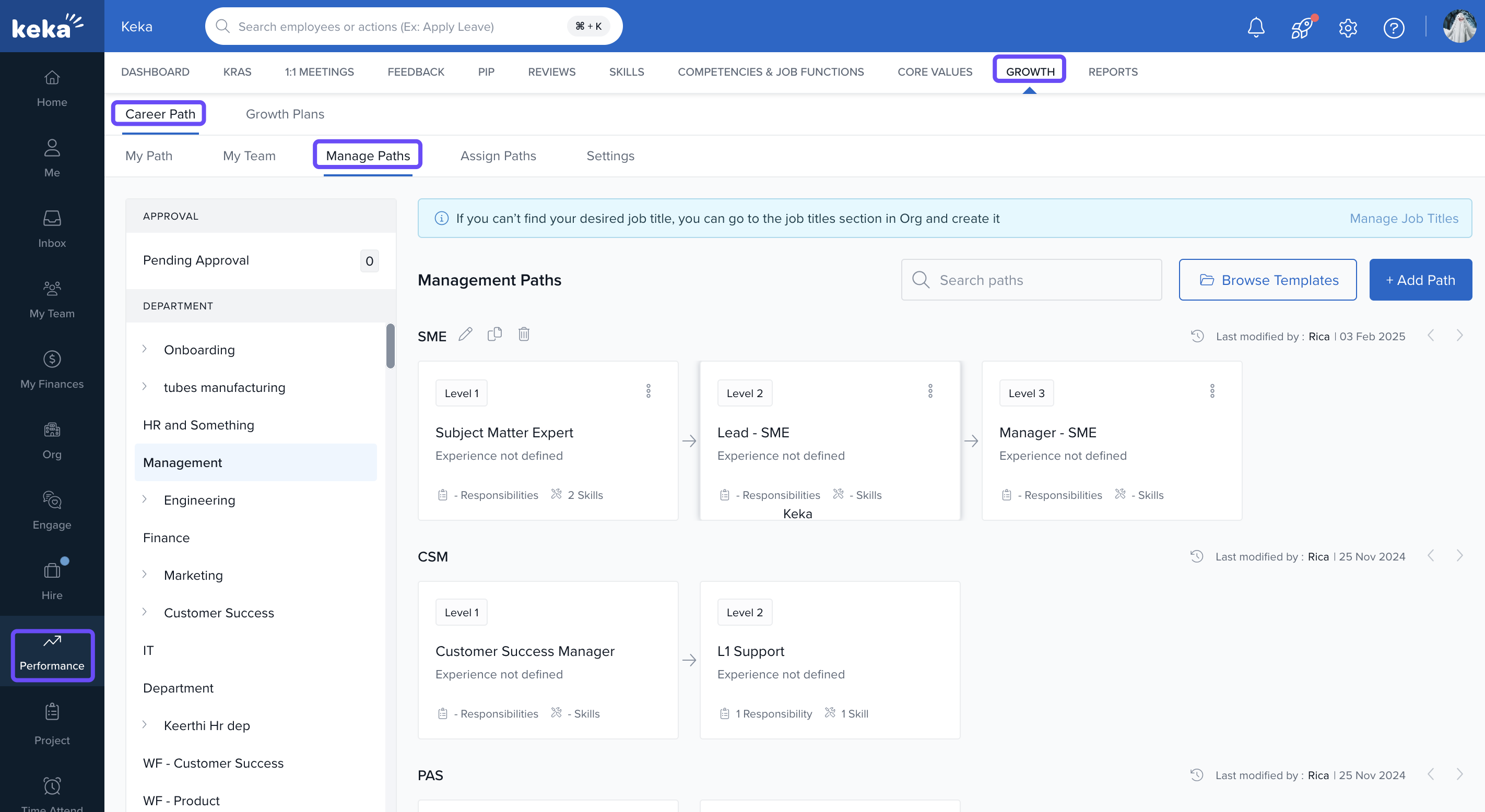
Go to the Performance module.
Click the Growth tab.
Select Career Path.
-
Click Manage Paths to view career tracks grouped by department.
Editing Career Path
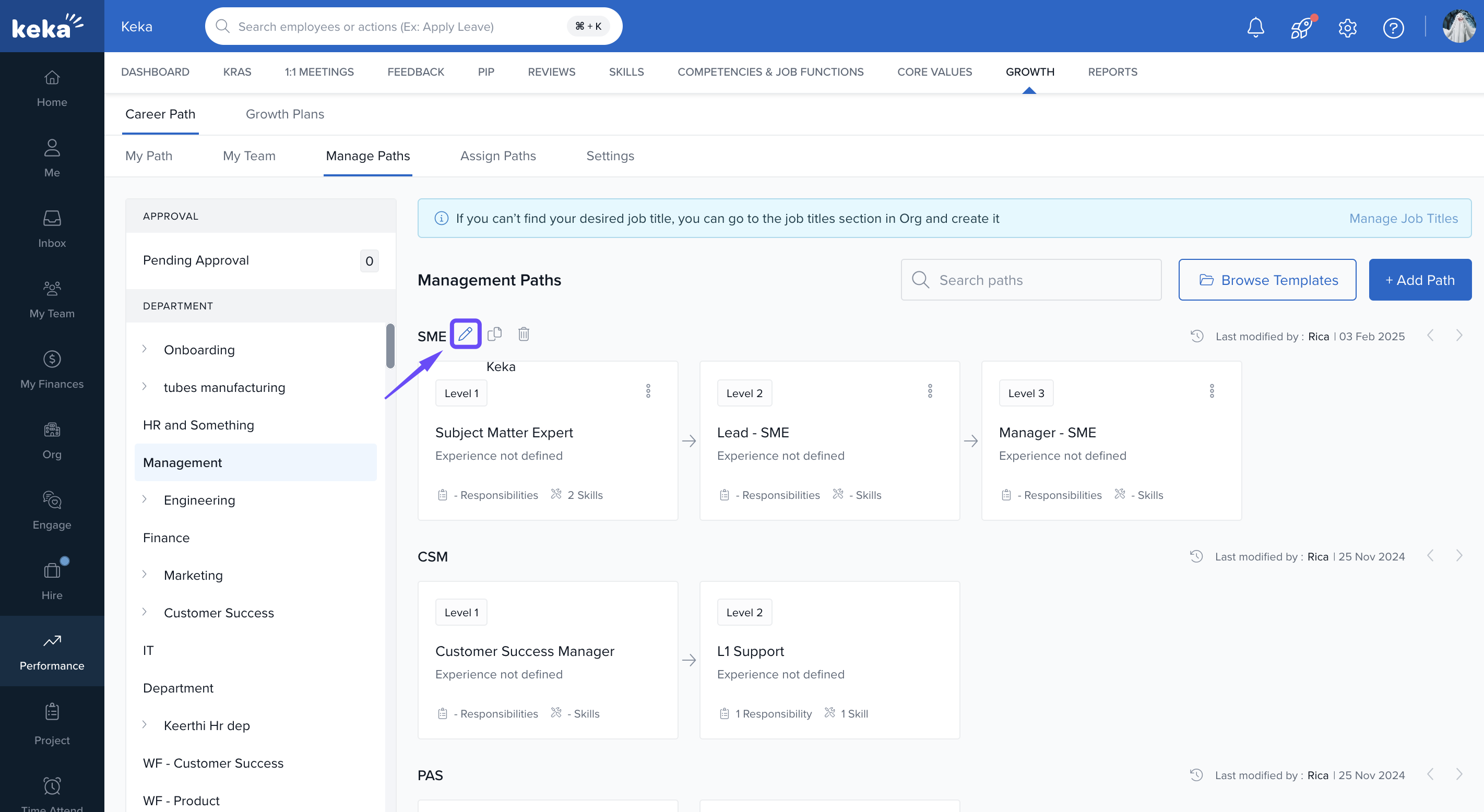
Select a career track from the list.
-
Click Edit.
Update roles, responsibilities, or required skills.
-
Click Update to save changes.
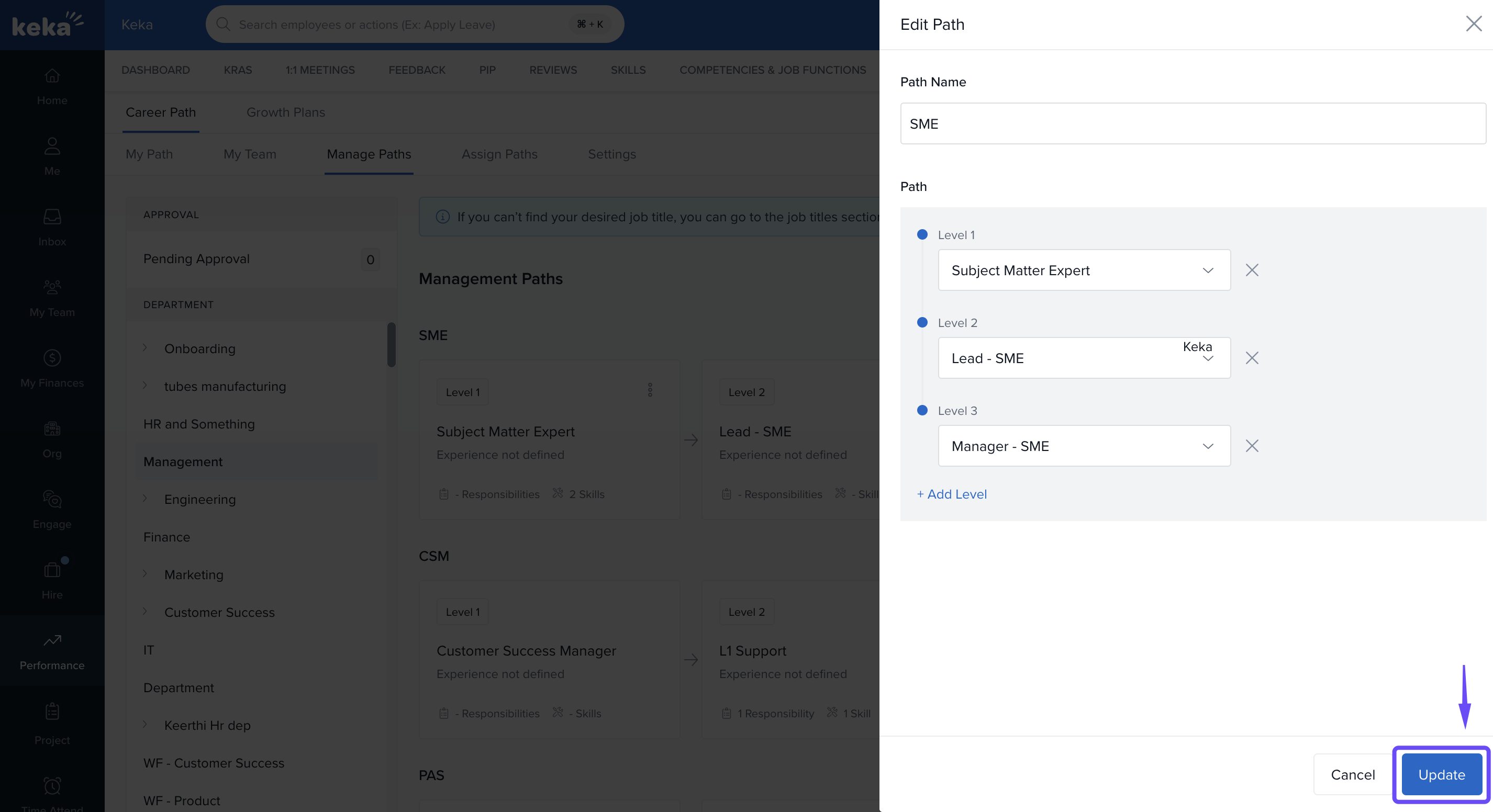
- These edits are accessible to department heads, global admins, and HR managers.
-
Click on any role, and then click Edit if you want to modify the responsibilities and skills associated with that role.
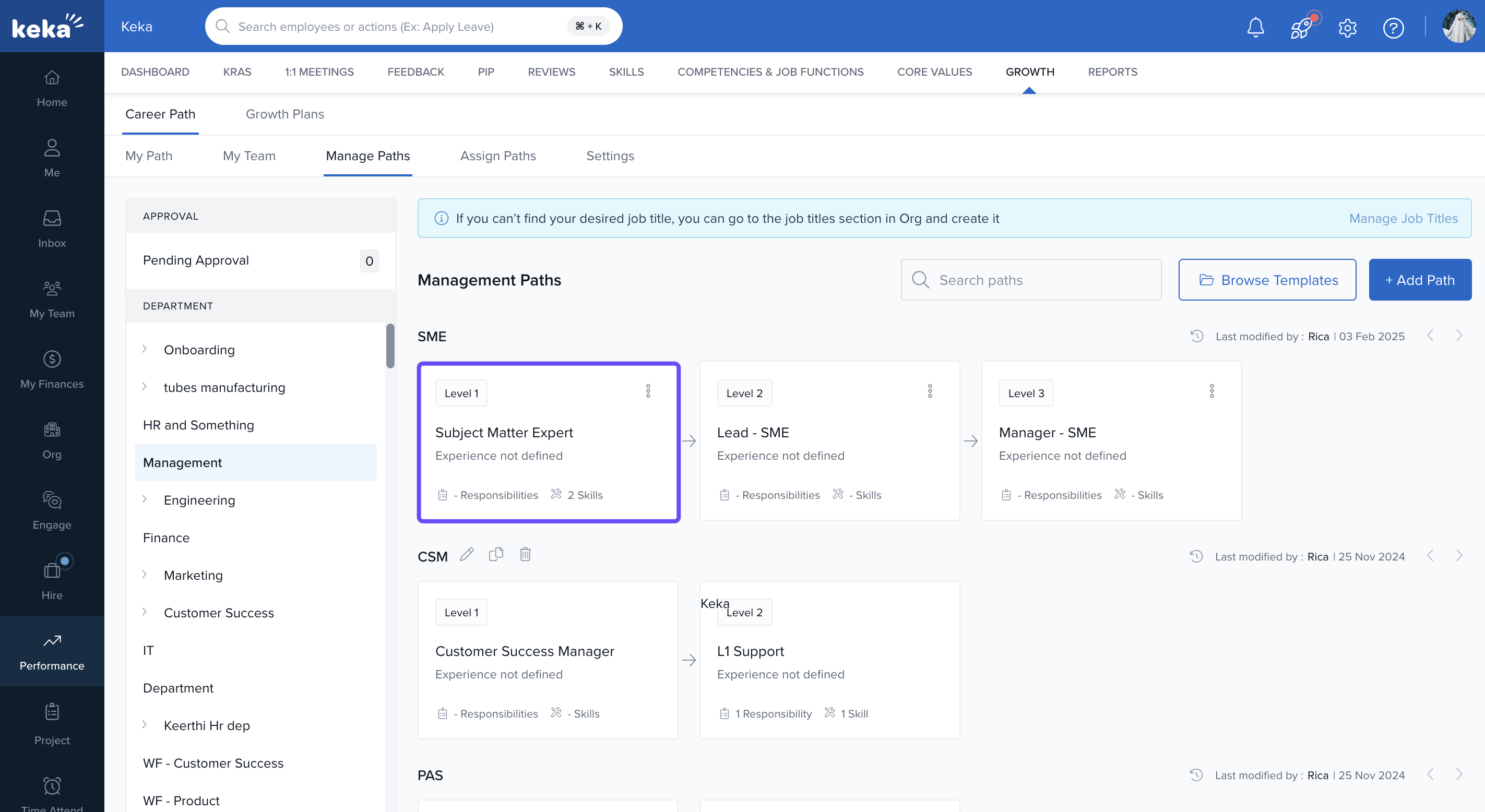
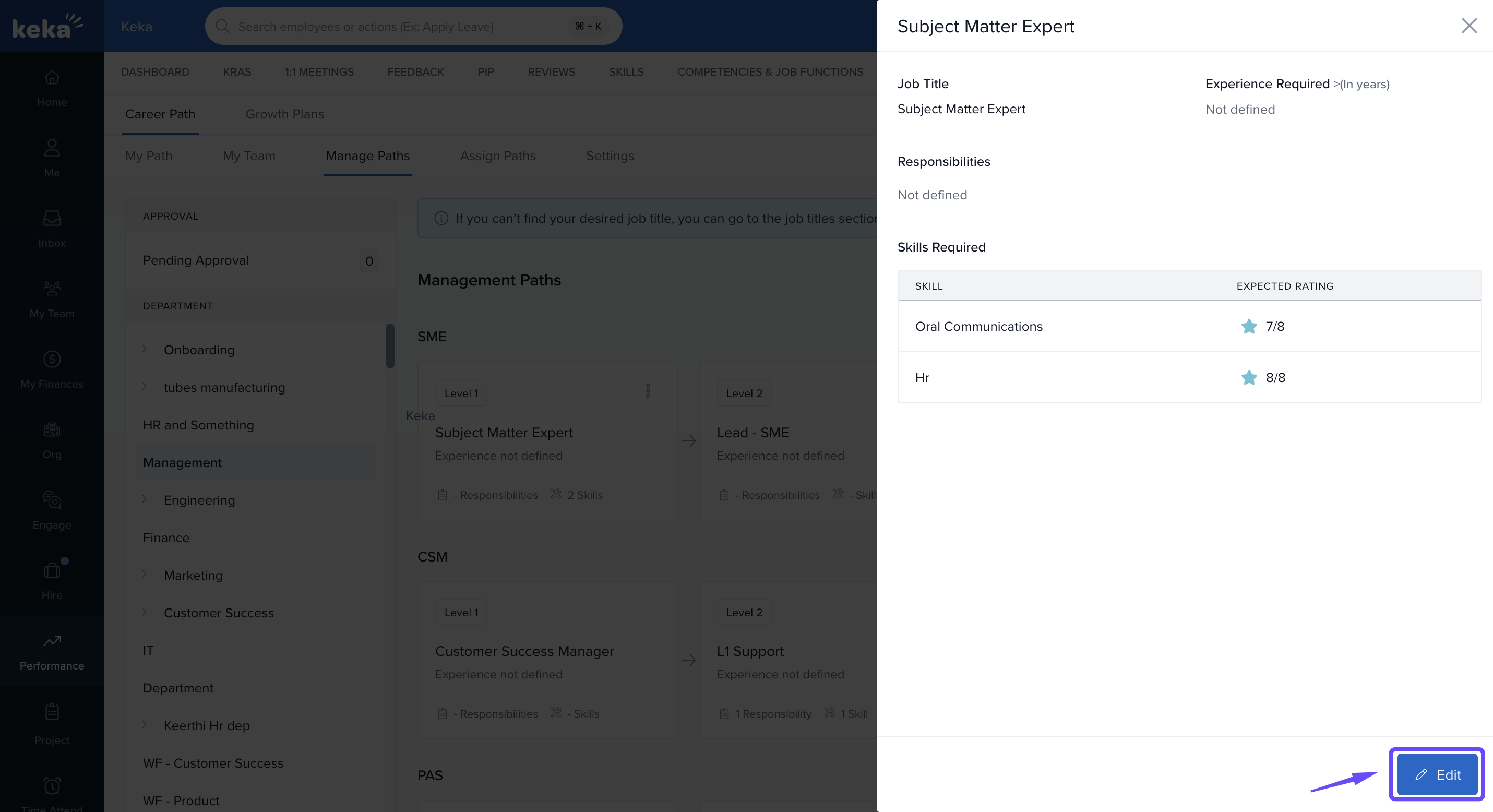
Here, you can adjust the different roles and responsibilities to better align with evolving departmental needs.
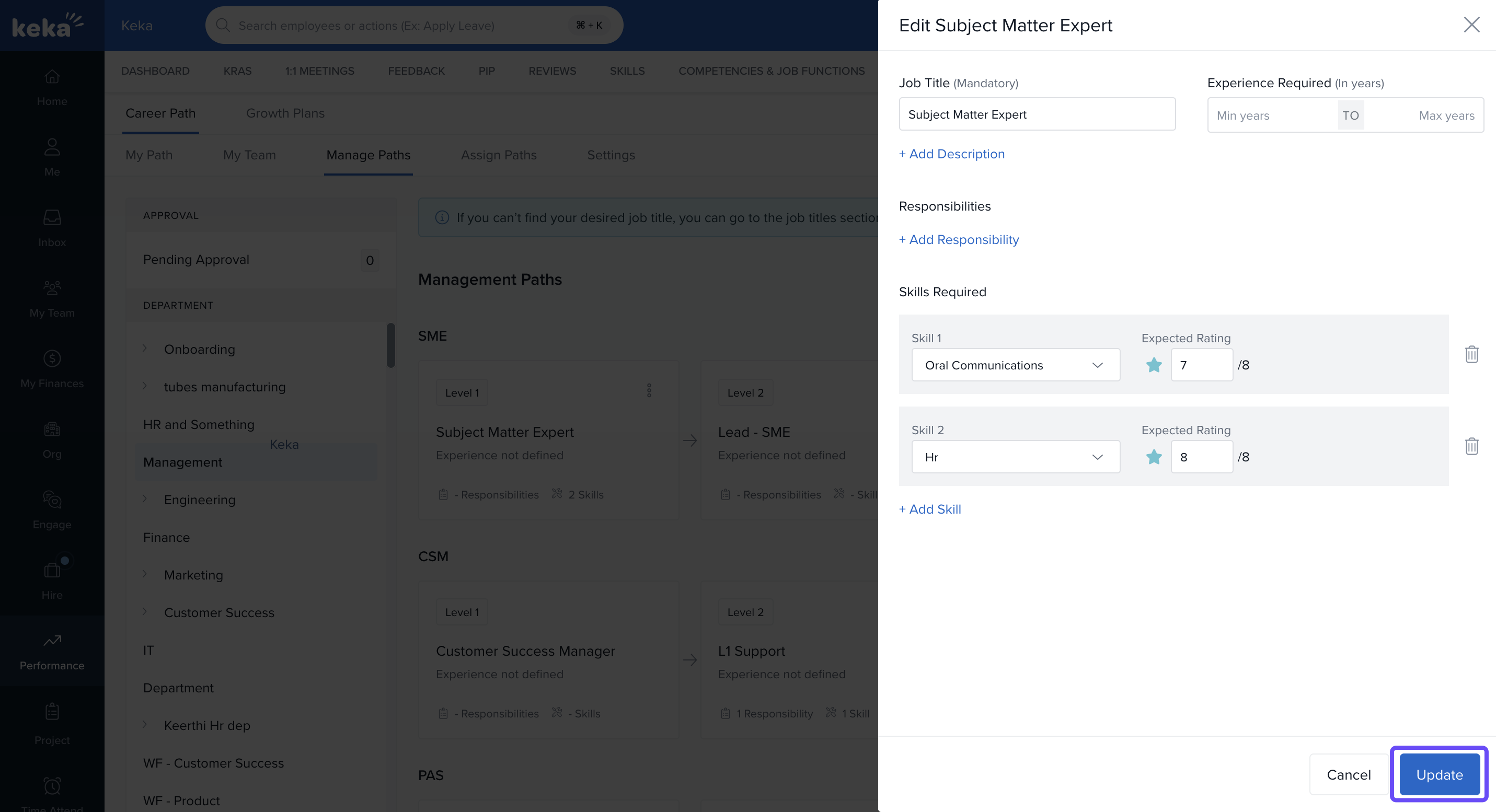
Note: This edit is not only available to the department head but also to the global admin and HR manager.
Creating New Career Path
-
Click + Add Path.
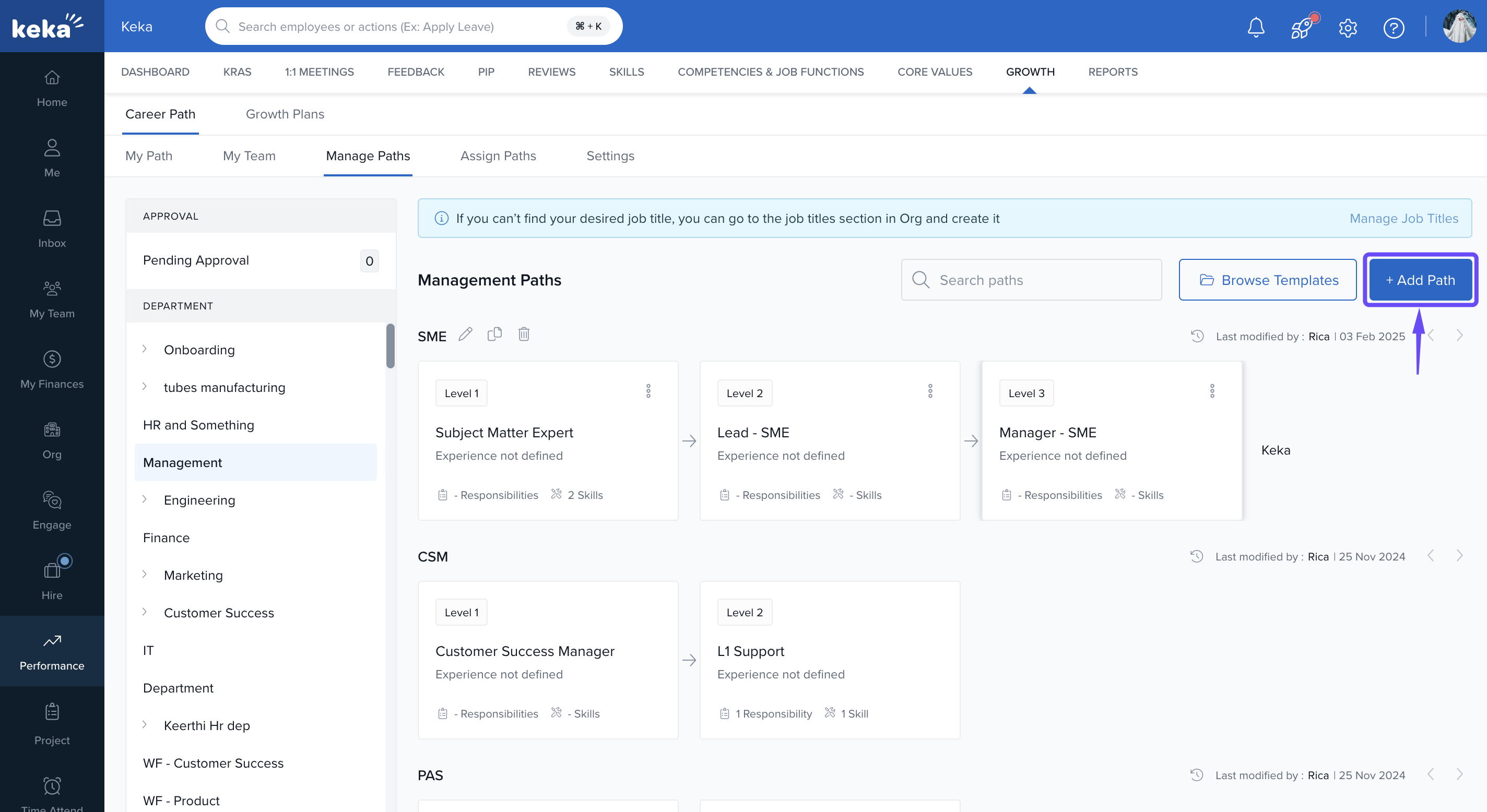
Enter a name for the new career path.
Add and assign roles across levels based on organisational structure.
-
Click Create to finalise the path.
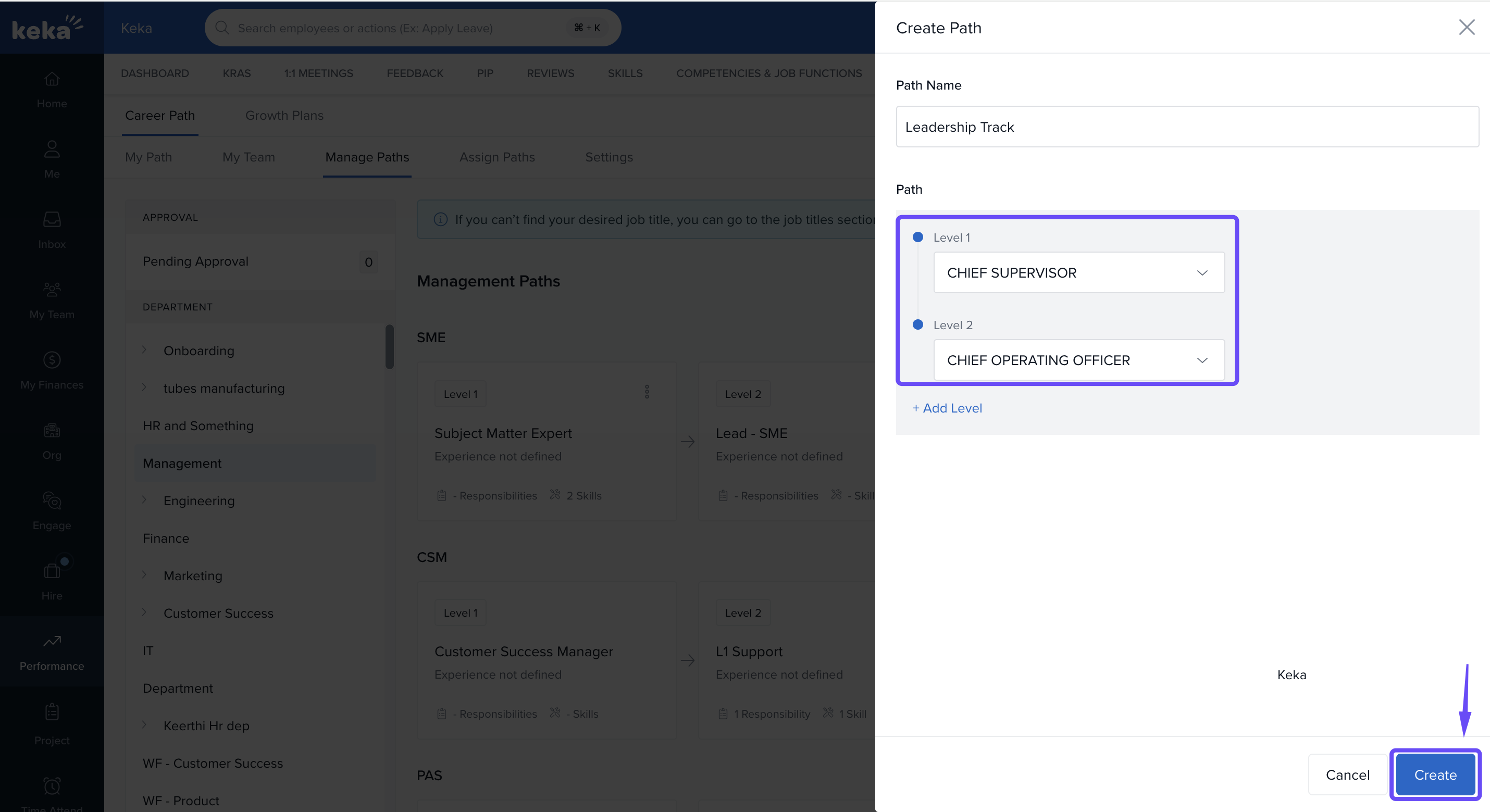
Note: Admins can define, assign, and manage career tracks by job title and department, with options to edit, clone, delete, and view activity logs.
Notes & Tips
Review and update paths regularly to reflect organisational changes.
Involve department heads in defining responsibilities and required skills.
Use cloning to quickly replicate and adapt career tracks for similar roles.
Align each role’s expectations with performance metrics and skill development goals.
Comments
0 comments
Please sign in to leave a comment.