- Go to Time Attend > Attendance Tracking.
- Select the Time Tracking Policy tab.
- If you have multiple time tracking policies, select the one you wish to modify and click the Edit icon.
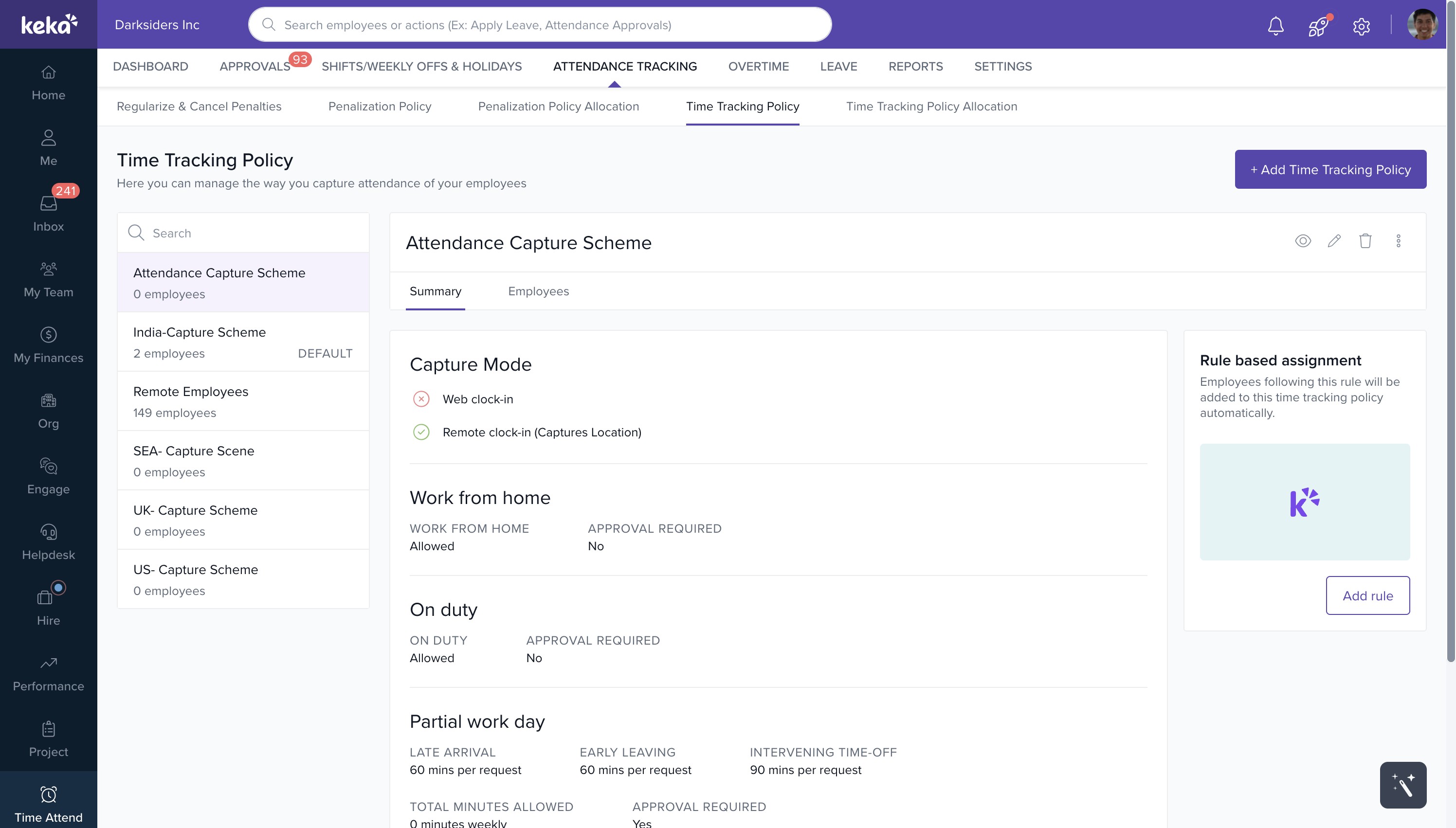
- In the setup page, if Remote Work is not already included, click on +Add Time Tracking Methods and choose Remote Work from the dropdown menu.
- In the Remote Work section, toggle the switch for On-duty to enable it.
- Make any necessary changes and click Save.
This will enable the On-duty feature in the time tracking policy.
image widget
Comments
0 comments
Please sign in to leave a comment.