In Keka, employers can create document folders that are accessible to all employees or specific groups.
These folders store important organizational documents—such as policies, forms, or guidelines—that employees can access anytime.
Steps to View Organization Documents
Go to Org from the left navigation menu.
Click the Documents tab.
You’ll be directed to the Organization Documents page.
Use the search bar to find the Document Folder you want to view.
Click the Document Title to open it.
Viewing or Downloading Documents
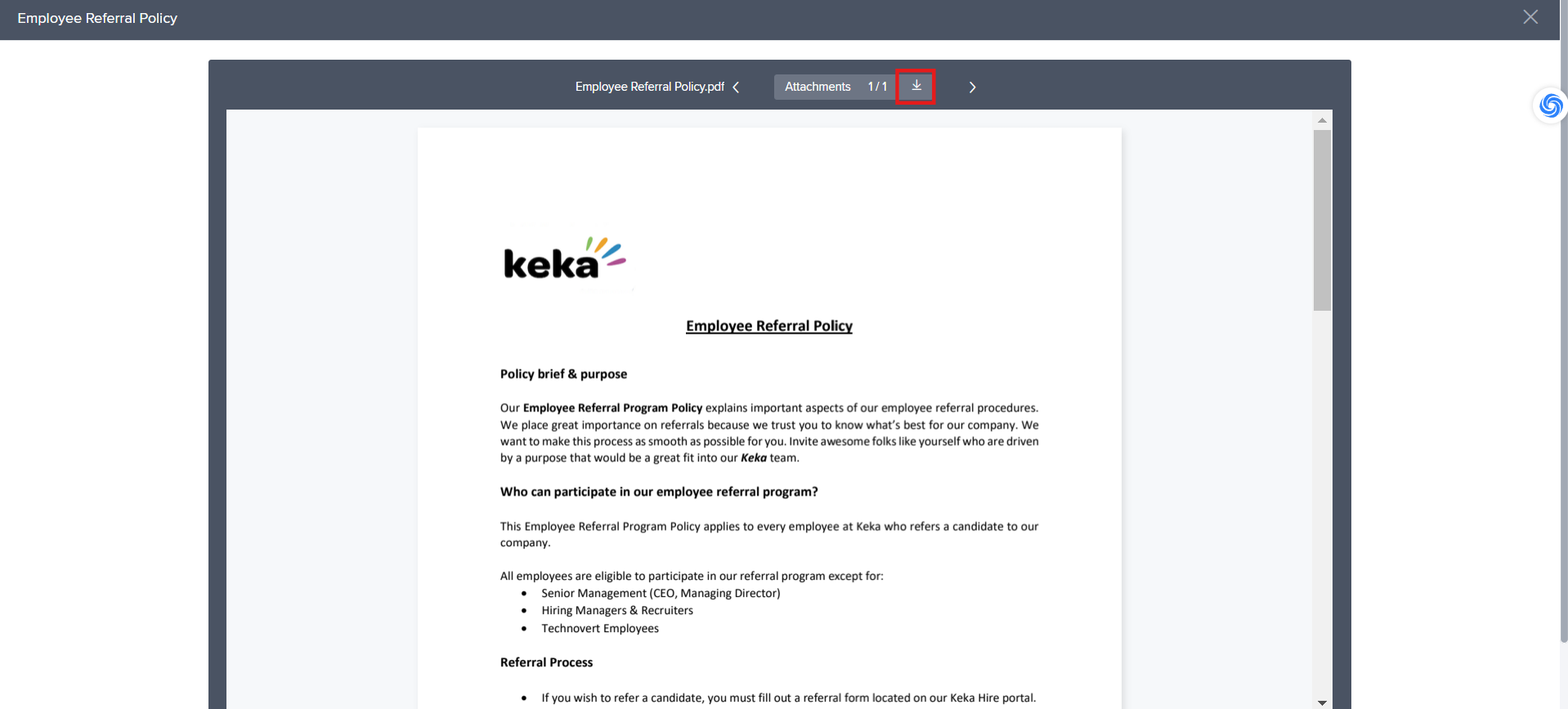
You can view the document online directly within Keka.
To save a copy, click the Download icon.
That’s it! You now know how to access and view organizational documents in Keka.
We hope it is clear how employees can view organizational documents.
Comments
0 comments
Please sign in to leave a comment.