Keka’s Growth Plan Insights gives you a snapshot of how employees are progressing with their development plans. Admins and Performance Managers can monitor plan adoption, track progress, and compare trends across departments.
Who Can Access This?
Only users with Admin or Performance Manager roles can view and analyse insights from this section.
How to Navigate to Insights?
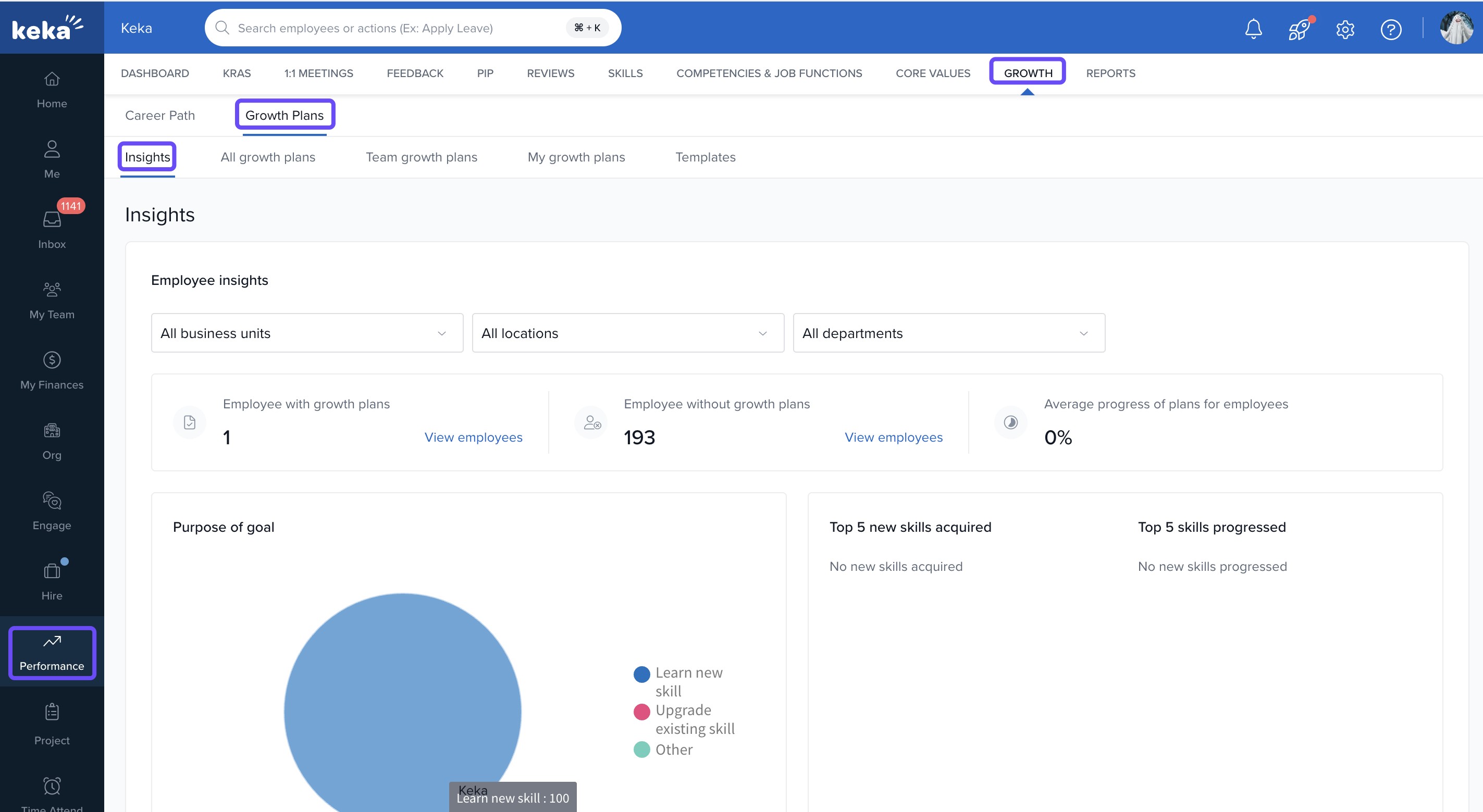
To open the Insights dashboard:
Go to the Performance module.
Click the Growth tab.
Select Growth Plans.
Click Insights.
Filters Available
At the top of the Insights page, you can apply filters to narrow down data by:
Business Unit
Location
Department
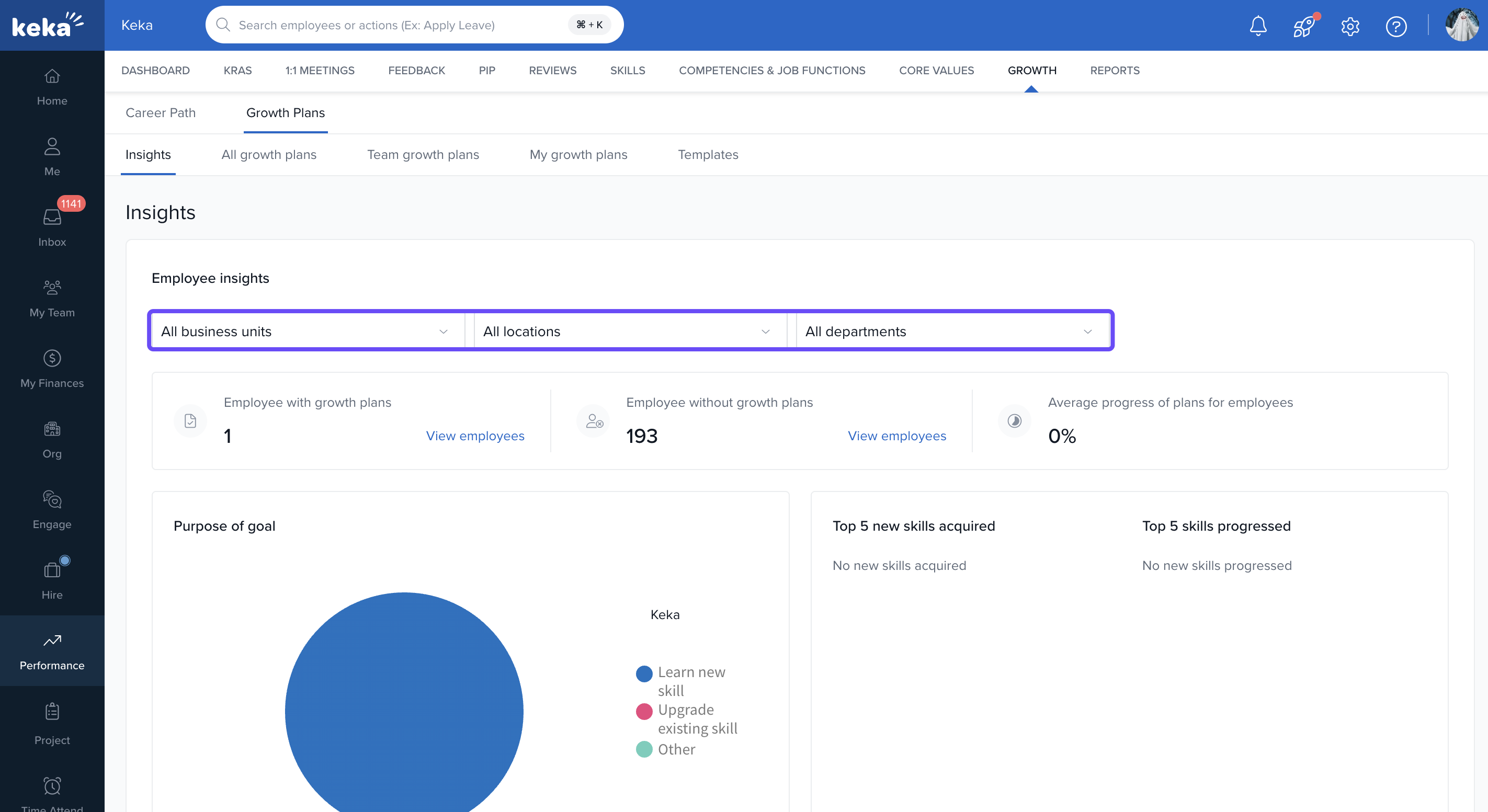
This helps you segment insights as per your organisational structure. Adjust these to focus your analysis.
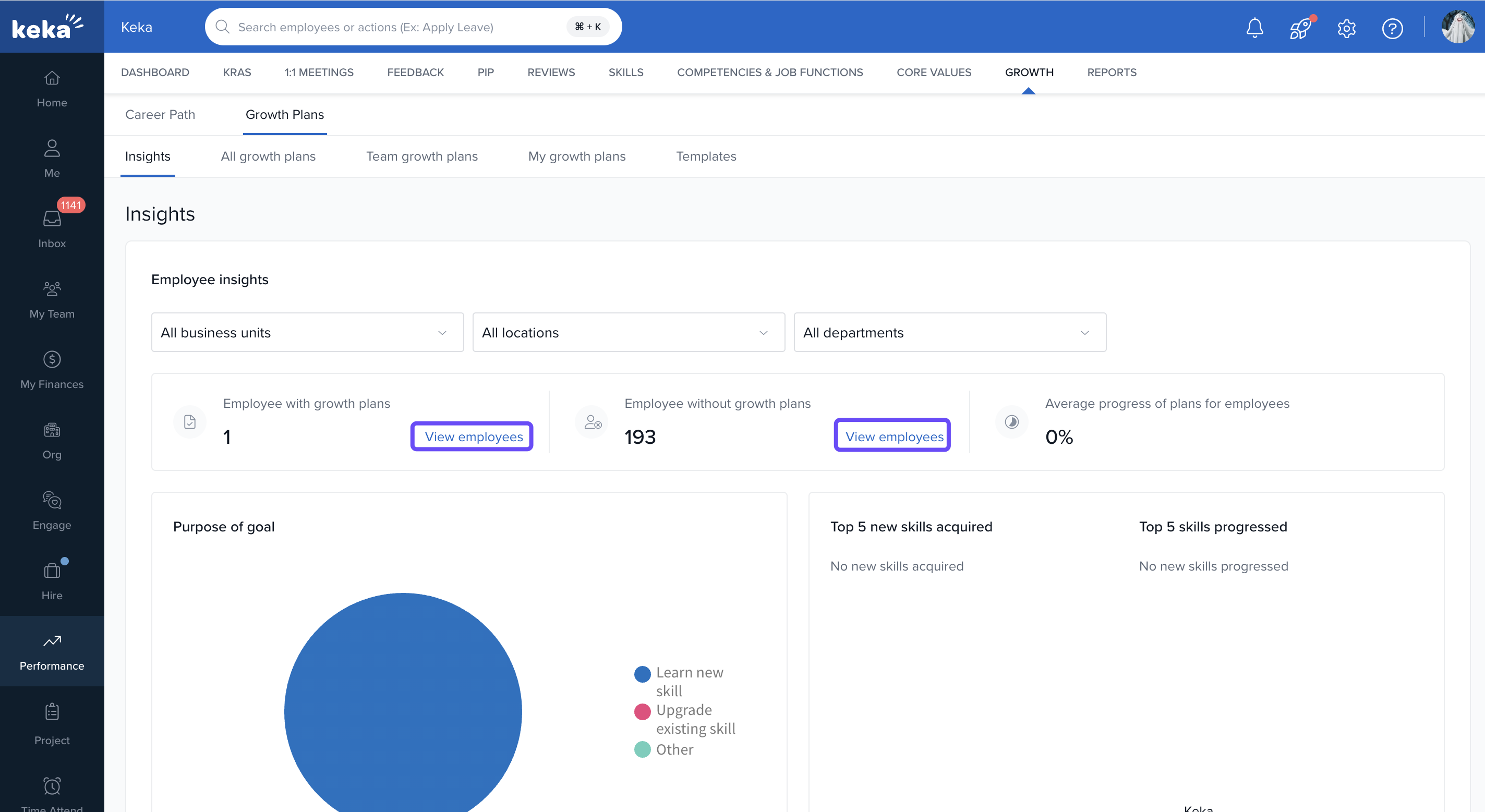
Here are the key metrics available:
Employee with Growth Plans
- Displays the number of employees who have active growth plans assigned to them.
- Click “View employees” to see the complete list.
Employee without Growth Plans
- Shows the count of employees who haven't been assigned any growth plan yet.
- Click “View employees” to take necessary action.
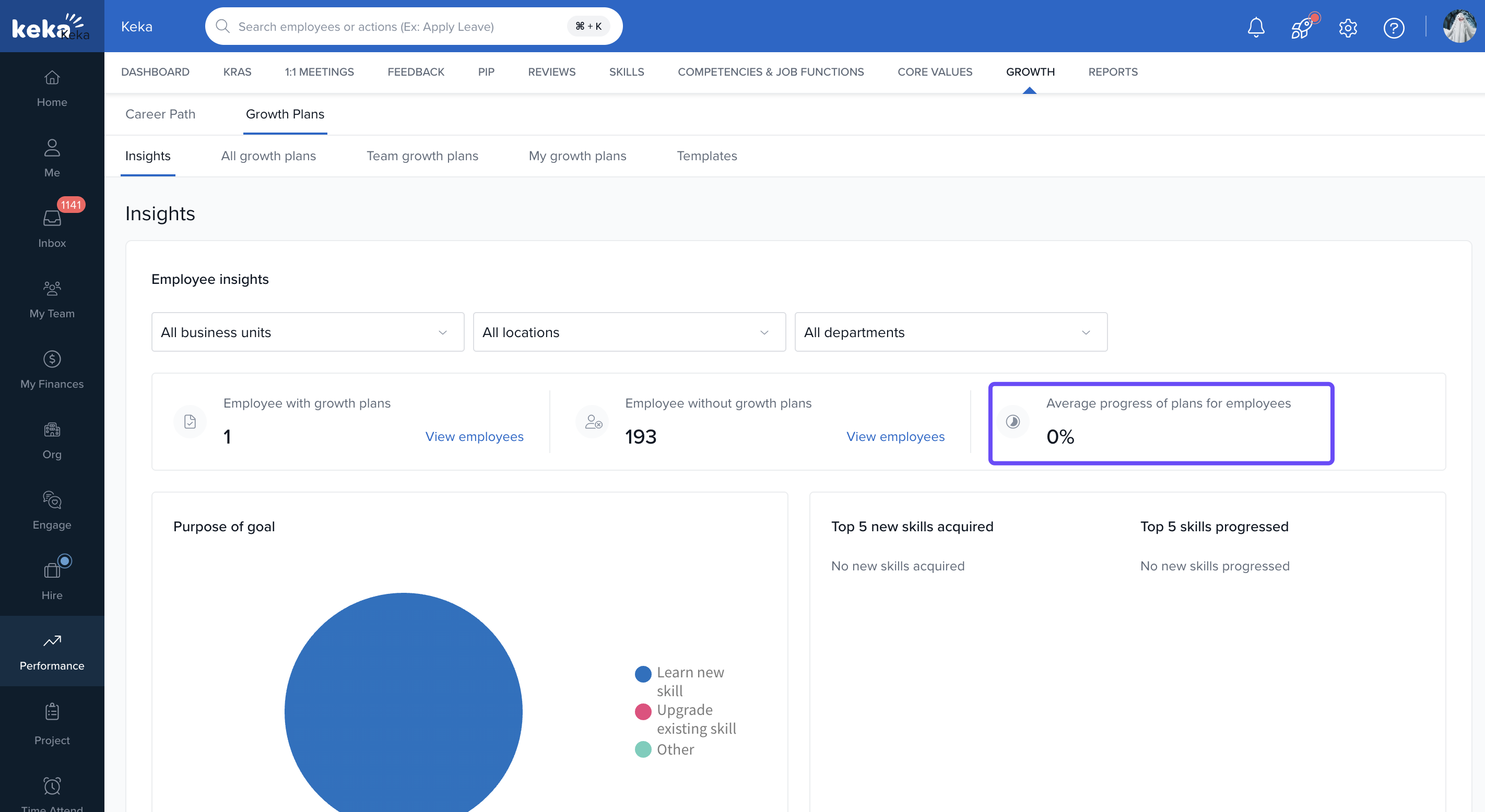
Average Progress of Plans
- Indicates the average completion percentage of all growth plans across selected filters.
Let's check out Skill Development Metrics available:
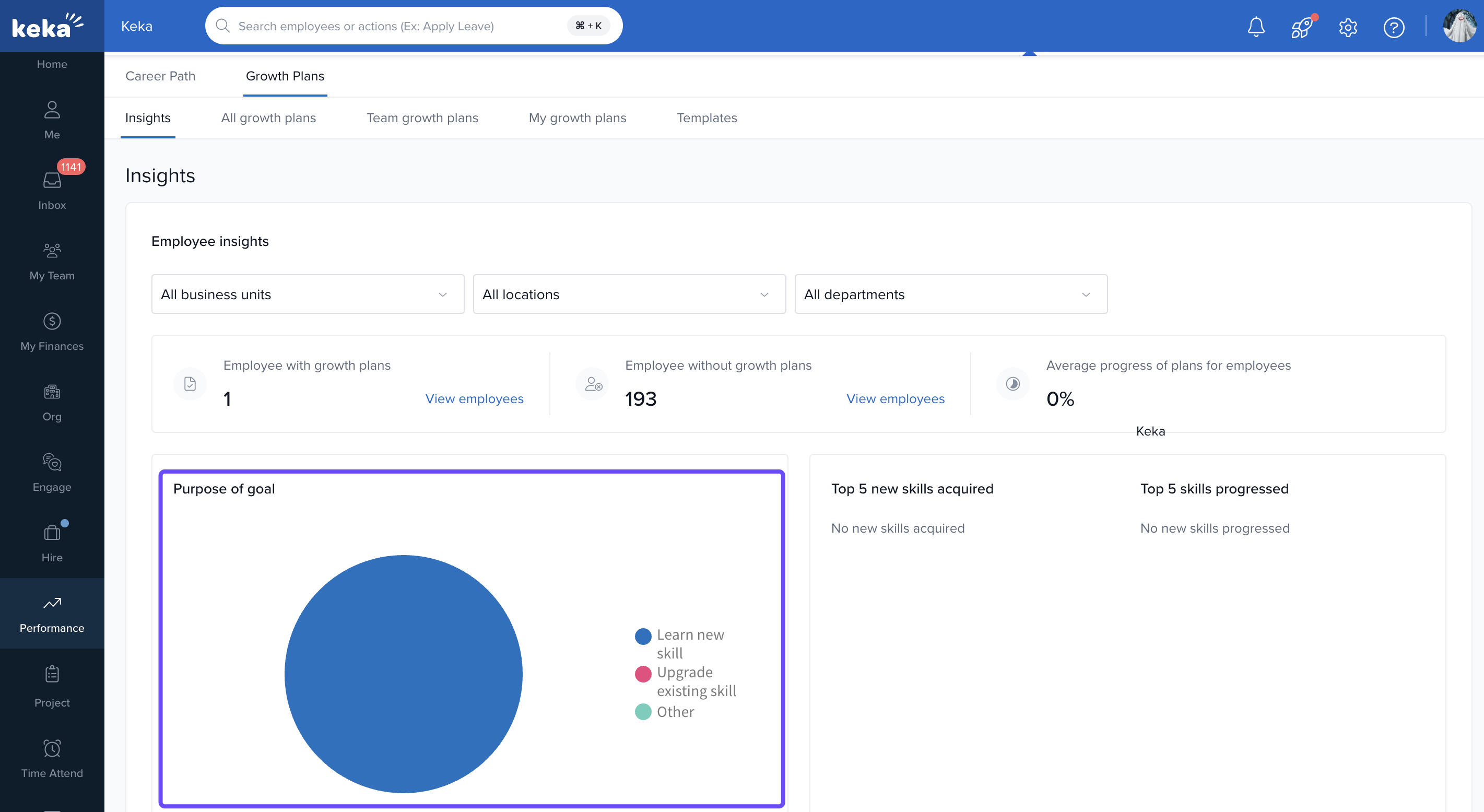
Purpose of Goal
A pie chart represents why the goals were created:
Learn new skill
Upgrade existing skill
Other
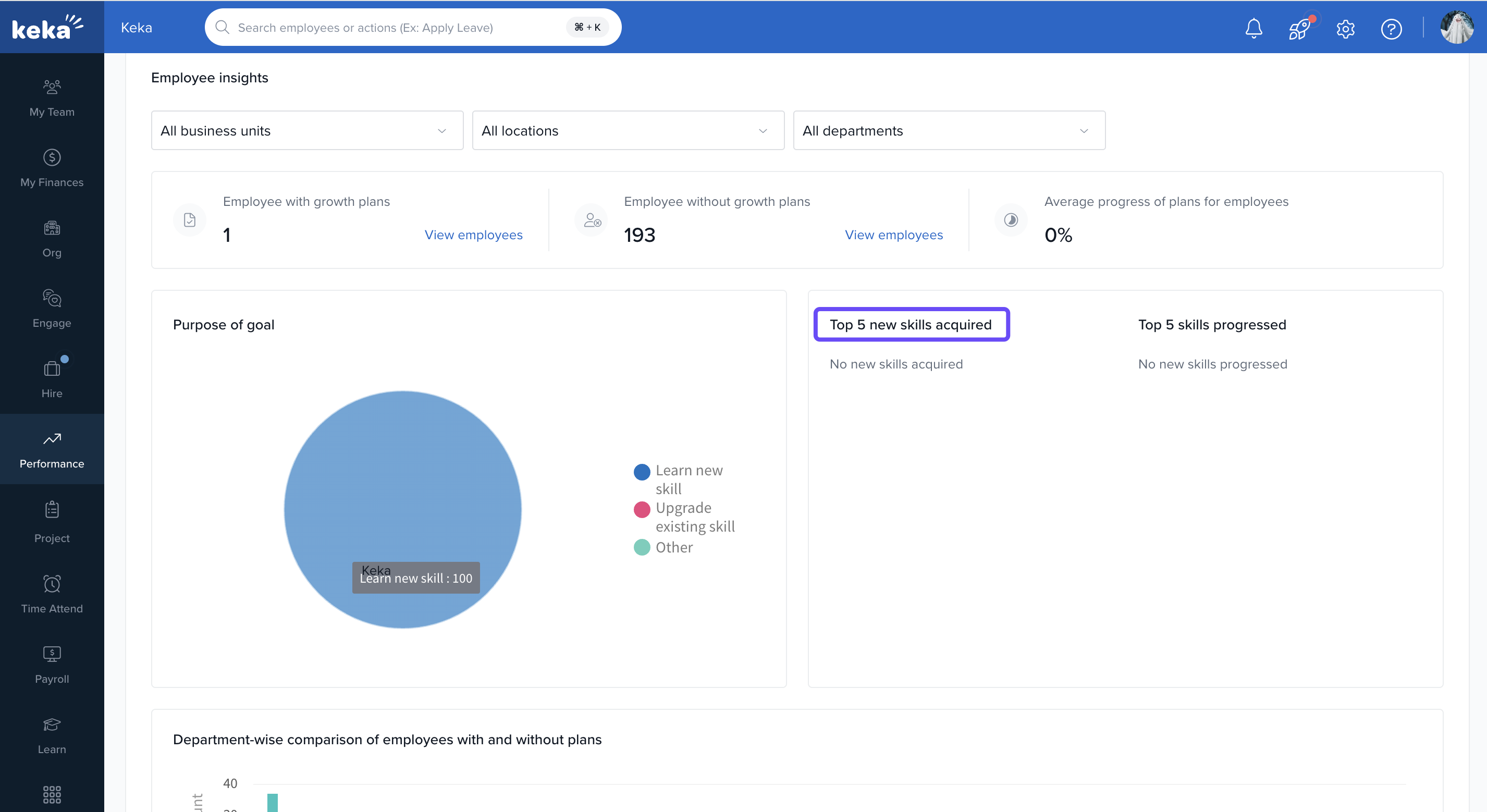
Top 5 New Skills Acquired
Displays the most frequently added new skills in growth plans.
Top 5 Skills Progressed
Highlights skills with the most progress.
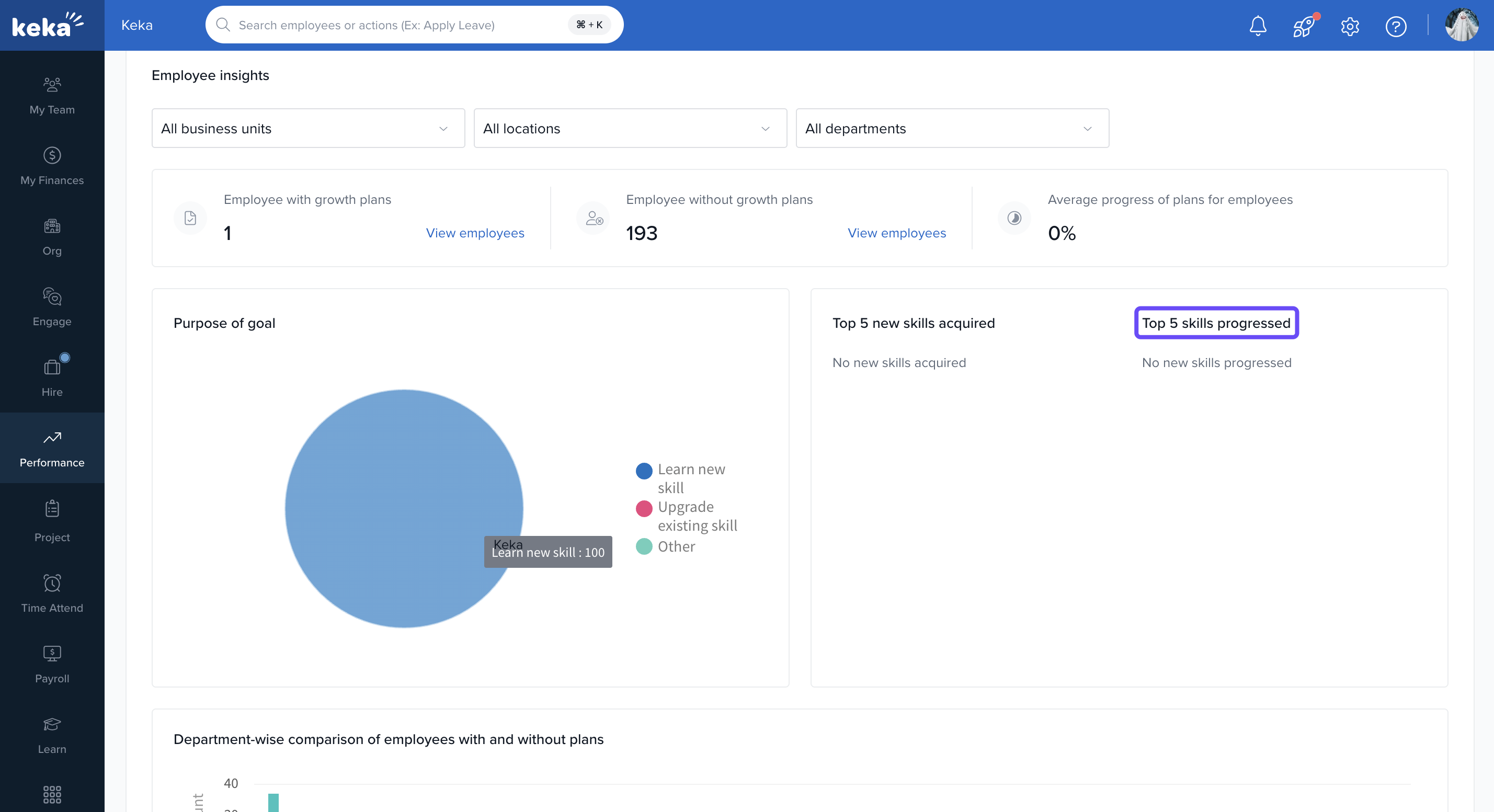
If no progress is tracked, it's clearly indicated.
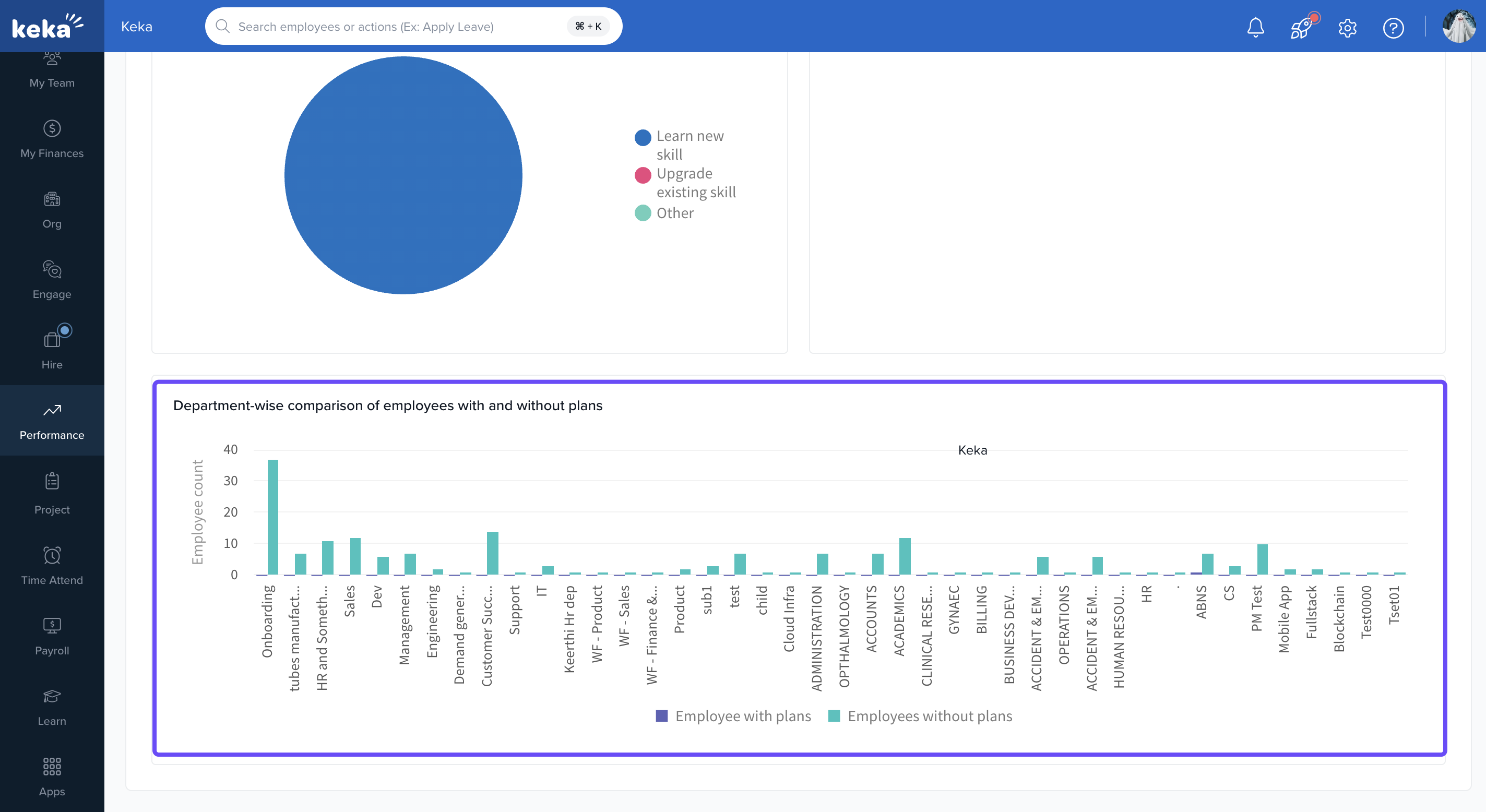
Department-wise Comparison
A bar chart shows how many employees in each department:
Employees with plans (purple)
Employees without plans (teal)
This visualisation helps identify departments that need better engagement in employee development.
Notes & Tips
- Access is limited to Admins and Performance Managers.
- Use “View employees” to assign or update plans directly from the dashboard.
- Update filters before analysing different groups.
Strategy
The Insights section provides a strategic overview of how well the organisation is leveraging Growth Plans. Regularly reviewing this dashboard allows performance leaders to:
Identify areas needing development focus.
Promote equal growth opportunities.
Next Steps
Take action by:
To assign growth plans to employees who don’t have one, check out How to Create & Assign Growth Plans to Employees in Keka.
- For related setup guidance, refer to: Set Up and Customise Growth Plan Templates in Keka.
Comments
0 comments
Please sign in to leave a comment.