- Go to Me > Attendance and open Attendance Logs.
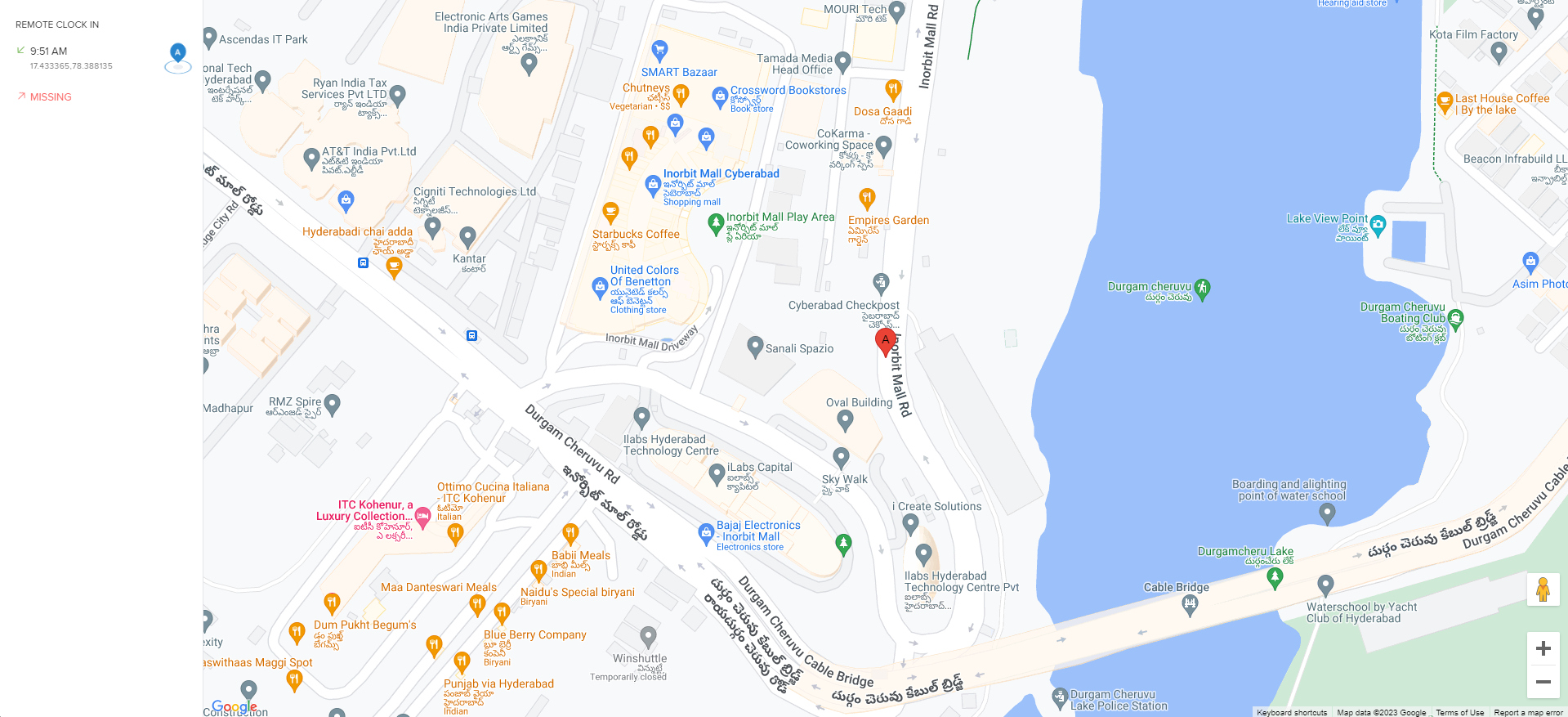
- Look for the location pin shown between Attendance Visual and Effective Hours.
- Click the pin to view the captured location.
- As an admin, search for the employee using Global Search and open their profile.
- Go to Time > Attendance and scroll to Attendance Logs.
- Click the location pin for any day to view the captured location.
- To download location reports, go to Time Attend > Reports.
- Under Attendance Request Reports, select Remote Clock-ins or Mobile Location Punches.
- Run the report to view the latitude and longitude of captured locations.
Please let us know if you find the article helpful.
Comments
0 comments
Please sign in to leave a comment.