- Go to Time Attend > Attendance Tracking.
- Ensure you're on the Time Tracking Policy tab and select the relevant time tracking policy.
- Click on the Update icon to open the new window.
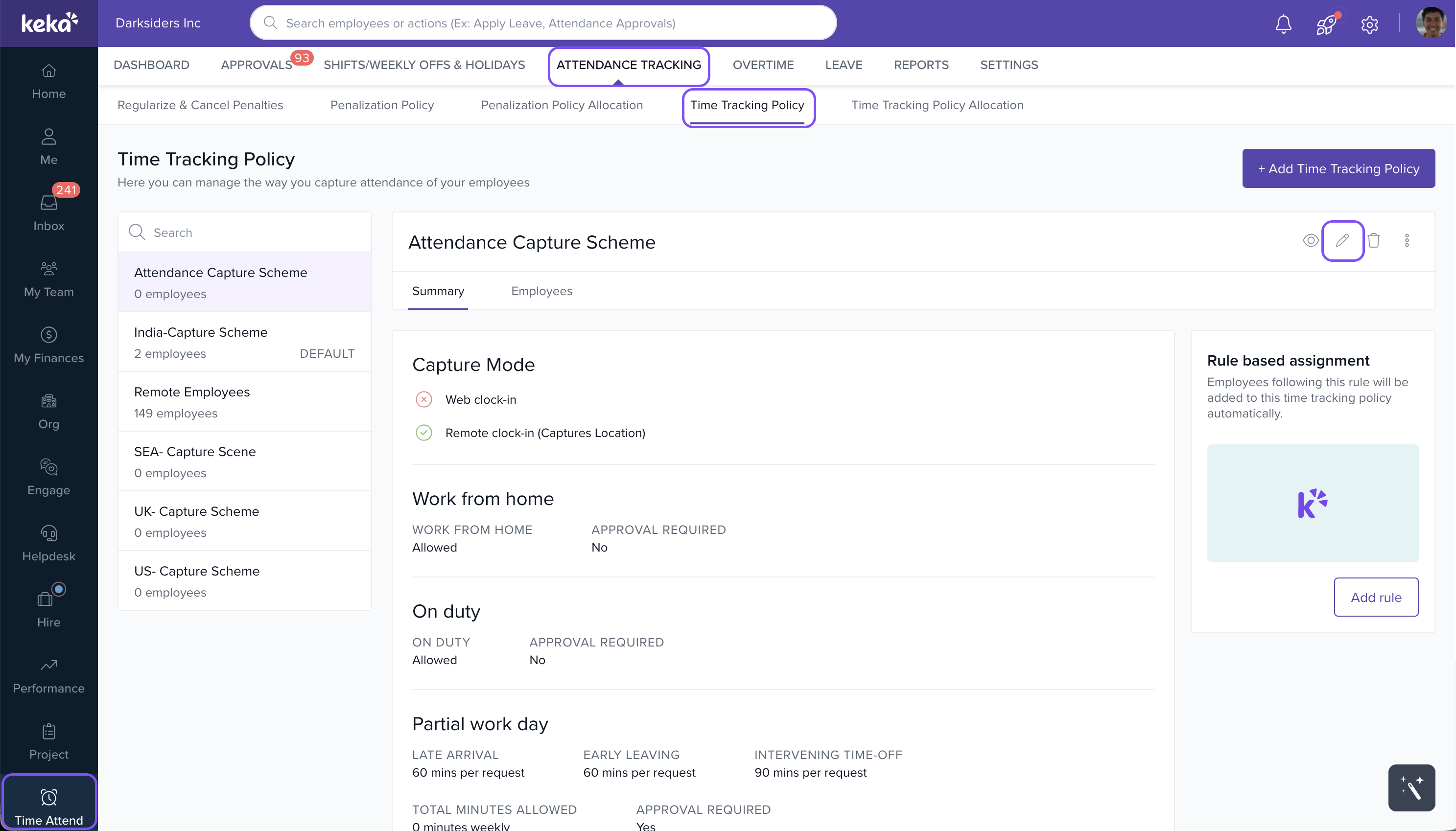
- In the policy setup window, go to the Regularisation section.
- Toggle the switch for Attendance Adjustment and Attendance Regularisation to allow employees to adjust their own attendance.
- Check the option "Let employees regularise/adjust up to X days after the incident."
- Set the time range for past-dated adjustments beyond which employees cannot request regularisation.
- Click Save to apply the settings, and then exit the window.
This will allow employees to adjust and regularise their attendance for missed or incorrect entries within the specified time range.
image widget
Comments
0 comments
Please sign in to leave a comment.