Overview
Keka’s skill-based event triggers keep stakeholders informed whenever changes happen in employee skill profiles. With these triggers, approvers, managers, and employees receive timely inbox updates and emails—helping streamline approvals and keep workflows efficient.
Accessing Event Triggers
To enable or customise notifications:
-
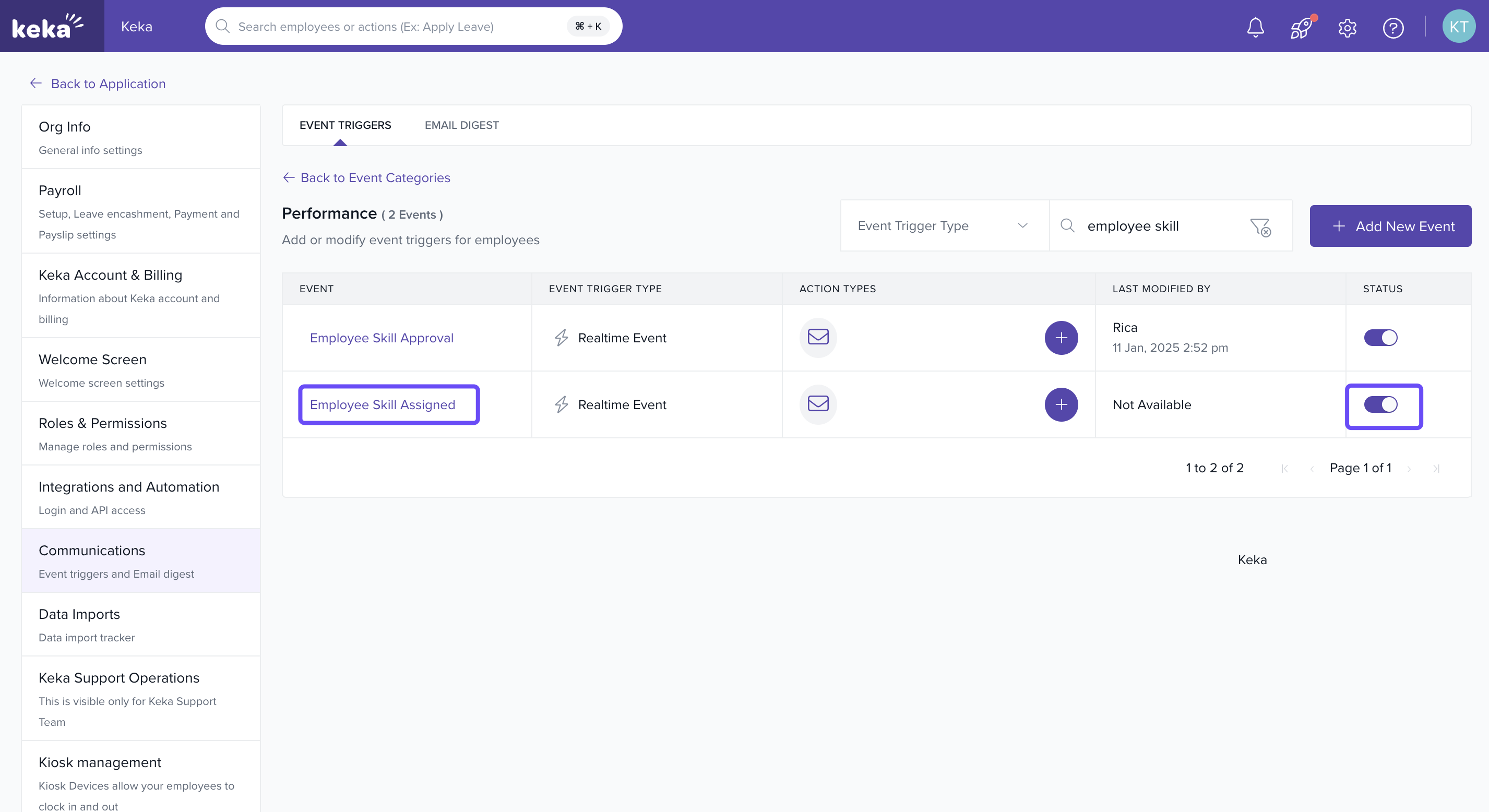
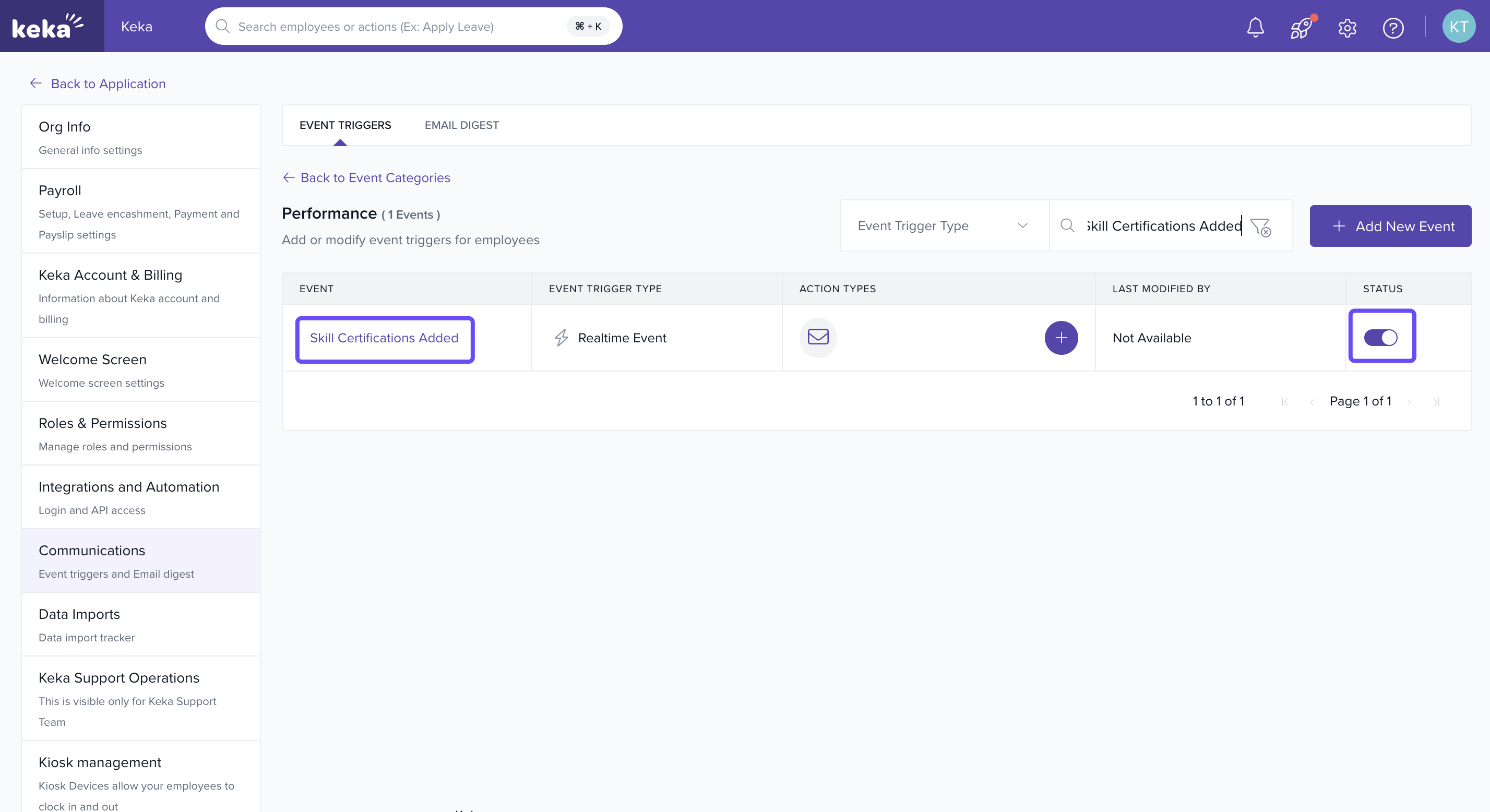
Go to Settings, click Communications, then Event Triggers, and finally Performance.
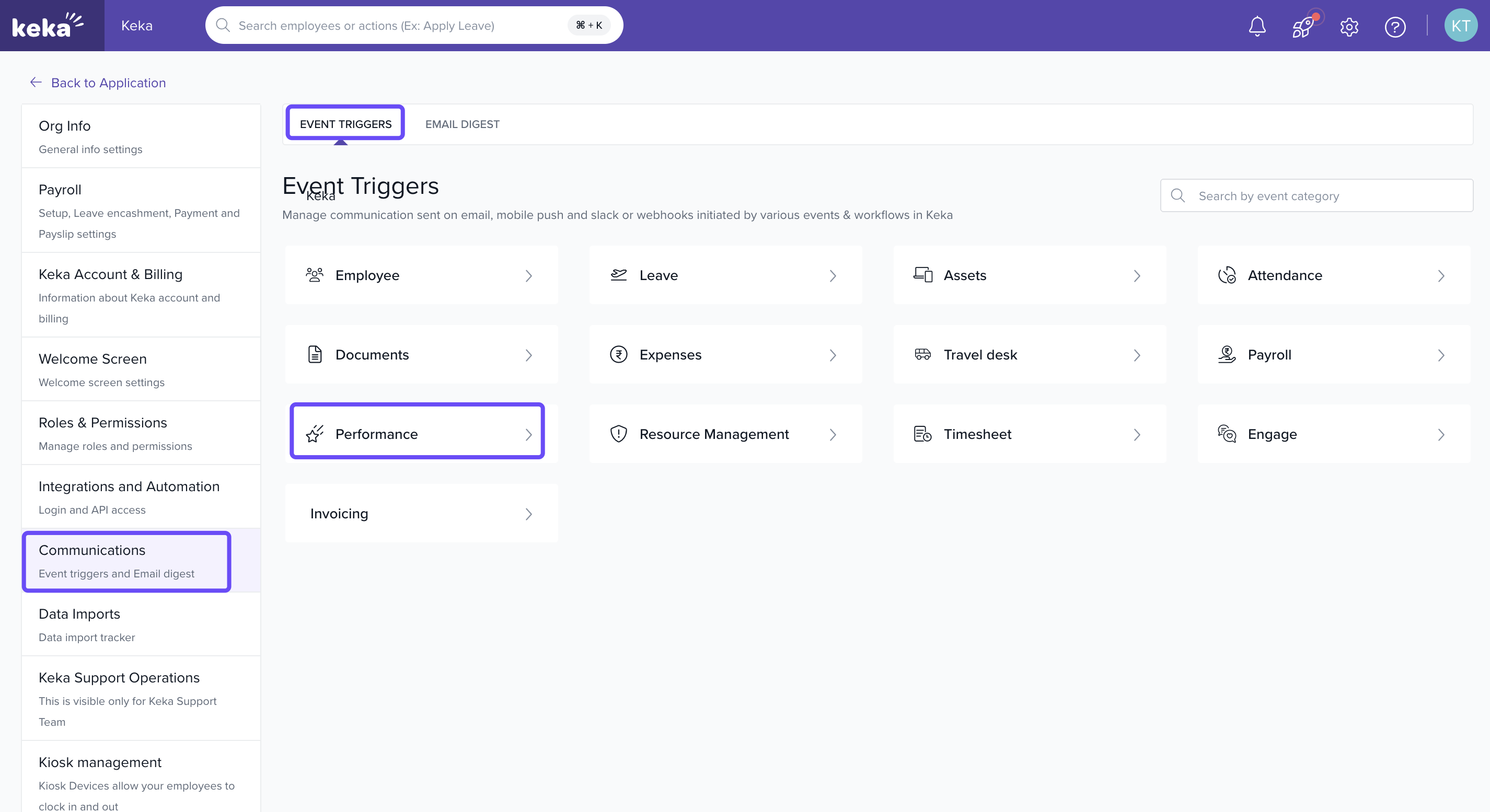
Find the trigger you want to manage.
-
Toggle to enable it, then assign recipients or edit details.
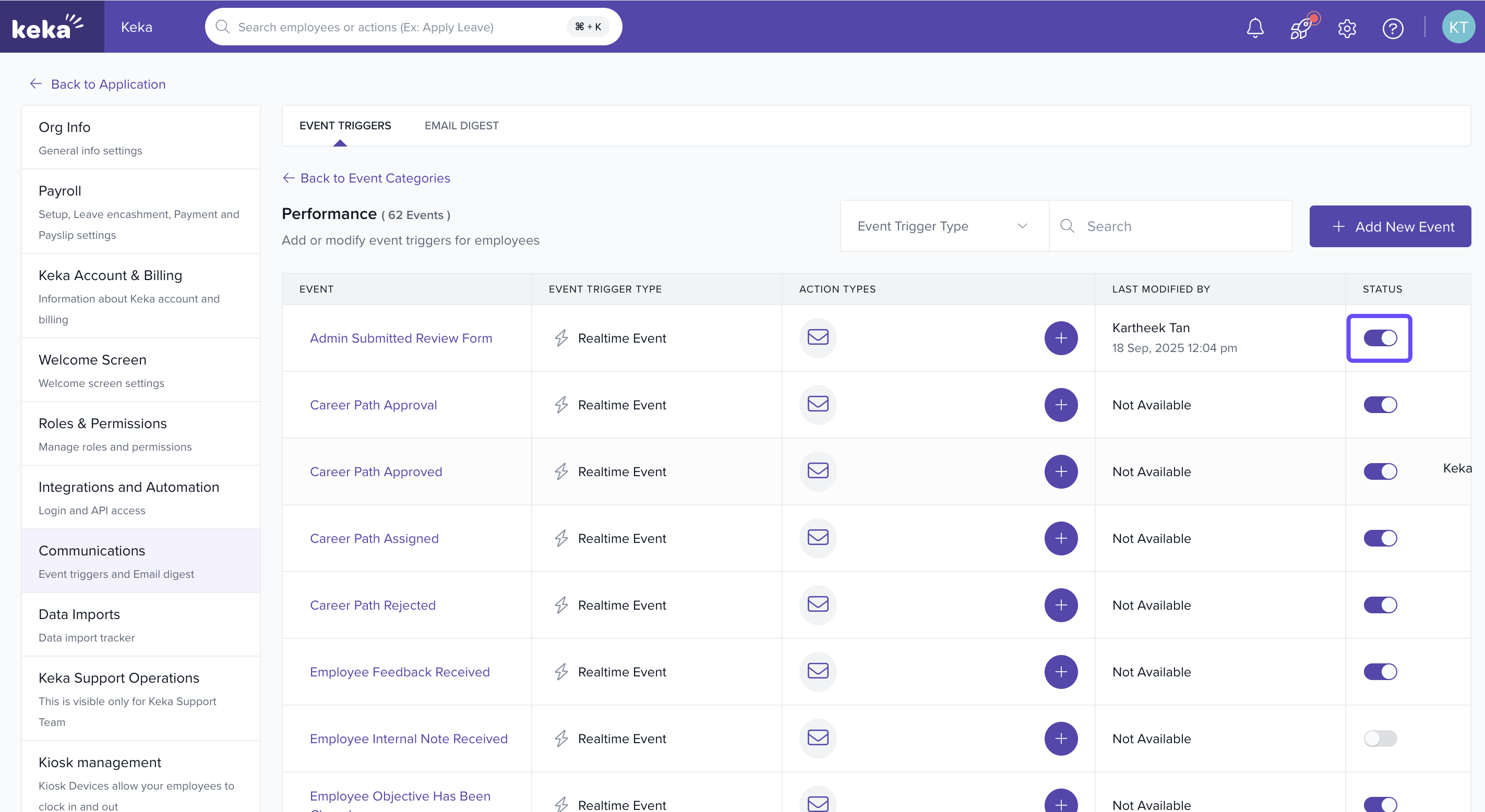
Admins can edit templates, adjust recipients, and configure messages for each notification.
Let us go through the key event triggers for skill profiles:
Option 1: Employee Skill Approval
-
Notifies approvers when an employee’s skill profile needs approval.
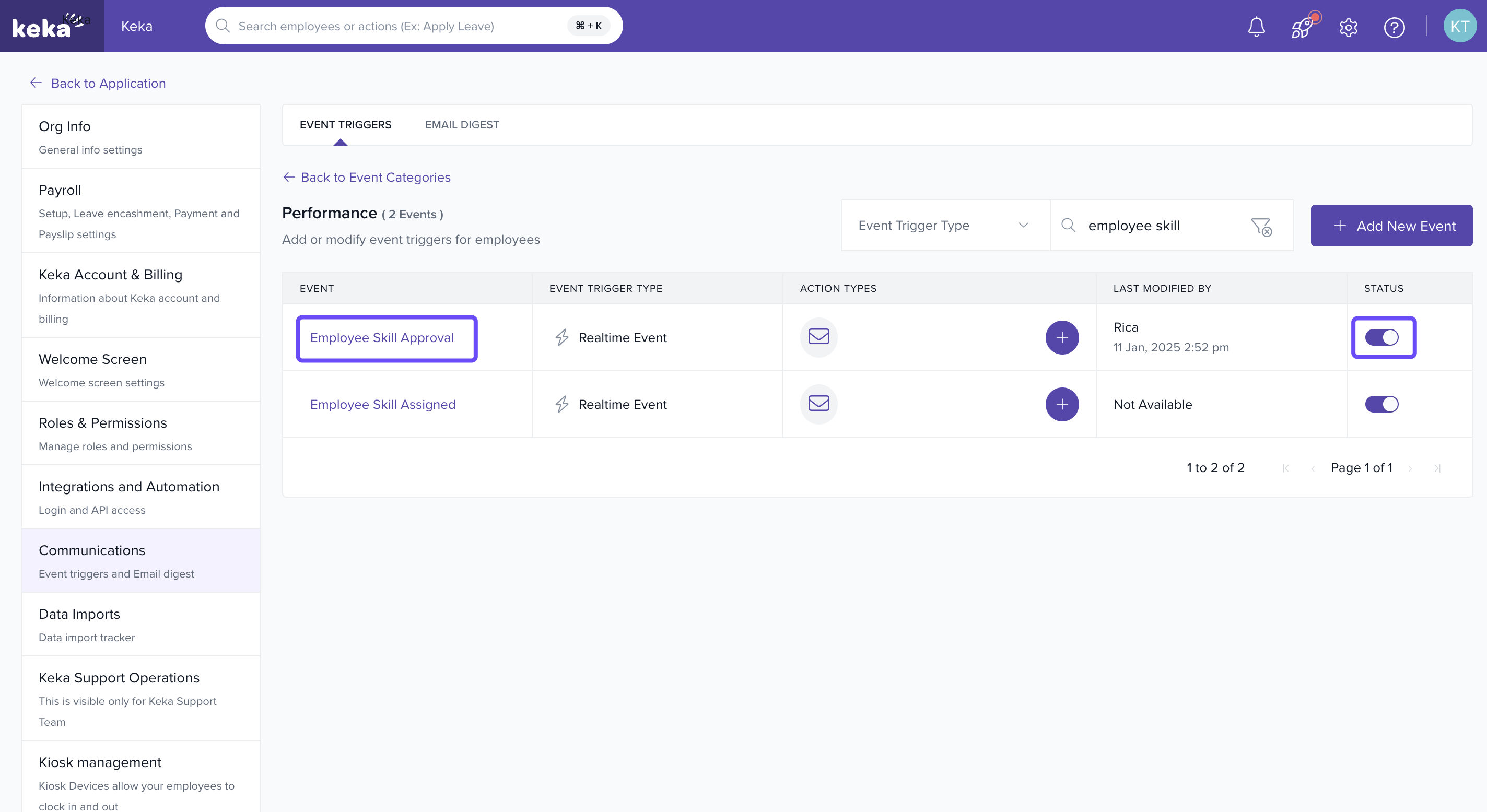
-
Options available: Edit, Disable, Delete.
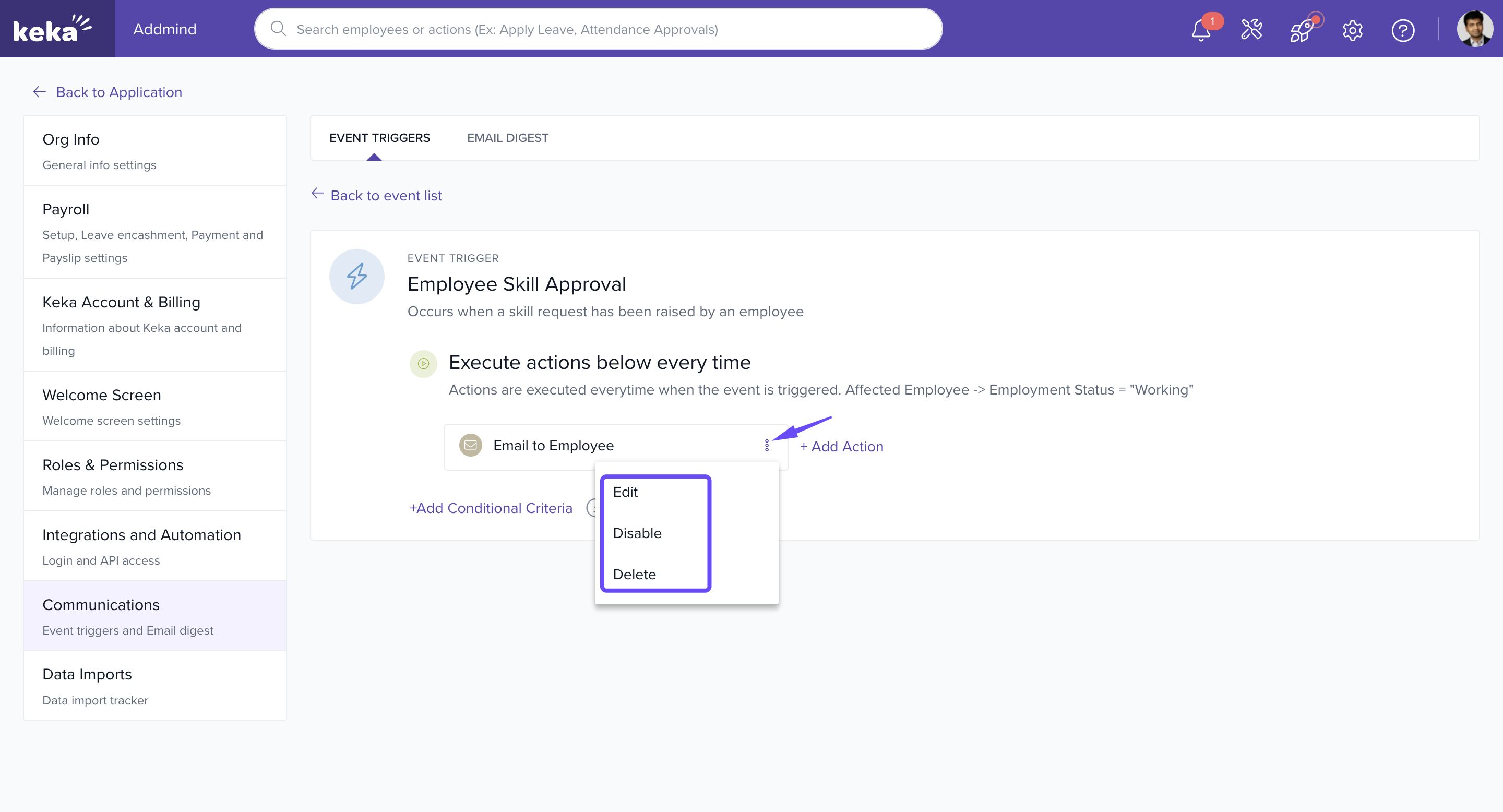
-
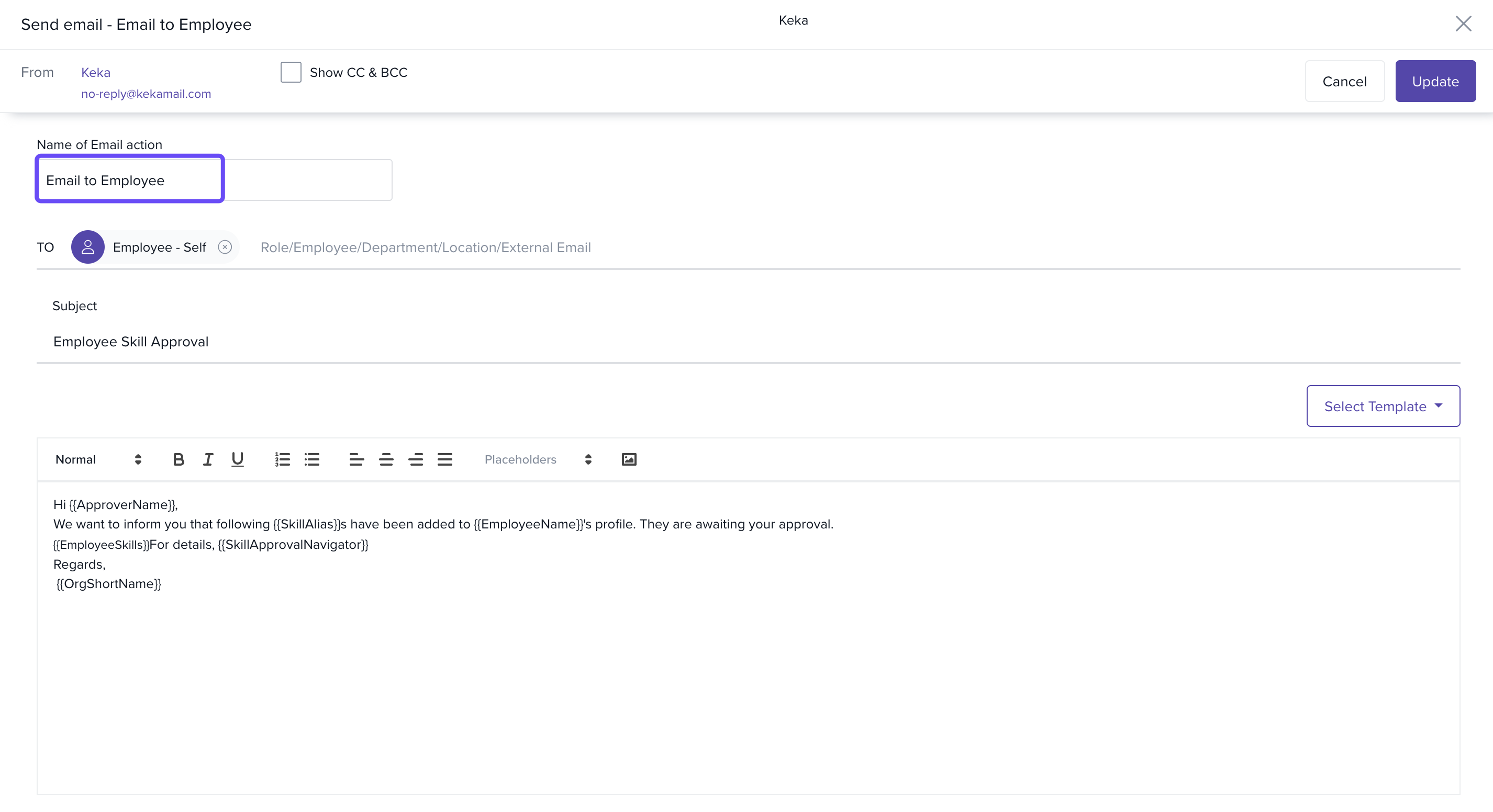
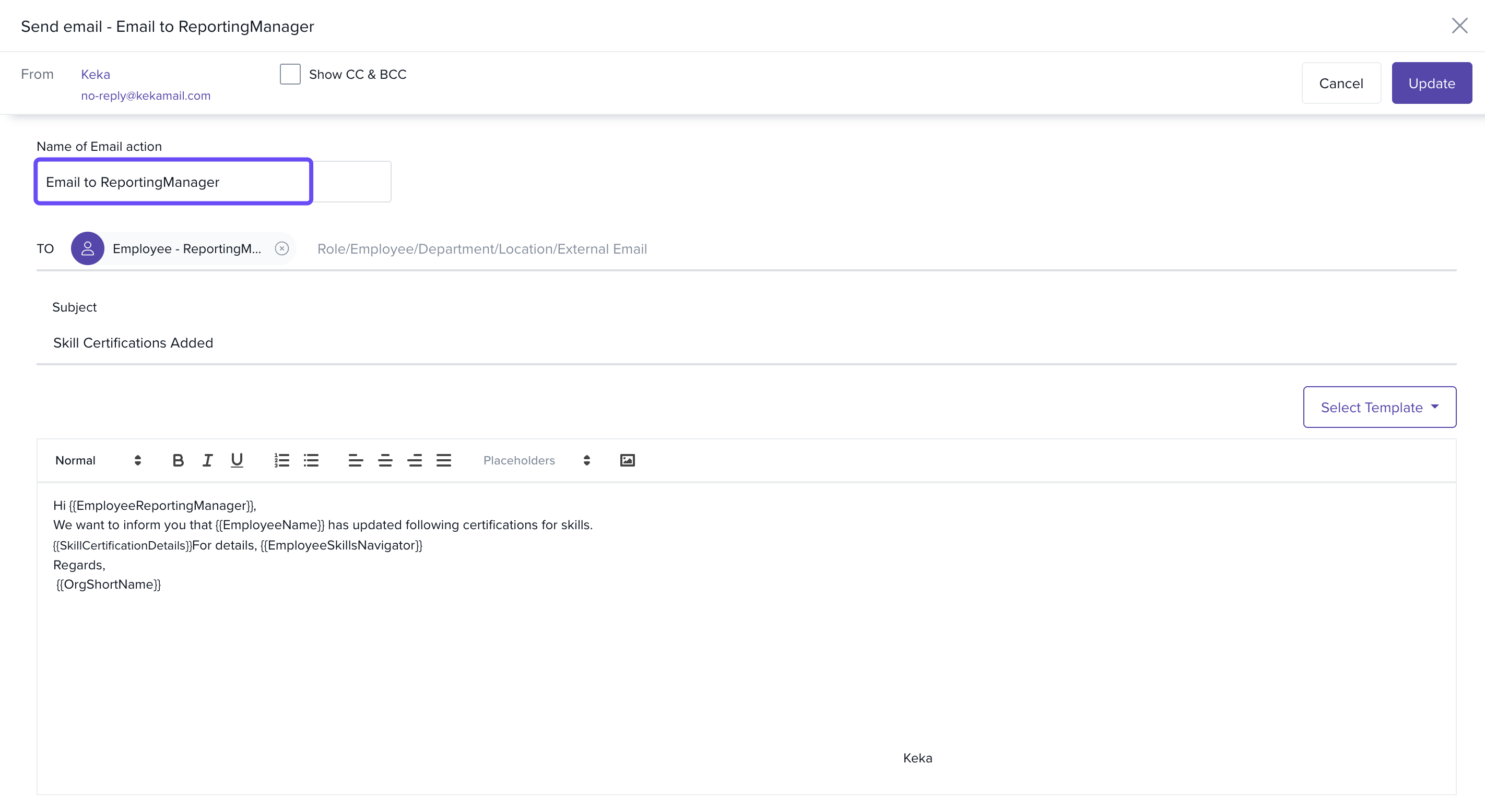
In Edit, you can:
Name the notification
Add recipients (with CC/BCC)
Update subject line and email body
Option 2: Employee Skill Assigned
-
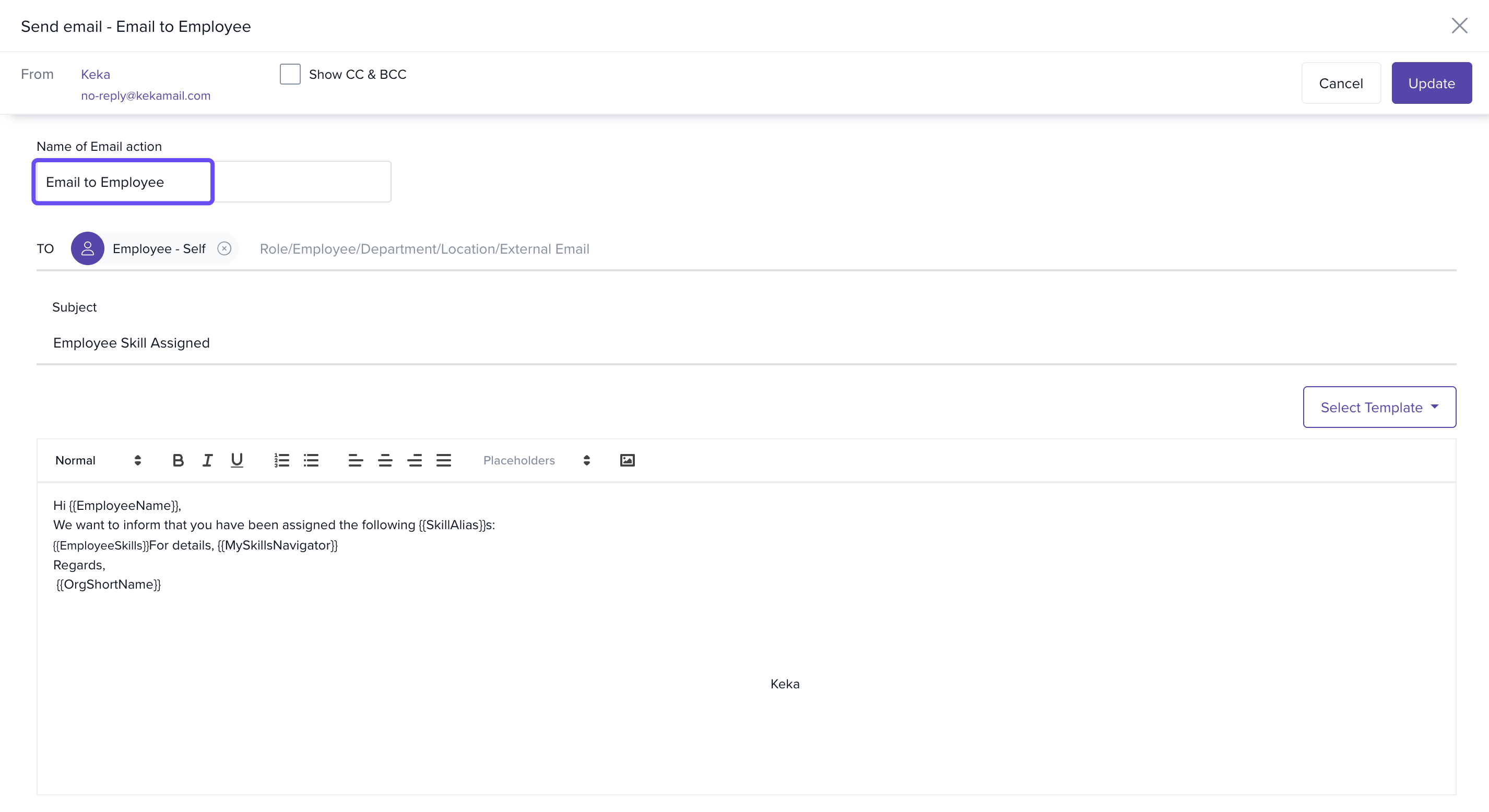
Alerts employees when a new skill is added to their profile.
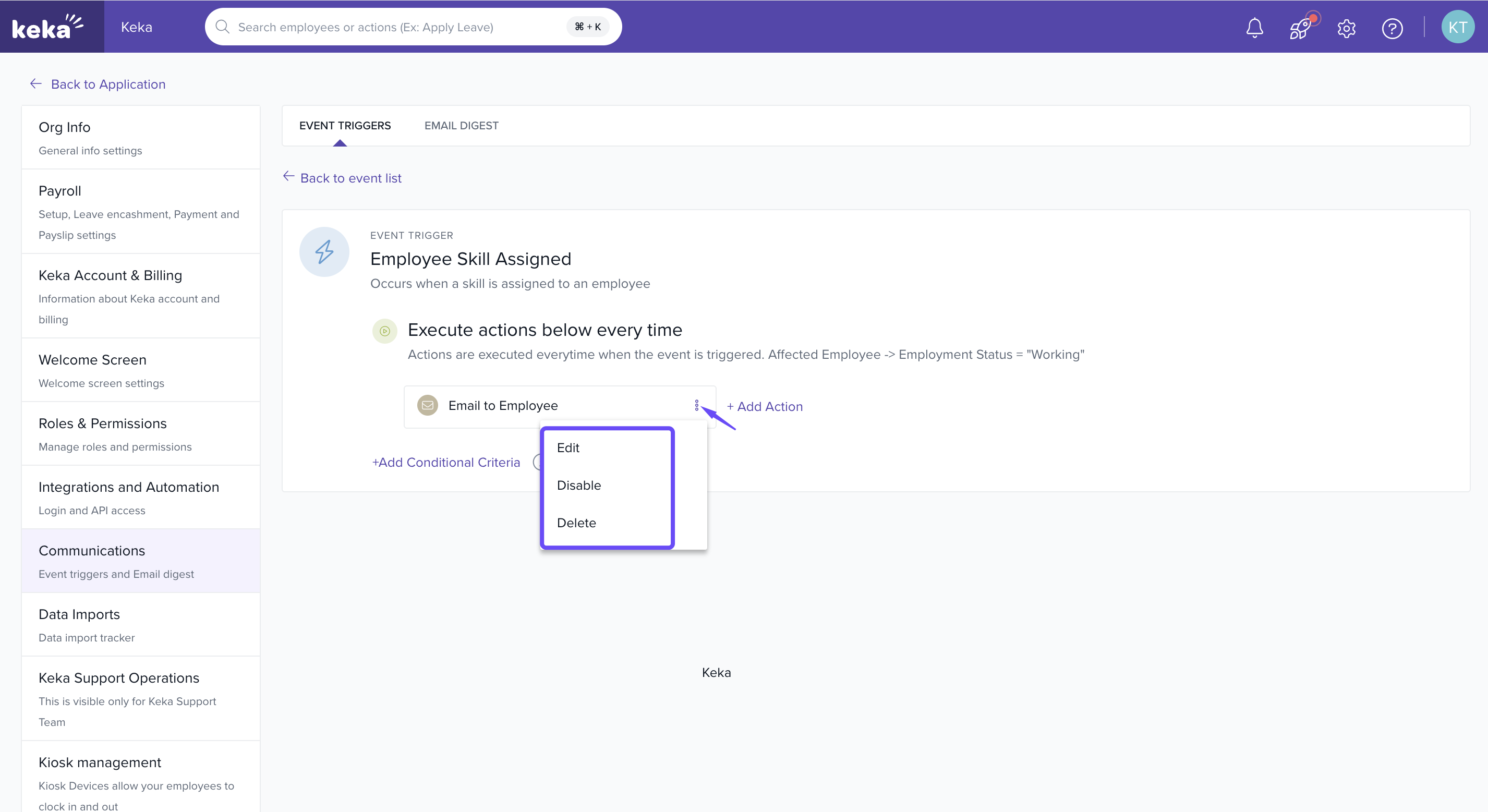
- Options available: Edit, Disable, Delete.
- Can be customised with subject, recipients, and message body.
Option 3: Skill Certifications Added
-
Notifies managers when an employee adds a new certification to a skill.
- Options available: Edit, Disable, Delete.
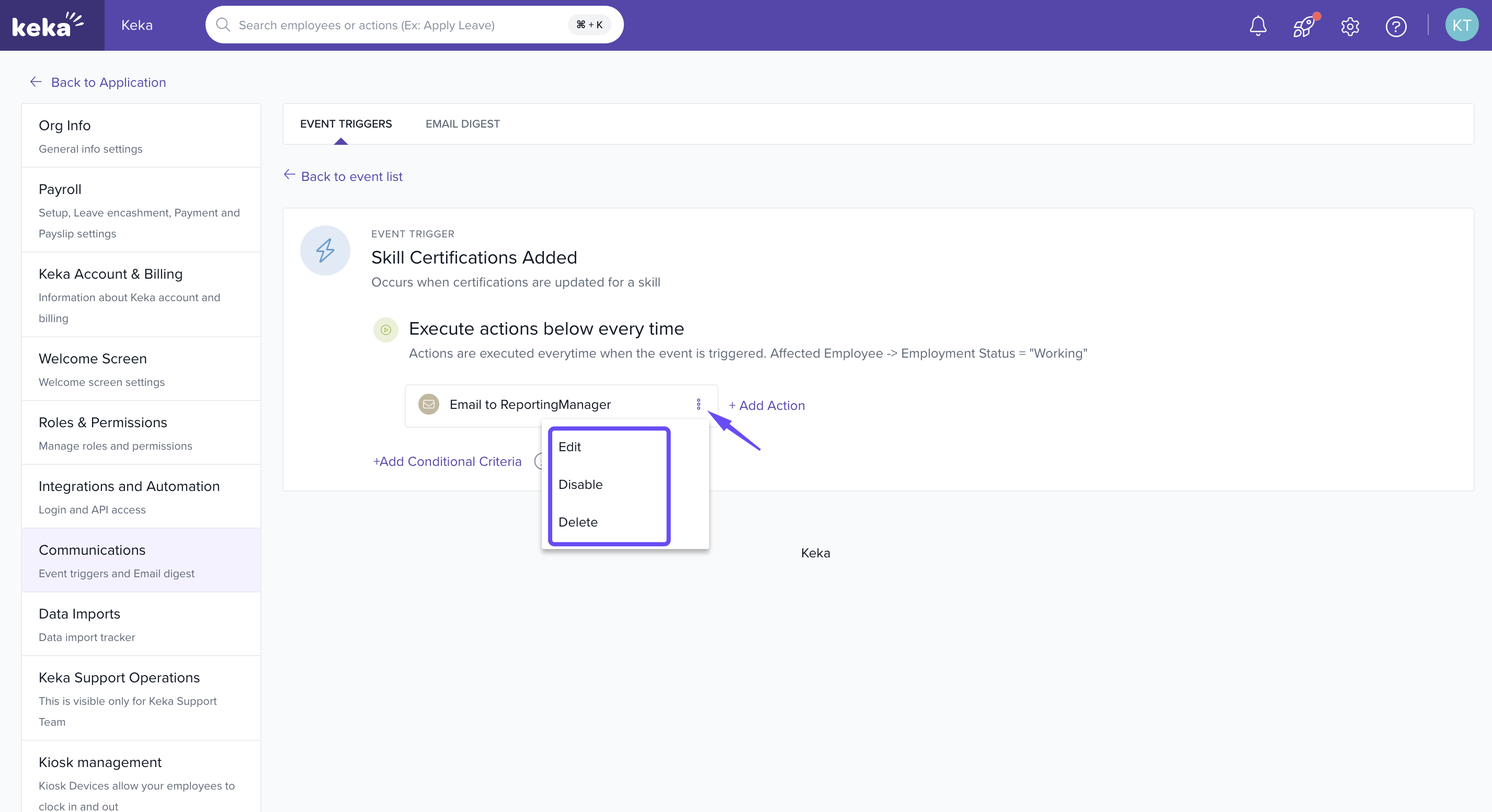
-
Can be customised with subject, recipients, and message body. Helps verify authenticity and keep records updated.
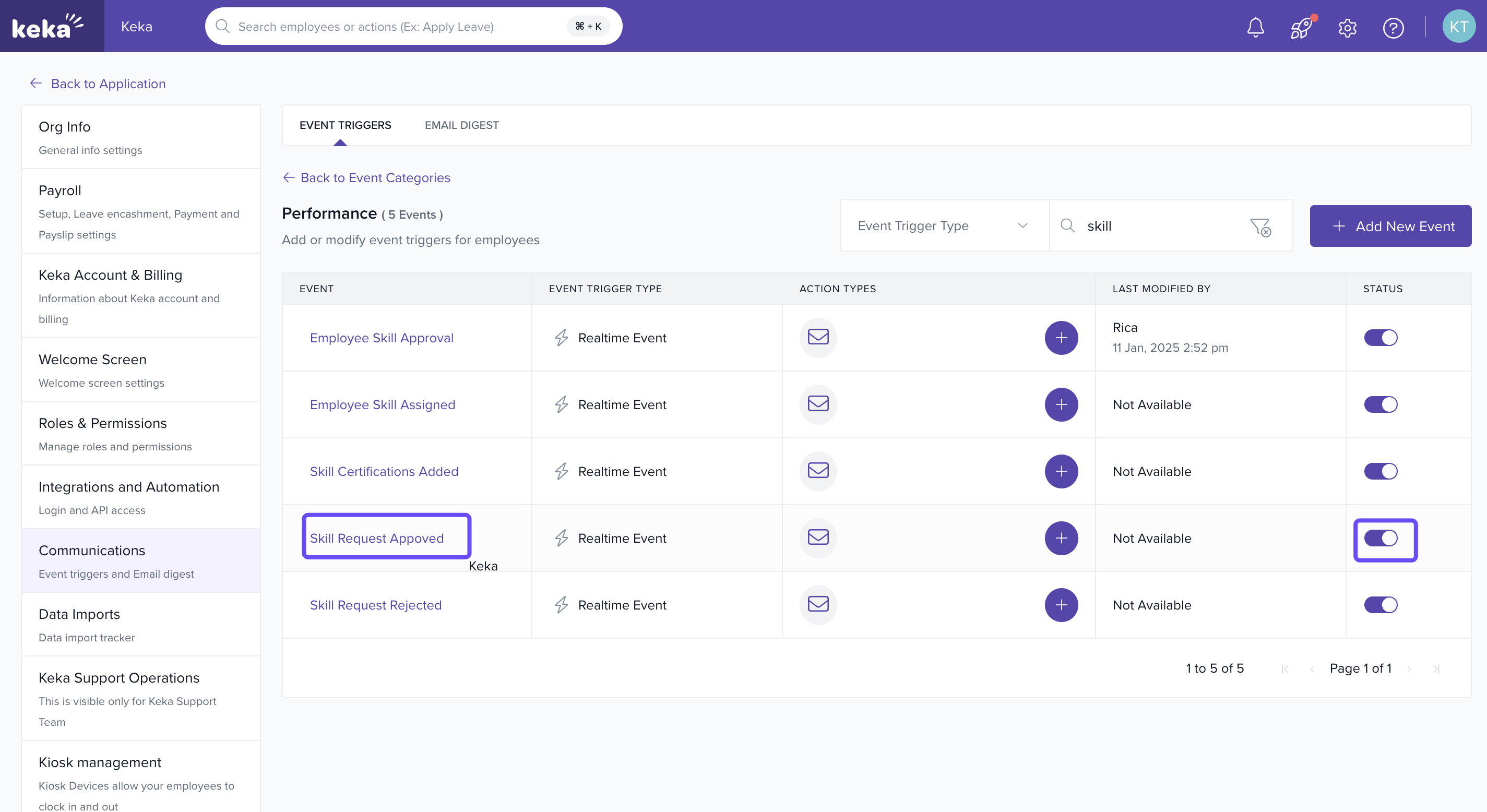
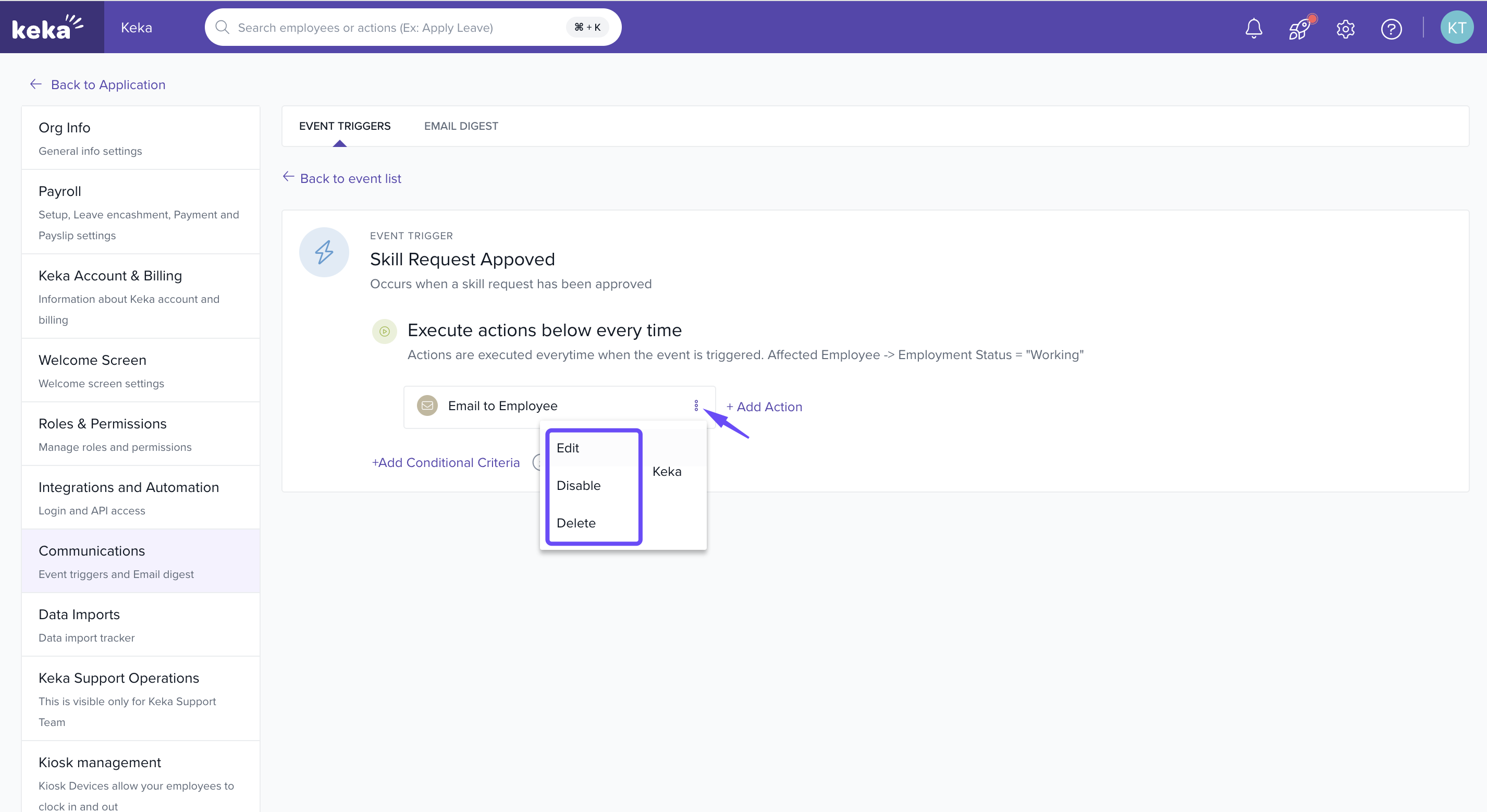
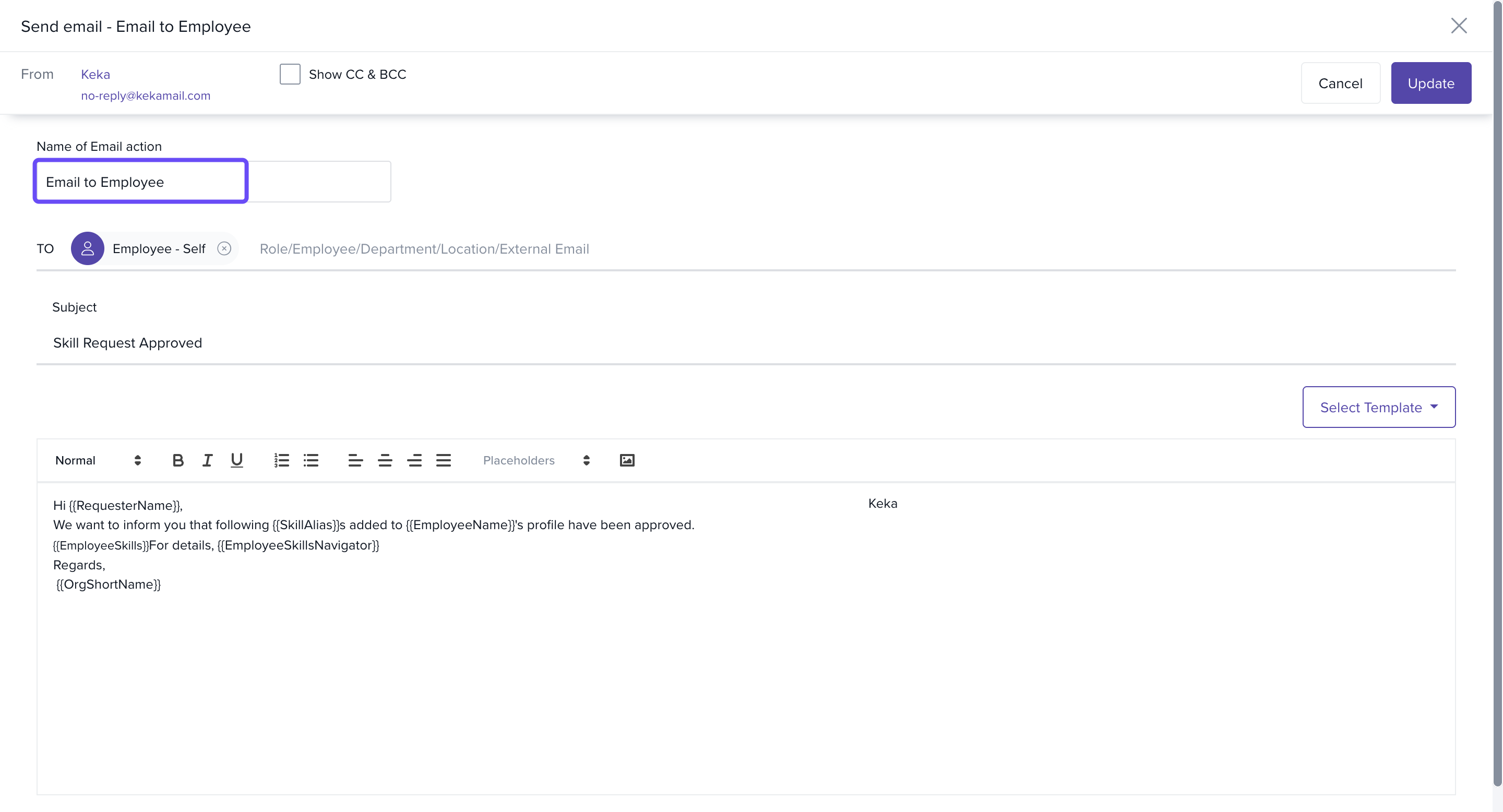
Option 4: Skill Request Approved
-
Confirms to employees that their skill update request has been approved.
-
Provides instant feedback on successful modifications.
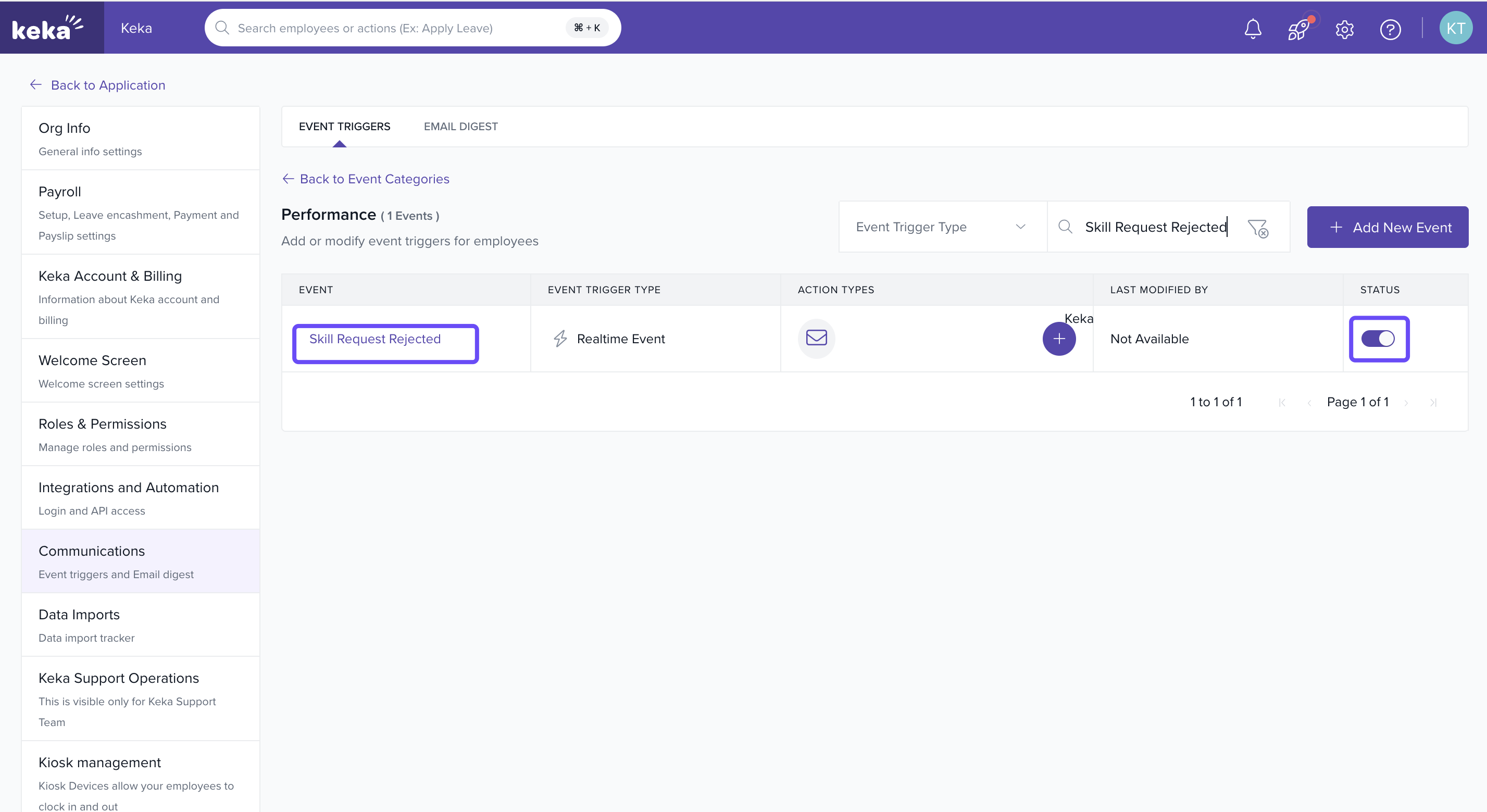
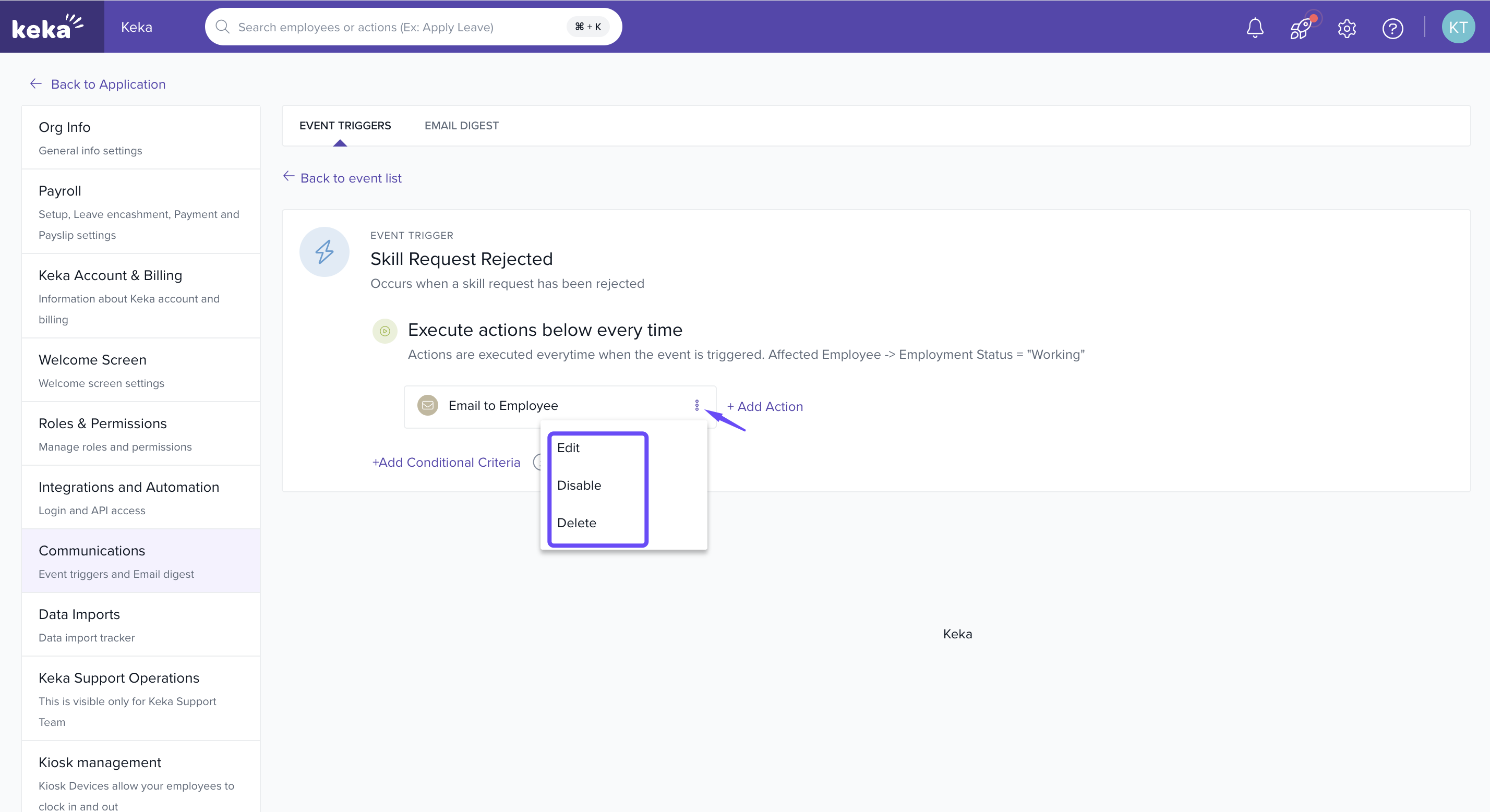
Option 5: Skill Request Rejected
-
Sends a rejection notice to employees when a skill update request is declined.
-
Can include reasons and next steps.
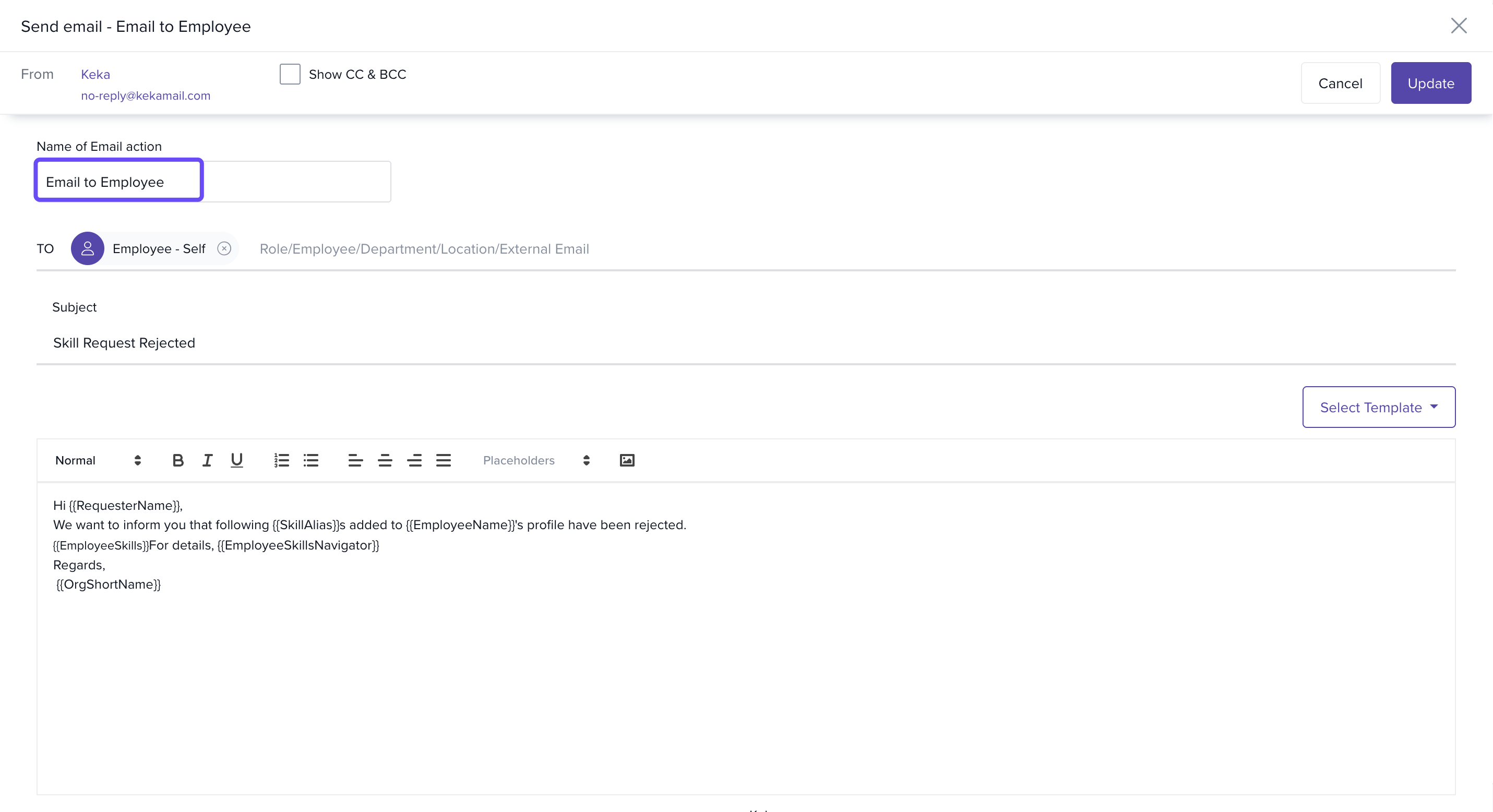
All event triggers come with default email templates, but admins can edit them to match organizational communication style.
Inbox-Based Skill Approvals
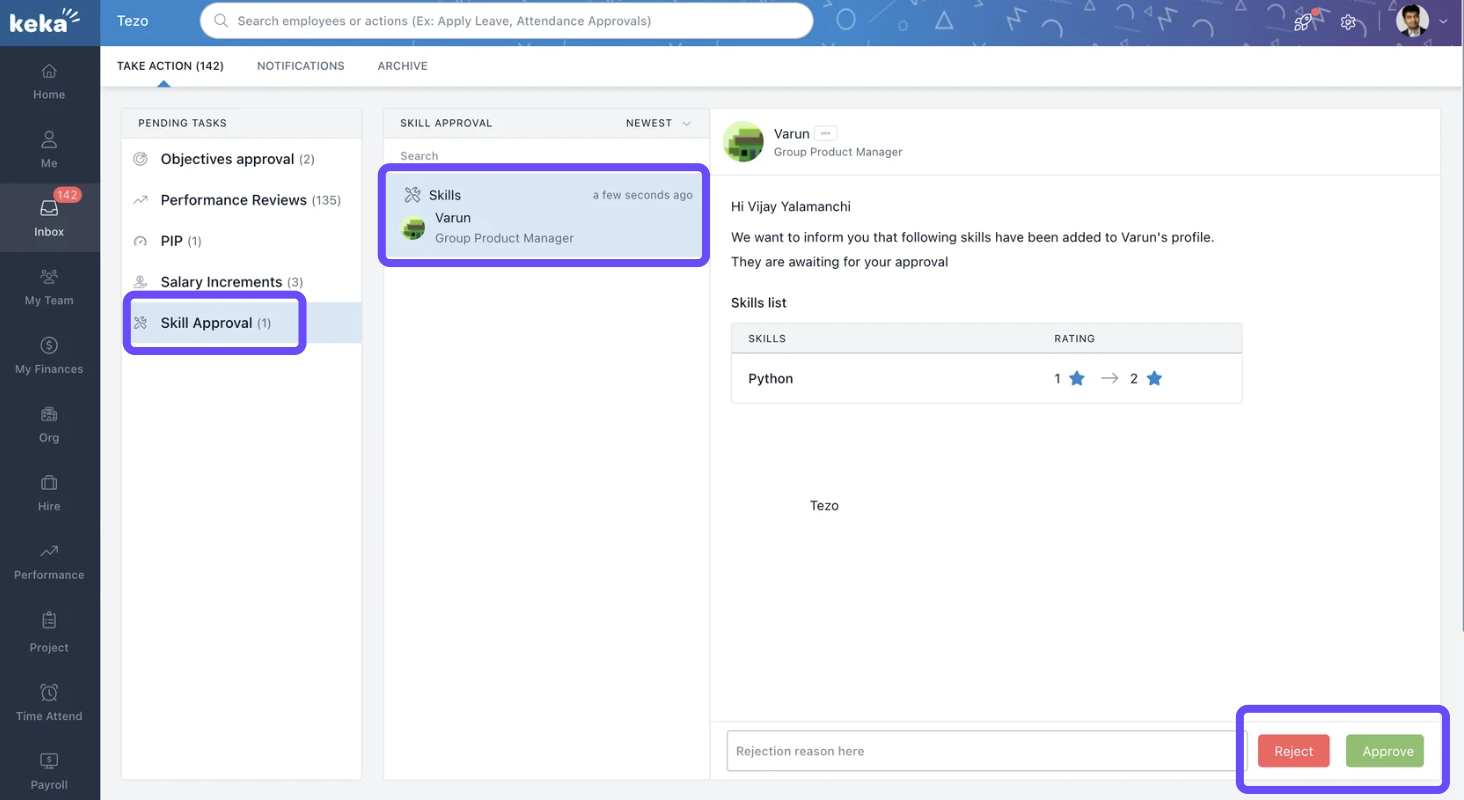
With inbox approvals, managers and admins can act on skill updates directly from their inbox—no need to navigate through menus.
Inbox approvals allow you to:
Approve or reject requests instantly from the inbox
Save time by keeping actions in one place
-
Speed up the skill management pro
Notes & Tips
Tip: Customise subject lines in event triggers for better clarity.
Note: Use CC and BCC options to keep leadership informed of important updates.
Important: Regularly review triggers to ensure the right stakeholders are receiving updates.
Examples & Use Cases
Skill Approvals: A manager gets an inbox notification when an employee adds Python as a new skill, and can approve it instantly.
Certification Tracking: When an employee uploads a certification, HR receives an alert to validate it.
Employee Updates: Employees are automatically informed when new skills are assigned to them.
Skill-based event triggers and inbox approvals in Keka ensure that all updates to employee skills are handled quickly and transparently. By enabling these features, HR teams and managers can keep employee profiles accurate, improve response times, and maintain a smooth performance workflow.
Comments
0 comments
Please sign in to leave a comment.