Introduction
Leave encashment allows employees to convert unused paid leave into monetary compensation. In Keka, you can create custom leave encashment policies, define how the encashment amount is calculated, and assign policies to employees.
Configure Leave Encashment Policies
1. Navigate to Payroll from the left menu.
2. Click the Settings tab.
3. Select the Leave Encashment tab.
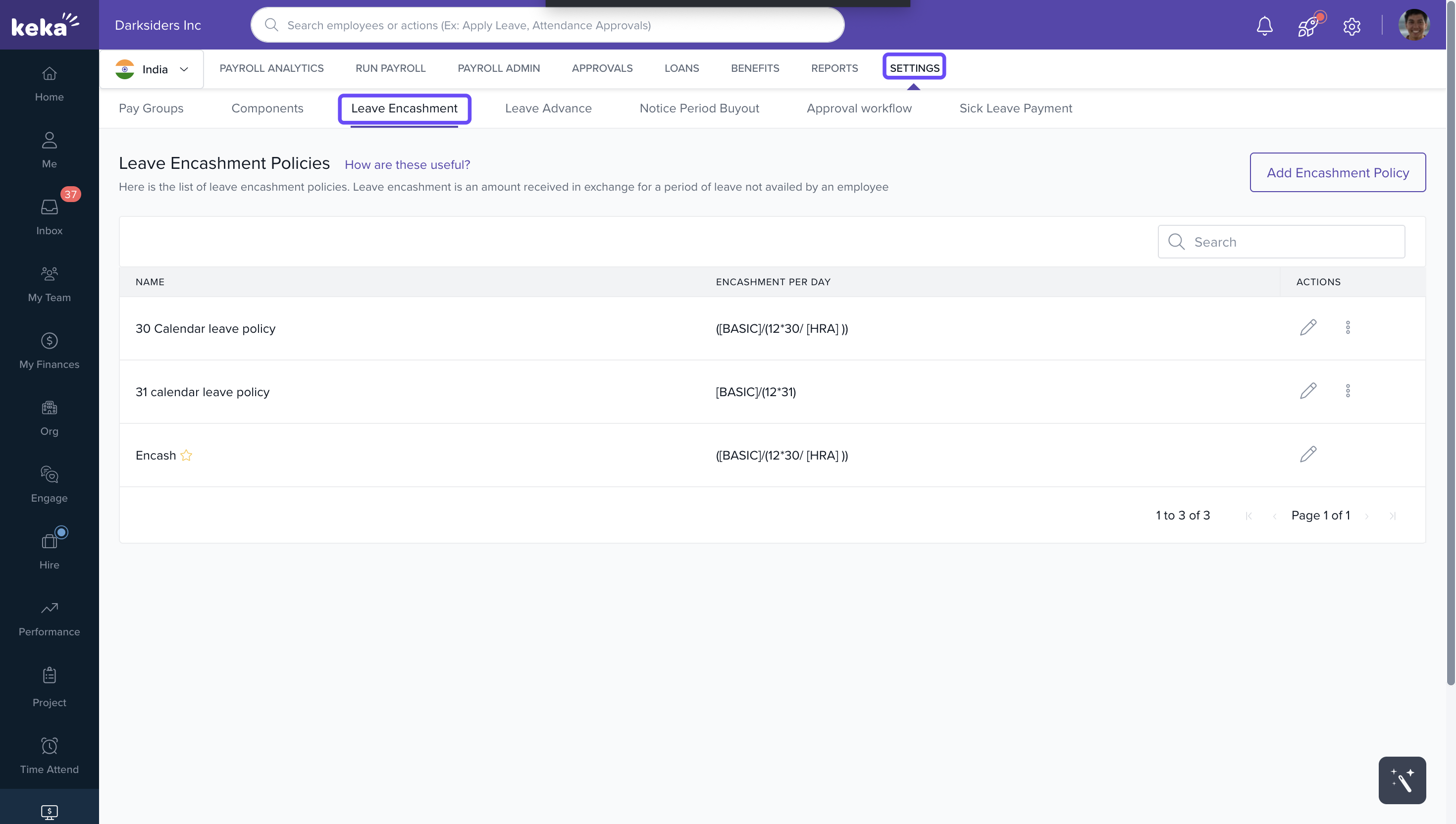
4. Click Add Encashment Policy.
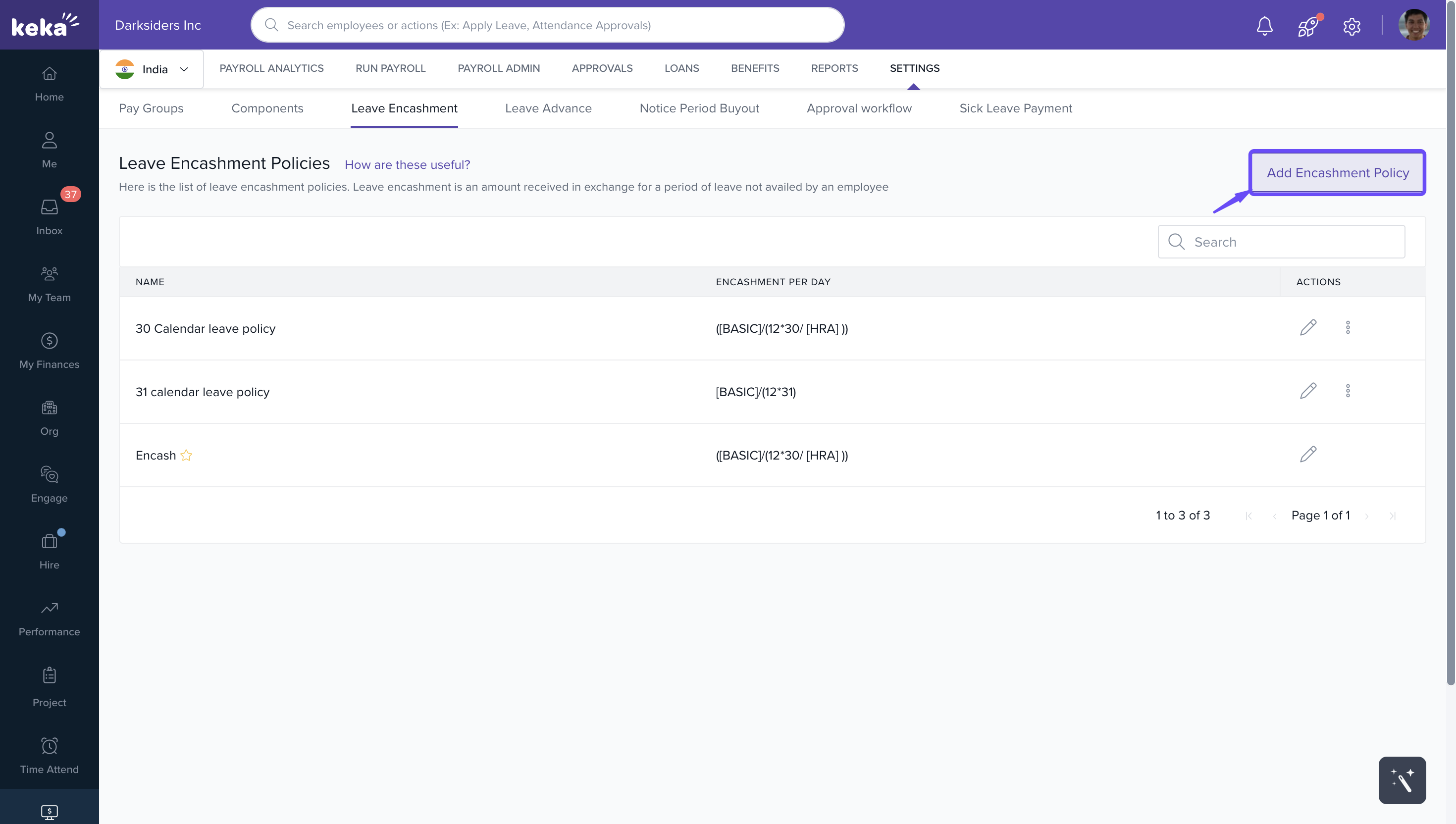
5. Enter a Name for the new policy.
6. Define the formula used to calculate the value per leave day encashed. You can:
- Enter a fixed amount, or
- Create a formula using existing salary components.
7. To use a salary component in the formula, click + Existing Salary Component and choose from the list of available components.
8. Click Save.
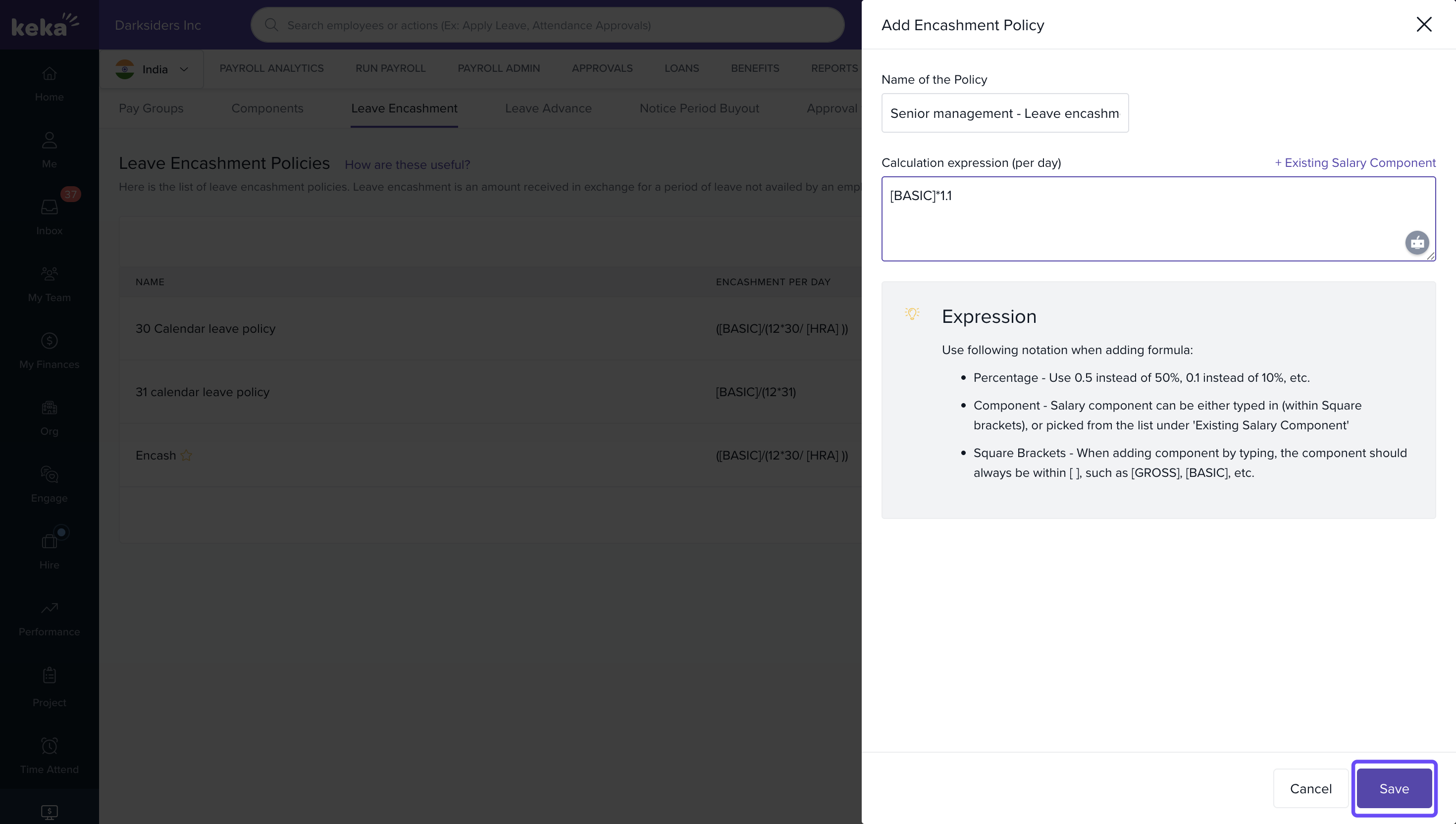
Your new encashment policy will appear on the Leave Encashment Policies page.
Manage Existing Policies
You can edit, delete, or set a policy as the default from the Leave Encashment Policies page.
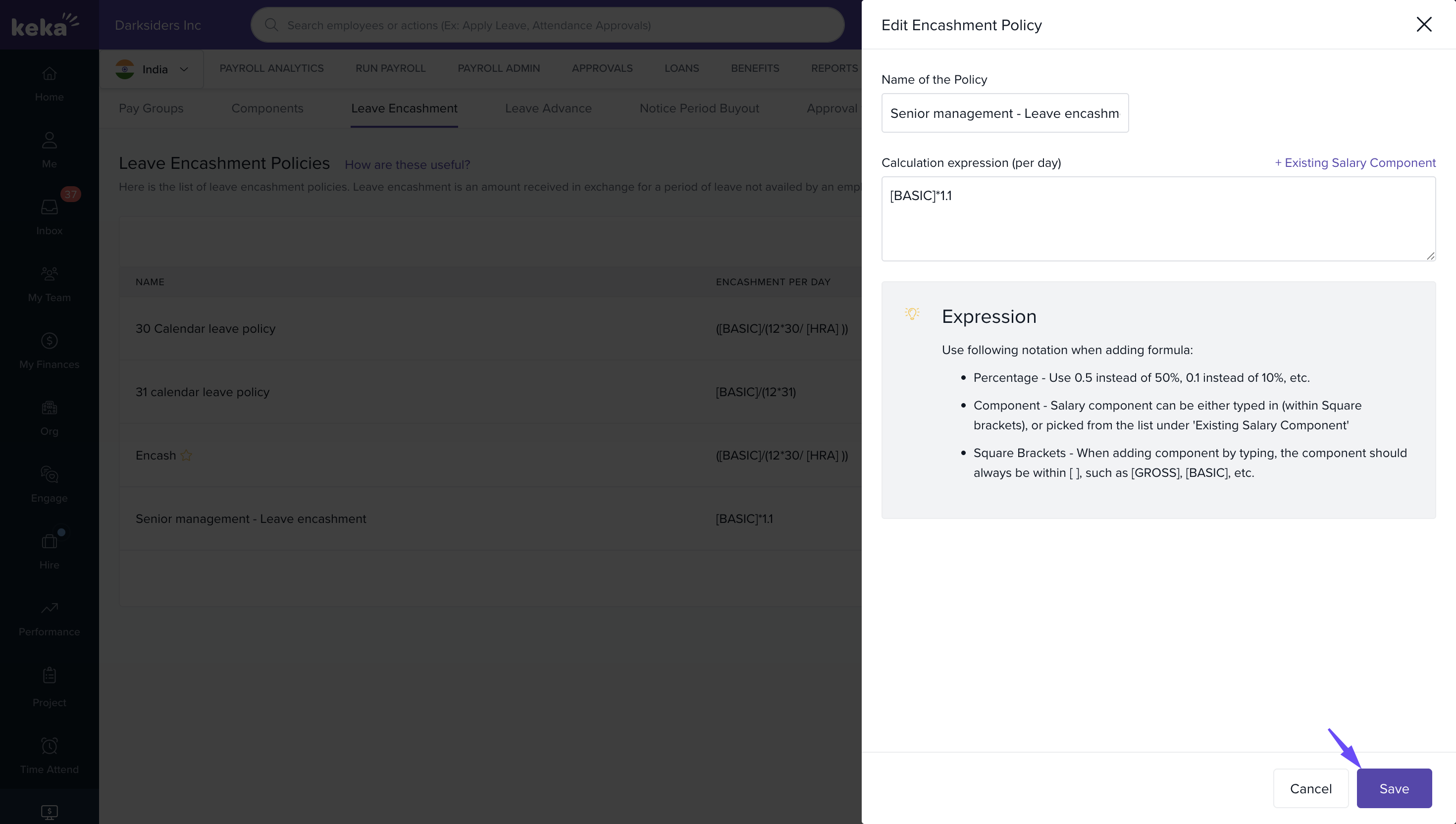
To Edit a Policy:
1. Click the Edit icon next to the policy.
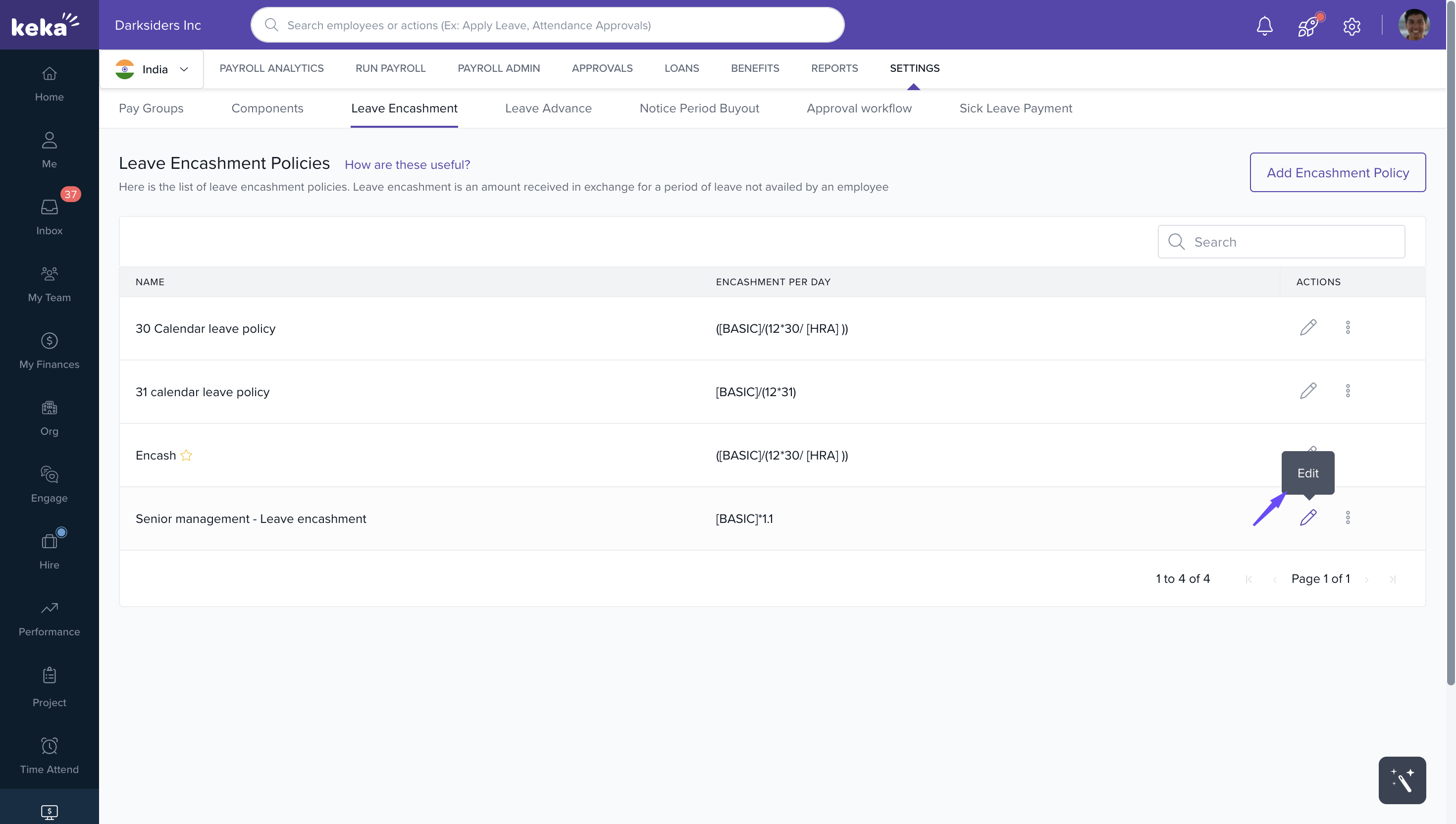
2. Update the name or the formula as needed.
3. Click Save to apply the changes.
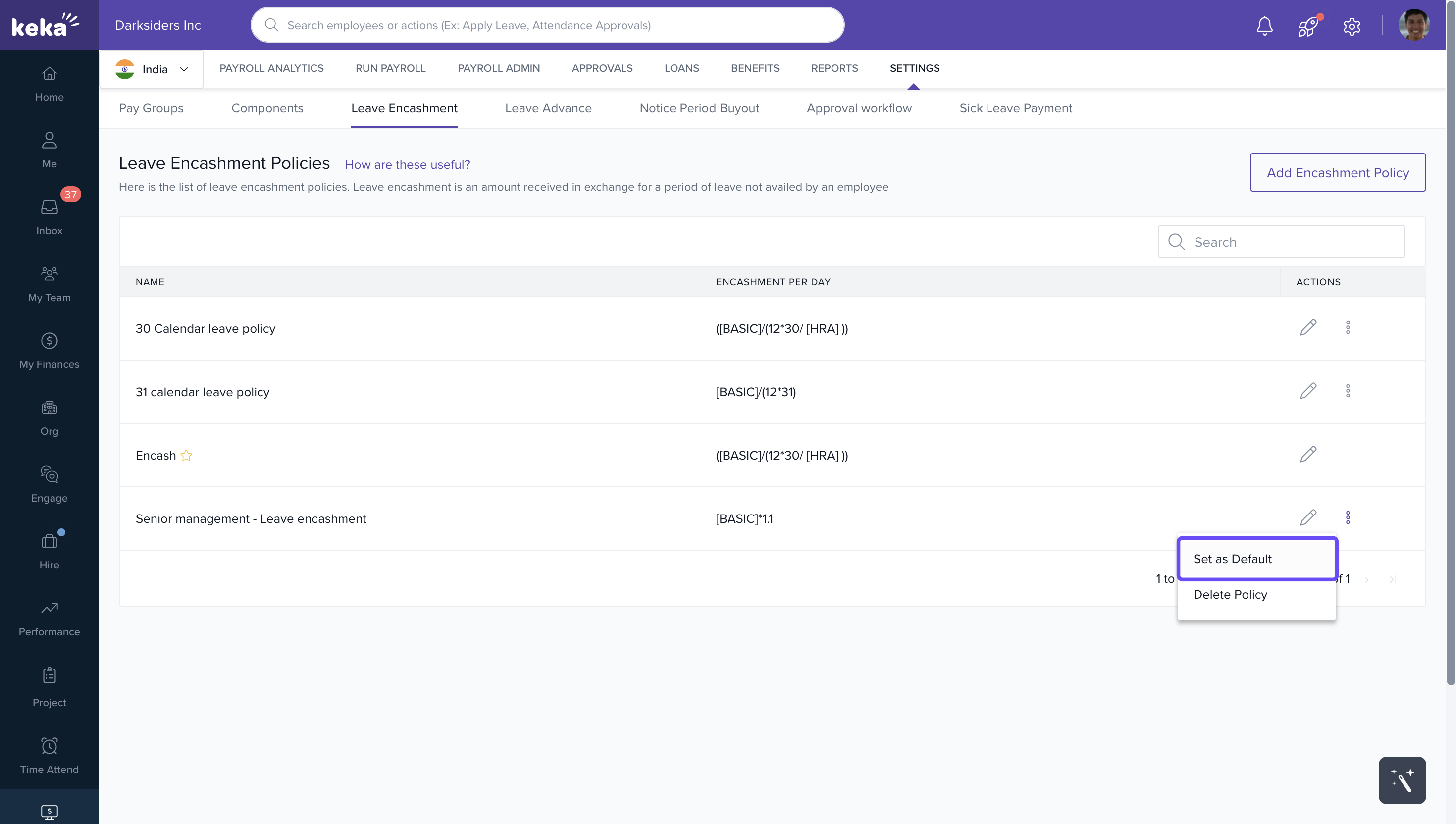
To Set a Policy as Default:
1. Click the three dots next to the desired policy.
2. Select Set as Default from the dropdown menu.
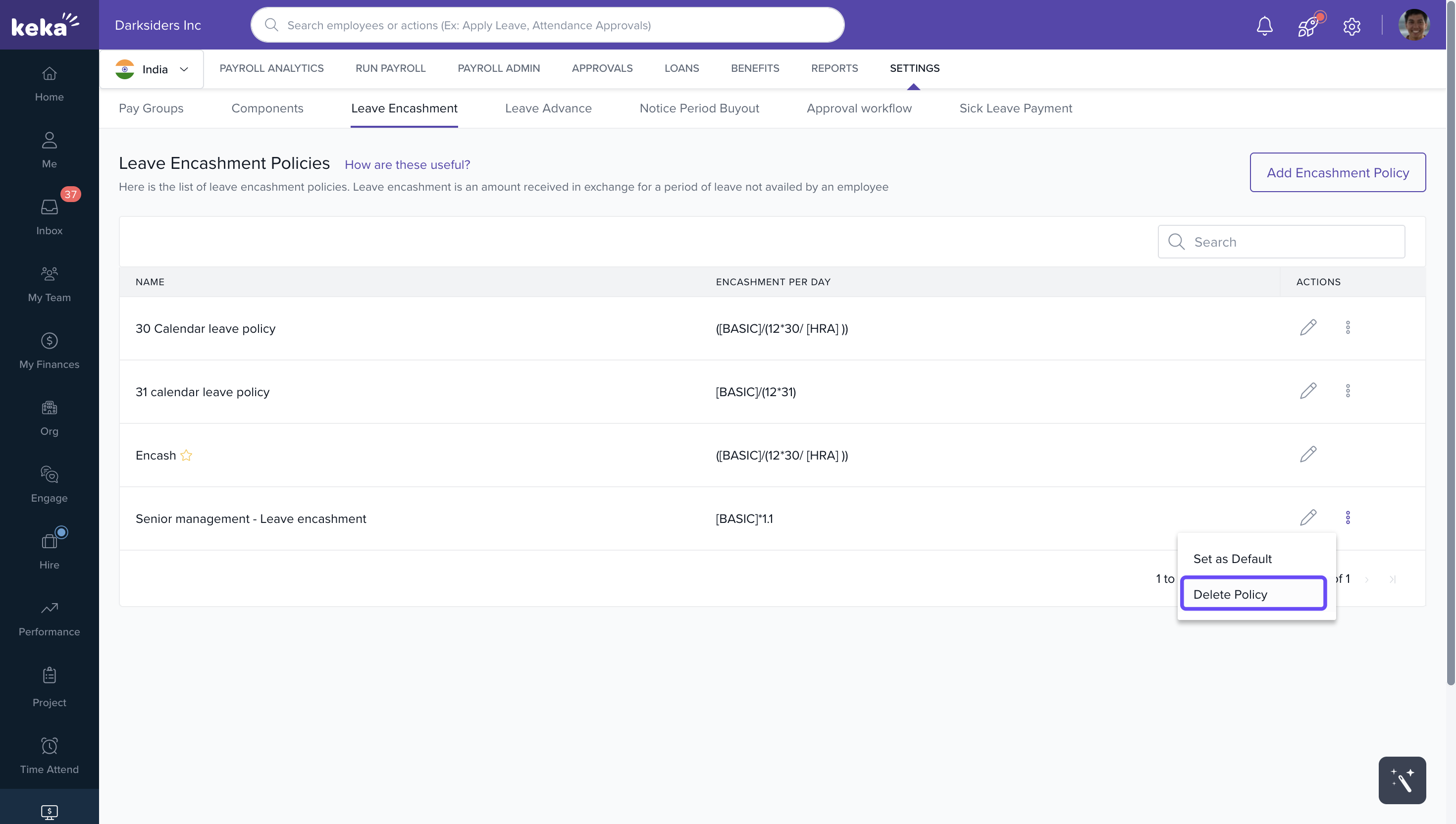
To Delete a Policy:
1. Click the three dots next to the policy.
2. Select Delete Policy.
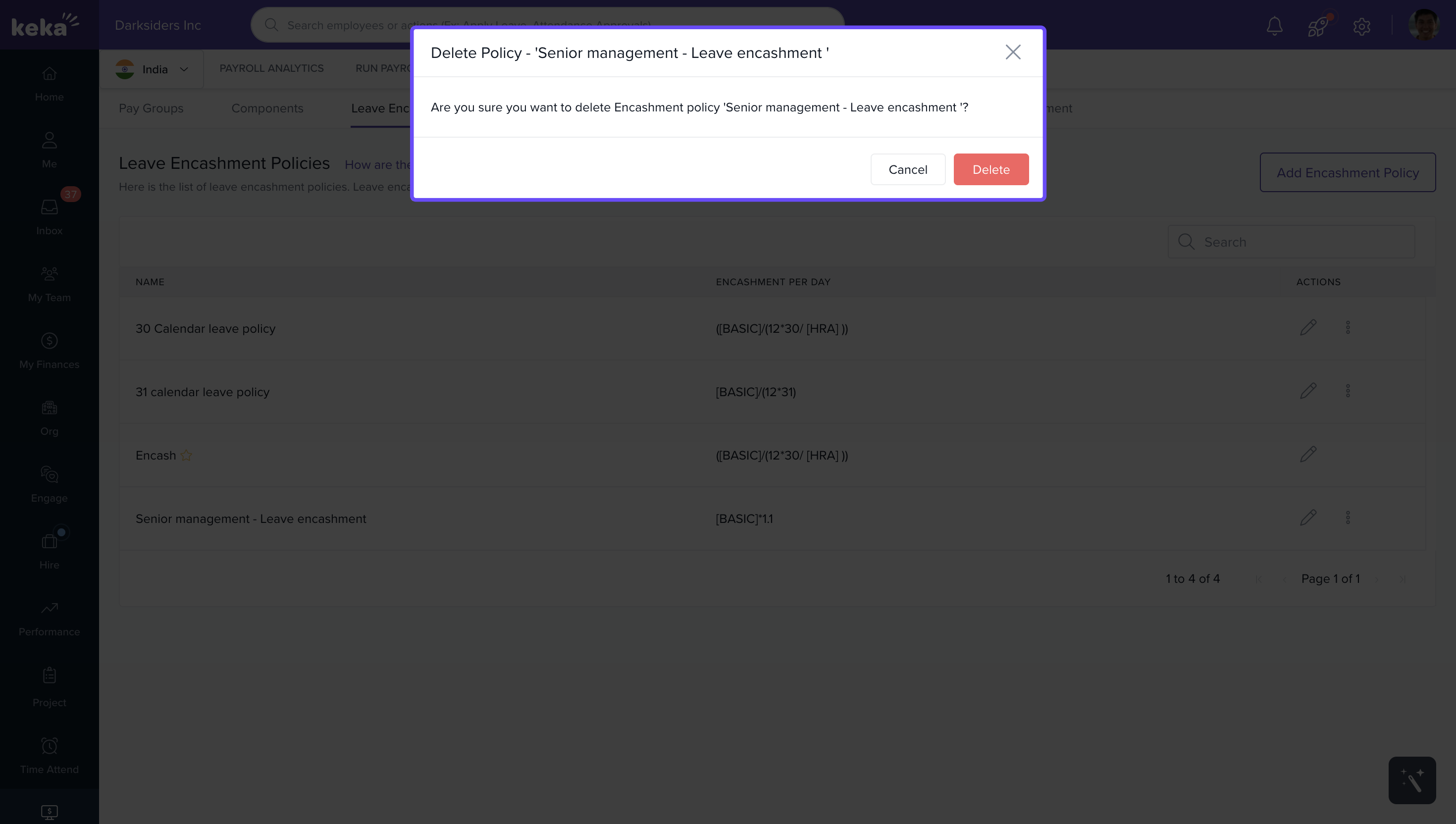
3. In the confirmation popup, click Delete.
Comments
0 comments
Please sign in to leave a comment.