Keka’s mobile app makes it easy to track your progress, request feedback, and recognise peers—anytime, anywhere. Whether you're looking to grow through feedback or spread positivity with praise, everything is just a tap away.
This article walks you through how to view, request, and share feedback and praise using the Keka app.
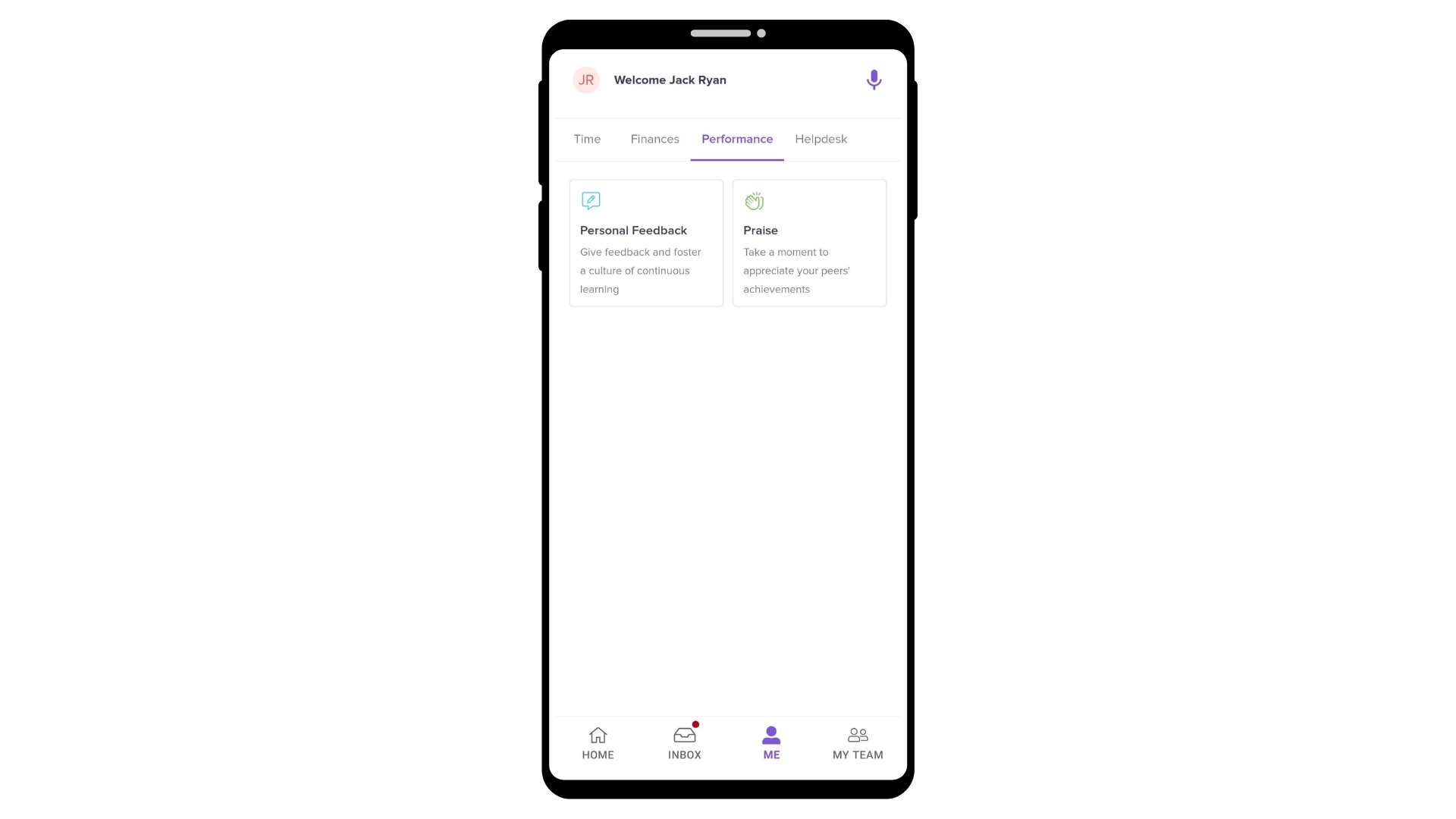
Personal Feedback
Tracking your performance is simple in Keka:
View Feedback: See feedback you've received or given, all in one place.
Request Feedback: Want input from a colleague? Just:
Tap Request Feedback.
Select the employee.
Add a note.
Send the request.
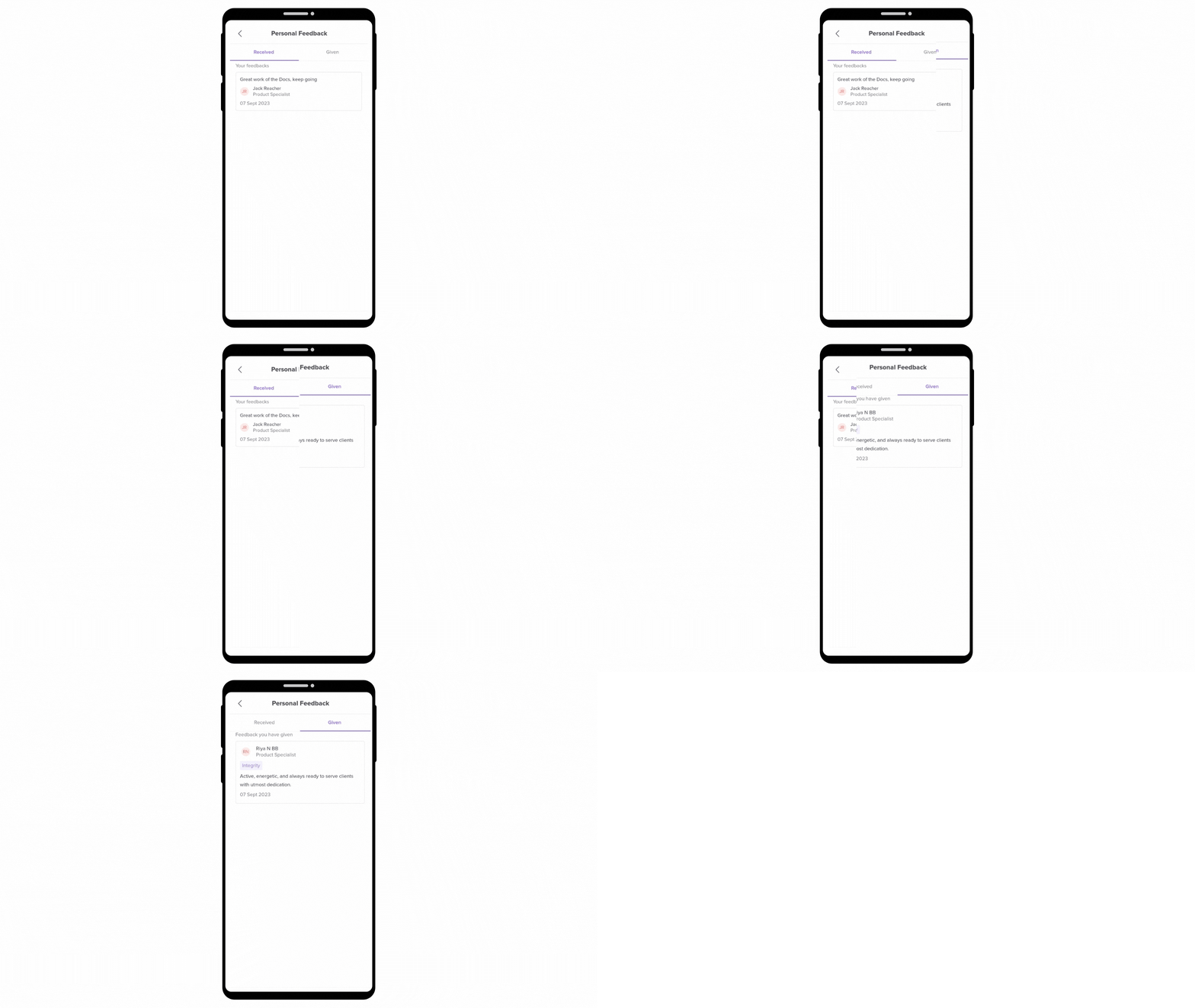
This helps you continuously improve and stay aligned with your goals.
Praise
Celebrate achievements and build a culture of appreciation:
View Praise: See all the praise you've received and shared with others.
Give Praise: Head to any employee's profile, tap Give Praise, and express your appreciation.
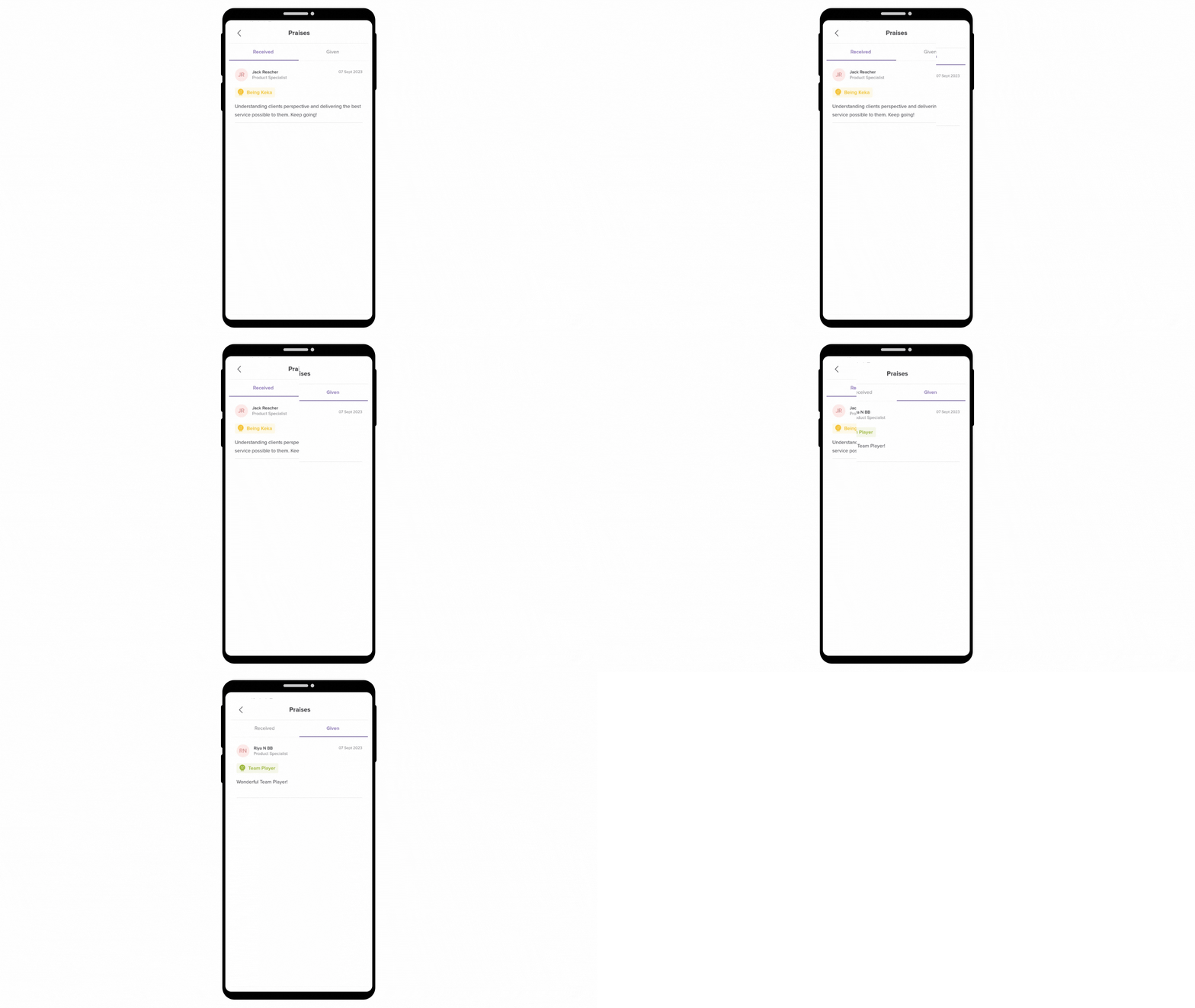
Recognising contributions goes a long way in boosting morale and motivation.
Giving & Receiving Made Easy
Whether it’s feedback or praise, here’s how to share it:
Go to the employee’s profile.
Tap either Give Feedback or Give Praise.
3. Fill in the details and submit.
It’s quick, thoughtful, and helps strengthen team connections.
Request Feedback in a Few Taps
To request feedback from anyone in your organisation:
Open the Feedback section in the app.
Tap Request Feedback.
3. Select the person.
4. Add a message or context.
5. Tap Send Request.
Tip: Regular feedback requests show initiative and openness to growth.
Next Steps
Use the Keka app to stay connected, informed, and appreciated. Make feedback a habit and praise a culture—right from your phone.
Need help getting started? Open the app and explore the Engage tab today.
Comments
0 comments
Please sign in to leave a comment.