Steps to Create a Project in Keka
Go to the Project section in the Keka portal and click on Projects.
Navigate to the Project List tab.
Click on +Create Project in the Active Projects tab.

Enter the required details such as Project Name, Project Code, Client, Project Manager, Start Date, and End Date (End Date is optional).
Select the Status of the project from the dropdown.
Enable the toggle for Enable billing on this project if the project is billable.
Choose the Billing Model:
Bill Time (time and materials): Pay employees per hour spent on the project.
Bill milestones/Fixed Fee: Pay employees a fixed amount regardless of hours worked.
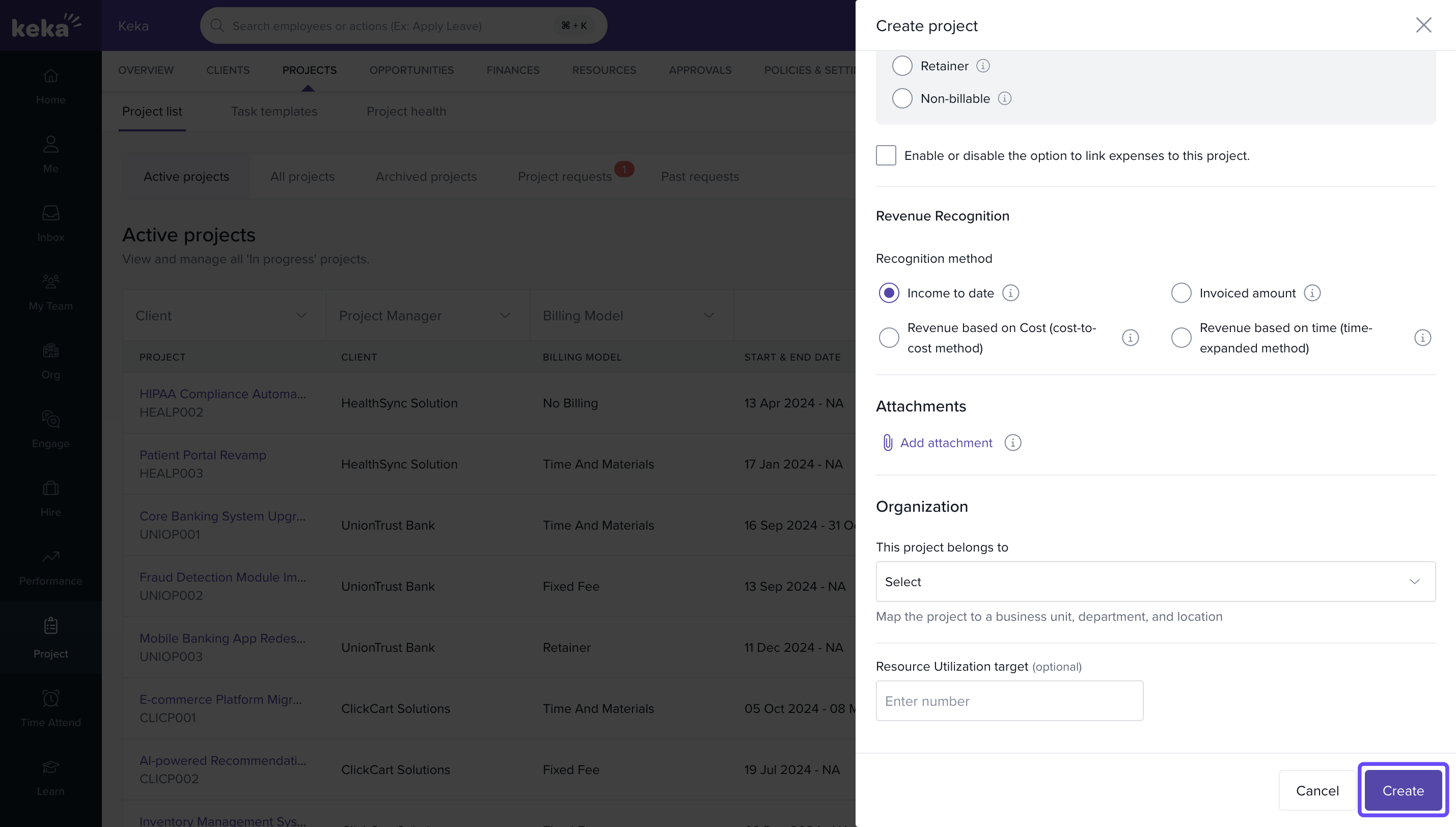
If applicable, check Allow expenses to be linked to this project to enable employees to request expense claims.
Click on Create to finalize the project.
Comments
0 comments
Please sign in to leave a comment.