- Go to Org → Dashboard → Summary.
- Under Quicklinks, click Import Employee Job Details.
- Select the work location and download the Excel template.
- Choose All Employees or Only group of employees and download the file.
- Open the template, update the Leave Plan using the dropdown, and fill all mandatory fields.
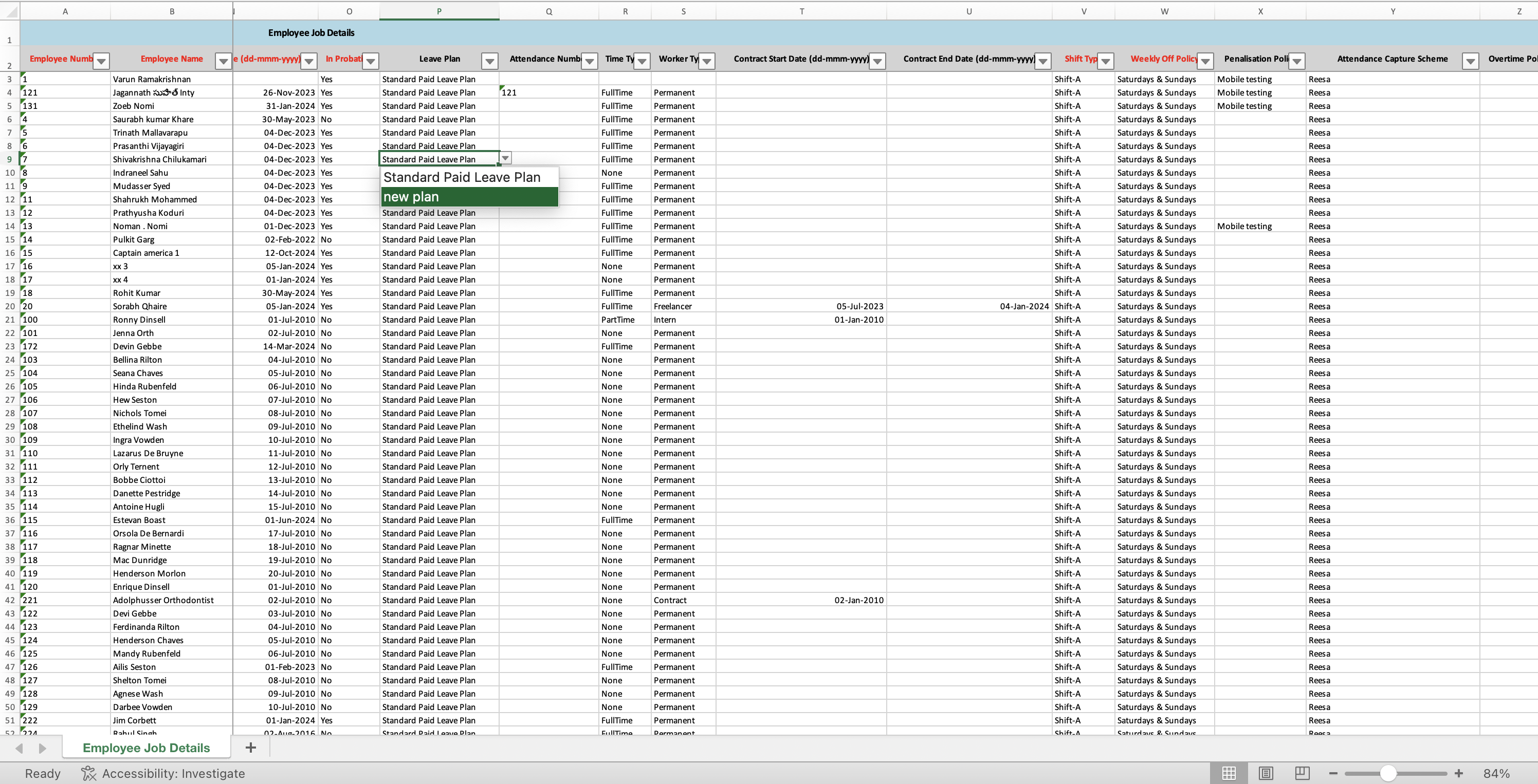
- Save the file and upload it using Upload Excel File.
- Click Continue on the match-column page.
- Review the Preview Data page and fix any errors by correcting the Excel file and re-uploading.
- Click Complete to bulk-update the Leave Plan for all selected employees.
Comments
0 comments
Please sign in to leave a comment.